 EN
 IT Italiano
 ES Español
 FR Français
 DE Deutsch
Description
What it is
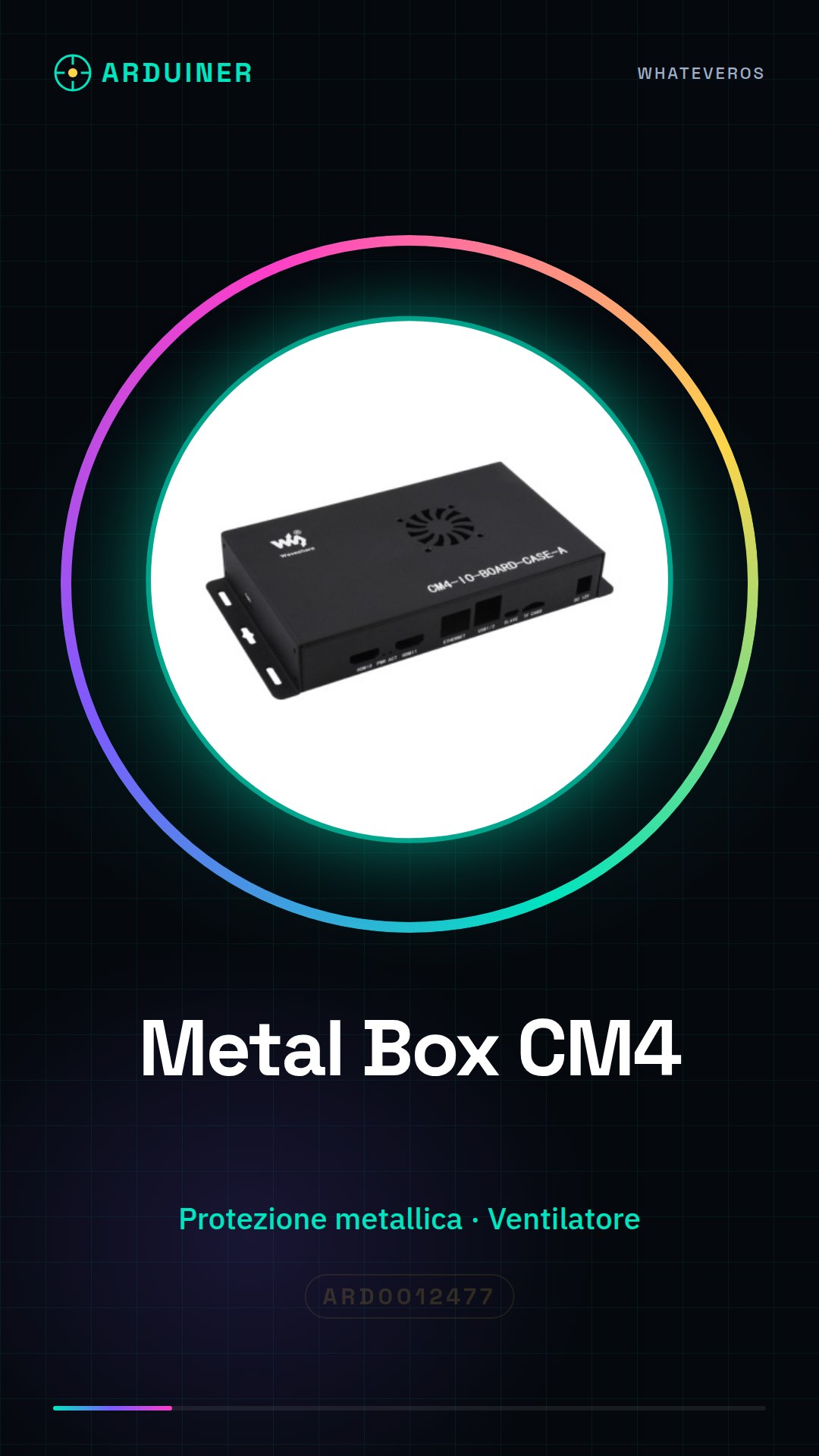
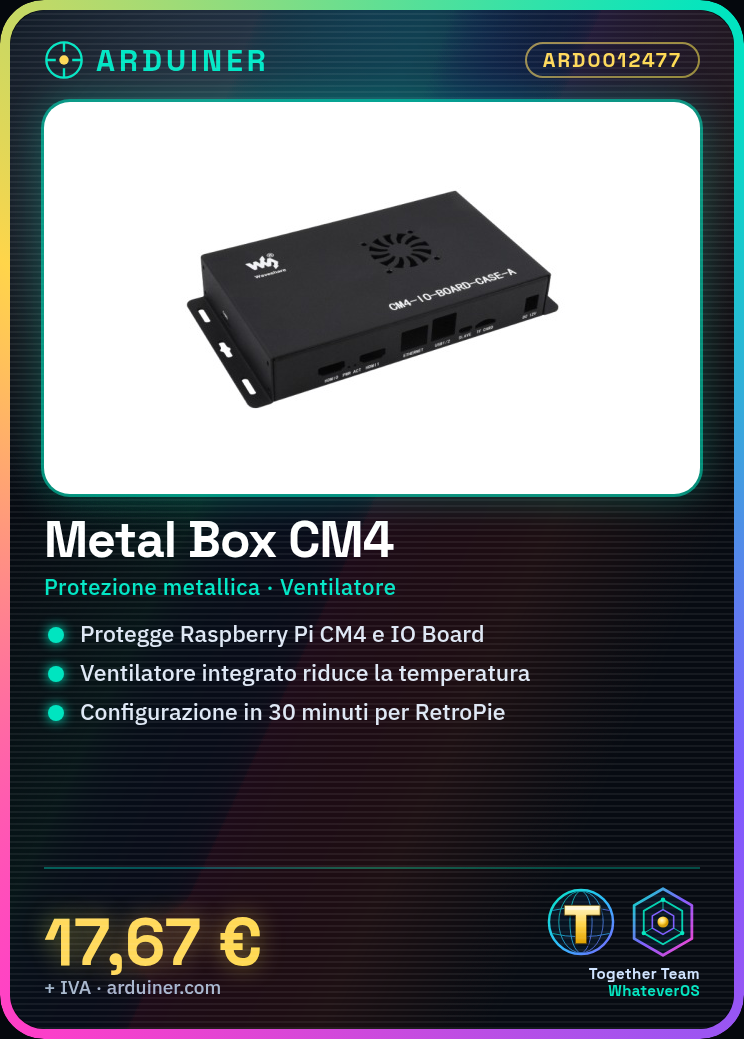
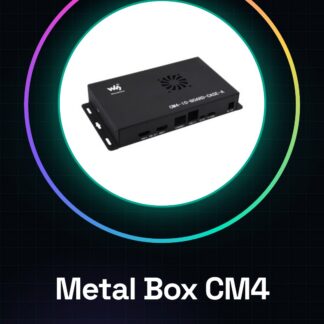
The Metal Box (A) for Raspberry Pi Compute Module 4 IO Board is a metal enclosure designed to house and protect the Raspberry Pi CM4 module and its IO Board. Includes an integrated cooling fan to keep the device temperature safe during intensive use.
Features
- Metallic protection for Raspberry Pi CM4 and IO Board
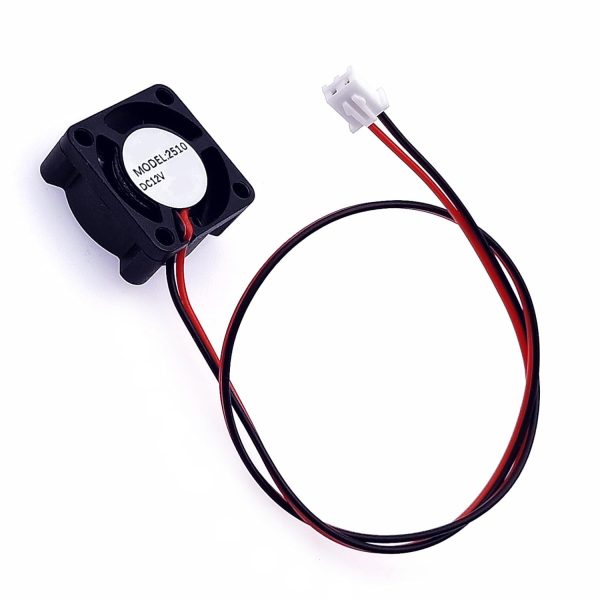
- Integrated cooling fan
- SKU: ARD0012477
- Price: 17.67 €
What it is for
This Metal Box is ideal for projects requiring a high level of protection and cooling, such as setting up RetroPie to create a retro gaming console. The project takes approximately 30 minutes to configure.
Tutorial: How to use Metal Box for Raspberry Pi Compute Module 4
The Metal Box for Raspberry Pi Compute Module 4 is a metal enclosure designed to house and protect the Raspberry Pi CM4 module and its IO Board. This box includes an integrated cooling fan to maintain the device’s temperature safely during intensive use.
What you need
- Raspberry Pi Compute Module 4
- IO Board for Raspberry Pi CM4
- USB and Ethernet Connections (optional)
- USB-C Power Supply
- Mounting Tools (screwdrivers, pliers)
- Cooling Fan (already included in the box)
Steps
- Install the Raspberry Pi Compute Module 4 and the IO Board in the Metal Box following the product instructions.
- Connect the cooling fan to the Raspberry Pi CM4 using the provided connector.
- Check the proper power supply for the Raspberry Pi CM4 and the fan.
- Configure the Raspberry Pi CM4 via SSH or HDMI connection.
- Install any available operating system updates.
- Configure the cooling fan (check the datasheet for configuration specifications).
- Check the temperature of the Raspberry Pi CM4 during use.
- Pair any necessary USB, Ethernet, etc. connectors to complete the system configuration.
Mini project
Configure the Raspberry Pi CM4 with RetroPie to create a retro gaming console inside the Metal Box. This project takes approximately 30 minutes for basic setup.
Common mistakes
- Do not verify the correct connection of the fan.
- Omit the operating system configuration.
- Do not check the temperature of the Raspberry Pi CM4.
- Do not pair necessary external connectors.
Recommended accessories
- Raspberry Pi Compute Module 4
- IO Board for Raspberry Pi CM4
- USB-C Power Supply for Raspberry Pi
- USB and Ethernet Connections
Frequently asked questions
Is the cooling fan necessary?
Yes, the fan is integrated to keep the Raspberry Pi CM4 temperature safe during intensive use.
Can I use the Metal Box without the IO Board?
No, the Metal Box is specifically designed to house both the Raspberry Pi CM4 and its IO Board.
Which software is supported by the Raspberry Pi CM4?
The Raspberry Pi CM4 supports various operating systems, including Raspbian, Ubuntu, and RetroPie.
Reviews
There are no reviews yet.