 EN
 IT Italiano
 ES Español
 FR Français
 DE Deutsch
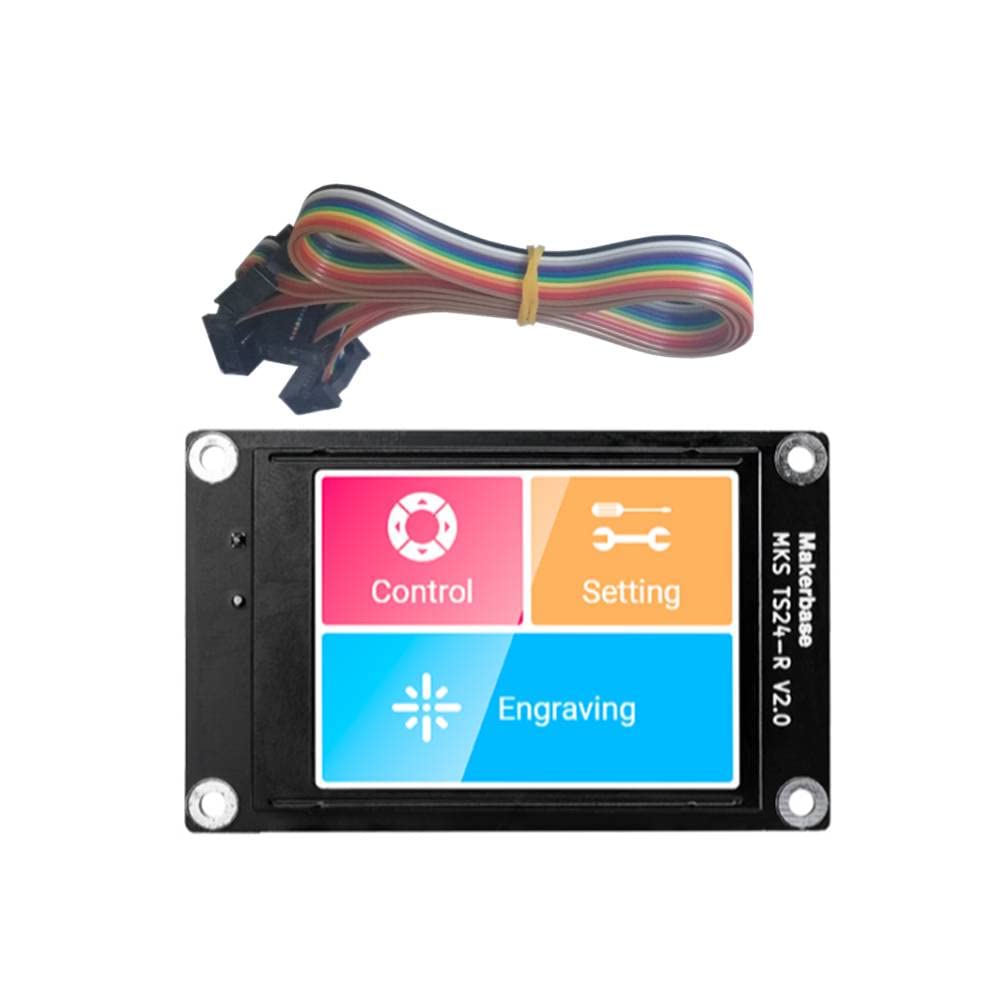
Description
What it is
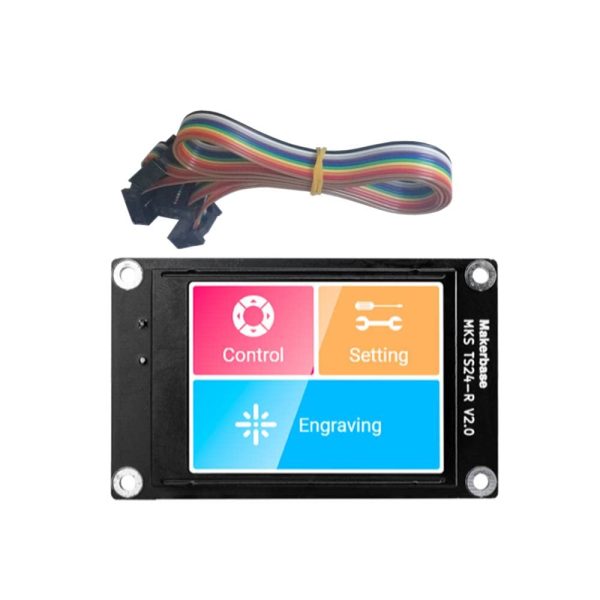
The Makerbase MKS TS35 Touch Screen is a 3.5 inch touchscreen display ideal for makers who want to add an interactive screen to their projects, such as 3d printers.
Features
- Model: MKS TS35-R V2.0
- Screen Size: 3.5 inches
- Resolution: 320 x 240
- Interface: Capacitive Touch
- Physical Dimensions: 110.3 x 65 x 16.5mm
What it is for
This component is particularly useful for 3d printers, allowing users to select and view print settings directly from the touchscreen display. It can also be used in other electronic projects that require an interactive user interface.
Tutorial: How to use Makerbase MKS TS35 Touch Screen
The Makerbase MKS TS35 Touch Screen is a 3.5 inch touchscreen display ideal for makers who want to add an interactive screen to their projects. This component is particularly useful for 3d printers, but can also be used in other electronic projects that require a user interface.
What you need
- Arduino Uno or compatible
- USB cable
- Display connections
Steps
- Connect the display to the Arduino microcontroller following the product documentation
- Install the necessary library for the display (check the datasheet)
- Write and upload an Arduino sketch that uses the display
- Configure the display through the code (check the datasheet)
- Test the touchscreen interface to ensure it works correctly
- Further customize the display according to your needs
Example code
/* Sketch di esempio per il Makerbase MKS TS35 Touch Screen */
#include <Adafruit_GFX.h>
#include <Adafruit_TFTLCD.h>

// Inizializzazione del display
Adafruit_TFTLCD tft;

void setup() {
  tft.begin();
  tft.fillScreen(TFT_BLACK);
  tft.setCursor(5, 5);
  tft.setTextColor(TFT_WHITE);
  tft.setTextSize(2);
  tft.print("Benvenuto!");
}

void loop() {
}
Mini project
Create a user interface for your 3D printer that allows you to choose and view print settings directly from the touchscreen display.
Common mistakes
- Do not connect the display pins correctly
- Do not install the correct library
- Do not configure the display correctly in the code
- Do not test the touchscreen interface
Recommended accessories
- Arduino Uno
- USB cable
- 3D printer
Frequently asked questions
Which libraries are necessary?
Check the product datasheet
How can I customize the display?
Modify the sketch code to add functionality and drawings
Can it be used with other microcontrollers?
Yes, but it may be necessary to modify the code to adapt it to the new microcontroller
Reviews
There are no reviews yet.