 EN
 IT Italiano
 ES Español
 FR Français
 DE Deutsch
Description
Component Specifications:
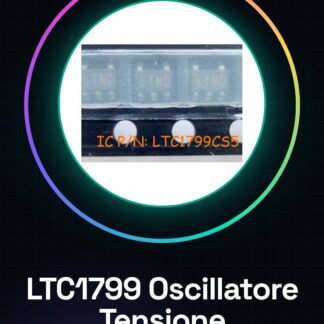
Tutorial: How to Use LTC1799CS5 Voltage-Controlled Oscillator IC
The LTC1799CS5 oscillator is a crucial component for projects requiring a stable and adjustable frequency. Ideal for beginner and intermediate makers, this IC allows for the creation of circuits with precise timing.
What you need
- LTC1799CS5
- Arduino Uno (or compatible)
- Resistors
- Capacitors
- Connectors
Steps
- Check the power supply voltage and desired frequency on the datasheet.
- Connect the capacitors to the VCC and GND pins to stabilize the voltage.
- Connect the resistors between the FREQ pin and GND (check the datasheet).
- Read the resistance value from the datasheet to obtain the desired frequency.
- Mount the IC on a printed circuit board or breadboard.
- Connect the Arduino to the oscillator and ensure the pins are correct.
- Write the Arduino sketch to read the oscillator signal.
- Check the frequency with an oscilloscope or multimeter.
Example code
void setup() {
  Serial.begin(9600);
}

void loop() {
  // Leggi e invia dati dalla porta serie
}
Mini project
Create an accurate timer with the LTC1799CS5 oscillator. Connect it to an LED to light it up after a set period of time.
Common mistakes
- Set the frequency without checking the datasheet.
- Connect incorrect capacitors or resistors.
- Fail to properly stabilize the voltage.
- Use an unsupported power supply voltage.
Recommended accessories
- Arduino Uno
- Breadboard
- Capacitor Kit
- Variable Resistors
Frequently asked questions
What is the minimum frequency I can achieve?
Check the datasheet for the supported minimum frequency.
Can I use this oscillator with other microcontrollers?
Yes, but make sure to adapt the pins and specifications of the microcontroller.
Reviews
There are no reviews yet.