 EN
 IT Italiano
 ES Español
 FR Français
 DE Deutsch
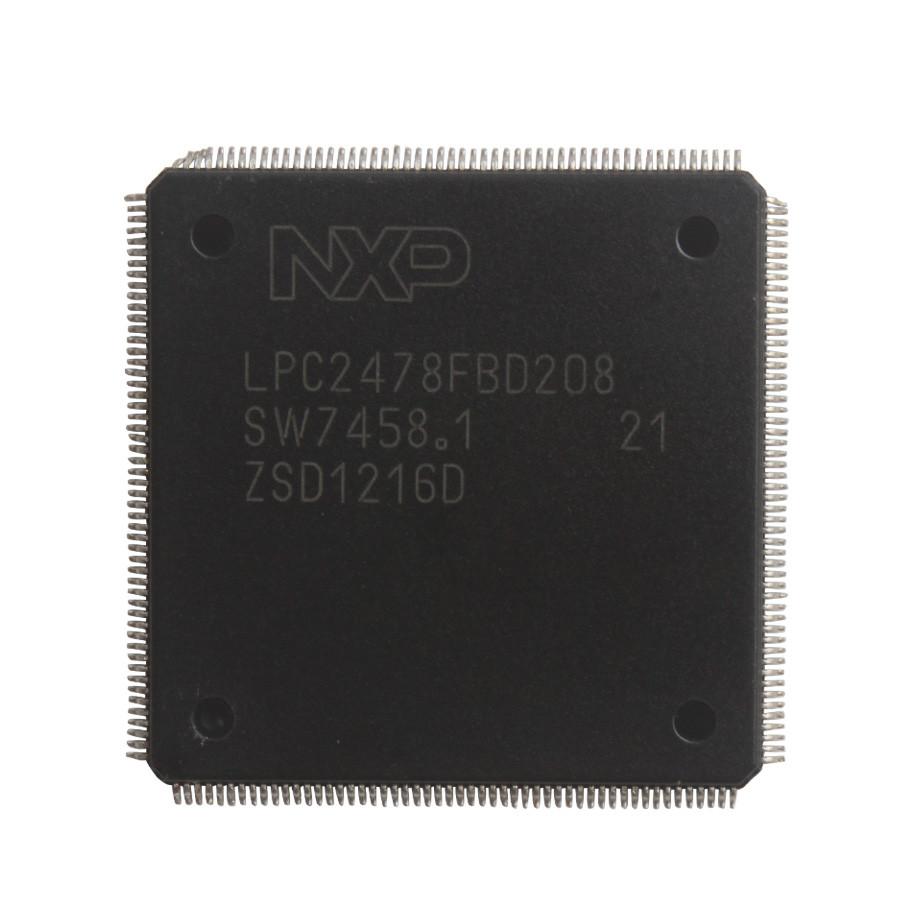
Description
Tutorial: How to Use LPC2478FBD208 IC
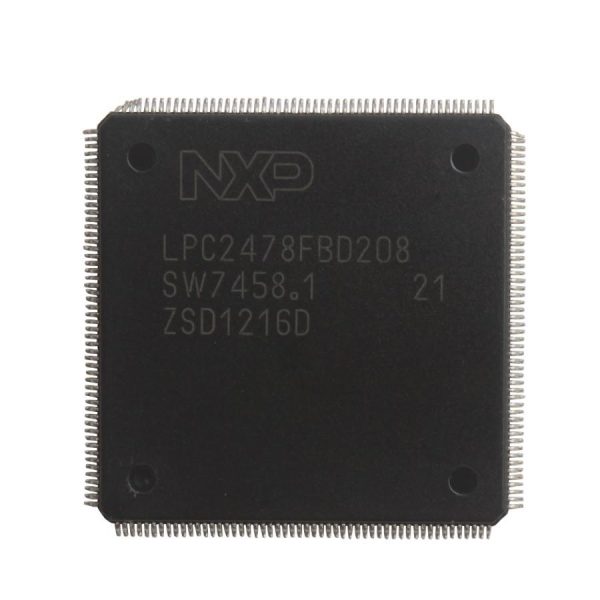
The LPC2478FBD208 IC is an ARM7TDMI-S processor with networking and communication features. It is ideal for 3D printing, robotics, and embedded systems projects that require a powerful processor with many integrated features.
What you need
- Arduino Uno or compatible
- JTAG Connections
- LPCXpresso Development Software
- 3.3V Power Supply
Steps
- Install the LPCXpresso software to develop code for the LPC2478FBD208.
- Connect the LPC2478FBD208 to the Arduino using a JTAG board.
- Load the example code provided with LPCXpresso.
- Verify the component’s functionality with a simple code example.
- Customize the code to fit your project requirements.
- Check the component specifications in the datasheet for detailed information.
- Test the component with a test circuit.
- Implement the component in your final project.
Example code
/* Codice di esempio per LPC2478FBD208 */
#include <LPC2478.h>

void setup() {
  // Inizializza le funzionalità del LPC2478FBD208
  // Verifica sul datasheet per specifiche dettagliate
}

void loop() {
  // Esegui operazioni di base
}
Mini project
Create a 3D printing control system with the LPC2478FBD208 to manage the movement of the heads and the temperature of the filament.
Common mistakes
- Use a power supply level that does not conform to the component specifications.
- Omit the correct JTAG configuration.
- Do not verify the component specifications on the datasheet.
- Use a development software that is not compatible with the LPC2478FBD208.
Recommended accessories
- Arduino Uno
- JTAG Board
- LPCXpresso
- USB Cable
Frequently asked questions
What is the power supply voltage of the LPC2478FBD208?
Check the datasheet for detailed specifications.
What is the maximum clock frequency of the LPC2478FBD208?
Check the datasheet for detailed specifications.
What is the recommended programming language for the LPC2478FBD208?
C, C++ or languages supported by LPCXpresso.
Reviews
There are no reviews yet.