 EN
 IT Italiano
 ES Español
 FR Français
 DE Deutsch
Description
What it is
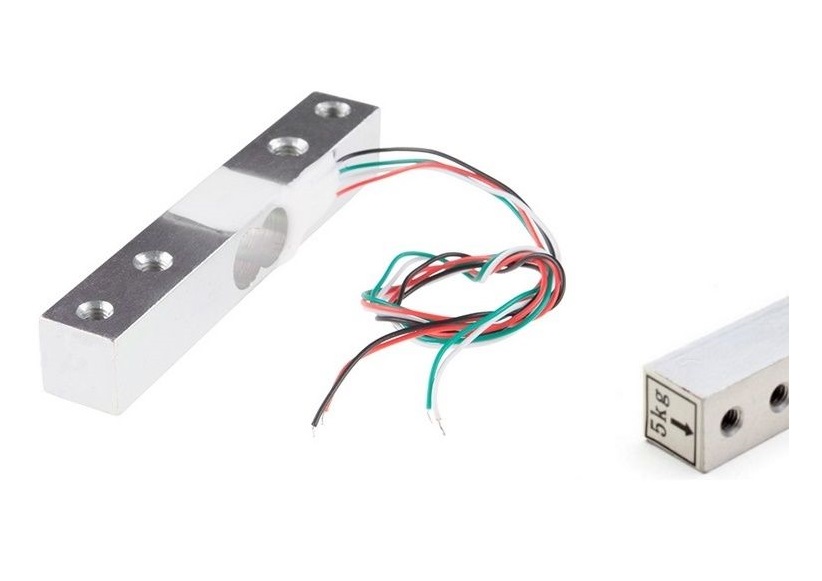
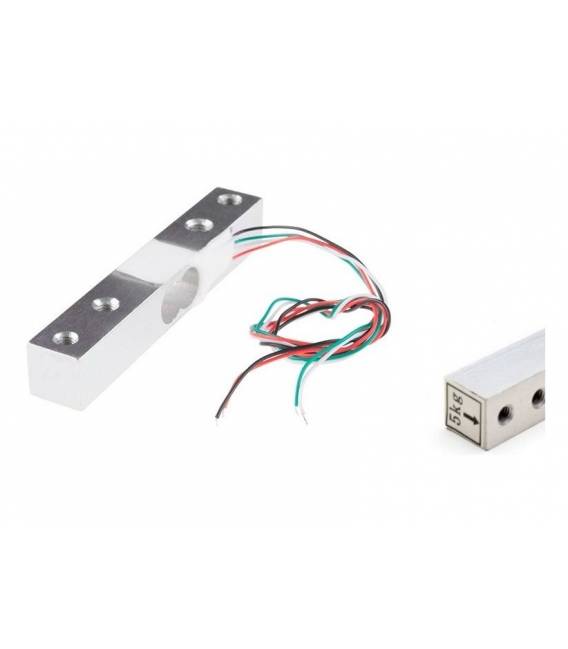
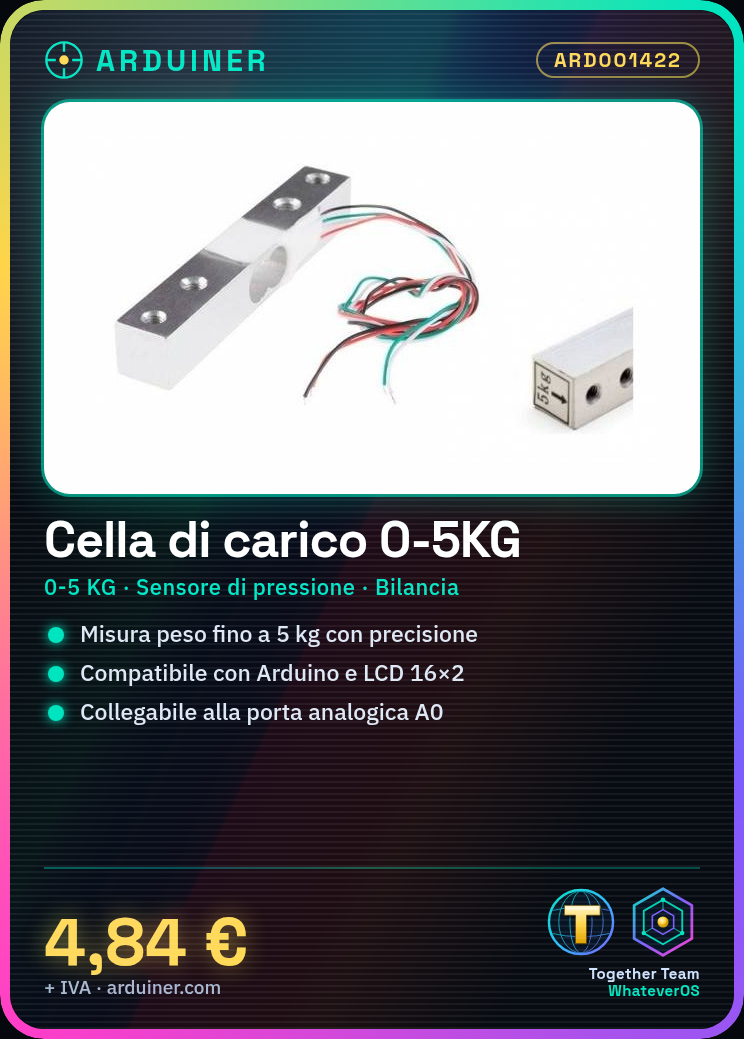
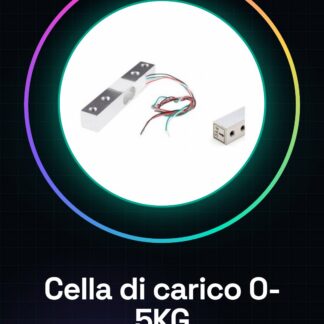
The 0-5KG Load Cell is a pressure sensor suitable for scales and projects requiring precise weight or force measurement. This device offers high precision in measurements, making it ideal for both beginners and experts.
Features
- 0-5KG Load Cell
- Pressure sensor suitable for scales and 3D printers
- Precise weight or force measurement
What it is for
The load cell can be used in various projects, including the creation of simple scales with Arduino and LCD 16×2. It is compatible with Arduino and ESP for automatic weight control.
Tutorial: How to use 0-5KG Load Cell
The 0-5KG load cell is an ideal pressure sensor for projects requiring precise weight or force measurement. It is perfect for beginner and intermediate makers who want to create scales, automatic control systems, or any other device that needs to detect load variations.
What you need
- Arduino Uno
- USB Cable
- LCD 16×2
- Pull-up Resistors
Steps
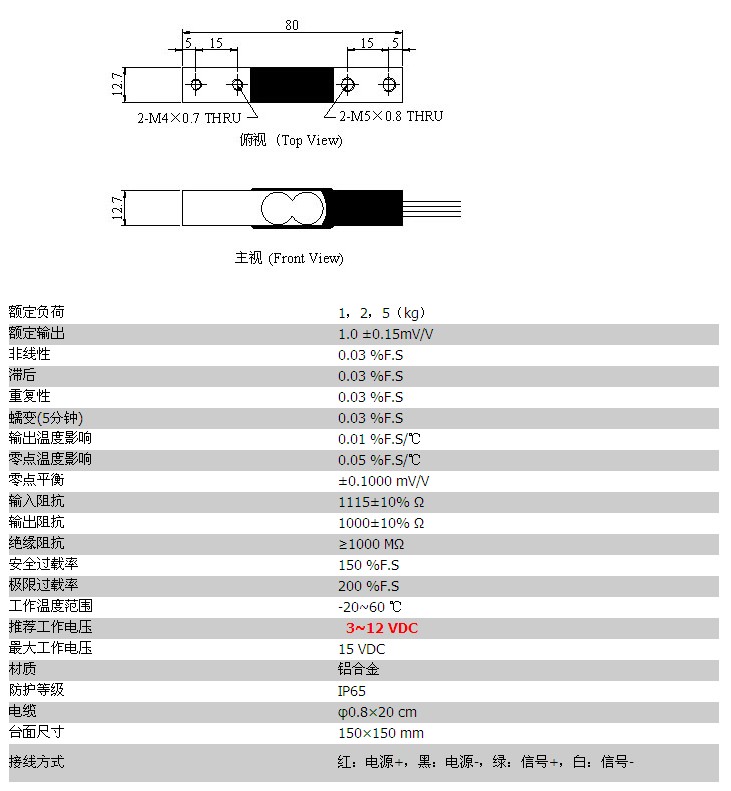
- Connect the sensor to the Arduino’s analog pin A0. Check the datasheet for the correct polarity (Vcc, GND, Output).
- Connect the sensor power to the 5V and GND of the Arduino.
- If necessary, connect an LCD 16×2 to a digital port to display real-time weight data.
- Download or create an Arduino sketch that reads the analog value from the sensor.
- Calibrate the sketch with known weights (check the datasheet for the exact scale) to obtain accurate readings.
- If necessary, add pull-up resistors to the sensor control signals to improve data stability.
- Test the system by loading objects of known weight and verify that the values are correct.
- Optimize the sketch to reduce power consumption if necessary.
Example code
void setup() {
  Serial.begin(9600);
}

void loop() {
  int sensorValue = analogRead(A0);
  float weight = map(sensorValue, minVal, maxVal, 0.0, 5.0); // Verifica sul datasheet i valori di calibrazione.
  Serial.println(weight);
}
Mini project
Build a simple scale in 30 minutes: connect the sensor to an Arduino and display the weight on an LCD 16×2. Use known weights to calibrate the reading.
Common mistakes
- Incorrect sensor connection
- Discard inaccurate data without calibration
- Omission of necessary pull-up resistors
- Incorrect serial frequency setting
Recommended accessories
- LCD 16×2
- Arduino Uno
- USB cable
- Pull-up resistors
Frequently asked questions
How do I calibrate the sensor?
Use known weights and modify the sketch to map the analog values to the actual weight.
What is the precision of the sensor?
Precision varies based on calibration. Check the datasheet for technical specifications.
Can I connect it directly to a Raspberry Pi?
Yes, but make sure to convert the analog signals to digital signals before connecting.
Reviews
There are no reviews yet.