 EN
 IT Italiano
 ES Español
 FR Français
 DE Deutsch
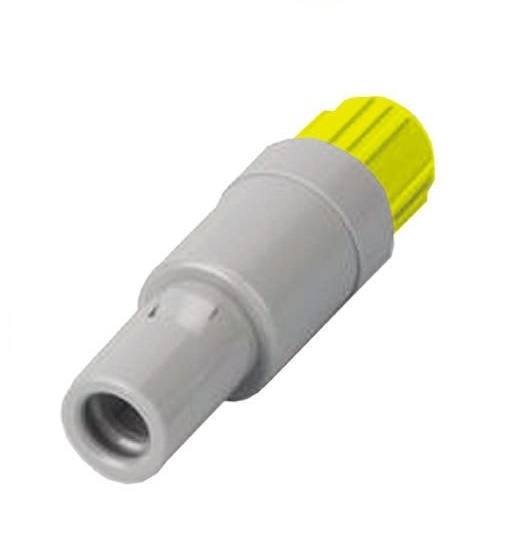
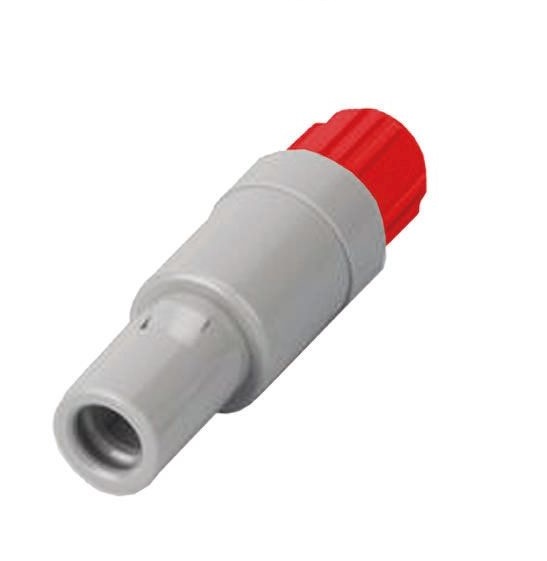
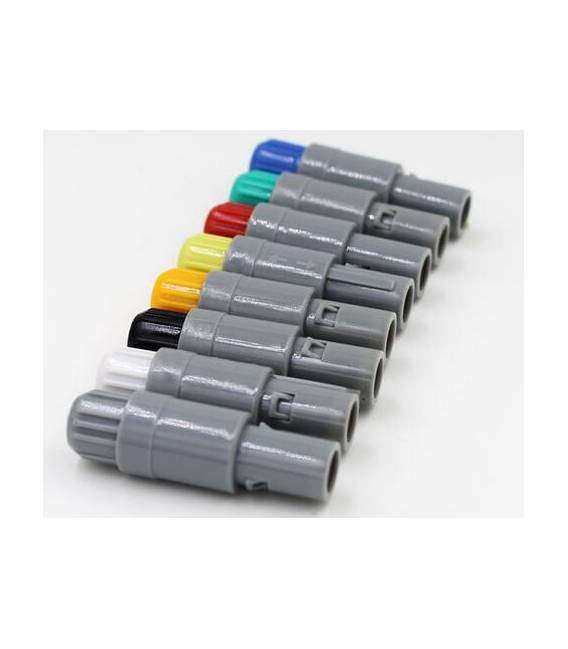
Description
Tutorial: How to Use Lemo 5 Pin Connector
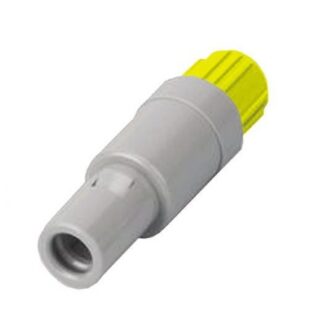
The Lemo 5 pin connector is ideal for quickly and securely connecting electronic devices. This component is particularly useful for makers working on 3D printing, drone, or any other project that requires a robust connection.
What you need
- Projects with Arduino
- 3D Printers
- Drones and Flying Models
- Portable Devices
Steps
- Check the compatibility of the Lemo 5 pin connector with your device.
- Prepare the cables to be connected to the connector, cutting them to the desired length.
- Use a suitable crimping tool to secure the wires to the internal contacts of the Lemo connector.
- Verify the correct installation of the wires using a testing tool such as a multimeter.
- Connect the connector to the device according to the project specifications.
- Check the installation is complete to ensure that the electrical signals pass correctly.
Mini project
Create a remote control system for your 3d printer using the Lemo PAG 5 pin connector as the main interface.
Common mistakes
- Do not check the compatibility of the wires before installation.
- Over-tighten the wires, thus damaging the terminations.
- Omit testing the installation after connection.
- Use inappropriate tools to secure the wires.
Recommended accessories
- Universal wire stripper
- Electronic cables 20A
- Portable multimeter
- Connector test kit
Frequently asked questions
Is the Lemo PAG 5 pin connector compatible with Arduino?
Yes, but check the specifications of your Arduino to ensure compatibility.
How can I clean the connector if it jams?
Use a soft-bristled brush and isopropyl alcohol to remove any impurities.
Reviews
There are no reviews yet.