 EN
EN IT Italiano
 ES Español
 FR Français
 DE Deutsch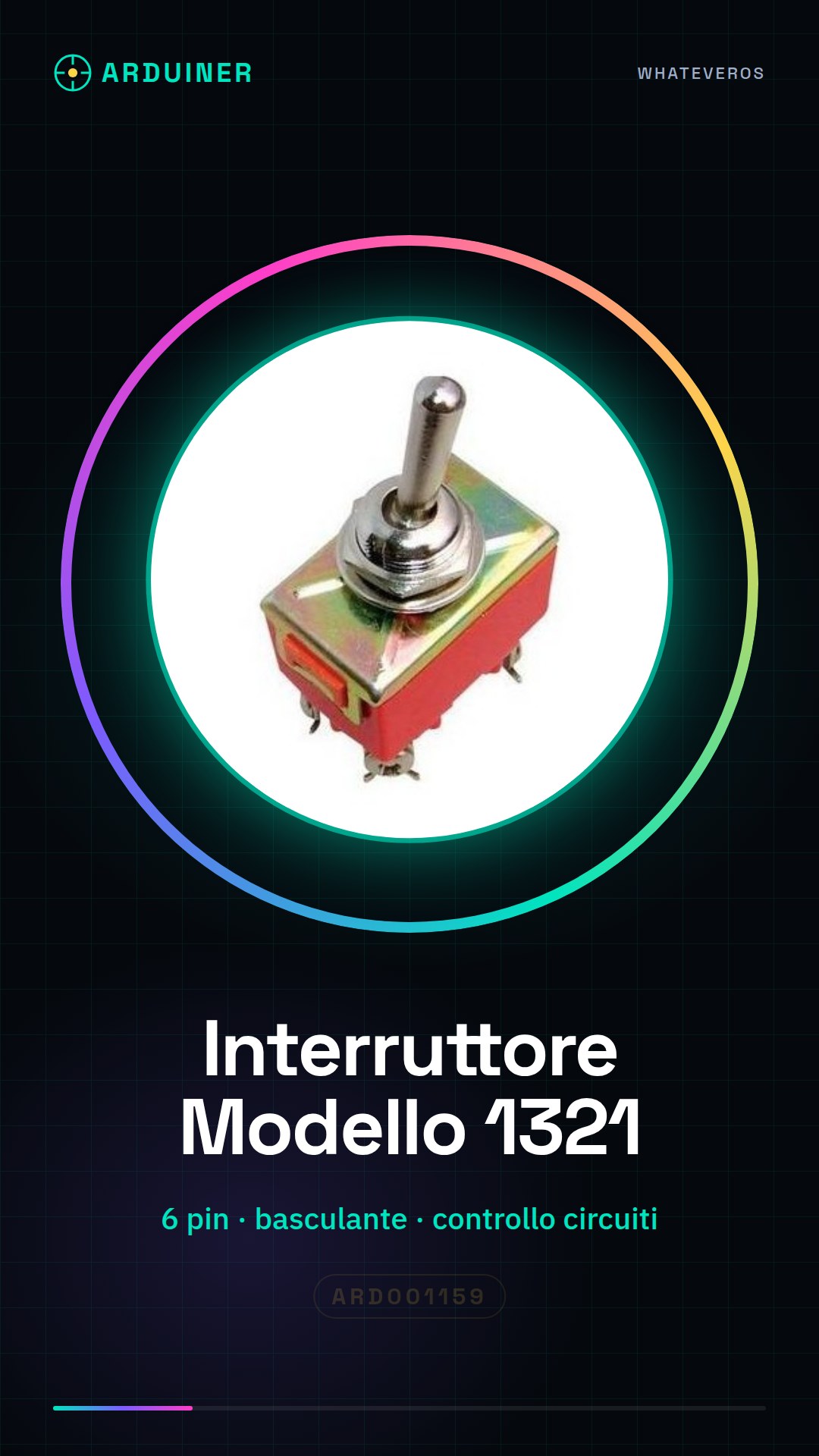
Description
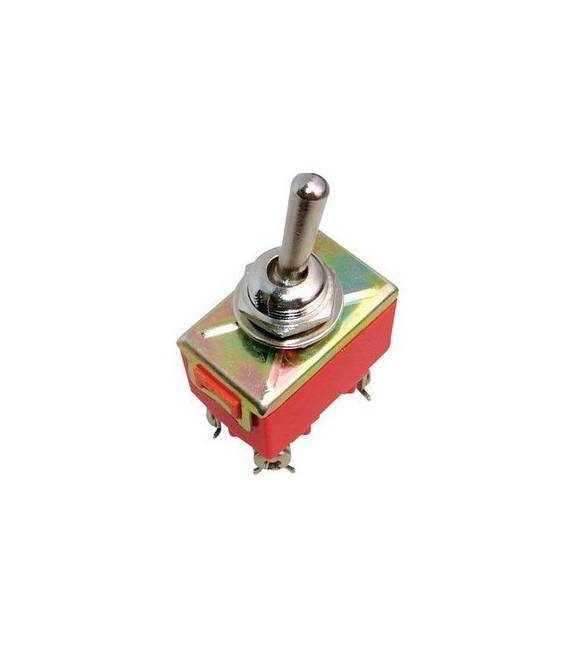
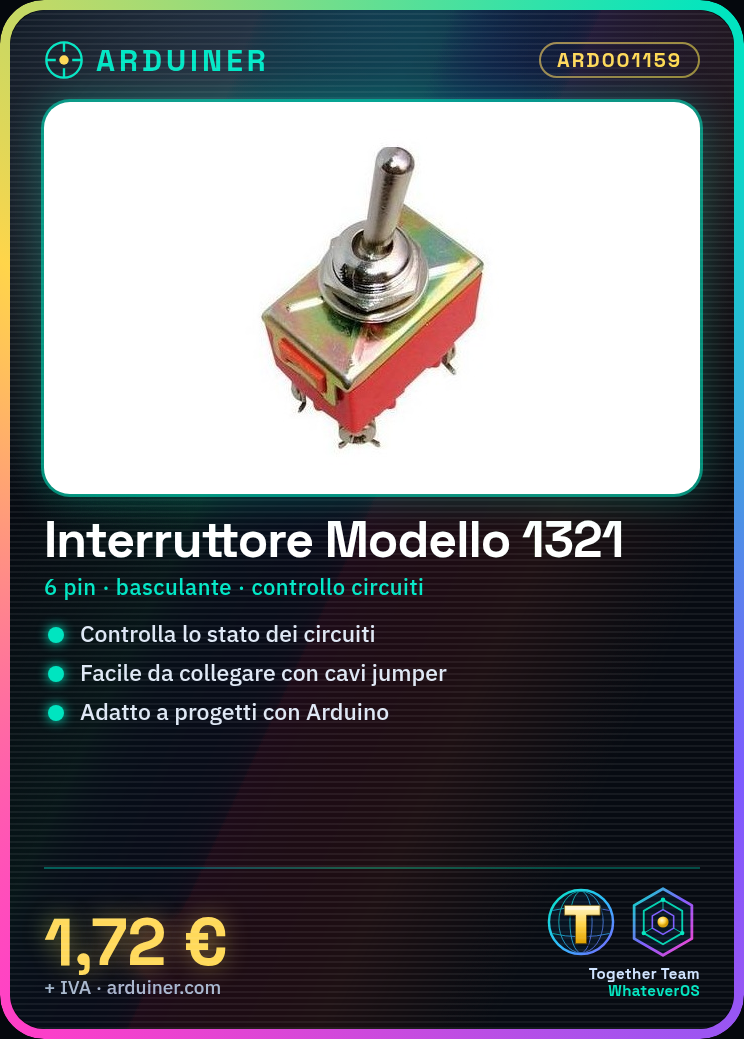
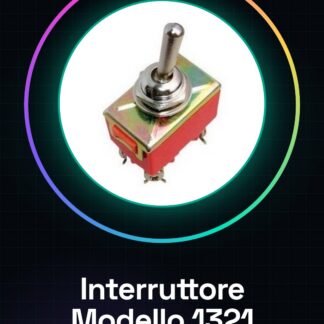
Tutorial: How to use the Model 1321 Toggle Switch The Model 1321 toggle switch is a simple and versatile component that allows you to control the activation or deactivation of electronic circuits. Ideal for projects such as interactive lights, smart home devices, and Arduino prototypes. What you need Arduino jumper cable power Steps Connect the switch to the circuit using jumper cables. Check the datasheet to understand which pins to use. Connect the switch output pin to a digital input on the Arduino (e.g., PIN 2). Insert the Arduino code that reads the switch state and activates a response, such as turning on a light bulb. Verify that the switch works correctly by pressing it to test the connection. Example code int interruptPin = 2; // Arduino pin connected to the switch void setup() { pinMode(interruptPin, INPUT_PULLUP); } void loop() { int buttonState = digitalRead(interruptPin); if (buttonState == LOW) { Serial.println(“Switch pressed”); } } Mini-project Create a device that turns on a light bulb when the switch is activated. You can use a relay module to control the current. Common mistakes Incorrect pin connections Ignoring the datasheet specifications Not testing the functionality before completing the project Recommended accessories 5V Relay Arduino Uno R3 LED Bulb Portable USB Battery Frequently Asked Questions How can I connect multiple switches? Connect each switch to a different digital pin on the Arduino. What is the difference between this and a push-button switch? This toggle switch maintains the active state until it is moved again.
Reviews
There are no reviews yet.