 EN
 IT Italiano
 ES Español
 FR Français
 DE Deutsch
Description
What it is
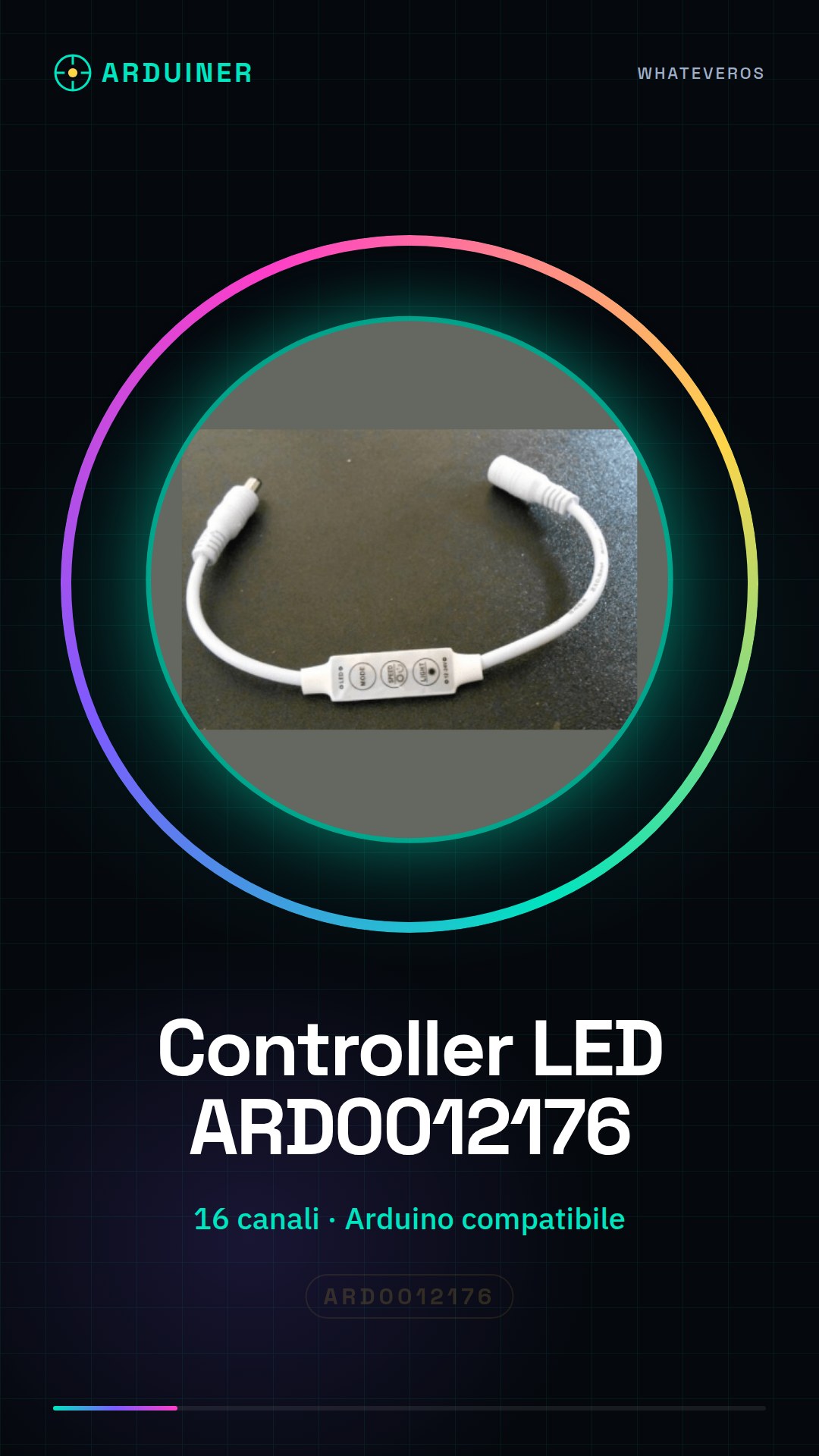
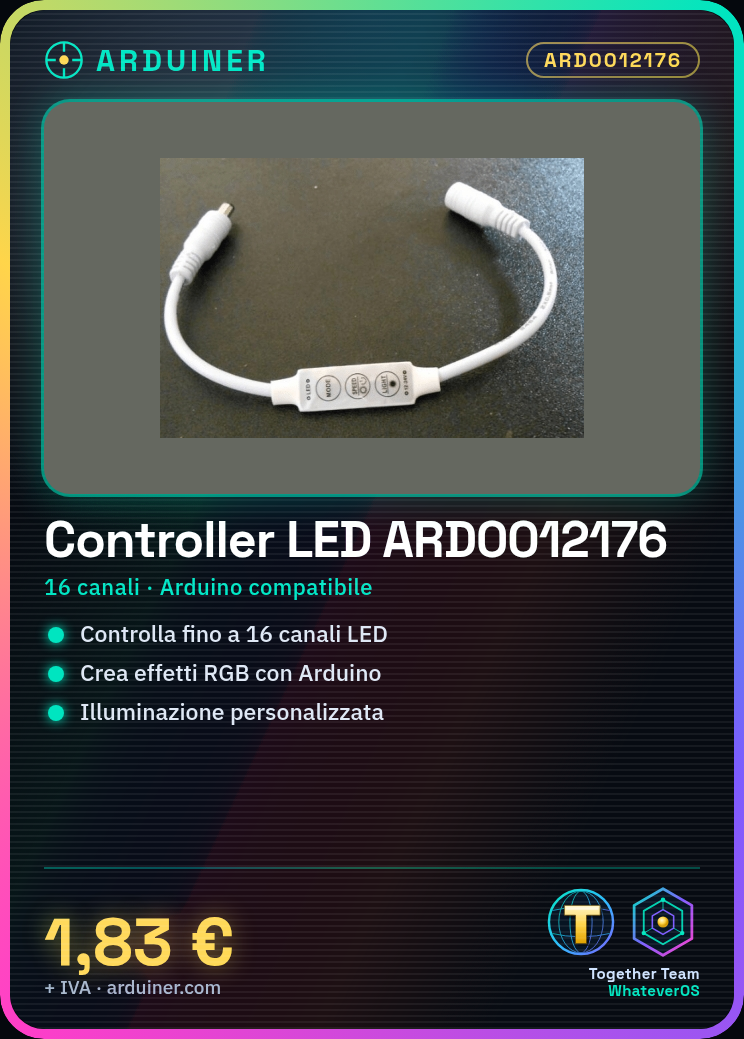
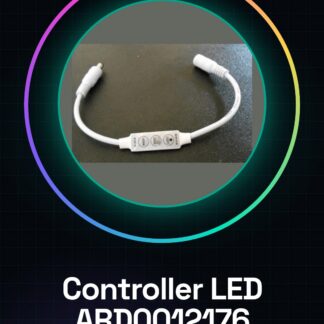
The LED Controller ARD0012176 is an electronic device designed for the management of LED lights. It allows controlling the on and off of groups of LEDs, creating static or dynamic lighting effects.
Features
- Manages up to 16 channels of LEDs
- Compatible with microcontrollers like Arduino
- Enables the creation of RGB lighting effects
What it is for
The LED Controller ARD0012176 is ideal for custom lighting projects. It can be used to create RGB chandeliers controllable by Arduino, set various colors and lighting effects, and create LED animations.
Tutorial: How to use LED Controller
The LED controller is a simple and affordable device that allows controlling up to 16 channels of LEDs from a microcontroller like Arduino. Ideal for beginners who want to start exploring RGB lighting programming.
What you need
- Arduino Uno
- RGB LEDs
- USB cable
- Resistors
- Connectors
Steps
- Connect the LED controller to the Arduino using the appropriate connectors.
- Connect the RGB LEDs to the LED controller following the documentation.
- Download the provided Arduino sketch and upload it to the Arduino.
- Modify the sketch to customize the color and behavior of the LEDs.
- Check the datasheet for pin configuration and current limits.
- Test the system by adding additional LEDs or changing the code.
- Check the datasheet to optimize heat dissipation.
- Check the datasheet for power supply voltage configuration.
Example code
void setup() {
  // Inizializza i pin del controller LED
}

void loop() {
  // Cambia il colore dei LED
}
Mini project
Create an RGB chandelier controllable by Arduino. Set various colors and lighting effects.
Common mistakes
- Connect the LEDs to the controller without verifying the current.
- Ignore the power supply voltage configuration.
- Do not test the system before implementing it in a project.
- Do not add heat sinks for high-intensity LEDs.
Recommended accessories
- Resistors for LEDs
- Connections for LEDs
- Arduino Uno
- RGB LEDs
Frequently asked questions
Which LEDs can I use?
Check the datasheet for compatibility and maximum current.
How to add more LEDs?
Check the datasheet for the maximum number of channels and total current.
Can I use other microcontrollers?
Check the datasheet for pin compatibility and communication protocol.
Reviews
There are no reviews yet.