 EN
EN IT Italiano
 ES Español
 FR Français
 DE Deutsch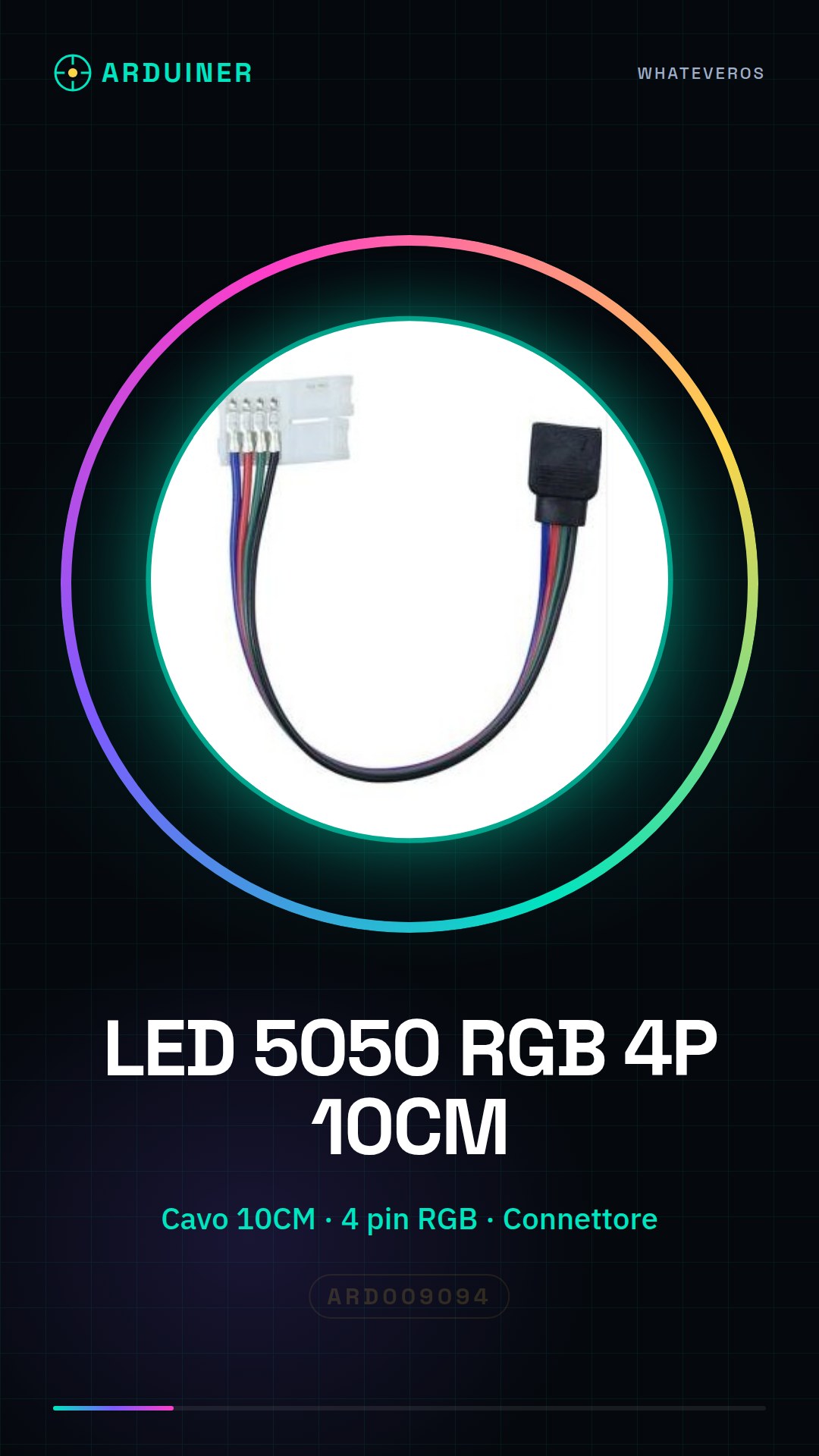
Description
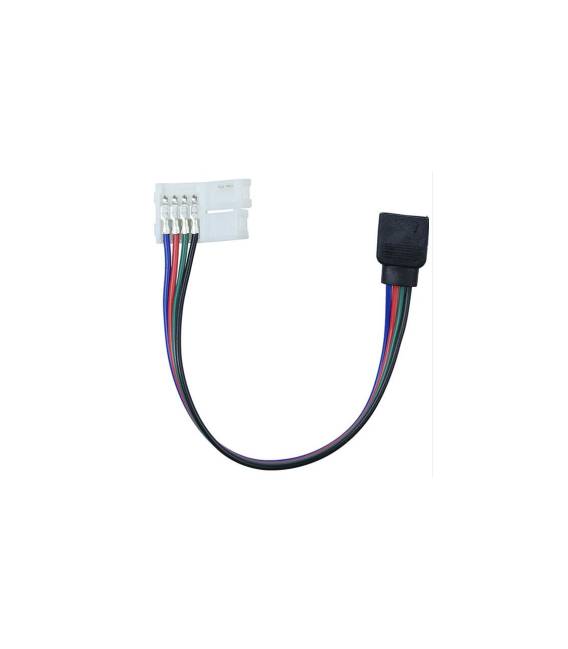
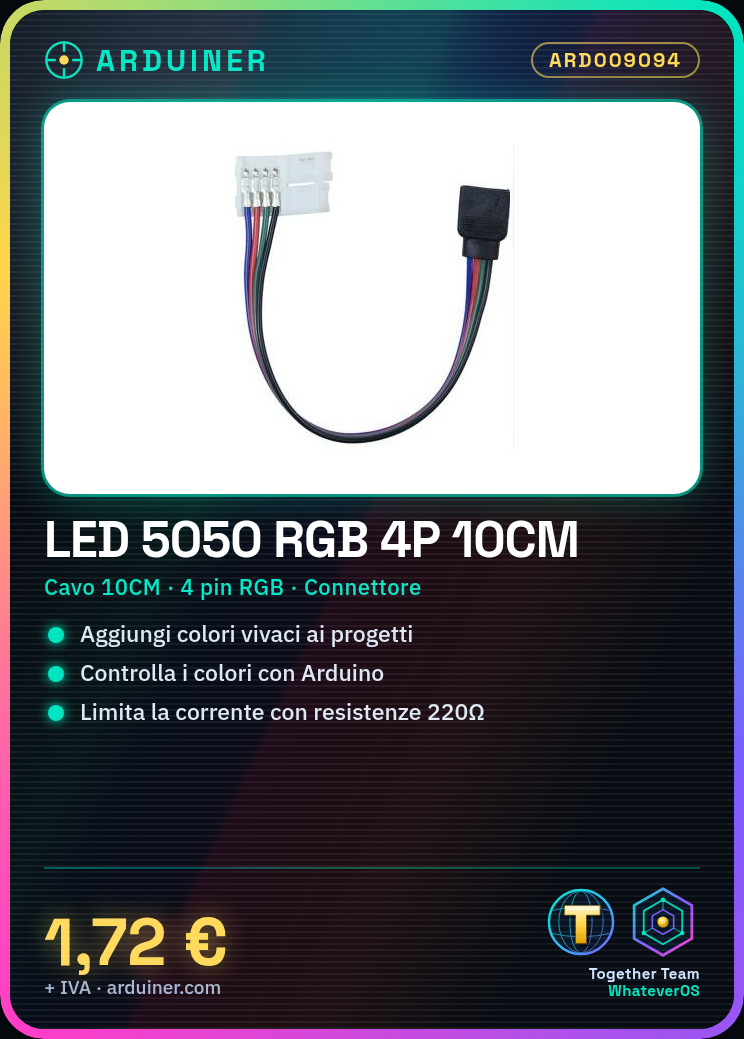
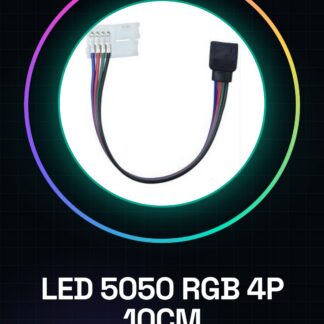
RGB LED connector cable, 5050 3528 type, 4-pin, 10cm Tutorial: How to use the RGB LED 5050 3528 4-pin connector cable This RGB LED is suitable for DIY lighting projects and adding vibrant colours to electronic projects. What you need Arduino or microcontroller Appropriate resistors Power supply cable 5V (optional) Arduino software Steps 1. Check specifications on datasheet. 2. Prepare the microcontroller and resistors. 3. Connect the LED to the microcontroller: VCC to 5V, GND to GND, D2 to D2. 4. Connect resistors between GND and GR, RE, BL pins. 5. Load Arduino code. 6. Check current: 30mA per colour. 7. Modify code to change colours. 8. Verify connection stability. Example Code void loop() { analogWrite(2, 255); // R analogWrite(3, 0); // G analogWrite(4, 0); // B delay(1000); analogWrite(2, 0); // R analogWrite(3, 255); // G analogWrite(4, 0); // B delay(1000); analogWrite(2, 0); // R analogWrite(3, 0); // G analogWrite(4, 255); // B delay(1000); } Mini-project Create a colour cycle alternating red, green and blue. Common mistakes Forgetting to connect GND. Using too small resistors. Not verifying maximum current. Not updating Arduino code. Recommended accessories Resistors 220Ω Arduino Uno USB cable Arduino software Frequently Asked Questions How do I calculate the resistors? Use formula: R = (Vcc – Vf) / If, where Vf = 3V and If = 30mA. What is the maximum current? Check datasheet. Can I use a different power supply than 5V? Check datasheet. How can I protect the LED? Use appropriate resistors to limit current.

Reviews
There are no reviews yet.