 EN
EN IT Italiano
 ES Español
 FR Français
 DE Deutsch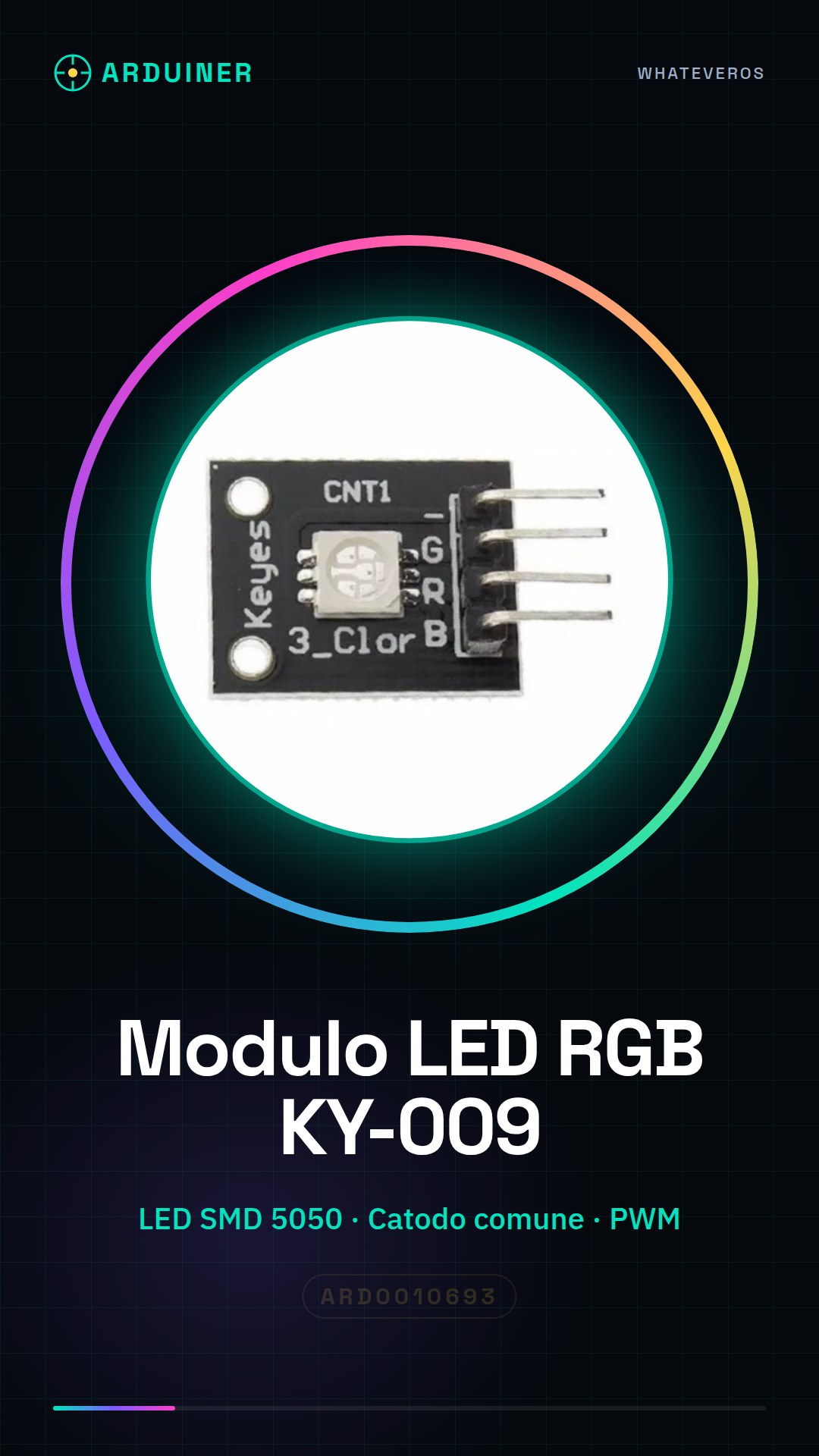
Description
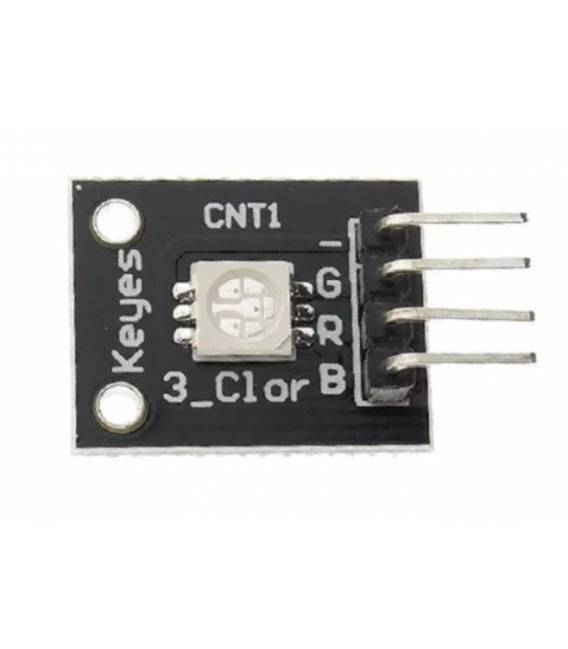
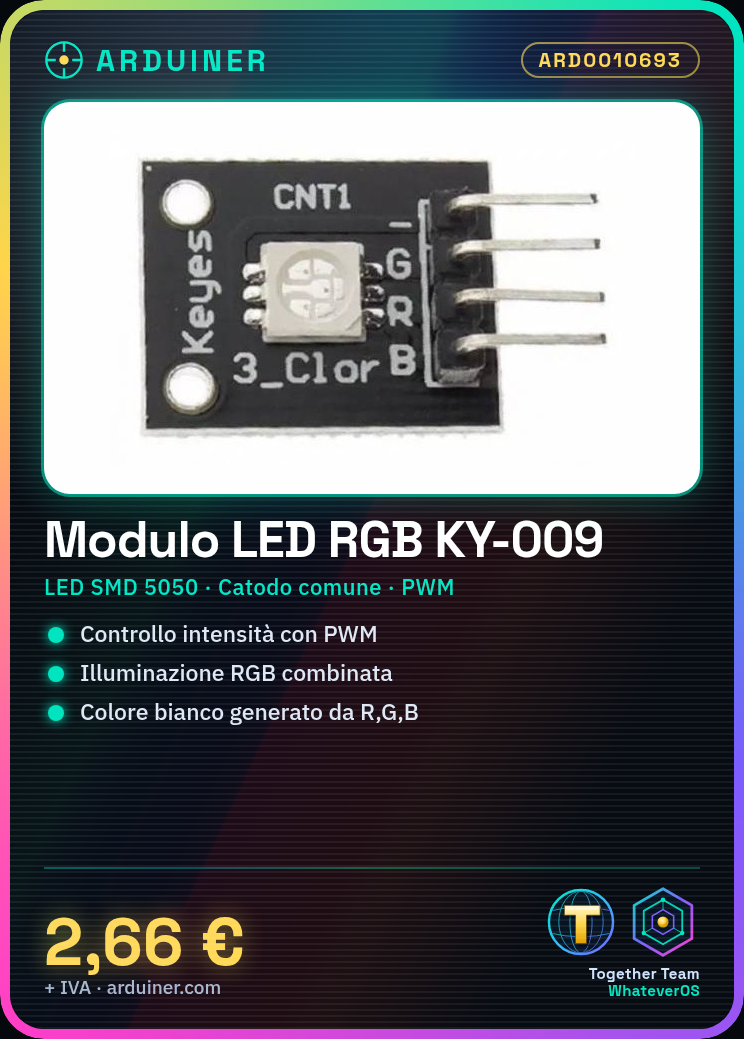
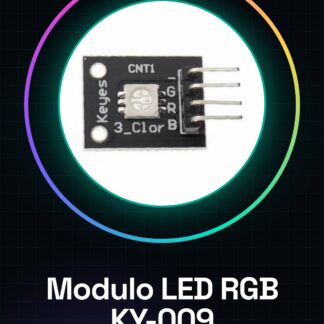
What is it The KY-009 RGB SMD LED module is an electronic component that allows the generation of white light by combining the three primary colors: red, green, and blue. It features common cathode SMD 5050 LEDs and offers PWM control for adjusting brightness. Features: Type: RGB SMD Color: Red, Green, Blue Cathode Type: Common Cathode Power: Check datasheet Control: PWM Brightness: High What can it be used for The KY-009 RGB SMD LED module is ideal for RGB lighting projects on Arduino or other microcontrollers. It can be used to create multicolor lighting effects, decorative lights, or interactive lighting systems. Example of use: An RGB lighting system that changes color based on temperature sensor data. How to use the KY-009 RGB LED Module Connect the following pins of the KY-009 to your Arduino: VCC to 5V, GND to GND, R (red) to a digital pin of Arduino (e.g., 9), G (green) to another digital pin (e.g., 10), B (blue) to a third digital pin (e.g., 11). Open the Arduino IDE and create a new sketch. Include the Servo library if not already present in your project. Declare variables for the RGB pins: int redPin = 9; int greenPin = 10; int bluePin = 11; In the setup() function, set the RGB pins as outputs with pinMode(redPin, OUTPUT); and analogWrite(redPin, 0); In the loop() function, use analogWrite() to adjust the brightness of each color: e.g., analogWrite(redPin, 255); to turn the red LED on at maximum brightness. Create a loop that changes colors sequentially or create custom effects using RGB combinations. Save and upload the sketch to your Arduino. Example code: int redPin = 9; int greenPin = 10; int bluePin = 11; void setup() { pinMode(redPin, OUTPUT); analogWrite(redPin, 0); } void loop() { analogWrite(redPin, 255); delay(1000); } Interactive mini-project: Create an interactive RGB lighting system that changes color based on temperature sensor data. Common errors: Connecting the KY-009 to the wrong pin on the Arduino. Not setting the RGB pins as outputs. Using pinMode() instead of analogWrite(). Forgetting to include the Servo library if needed for advanced PWM effects. Recommended accessories: Temperature sensor LM35 Relay 5V 3D printed case for projects
Reviews
There are no reviews yet.