 EN
 IT Italiano
 ES Español
 FR Français
 DE Deutsch
Description
What it is
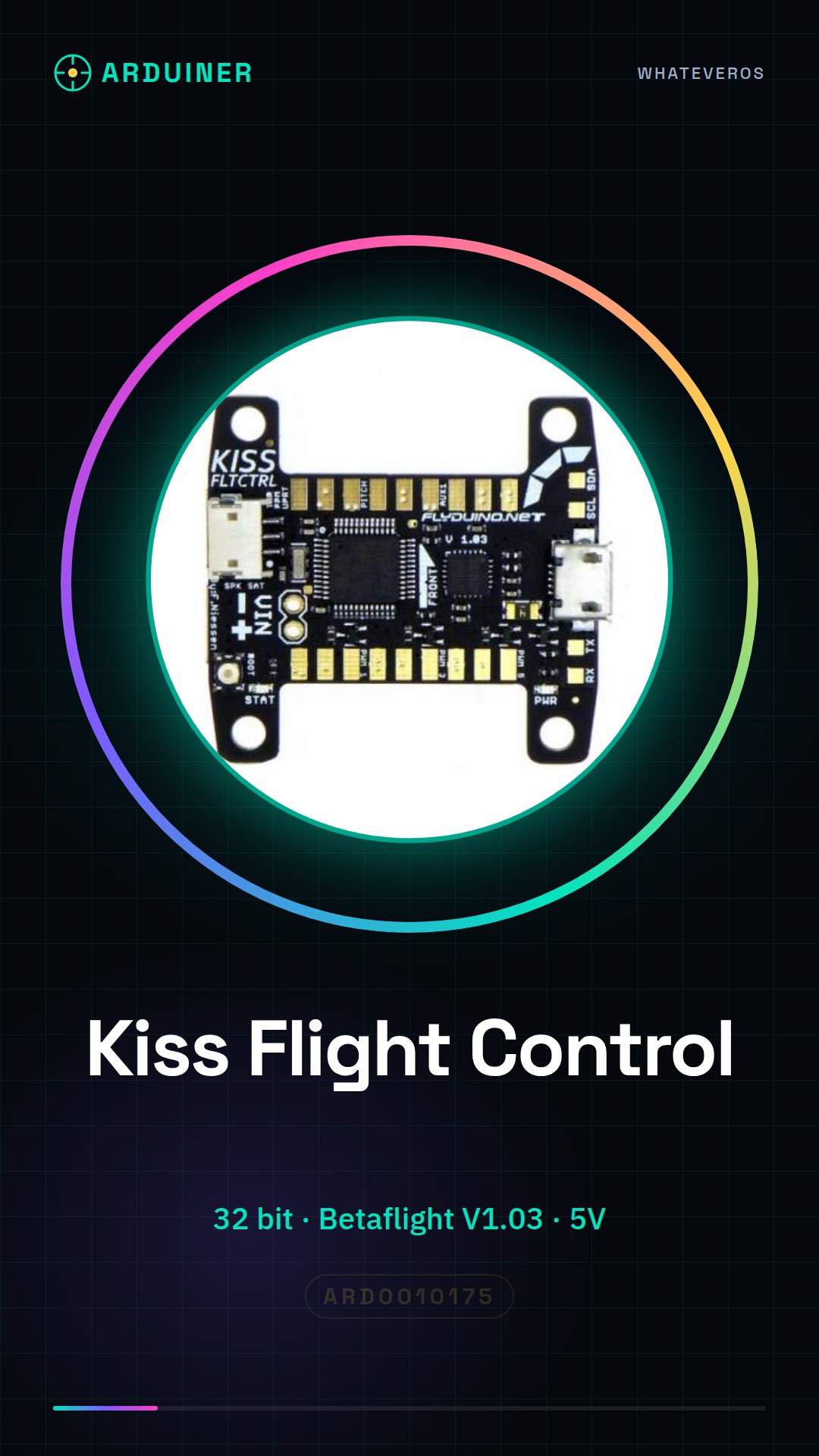
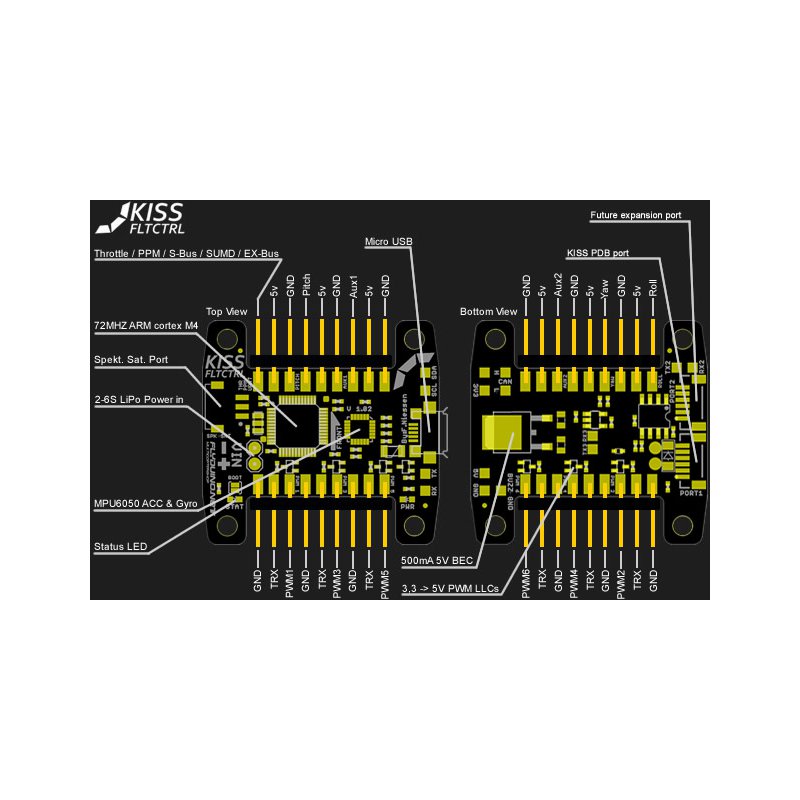
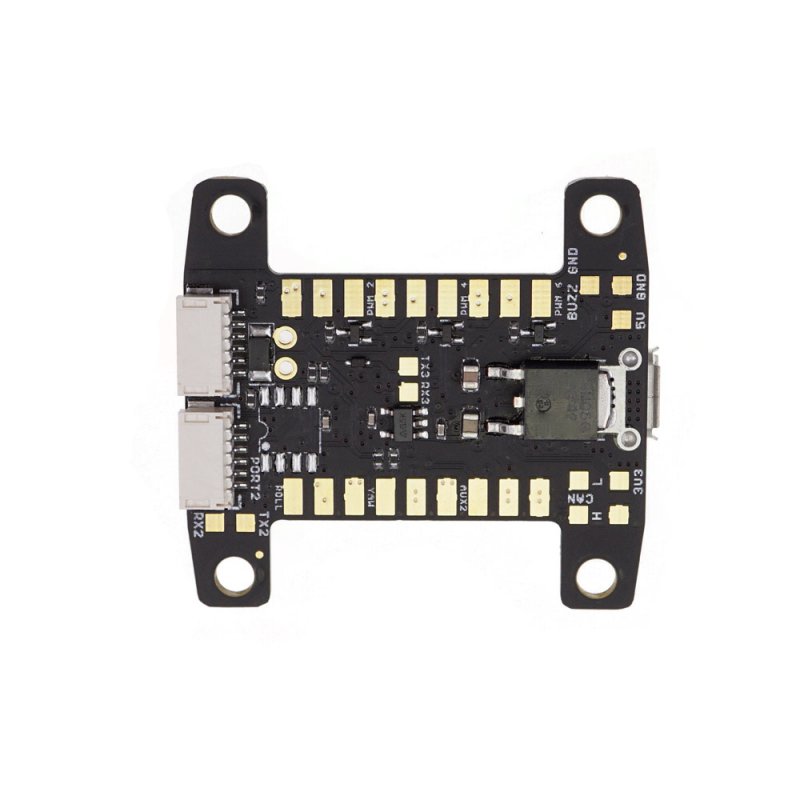
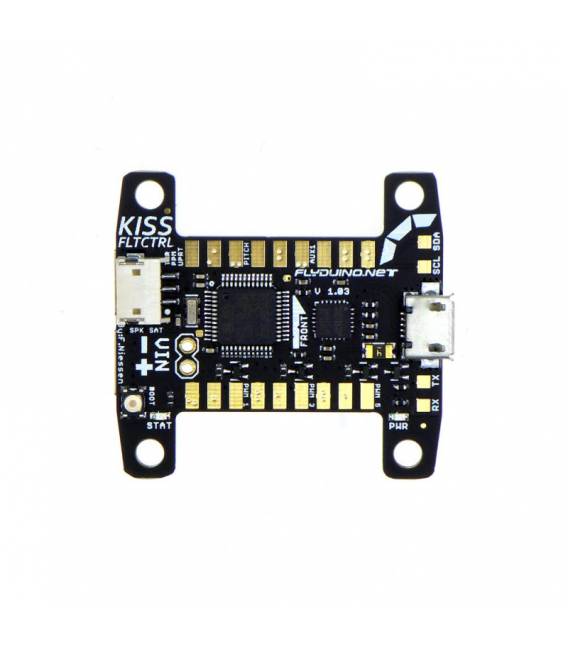
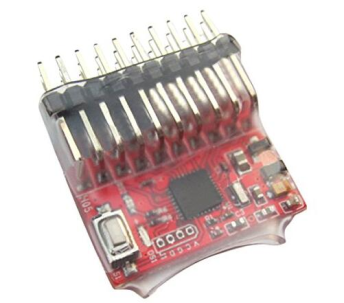
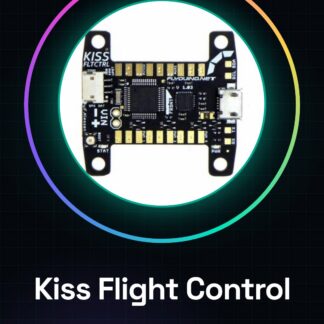
The Kiss Flight Control 32 bit Betaflight V1.03 is a flight controller for drones designed for experienced pilots seeking stability and precision during flight.
Features
- 32-bit Flight Controller
- Compatible with Betaflight V1.03
What it is for
This controller is used to configure and test custom-built drones, suitable for both beginner and intermediate pilots. It allows for stable and precise flight.
Tutorial: How to Use Kiss Flight Control 32 bit Betaflight V1.03
The Kiss Flight Control 32 bit Betaflight V1.03 is a flight controller for drones that offers stability and precision. Useful for beginner and intermediate pilots.
What you need
- Kiss Flight Control 32 bit Betaflight V1.03
- Drone Compatible
- 5V Power Supply
- Power Cable
Steps
- 1. Check the datasheet for the power supply specifications.
- 2. Connect the power cable to the power supply and the Kiss Flight Control.
- 3. Turn on the fountain.
- 4. Check that the Kiss Flight Control powers on.
- 5. Connect the Kiss Flight Control to the drone using the specified connectors.
- 6. Verify the electrical and mechanical connections.
- 7. Start the Betaflight software on the computer.
- 8. Configure the controller with the Betaflight software.
Mini project
Assemble a test drone using a Kiss Flight Control 32 bit Betaflight V1.03, a lightweight frame, and propellers. Configure the controller with basic parameters to test flight.
Common mistakes
- Connect the Kiss Flight Control to an incompatible power supply fountain.
- Omit the connection verification.
- Configure the controller with incorrect parameters.
- Do not use an updated Betaflight software.
Recommended accessories
- Lightweight frame
- Propellers
- Servo
- 5V power cable
Frequently asked questions
The Kiss Flight Control powers on but does not function correctly.
Verify the electrical connection and the Betaflight software.
What basic parameters should I configure?
Configure speed, sensitivity, and stability parameters based on your experience.
Can I use the Kiss Flight Control with another software?
The Kiss Flight Control is compatible only with the Betaflight software.
How long does the battery last?
Check the datasheet for battery specifications.
Reviews
There are no reviews yet.