 EN
 IT Italiano
 ES Español
 FR Français
 DE Deutsch

Description
What it is
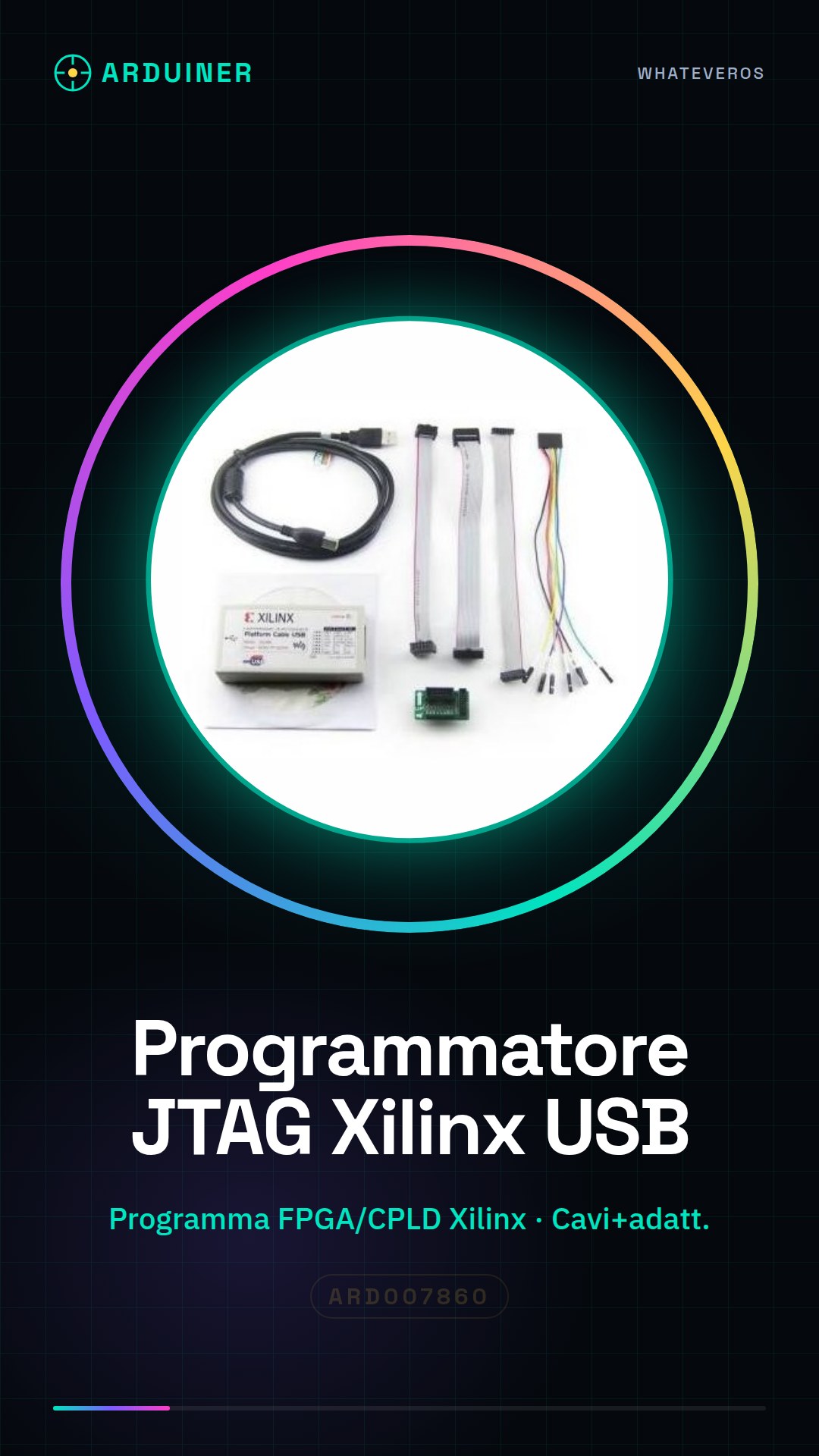
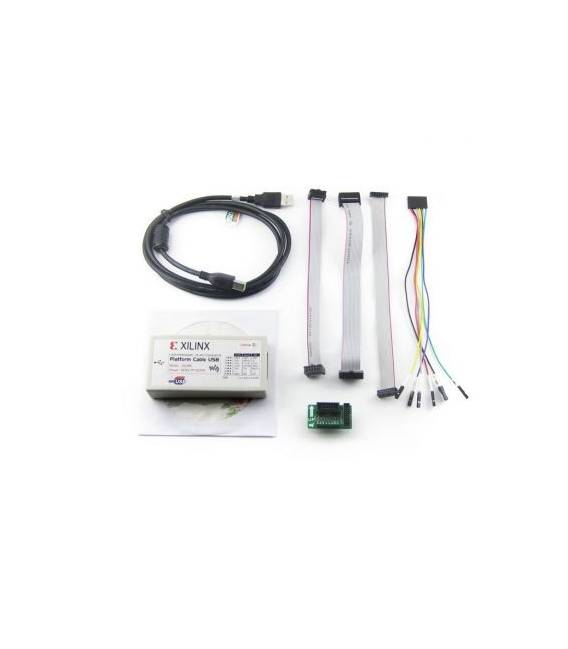
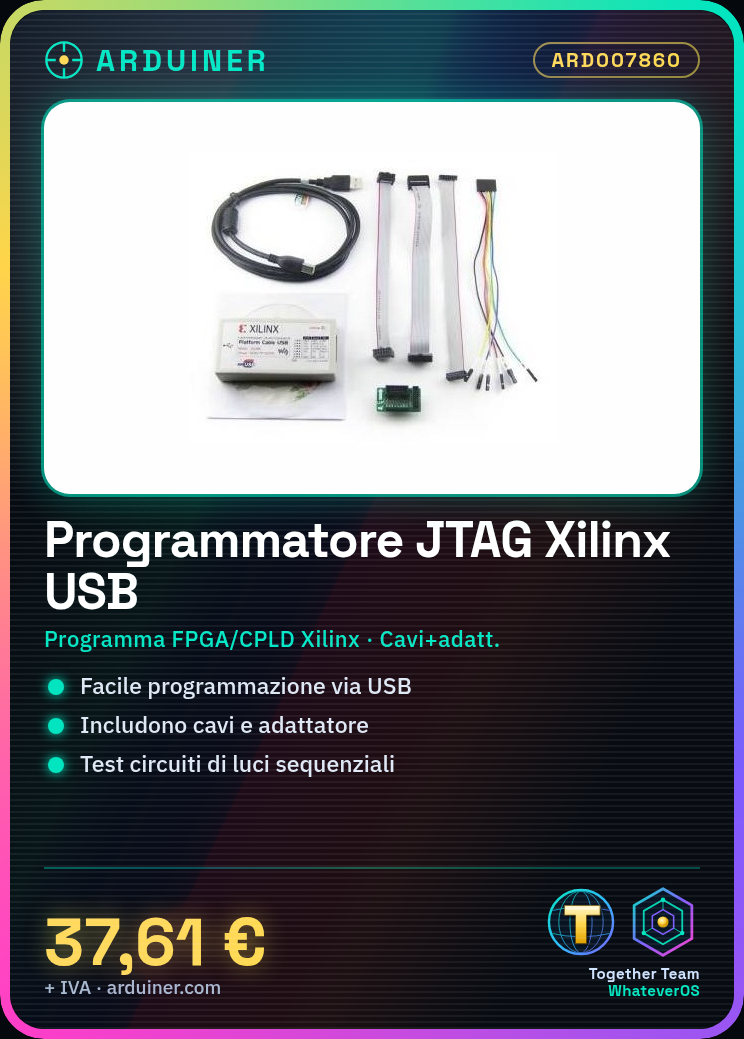
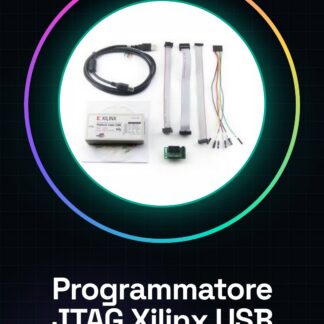
The Xilinx Platform USB FPGA CPLD kit with cable and adapter is an essential device for developers and makers working on FPGA and CPLD projects. This tool allows for easy programming and testing of Xilinx devices.
Features
- USB JTAG Programmer for Xilinx FPGA and CPLD
- Includes necessary cables and adapter
What it is for
Used to program FPGA and CPLD devices. It is useful for testing circuits where lights turn on and off in sequence using a Xilinx FPGA.
Tutorial: How to use Xilinx Platform USB JTAG Programmer
The Xilinx Platform USB JTAG Programmer is essential for those working with Xilinx FPGA and CPLD devices. It is used to program and test the devices.
What you need
- Xilinx Platform USB JTAG Programmer
- PC with supported operating system
- USB Cable
- JTAG Adapter
Steps
- 1. Check JTAG specifications on the datasheet.
- 2. Connect the USB cable to the PC.
- 3. Connect the JTAG adapter to the circuit to be programmed.
- 4. Install the USB driver on the PC.
- 5. Start the programming software.
- 6. Select the Xilinx device.
- 7. Load the code into FPGA/CPLD.
- 8. Verify the correct programming.
Mini project
Program a simple circuit of lights that turn on and off in sequence using a Xilinx FPGA.
Common mistakes
- Not having the USB drivers installed.
- Connecting the JTAG adapter to the wrong circuit.
- Not selecting the Xilinx device correctly.
- Not loading the code correctly.
Recommended accessories
- Xilinx FPGA
- Test circuits
- JTAG cable
- Xilinx programming software
Frequently asked questions
The USB driver won’t install?
Check that the operating system is supported and follow the installation instructions.
Why can’t I find the Xilinx device?
Make sure you have correctly connected the cable and JTAG adapter.
The program does not recognize the code?
Check the correct syntax and compatibility of the code with the Xilinx device.
Reviews
There are no reviews yet.