 EN
 IT Italiano
 ES Español
 FR Français
 DE Deutsch
Description
What it is
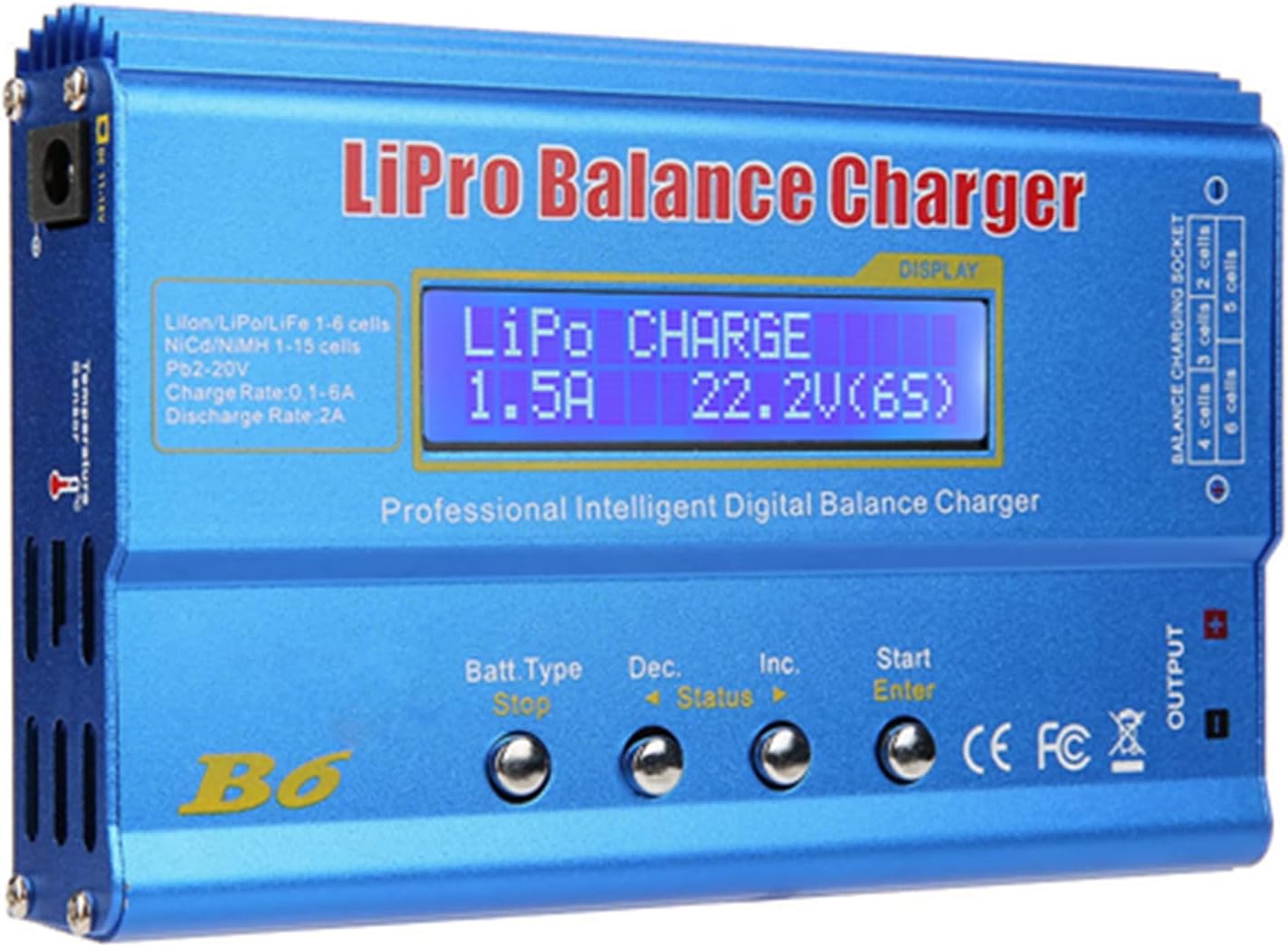
The iMAX B6 Mini 1 is a digital scale charger designed for radio control modelers and drone enthusiasts. This device combines charging, digital scale, and discharger functions for LiPo and NiMH batteries up to 6S.
Features
- Compatible with LiPo and NiMH batteries up to 6S
- Includes digital scale
- DW discharger function
- Check the datasheet for precise numerical specifications
What it is for
The iMAX B6 Mini 1 is ideal for monitoring and managing the charge of batteries in radio control models and drones. It can be used to create an automatic battery monitoring system for a drone and connected to an alarm system to notify when a battery is fully charged or discharged.
Tutorial: How to use iMAX B6 Mini 1 – 6S RC Lipo NiMH Charger
The iMAX B6 Mini 1 is a digital scale charger ideal for radio control modelers and drone enthusiasts. It allows discharging, weighing, and monitoring the charge state of LiPo and NiMH batteries up to 6S.
What you need
- iMAX B6 Mini 1
- LiPo or NiMH battery
- power cable
Steps
- Connect the battery to the charger.
- Select the output voltage (6S) on the charger.
- Press the ‘Start’ button to begin the charging process.
- Monitor the voltage and weight of the battery during charging.
- Check the cut-off voltage on the datasheet and set it on the charger.
- Use the digital scale to weigh the battery before and after charging.
- Check the battery charge state through the LED display.
- Finish charging and disconnect the battery from the charger.
Mini project
Create an automatic battery monitoring system for a drone. Connect the iMAX B6 Mini 1 to an alarm system to notify when a battery is fully charged or discharged.
Common mistakes
- Set the cut-off voltage too high or too low.
- Do not weigh the battery before and after charging.
- Do not monitor the battery charge status during charging.
- Do not disconnect the battery properly after charging.
Recommended accessories
- LiPo battery charging cable
- 6S LiPo battery
- Universal charging cable
- Battery safety alarm
Frequently asked questions
How do I set the cut-off voltage?
Check the cut-off voltage on the battery datasheet and set the value on the charger.
Can I use the charger to weigh any type of battery?
Yes, but make sure the charger supports the voltage and type of battery you are using.
Reviews
There are no reviews yet.