 EN
 IT Italiano
 ES Español
 FR Français
 DE Deutsch
Description
What it is
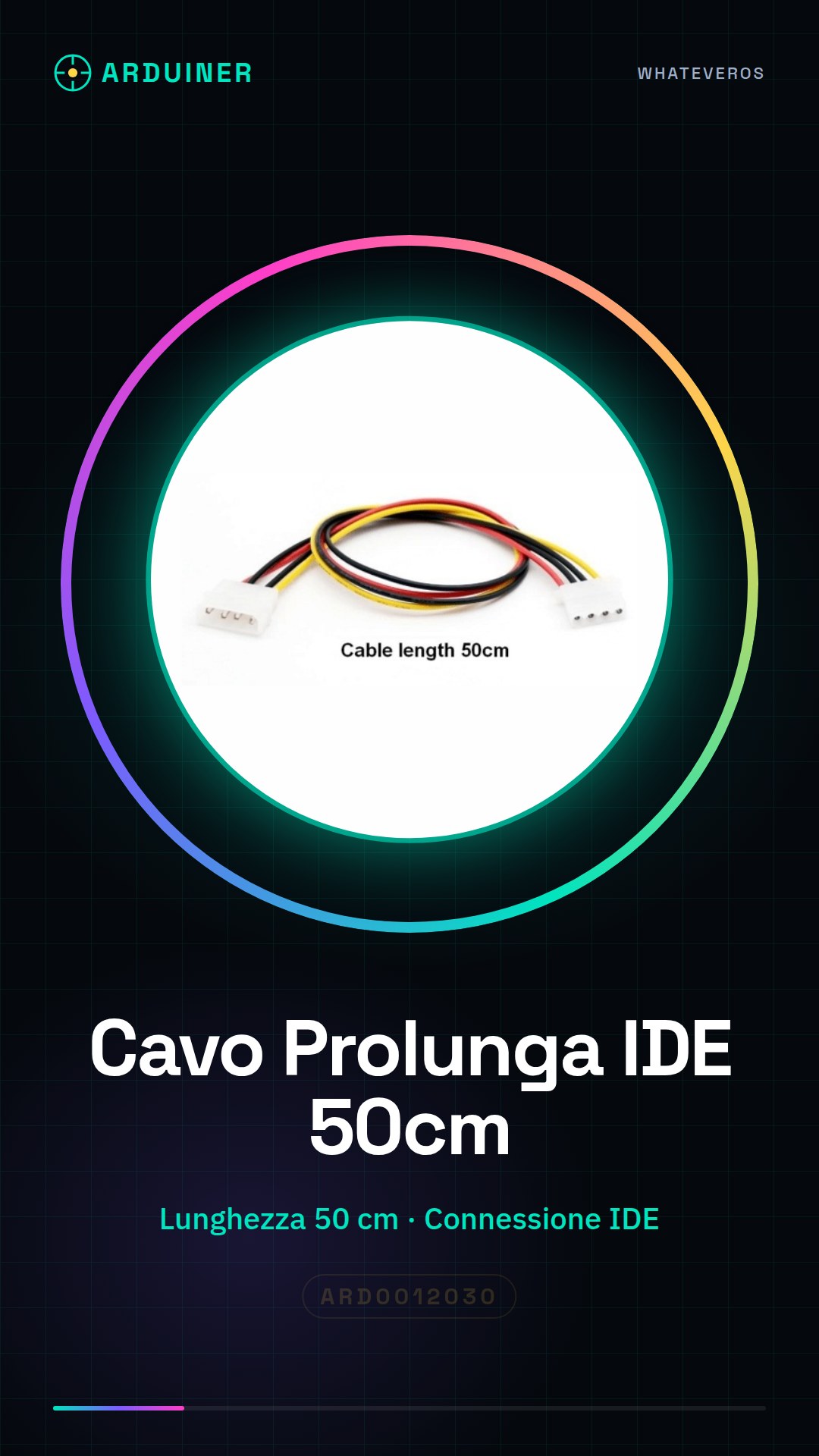
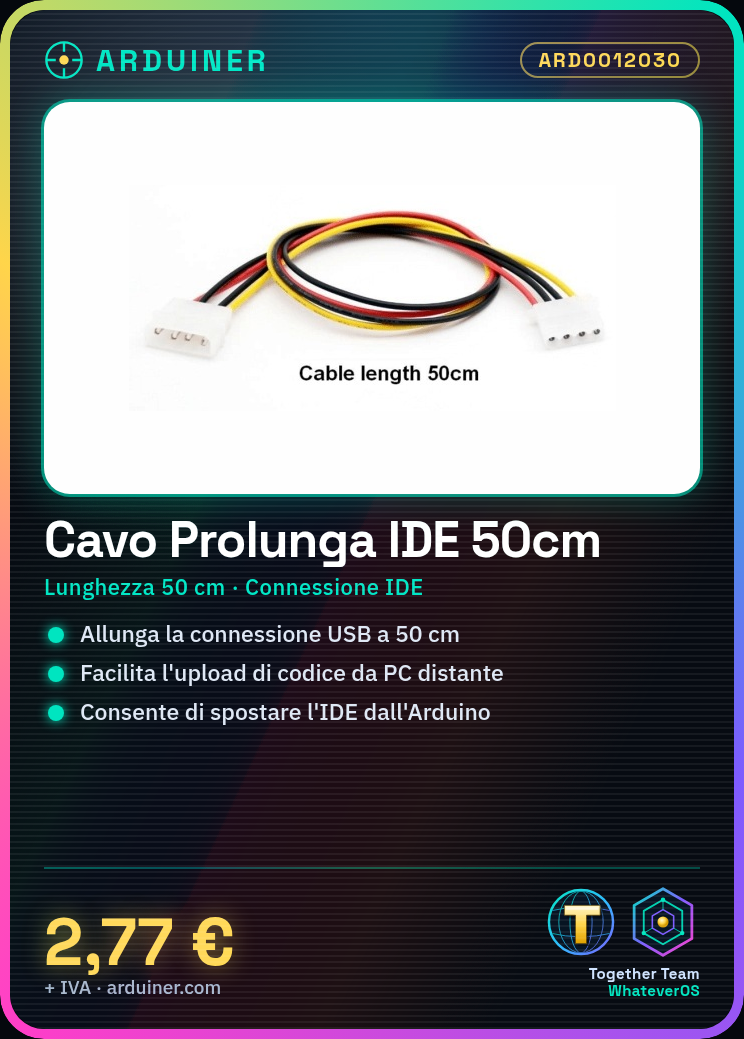
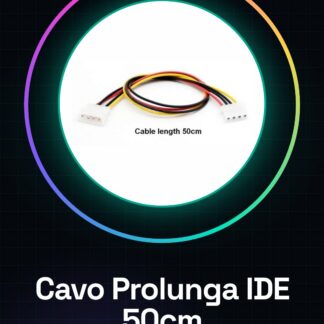
The IDE Extension Cable 50cm is an accessory that allows you to extend the USB connection between your computer and an Arduino device.
Features
- Length: 50 cm
- Connection: IDE (USB)
- SKU: ARD0012030
- Price: 2.77 €
What it is for
This cable is useful for extending the connection between your Arduino and your PC, making it easier to work on prototypes or projects where the IDE cannot be placed near the Arduino. For example, it can be useful for controlling code upload from a distant PC while working on a simple LED counter on Arduino.
Tutorial: How to use IDE Extension Cable 50cm
The IDE Extension Cable 50cm is ideal for extending the connection between your Arduino and your PC, making it easier to work on prototypes or projects where the IDE cannot be placed near the Arduino. Useful for beginners and professionals.
What you need
- IDE Extension Cable 50cm
- Arduino
- PC with Arduino IDE installed
- USB Port
Steps
- Check the datasheet for the cable specifications.
- Connect one end of the cable to your Arduino’s USB port.
- Connect the other end of the cable to a USB port on your PC.
- Start the Arduino IDE on your PC.
- Select the correct Arduino board and serial port.
- Load an example sketch onto Arduino.
- Check that the Arduino’s status LED lights up.
- Select ‘Upload’ to load the code.
Mini project
Create a simple LED counter on Arduino and connect the extension cable to monitor code upload from a remote PC.
Common mistakes
- Ensure the cable is not disconnected during upload.
- Make sure the Arduino software is up to date.
- Check that the correct serial port is selected.
- Ensure the cable is not disconnected during upload.
Recommended accessories
- Arduino
- USB port
- PC with Arduino IDE installed
- LED and resistor for the demo project
Frequently asked questions
Does the extension cable work with all types of Arduino?
Check the datasheet to see if the cable supports your Arduino model.
Can I use the extension cable to connect two Arduinos?
The extension cable is designed to connect an Arduino to a PC. To connect two Arduinos, use a USB dual cable.
Does the extension cable have a length limit?
The extension cable is designed for a maximum length of 50cm. Check the datasheet for further details.
Can the extension cable interfere with other USB devices?
If you notice interference issues, try connecting the cable to another USB port on the PC.
Reviews
There are no reviews yet.