 EN
 IT Italiano
 ES Español
 FR Français
 DE Deutsch

Description
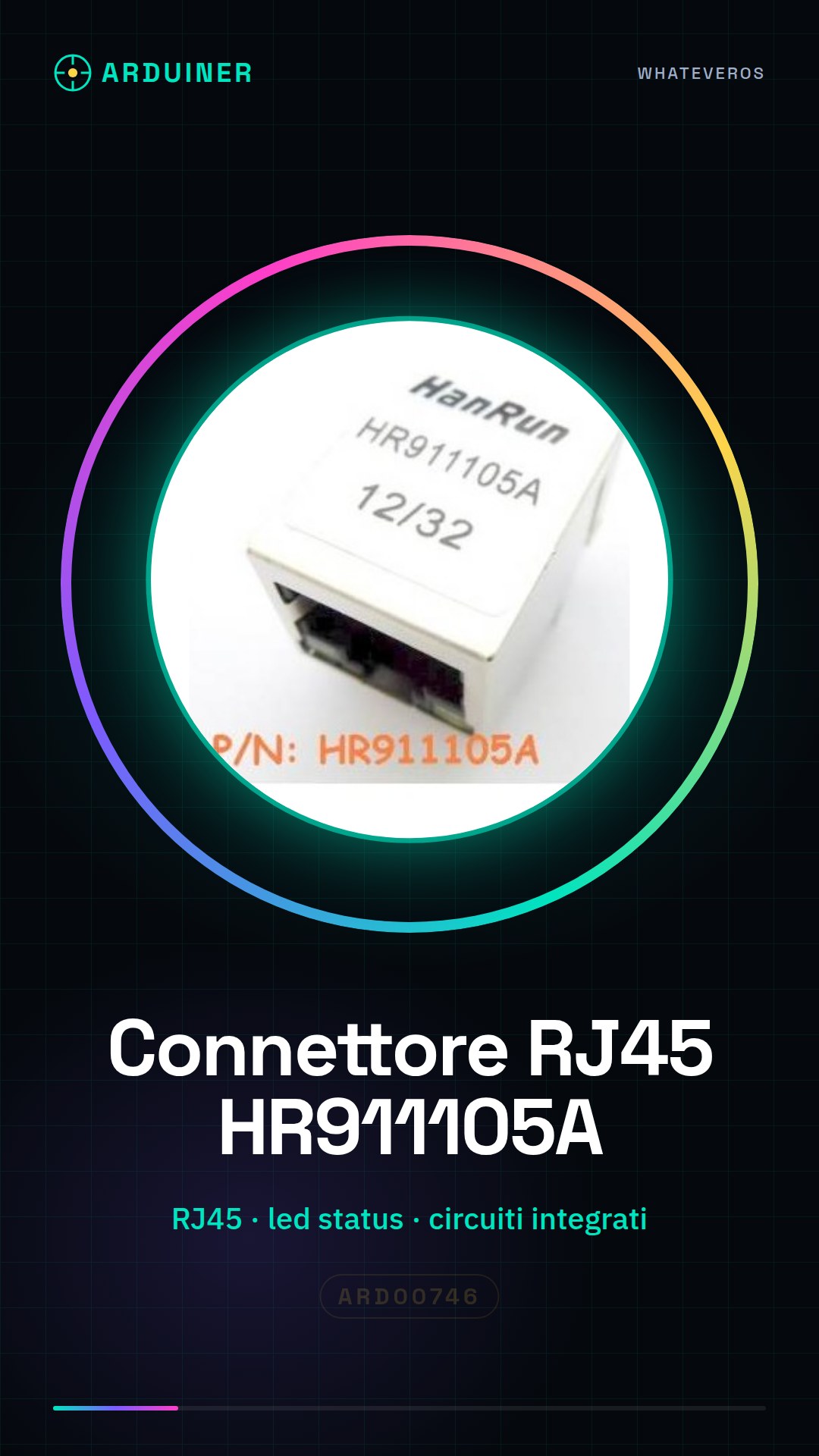
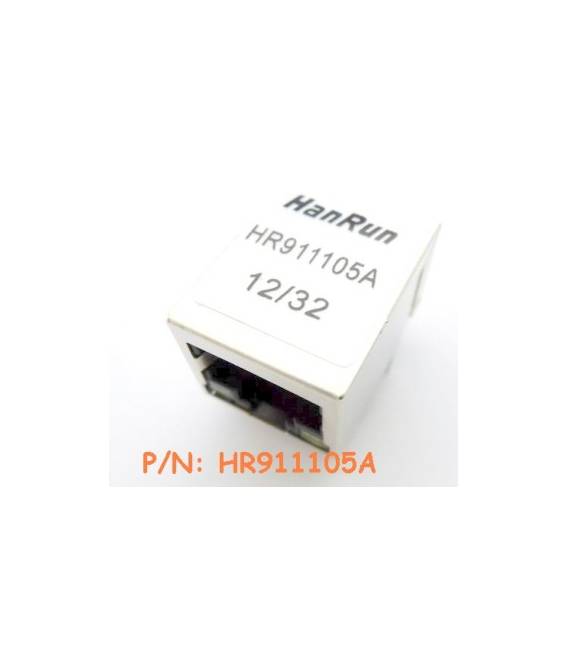
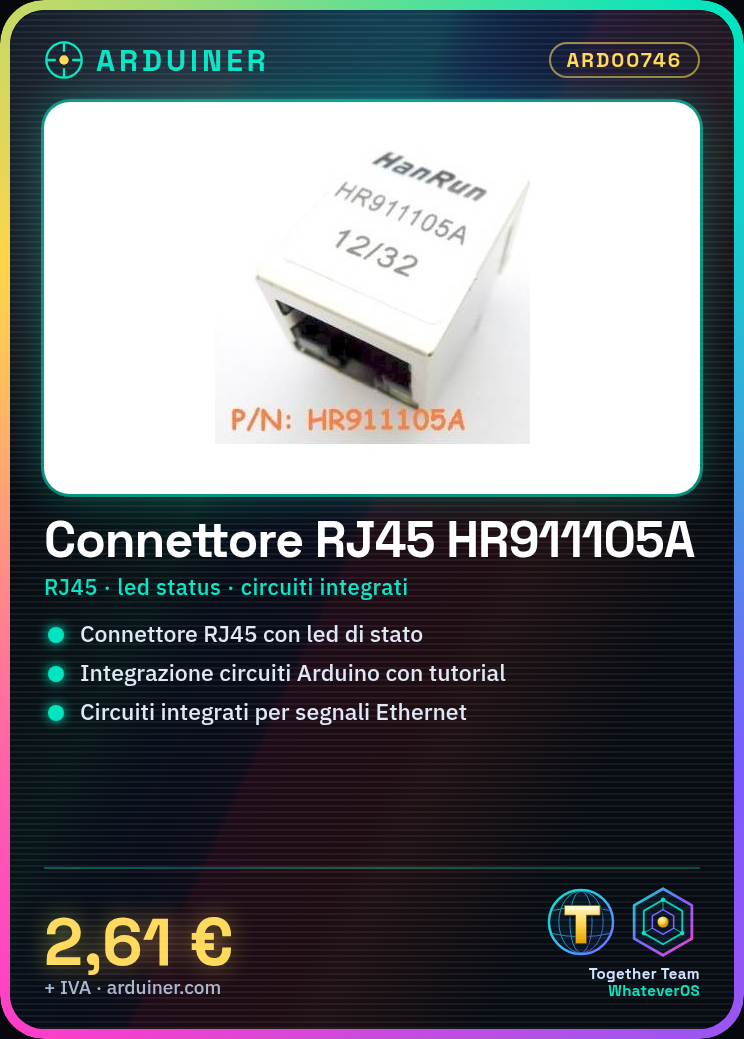
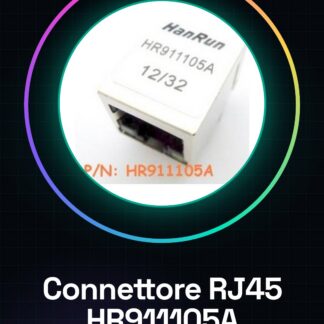
HR911105A RJ45 Ethernet Connector with status LED IC Integrated Circuits
Tutorial: How to use HR911105A RJ45 Ethernet Connector with status LED
The HR911105A connector is an essential component for network applications requiring physical connection to the Internet or local networks. This tutorial will guide you through the necessary steps to integrate it correctly into Arduino projects and other circuits.
What you need
- Arduino uno
- RJ45 cable
- Ethernet networks
Steps
- Check the compatibility of the HR911105A connector with your project by reviewing the specifications in the datasheet.
- Set up a test circuit using a protoboard or an Arduino board.
- Connect the RJ45 connector pins to the circuit according to the datasheet instructions. Ensure that the wire colors match the required signals (check the datasheet).
- Verify the physical connection with an RJ45 cable.
- If necessary, add pull-up or pull-down resistors to ensure proper activation of the Ethernet signals.
- Test the functionality of the connector by connecting the Arduino to an Ethernet network and sending data through a web server or a TCP/IP client.
- Optimize the hardware configuration based on the results obtained, modifying connections or adding protective components as needed.
- Document the project for future reference or sharing on platforms like GitHub.
Mini project
Create a simple web server that sends data from the RJ45 connector to your browser. Use the Arduino Ethernet library to manage communications.
Common mistakes
- Do not properly verify the wire connections.
- Omit the necessary pull-up or pull-down resistors for the connector to function properly.
- Ignore the importance of proper electrical power supply for the Ethernet circuit.
- Overload the RJ45 connector with too many devices connected simultaneously.
Recommended accessories
- Arduino uno
- RJ45 cable
- Ethernet networks protected by protective switches
Frequently asked questions
What is the maximum speed supported by the connector?
Check the datasheet to obtain specific information.
How can I manage multiple simultaneous connections?
Add an Ethernet switch or use a board with multiple RJ45 ports.
Reviews
There are no reviews yet.