 EN
EN IT Italiano
 ES Español
 FR Français
 DE Deutsch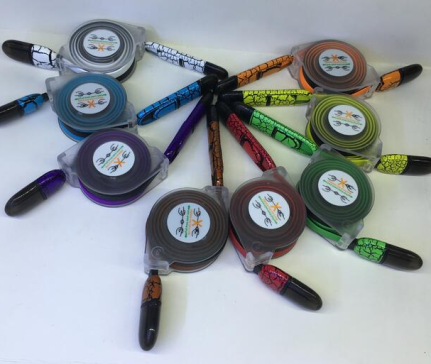
Description
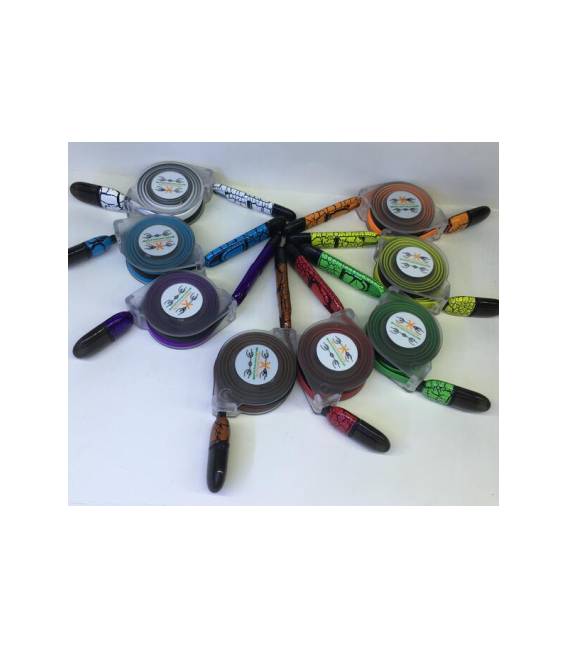
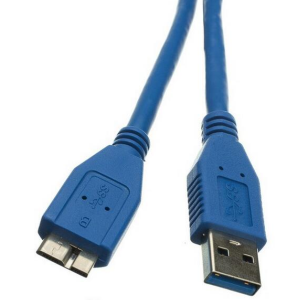
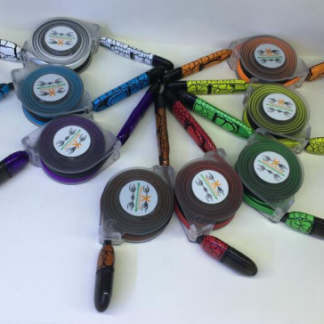
Tutorial: How to Use the 2-in-1 USB to Micro USB and iPhone Cable – 1 Meter This cable is ideal for charging your iPhone or connecting it to a computer. Suitable for beginner and intermediate makers. What You Need 2-in-1 USB to Micro USB and iPhone Cable – 1m Compatible iPhone Computer with USB port Steps Check that the cable is in good condition. Connect one end of the cable to the USB port on your computer. Connect the other end to the Micro USB port on your iPhone. Wait for your iPhone to charge. To connect an iPhone to an Arduino, plug the cable into the USB port of your Arduino board. Verify from the datasheet if the cable supports simultaneous charging. If needed, use the cable as a USB extension by connecting it to the computer’s USB port. Ensure all connections are secure. Mini-project Build a portable phone charger using an Arduino and this cable. In 30 minutes you can have a portable phone charger. Common Mistakes Do not connect the cable to a computer’s USB port without a compatible device. Do not use the cable as a USB extension if it does not support this feature. Do not charge your iPhone long-term with a cable that does not support simultaneous charging. Always check the datasheet for technical specifications.
Reviews
There are no reviews yet.