 EN
EN IT Italiano
 ES Español
 FR Français
 DE Deutsch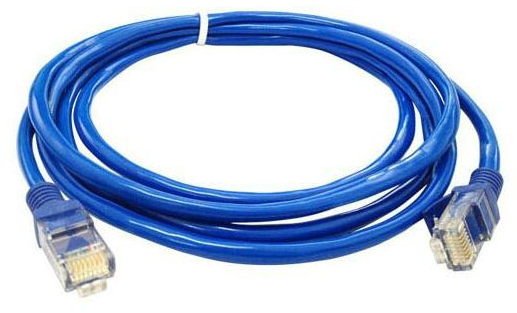
Description
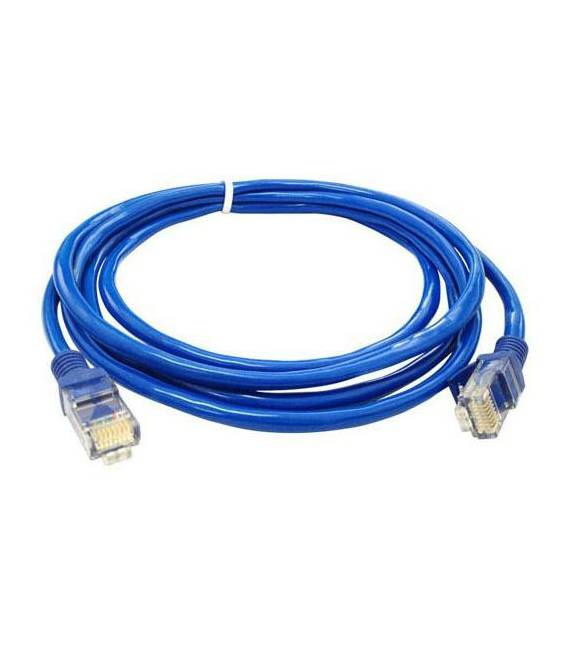
Tutorial: How to Use the High-Quality RJ45 Internet Cable – 1 Meter This RJ45 cable is ideal for connecting network devices such as switches, routers or computers over a distance of 1 meter. Useful for beginners and intermediate makers working on electronic connectivity. What You Need High-Quality RJ45 Internet Cable – 1 Meter Cable cutter (optional) RJ45 connector (optional) Network device to connect (switch, router, computer) Steps 1. Check the cable specifications in the datasheet. 2. If necessary, cut the cable to 1 meter using wire-cutting scissors. 3. Connect one end of the cable to your network device (switch, router, computer). 4. Connect the other end of the cable to the destination network device. 5. Verify the connection with a network test. 6. If necessary, install an RJ45 connector for more flexible connections. 7. Re-verify the connection. 8. Configure your network device if needed. Mini-project Build a simple network switch using an Arduino and two network devices. Connect the two devices via the RJ45 cable to create a local network. Common Mistakes Connecting the cable to incompatible devices. Omitting verification of the connection. Not using an RJ45 connector for regular connections. Ignoring network device configuration. Recommended Accessories Ethernet Switch Router PC or laptop RJ45 Connector Frequently Asked Questions Can I use this cable to connect wireless devices? No, this cable is for Ethernet cable connections only. Is the cable compatible with all network devices? Check the datasheet for compatibility with your devices. How long does this cable last? The cable is designed for standard longevity; check the datasheet for specific details. Can I use this cable to connect multiple devices? Refer to the datasheet for specifications on how many devices it can support.
Reviews
There are no reviews yet.