 EN
EN IT Italiano
 ES Español
 FR Français
 DE Deutsch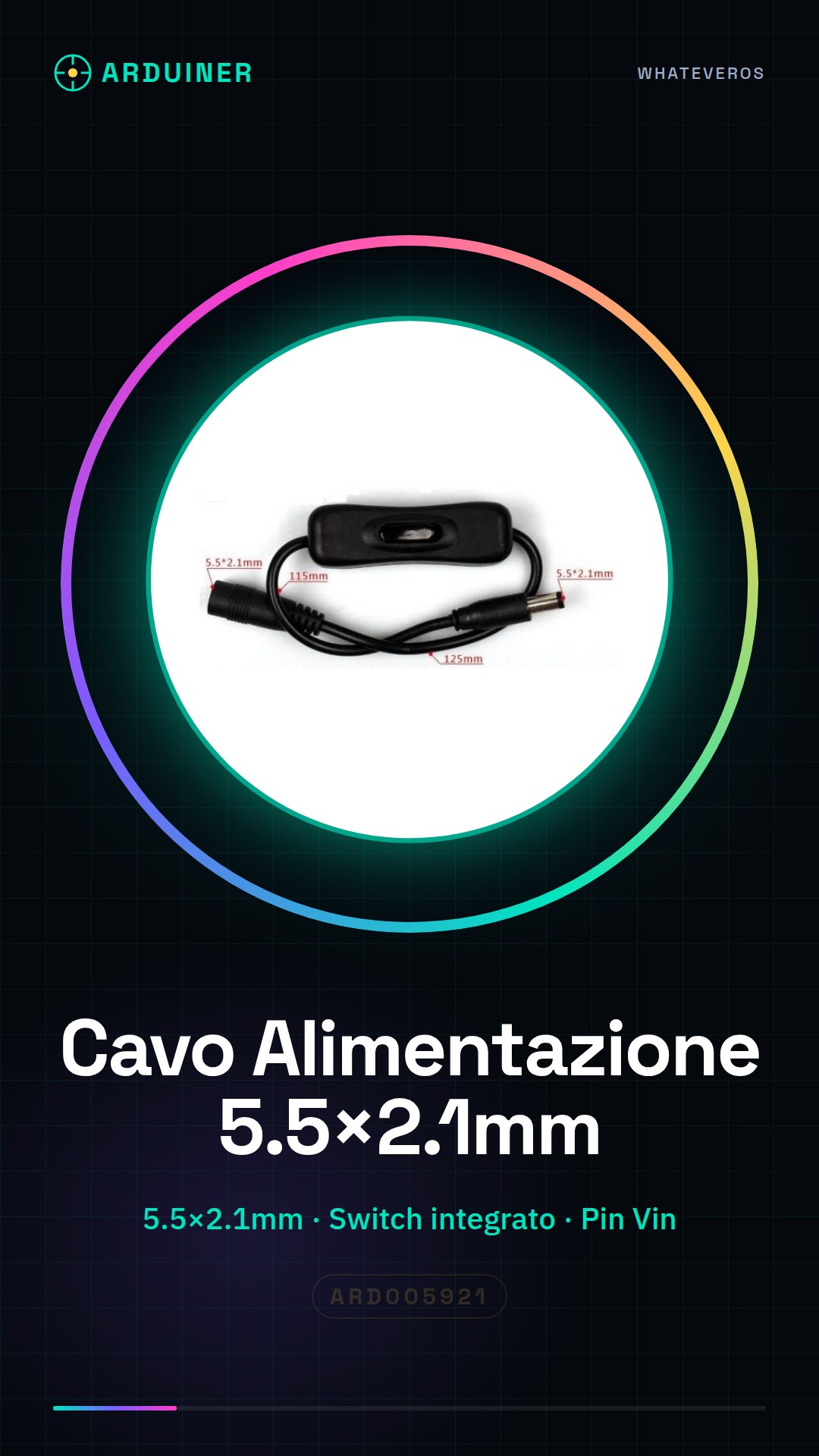
Description
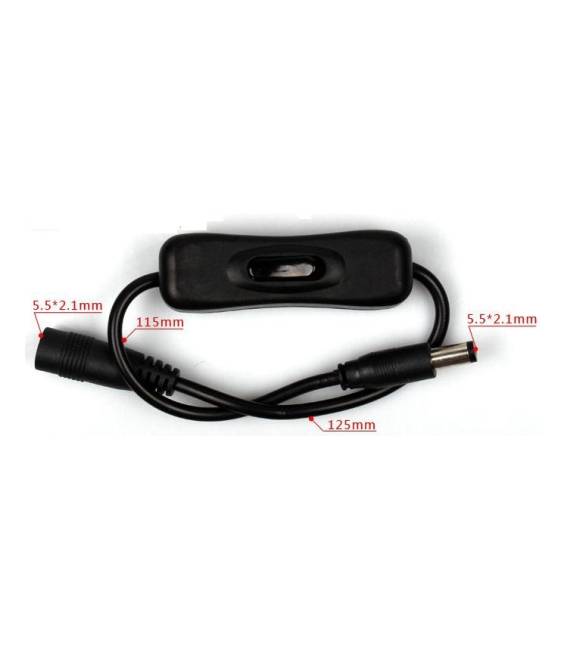
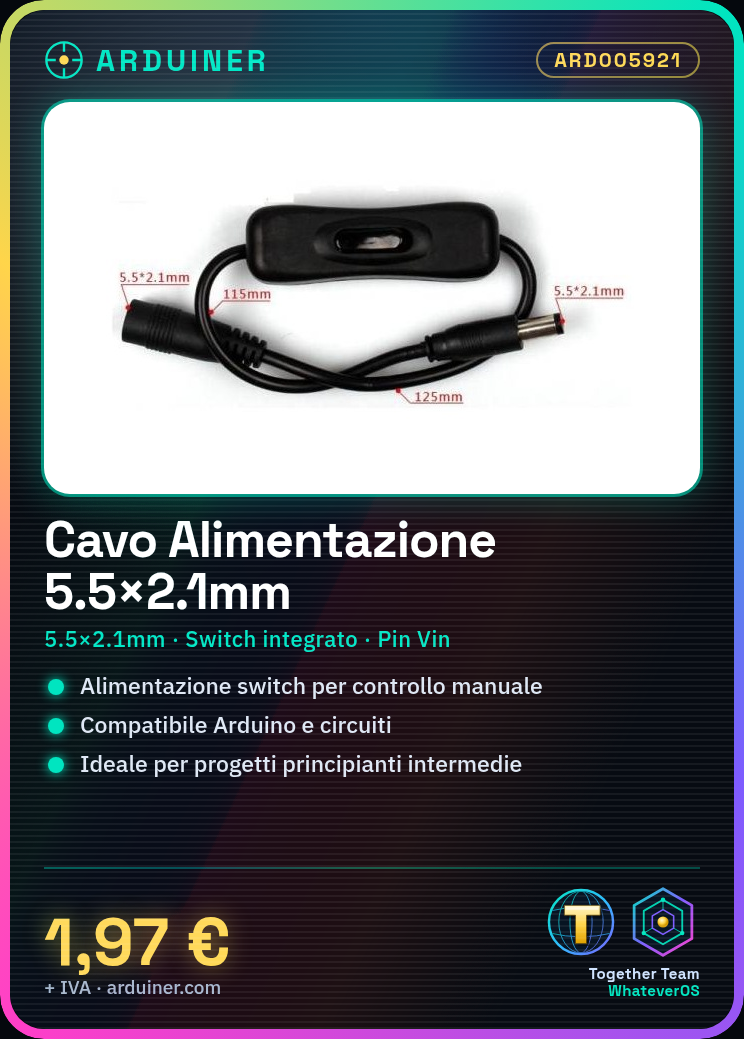
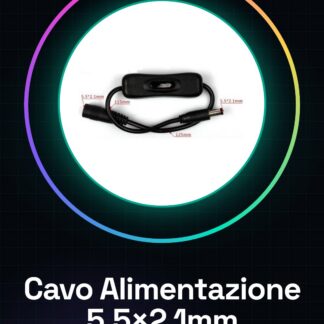
Tutorial: How to use 5.5×2.1mm Power Cable with Switch This cable allows you to power your Arduino project or electronic circuit with a switch for manual control. Ideal for beginner and intermediate level projects. What you need: Arduino or electronic circuit Power supply (e.g. AC/DC adapter) Steps: Check the datasheet for correct power supply. Prepare the AC/DC adapter with the correct current output. Connect the cable tip (2.1mm) to the Vin pin of your Arduino or circuit. Connect the cable to the switch and the adapter. Ensure the switch is working correctly. Test your project to ensure the power supply works as expected. Mini-project: Build a simple step counter using a PIR sensor and a 7-segment display. Connect the power cable to the sensor and display, check that the display lights up when the sensor detects movement. Common errors: Forgetting to check the datasheet for correct power supply. Connecting the cable directly to ground without a switch. Using an adapter with insufficient current. Not testing the cable before connecting it to the project. Recommended accessories: AC/DC adapter PIR sensor 7-segment display 5V 1A power supply
Reviews
There are no reviews yet.