 EN
 IT Italiano
 ES Español
 FR Français
 DE Deutsch
Description
What it is
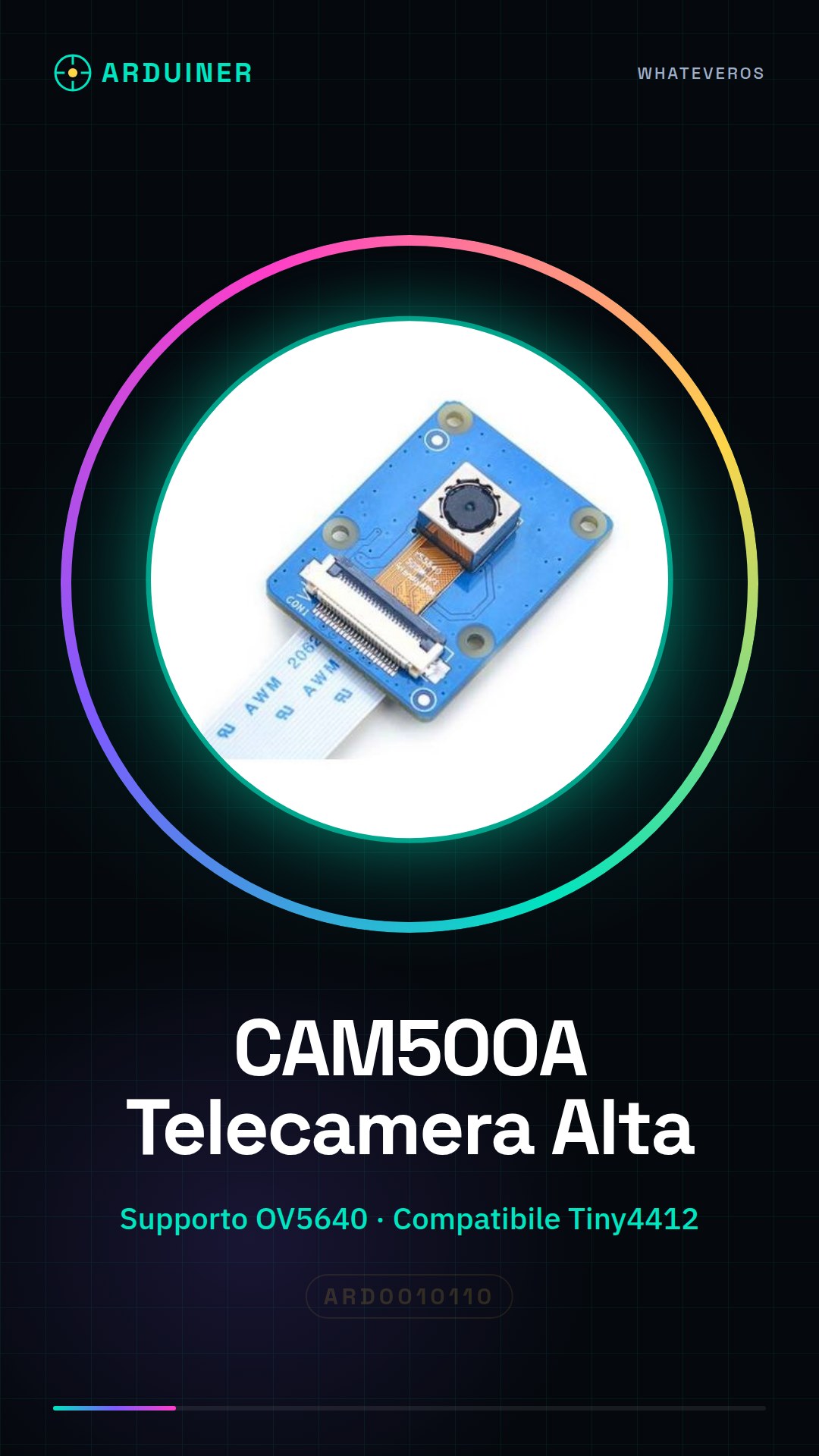
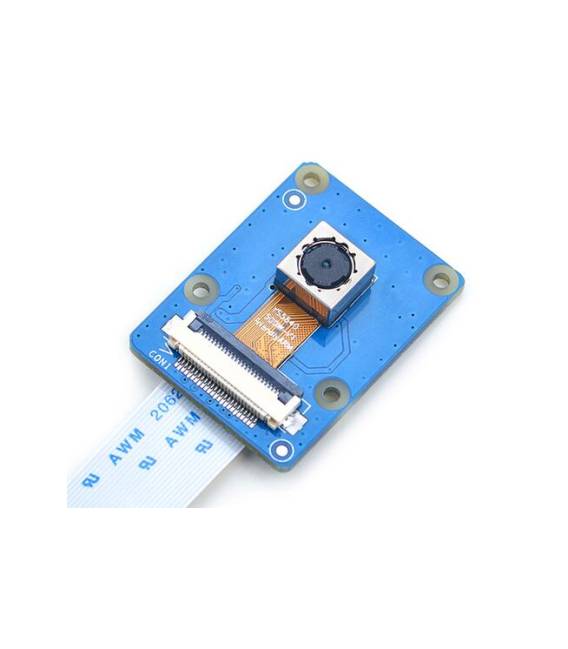
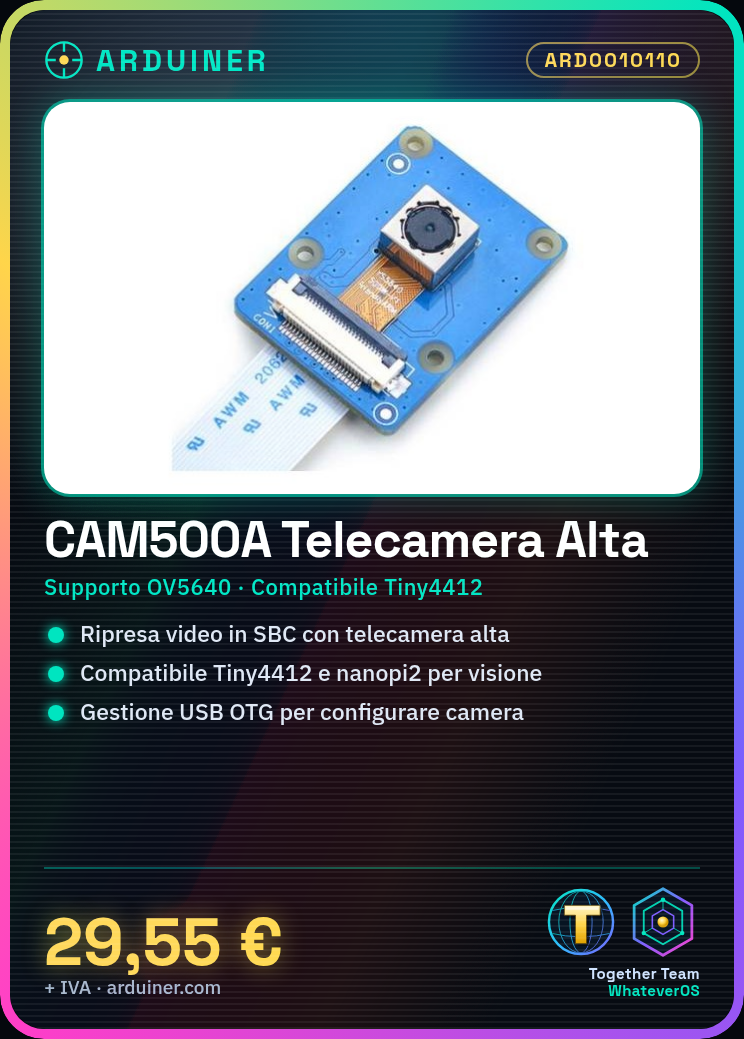
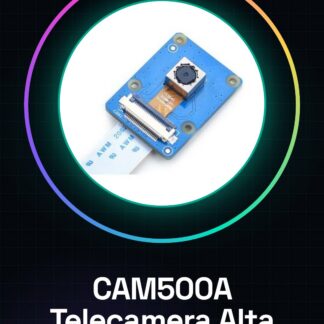
The CAM500A camera is a high-definition device with OV5640 support, ideal for projects requiring video capture in devices such as Raspberry Pi and other SBC.
Features
- OV5640 Support
- Compatible with Tiny4412 and nanopi2
What it is for
The CAM500A camera is perfect for artificial vision, home monitoring, and video recording projects. It is ideal for makers who want to integrate video capture in devices such as Raspberry Pi or other SBC.
Tutorial: How to use CAM500A Camera with OV5640 Support
The CAM500A camera is perfect for artificial vision, monitoring, and video recording projects. It is ideal for makers who want to integrate video capture in devices such as Raspberry Pi or other SBC.
What you need
- Raspberry Pi or other compatible SBC
- USB OTG cable
- Camera management software
Steps
- Connect the USB OTG cable from the camera to the SBC device.
- Install the necessary drivers for the camera from the manufacturer’s website or additional software repositories.
- Configure the operating system to recognize the CAM500A camera as a video input device.
- Check the datasheet to set the desired resolutions and frame rates through software configuration.
- Test image acquisition with a simple Python script or using GStreamer.
Example code
import picamera
with picamera.PiCamera() as camera:
    camera.resolution = (640, 480)
    camera.start_preview()
    input('Premi invio per chiudere la preview')
camera.stop_preview()
Mini project
Create a home monitoring system in 30 minutes: connect the CAM500A camera to a Raspberry Pi, configure video acquisition and stream it to a cloud platform like IP Webcam.
Common mistakes
- Ensure that the driver is correctly installed.
- Verify the resolution and frame rate settings in the datasheet to optimize image quality.
- Check the physical connections between the camera and the SBC.
- Manage system operating permissions correctly to access the camera.
Recommended accessories
- Raspberry Pi Camera Module
- Custom length USB OTG cable
- Pi HAT with dedicated slots for the camera
- Raspberry Pi protection kit
Frequently asked questions
Which SBC are compatible?
Check the datasheet for required hardware specifications.
How can I configure video resolution?
Check the datasheet and configure via camera management script.
Reviews
There are no reviews yet.