 EN
 IT Italiano
 ES Español
 FR Français
 DE Deutsch
Description
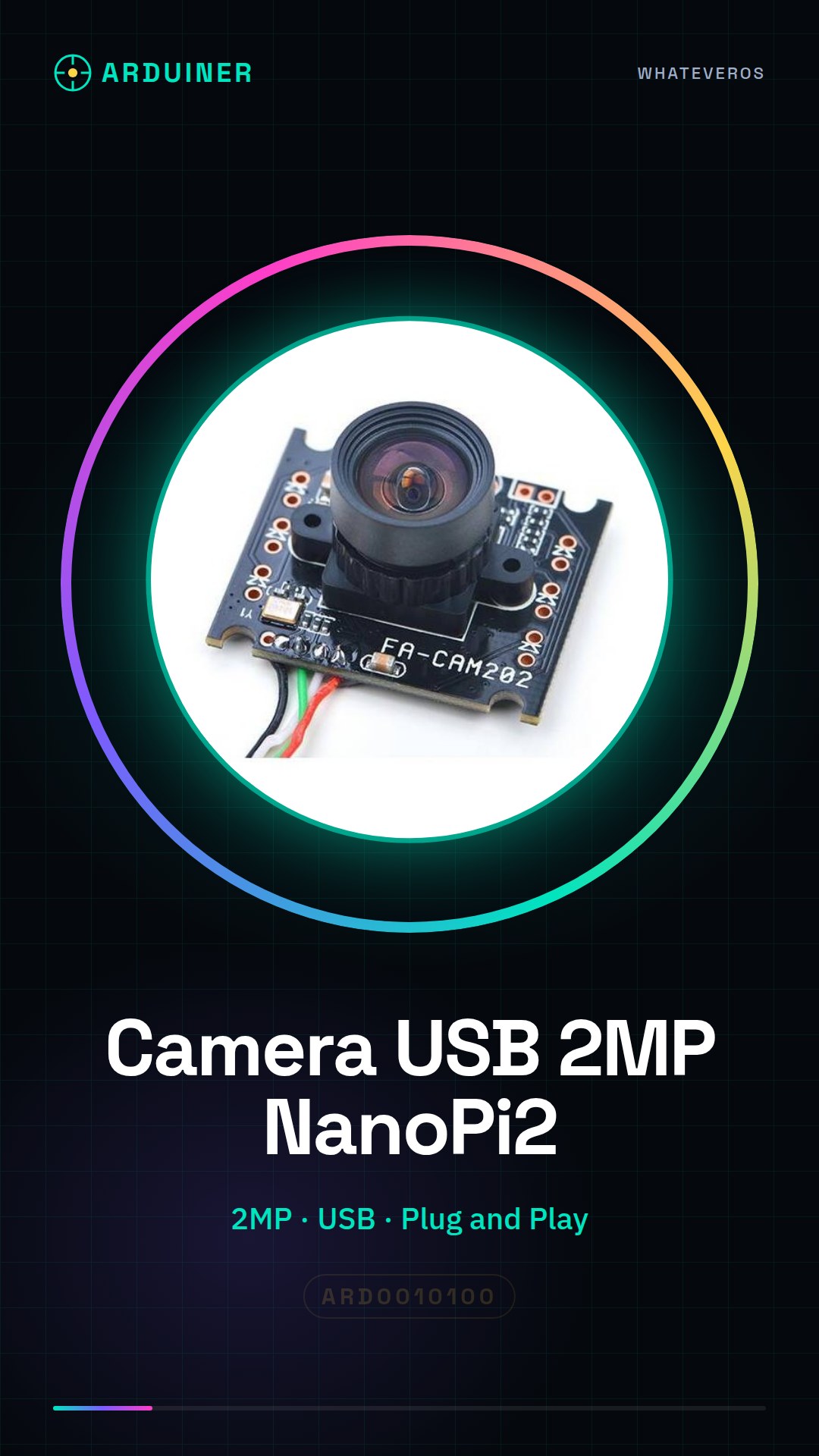
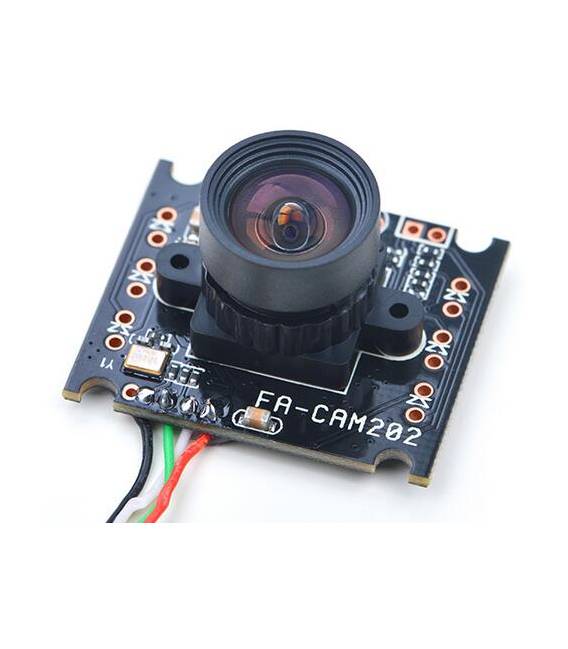
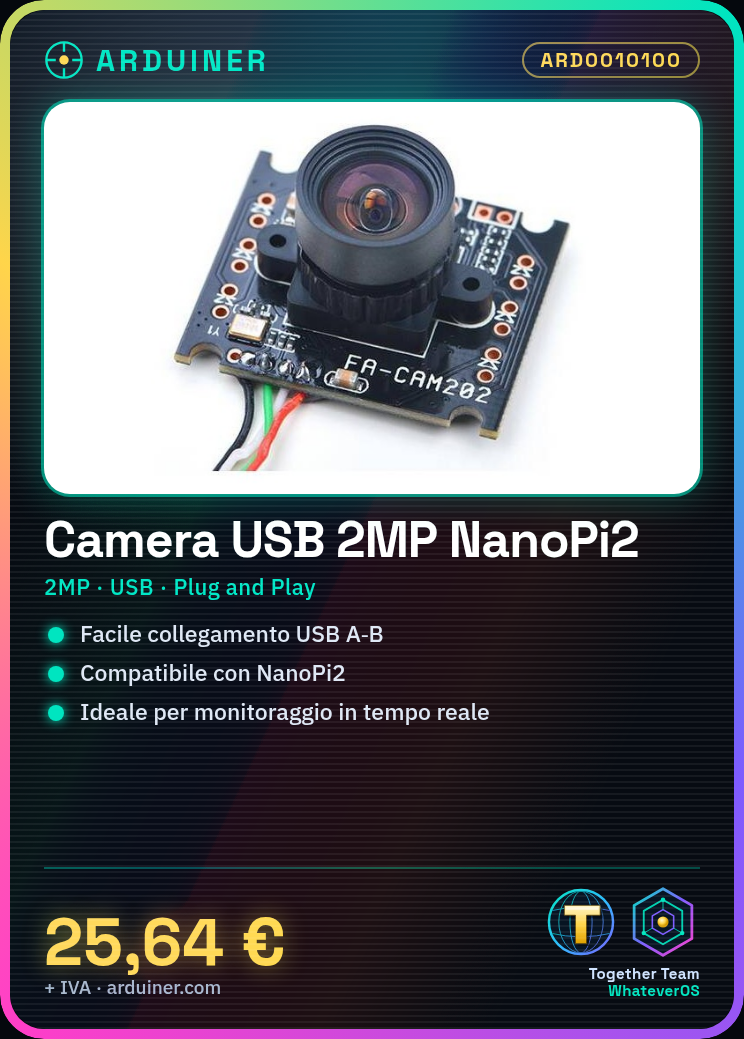
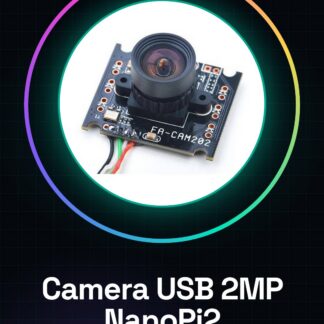
The FA-CAM202 is a 2MP USB webcam designed for use with the NanoPi2. It offers easy connection via USB and works in plug and play mode. Features: Video resolution: 2MP (check datasheet for details) Compatible with NanoPi2. Ideal for monitoring and artificial vision projects, the FA-CAM202 can be used to create simple real-time monitoring systems. It allows the installation of v4l2loopback and the use of video applications to display images. Tutorial: How to use FA-CAM202 The FA-CAM202 is a small USB webcam compatible with NanoPi2, ideal for monitoring and artificial vision projects. What you need: FA-CAM202 NanoPi2 USB A-B Micro USB housing (optional) Steps: 1. Check the technical specifications on the datasheet. 2. Connect the USB A-B cable to the FA-CAM202. 3. Connect the other end to the NanoPi2. 4. Power on the NanoPi2. 5. Open the system console on NanoPi2. 6. Type `ls /dev/video*` to check the connection. 7. Install the driver if necessary (check the datasheet). 8. Try opening a video session with an application like Cheese or v4l2loopback. Mini-project: Create a simple real-time monitoring system with the FA-CAM202 and NanoPi2. Install v4l2loopback and use a video application to display the image in real-time. Common errors: Does not work: check correct connection and driver installation. Dark images: check lighting and webcam position. Recognition issues: ensure NanoPi2 is updated. Intermittent connection: check the USB cable and stability of NanoPi2. Recommended accessories: USB A-B Micro USB housing Power supply for NanoPi2 (if needed) MicroSD for data storage (optional) Frequently asked questions: How can I check the connection? Type `ls /dev/video*` in the console. Which drivers can I install? Check the datasheet or v4l2loopback. Why are the images dark? Check the position and lighting of the webcam. Which applications can I use? Cheese or v4l2loopback.
Reviews
There are no reviews yet.