Description
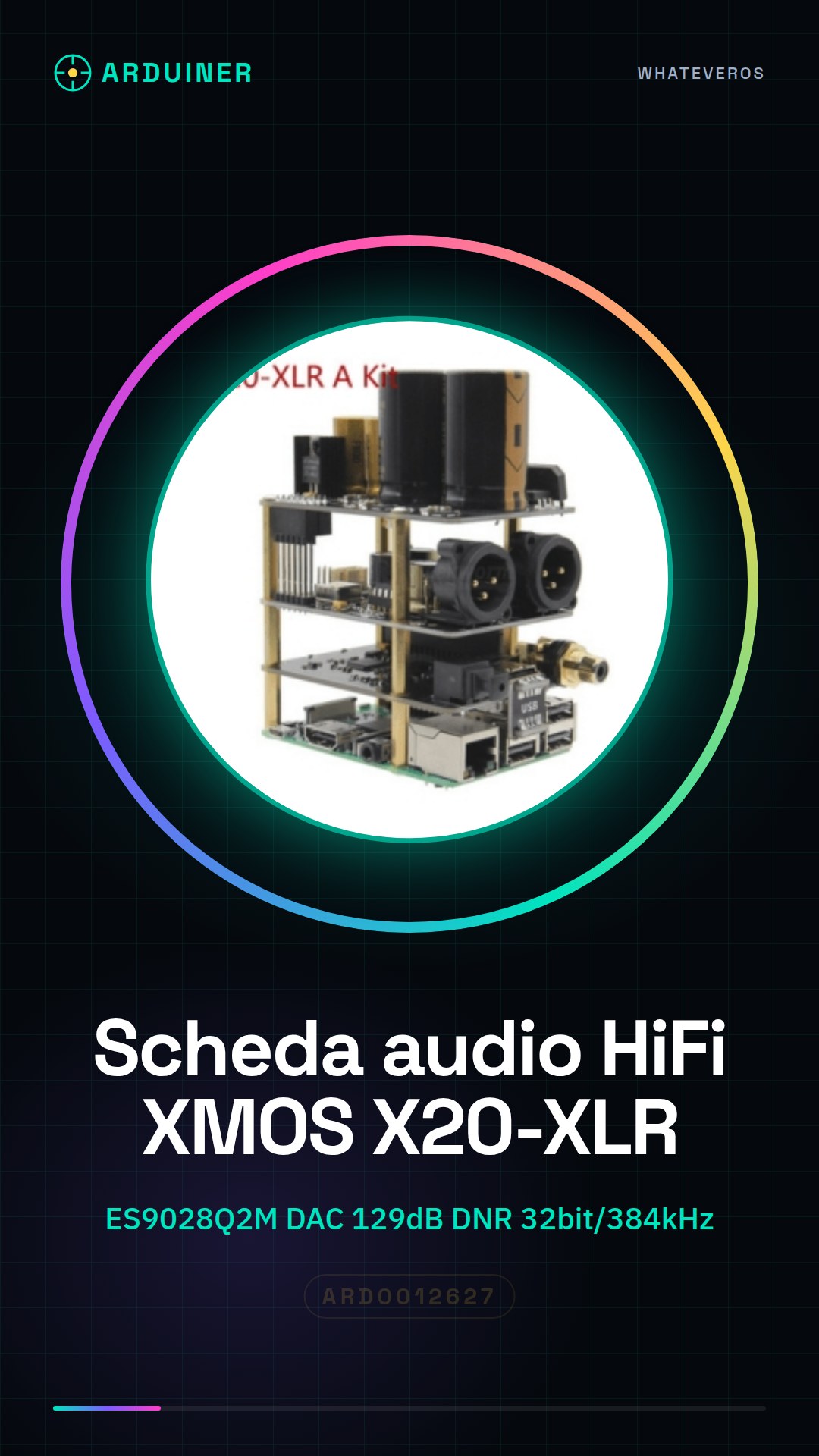
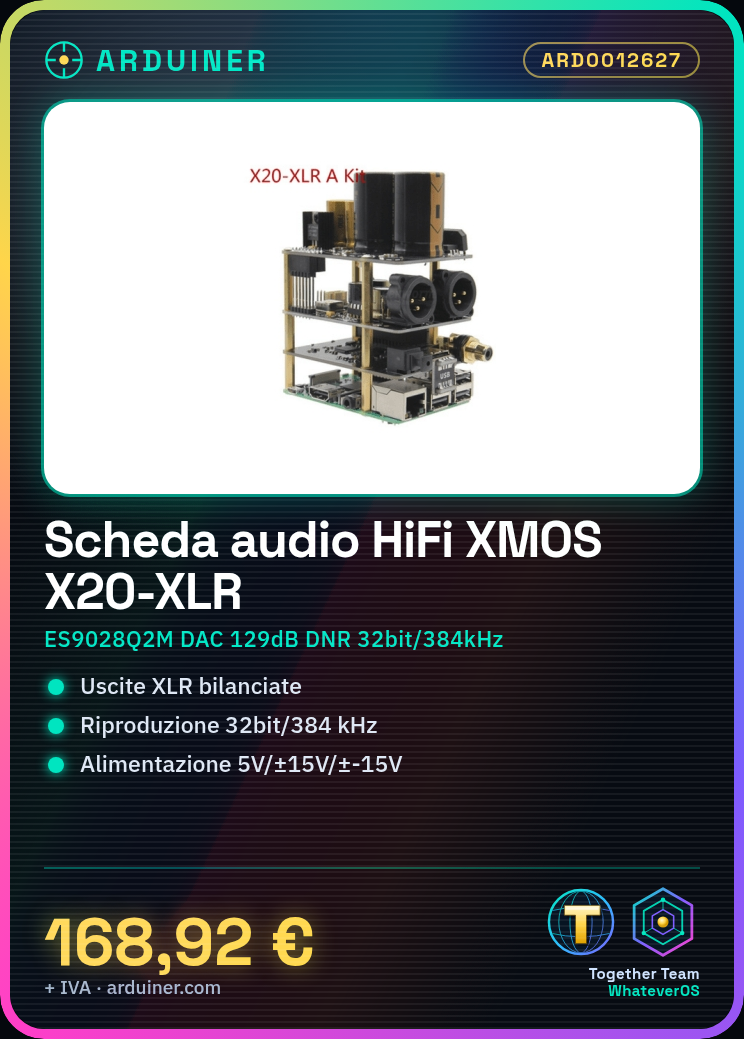
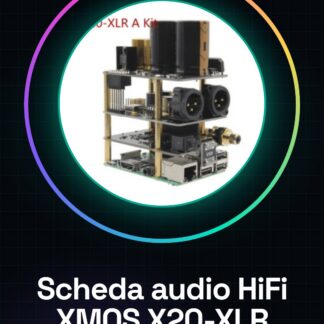
HiFi XMOS ES9028Q2M X20-XLR (X20 XLR A) Audio Card
Features:
-ESS flagship DAC chipset (ES9028Q2M) technology for the best sound quality
-Balanced XLR outputs
-129dB DNR-120dB THD + N
-32bit/384 kHz Bit by Bit Playback and Native DSD Playback (Use with our XMOS I2S module)
-Dual CCR MUSES8920 High Quality J-FET Dual OP AMP
-Ultralow phase noise 100 MHz HiFi TCXO
-Texas Instruments ultra-low noise regulator
-Dedicated individual DVCC, AVCCL, AVCCR, Oscillator A 3.3 V power supply
-Selected high quality components (Panasonic low ESR aluminum electrolytic capacitor, Gold-plated XLR connectors, etc)
-Capable of connecting directly to our XMOS USB-to-I2S module
-Can be used individually with only 3 wire I2S signal connected from other i2s interface
-All single dip8 package IC dual OPAMP can be used
-High performance and compact Raspberry Pi DAC solution for all
Specifications:
-Supply Voltage: + 5Vdc ± 5%, + 15Vdc ± 5%,-15Vdc ± 5%
-Resolution/Sampling Rate: Up to 24bit/192 KHz (Raspberry Pi I2S)
Up to 32bit/384 KHz (Use with XMOS USB to I2S board)
DSD64/DSD128 (Use with XMOS USB to I2S board)
PCBA dimensions: 101.5×56 millimeters x 34.5 millimeters, PWB format: 85×56 millimeters
[X10-PWR SCHEDA di ALIMENTAZIONE]
Features:
-Fully regulated linear power supply board for X10/X20 series DAC
-Texas Instruments ultralow noise TPS7A470x regulator
-Four individual 5.2 V/5.0 V/-15 V/+ 15 V to power Raspberry pi (1), DAC chipset and OPA
-High performance ELNA and Nichicon Audio Purpose Capacitors
-For use with R-core transformer
Specifications:
-Input voltage: 6VAC ± 5% 2.5A, 6VAC ± 5% 0.5A, 15VAC ± 5% 0.55A, 15VAC ± 5% 0.55A
-Output voltage: 5Vdc ± 5% 2.5A, 5Vdc ± 5% 0.5A, + 15Vdc ± 5% 0.5A, -15Vdc ± 5% 0.5A,
-PCBA dimensions: 85mm x 56mm x 50.5 millimeters, PWB format: 85×56 millimeters
Notes:
Low voltage indicator may show during boot, does not affect audio performance
[X10-I2S BORDO XMOS USB A I2S/SPDIF/Coassiale]
Features:
-XMOS xCORE-AUDIO Hi-Res family of parts
-Delivers precise output with low noise/distortion for soothing, high-quality sound
-Ideal HiFi audio solution for Raspberry Pi
-Streams through Raspberry Pi I2S, DSD and/or S/PDIF interfaces
-PCM up to 32bit/384 KHz sampling (see notes)
-Native DSD, DoP64 and DoP128 (see notes)
-Up to 192 kHz, 16/24 bit S/PDIF output resolution
-Asynchronous isochronous transfer from Raspberry Pi
-Multiple OS support (Volumio, Moode Audio Player, Windows, Android, etc)
-SiTime SiT8208 ultra performance oscillator
-Texas Instruments ultra-low noise voltage regulator
Specification:
-Power Supply: + 5Vdc +/-5%
-CODEC: I2S 16, 24, or 32 bit PCM, DSD64 and DSD128
-PCM Sampling Rate: 44.1, 48, 88.2, 96, 176.4, 192, 352.8, 384 KHz
-Optional S/PDIF Output: Up to 192 KHz; 16/24 bit resolution
-PCBA Format: 101.5×56 millimetres x 34.5 millimetres, PWB Format: 85×56 millimetres
Notes:
Not applicable for X10-DAC.
PCM up to 24bit/192 KHz sampling when working with X10-DAC.
Tutorial: How to use HiFi XMOS ES9028Q2M X20-XLR Audio Card
The HiFi XMOS ES9028Q2M X20-XLR audio card is ideal for those seeking a high-quality audio experience. This device is suitable for audio enthusiasts looking to improve the sound quality of their systems.
What you need
- Arduino or compatible microcontroller
- XLR Connections
- 5V Power Supply
- Configuration Software
Steps
- Connect the audio board to the microcontroller via the appropriate connectors.
- Check the correct power supply of the board (5V).
- Configure the audio board control software.
- Verify XLR connectivity.
- Test the audio with a test file.
- Adjust audio parameters through the configuration software.
- Verify system functionality with headphones or a speaker.
- Optimize audio settings for best performance.
Mini project
Create an improved home audio system with the HiFi XMOS ES9028Q2M X20-XLR audio board and an Arduino.
Common mistakes
- Ensure the audio board is correctly powered.
- Verify correct XLR connector connection.
- Correctly configure the control software.
- Optimize audio settings for optimal performance.
Recommended accessories
- Arduino Uno R3
- XLR Connections
- Speaker or Headphones
- Audio Card Configuration Software
Frequently asked questions
How can I verify that the audio card is functioning correctly?
Test the card with a test audio file and listen through headphones or a speaker.
What are the power requirements?
The card requires a 5V power supply. Check the datasheet for additional specifications.
How can I optimize audio quality?
Adjust audio parameters through the configuration software and verify settings for optimal performance.
 EN
 IT Italiano
 ES Español
 FR Français
 DE Deutsch
Reviews
There are no reviews yet.