 EN
 IT Italiano
 ES Español
 FR Français
 DE Deutsch
Description
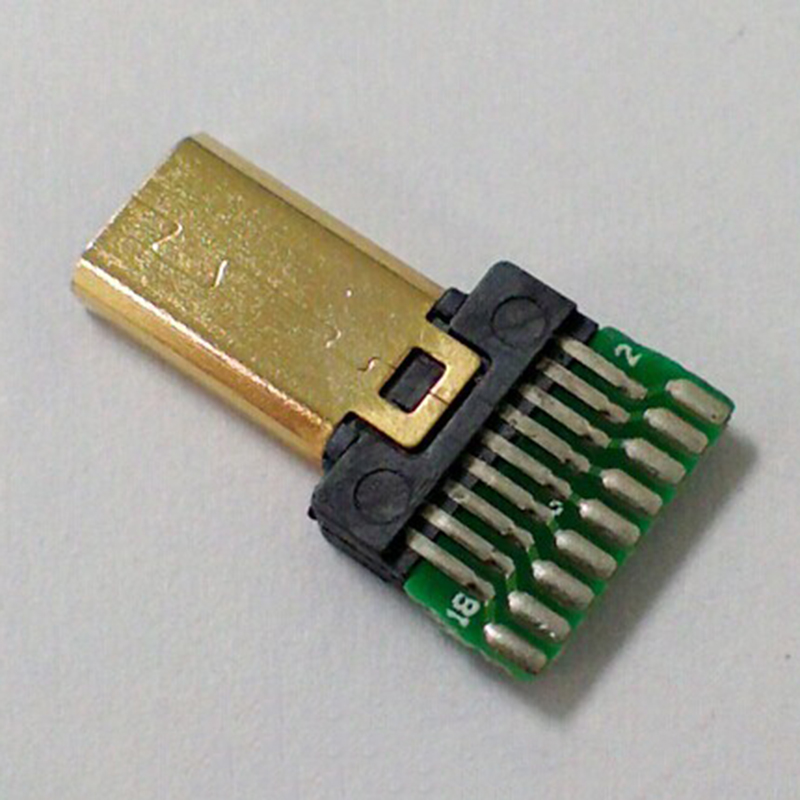
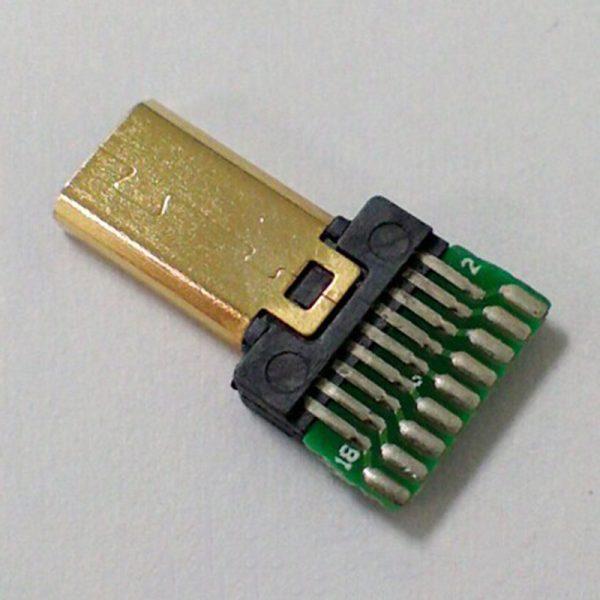
What is the HDMI D Male Breakout Adapter? The HDMI D Male Breakout Adapter is a useful component for electronic projects requiring HDMI connectors. This board allows you to easily connect HDMI connectors to your PCB circuits, simplifying the integration of video input/output functionalities in your projects. Features – PCB adapter for HDMI D male connectors – Ideal for Arduino and electronics projects What does it do? The HDMI D breakout board is perfect for makers who want to integrate simple and direct video input/output functionalities into their projects. You can use it to create an interactive video display that shows real-time information, such as in Arduino or ESP-based projects. How to Use the HDMI Male Breakout Board The HDMI male breakout board allows you to easily connect HDMI connectors to your electronic projects. Ideal for makers who want to integrate simple and direct video input/output functionalities. What is needed – An Arduino Uno or compatible – HDMI cable – Connection to a PC Steps 1. Install the board on your electronic project. 2. Connect the HDMI cable to the HDMI male connector of the board. 3. Verify the connection between the board and your device (e.g., PC, TV). 4. If necessary, use configuration software to set up the board’s functions. 5. Insert Arduino code to manage video input/output. 6. Check the datasheet for power specifications. 7. Test the connection and project functionality. 8. Optimize your project based on specific needs. Example Code void setup() { // Set up HDMI board functions } void loop() { // Manage video input/output } Mini-project Create an interactive video display for your Arduino project, showing real-time information. Common mistakes – Not verifying HDMI cable compatibility. – Incorrectly configuring the board. – Improperly managing power supply to the board. – Failing to test the connection before using the project. Recommended Accessories – HDMI cable – USB power adapter – TV or compatible monitor – Electronic connection kit Frequently Asked Questions What specifications do I need to check? Check the datasheet for power and HDMI compatibility specifications. Can I connect the board directly to a PC? Yes, but ensure that the HDMI cable is compatible and the board is correctly configured.
Reviews
There are no reviews yet.