 EN
EN IT Italiano
 ES Español
 FR Français
 DE Deutsch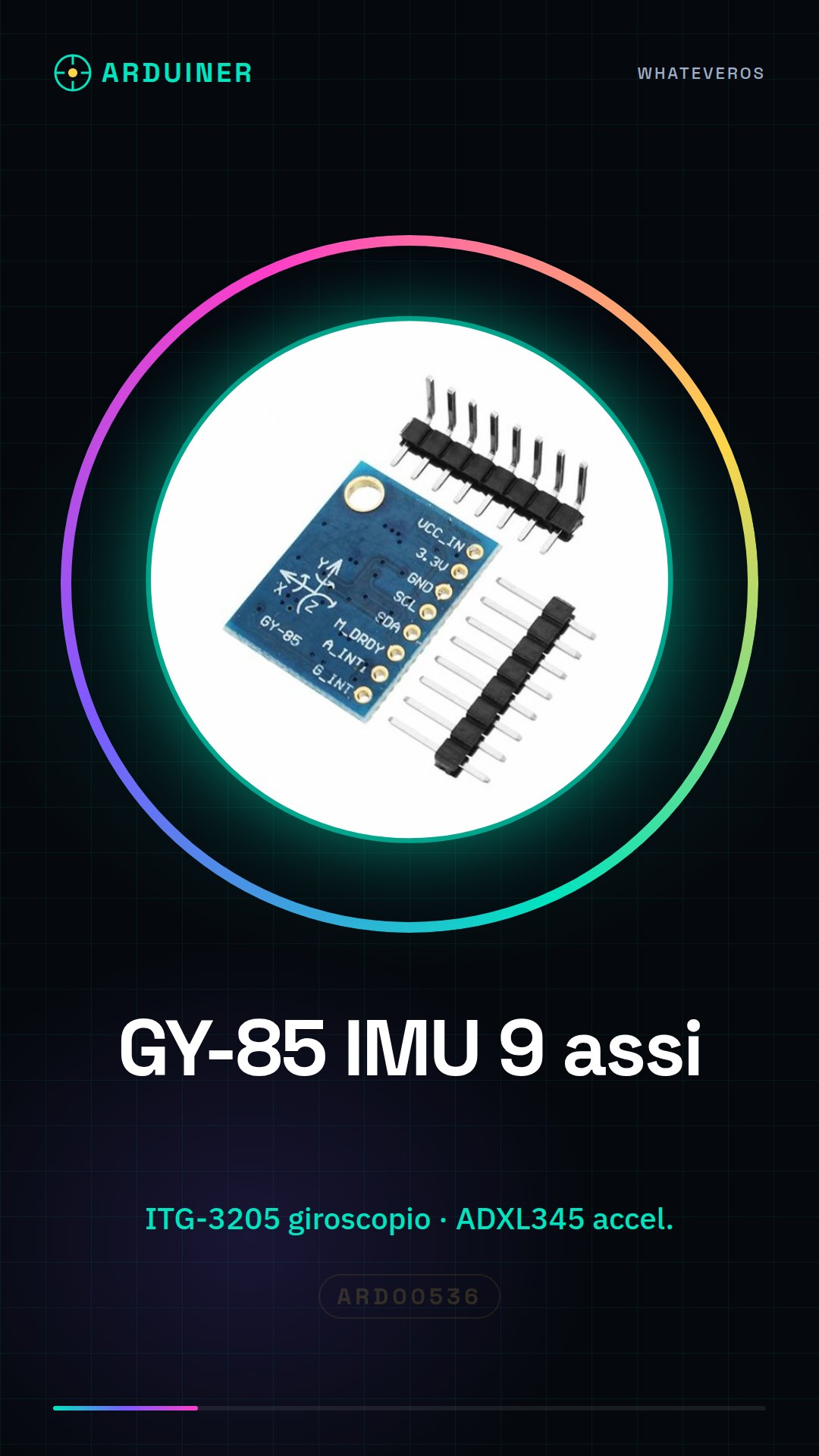
Description
What it is
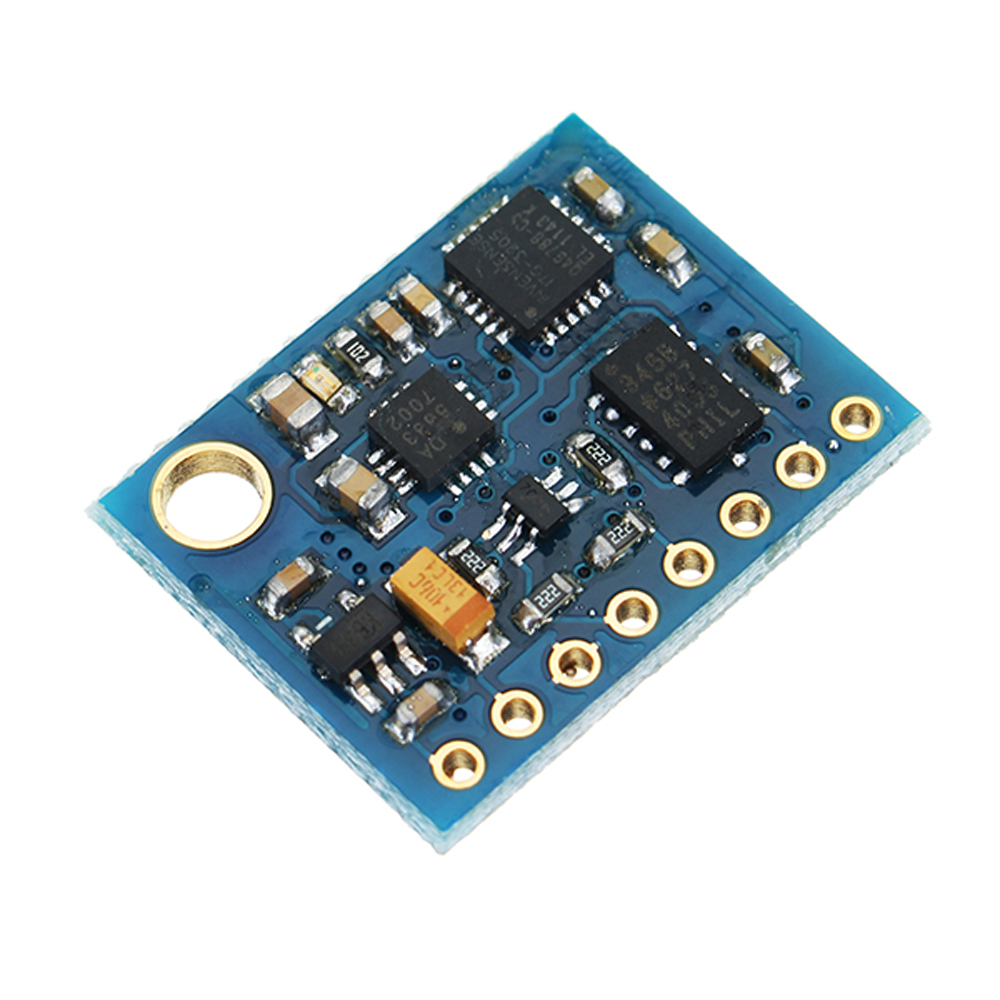
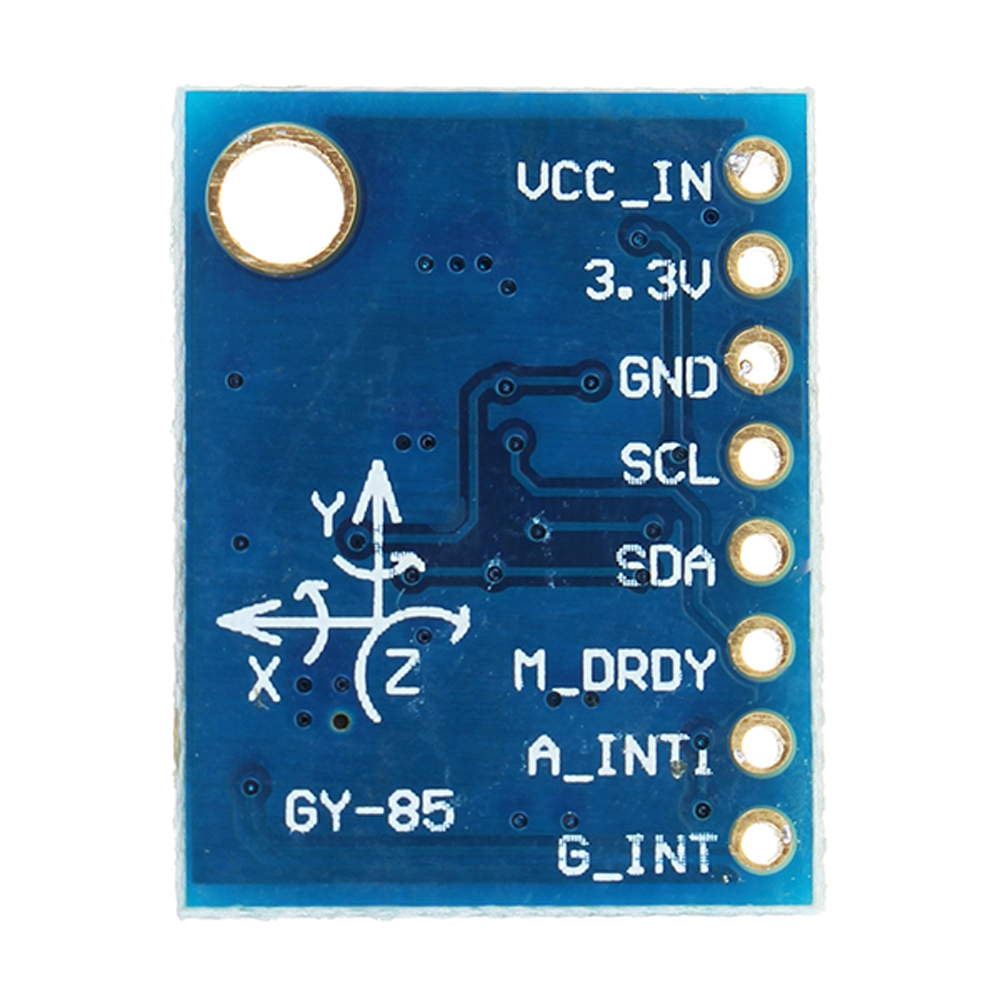
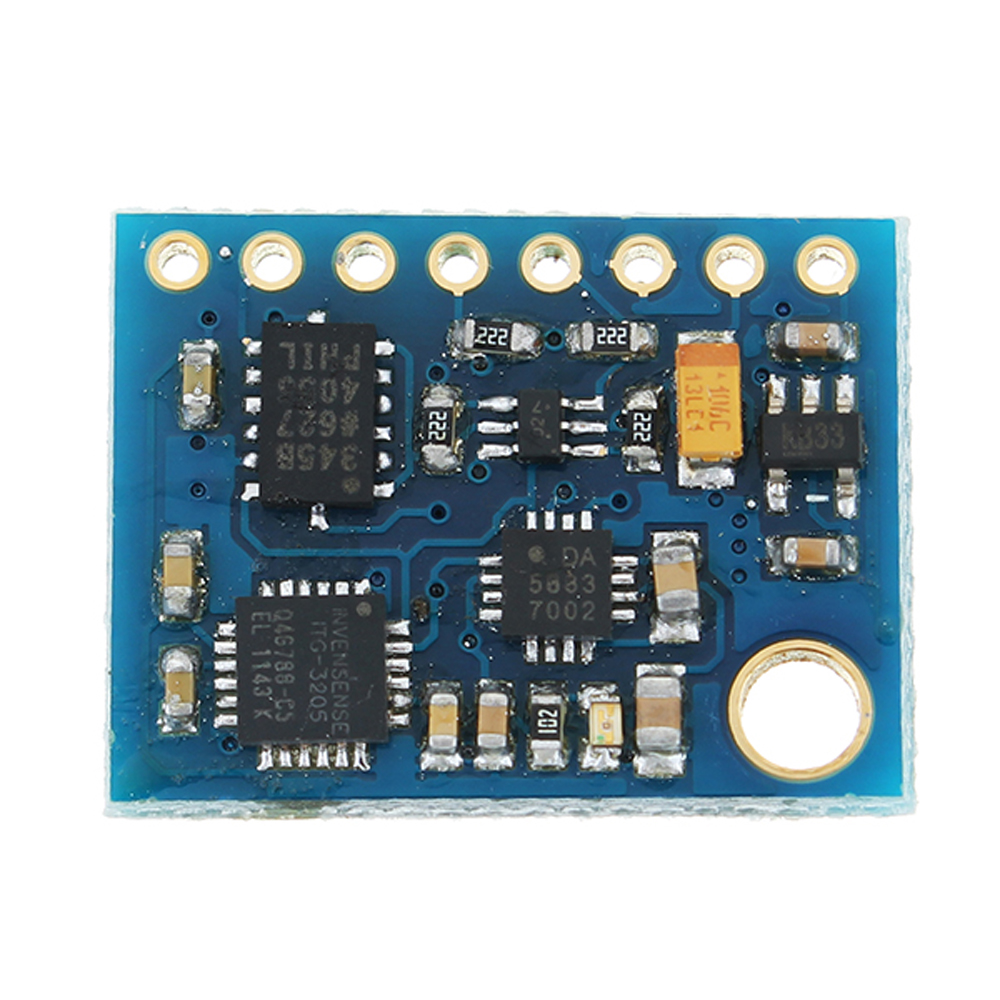
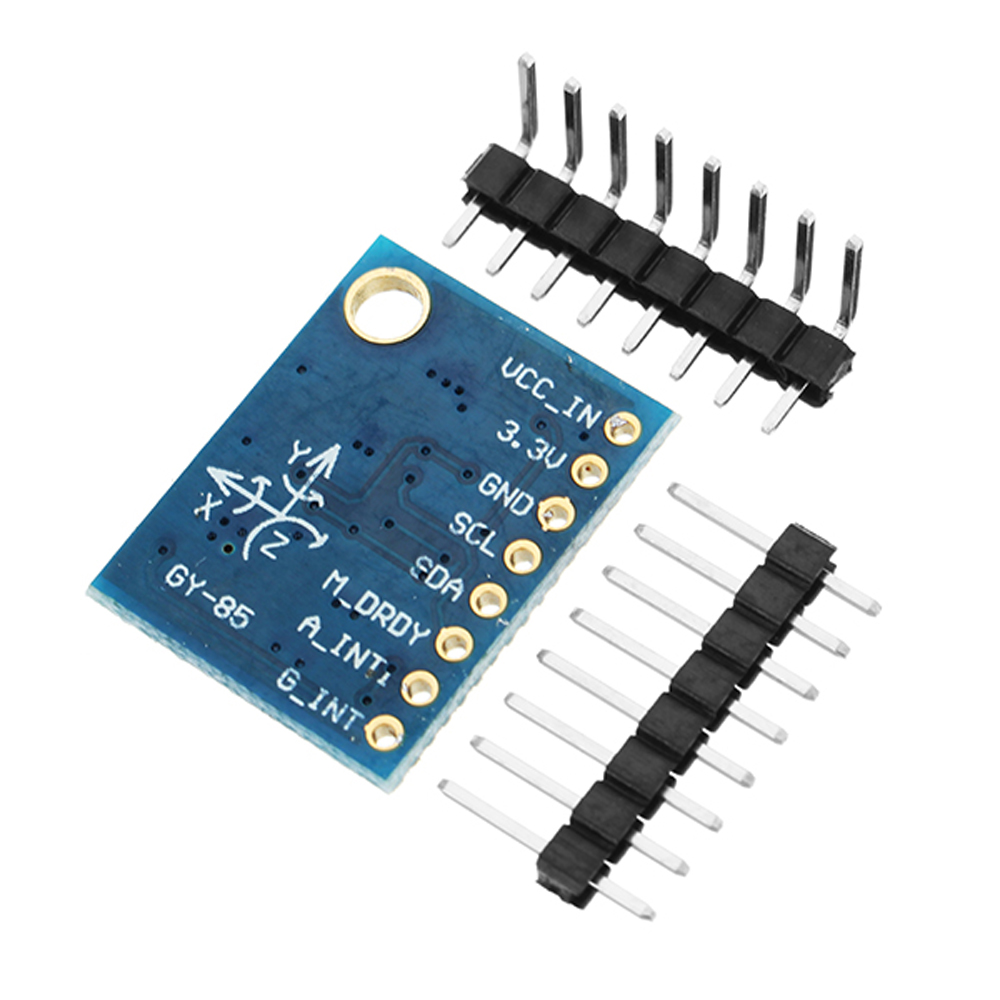
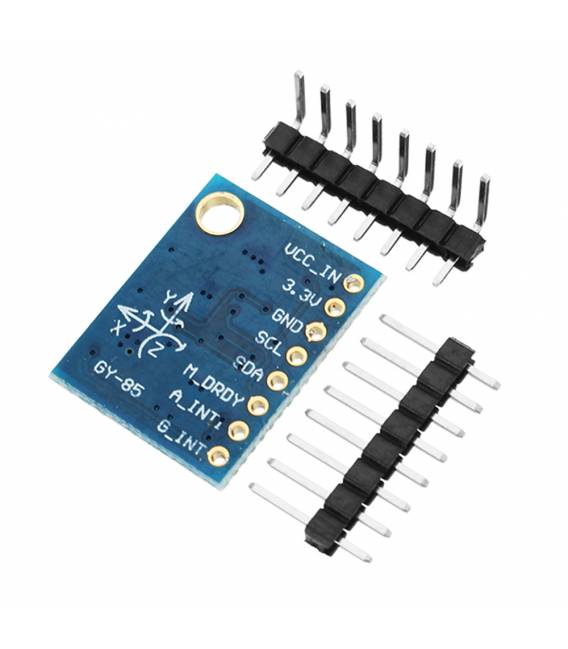
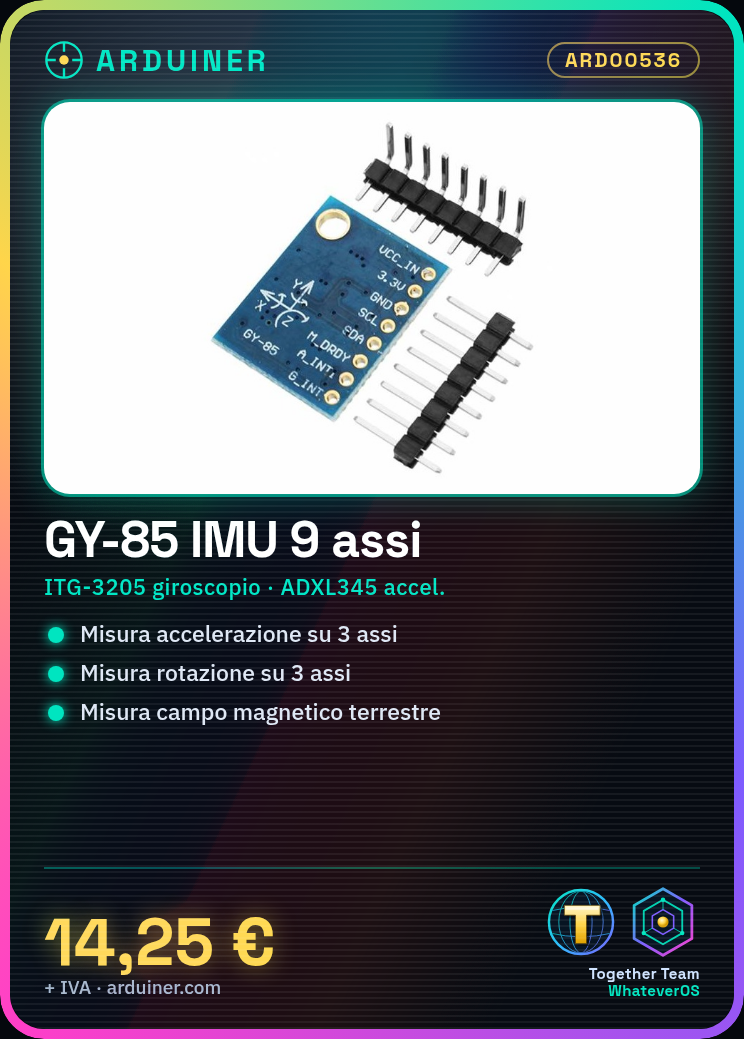
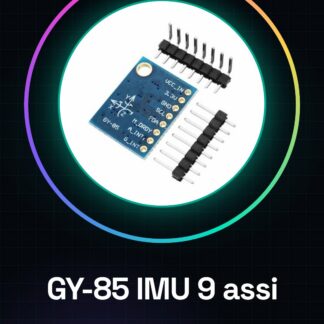
The GY-85 IMU 9-axis is a multi-sensor that integrates gyroscope, accelerometer, and magnetometer. This device combines the functionalities of three sensors into one for easy measurement of acceleration, rotation, and Earth’s magnetic field.
Features
- Gyroscope ITG-3205 (check the datasheet)
- Accelerometer ADXL345 (check the datasheet)
- Magnetometer HMC5883L (check the datasheet)
- Pressure Sensor BMP085 (check the datasheet)
What it is for
Ideal for robotics, drones, and orientation systems projects. The GY-85 is compatible with Arduino and ESP32/ESP8266.
Tutorial: How to use GY-85
The GY-85 is a multi-axis sensor that measures acceleration, gyroscope, and magnetometer. Ideal for movement and orientation projects.
What you need
- Arduino UNO or compatible
- Dupont cable
- 10kΩ resistor
Steps
- 1. Installation: Download the I2C driver for Arduino.
- 2. Connection: Connect GY-85 to Arduino via Dupont cable.
- 3. Configuration: Use Wire.h to configure the sensors.
- 4. Code: Insert the code to initialize the sensors.
- 5. Test: Verify the output data with Serial Monitor.
- 6. Calibration: Calibrate the magnetometer to improve accuracy.
- 7. Usage: Integrate the data into your motion projects.
- 8. Debug: Check the datasheet if necessary.
Example code
```cpp
#include <Wire.h>
#include <Adafruit_Sensor.h>
#include <Adafruit_BMP085_U.h>
#include <Adafruit_BNO055.h>

Adafruit_BNO055 bno = Adafruit_BNO055();

void setup() {
  Serial.begin(9600);
  if (!bno.begin()) {
    Serial.println("No BNO055 detectedn");
    while (1) {
      delay(100);
    }
  }
  Serial.println("BNO055 sensor initializedn");
}

void loop() {
  sensors_event_t a, g, temp;
  bno.getEvent(&a, &g, &temp);
  Serial.print("X:"); Serial.print(a.acceleration.x);
  Serial.print(" Y:"); Serial.print(a.acceleration.y);
  Serial.print(" Z:"); Serial.println(a.acceleration.z);
}
```
Mini project
Create a 3D orientation project using the magnetometer and gyroscope data.
Common mistakes
- Do not calibrate the magnetometer.
- Forget to check the data on the datasheet.
- Incorrectly connect the pins.
- Incorrect use of I2C drivers.
Recommended accessories
- Arduino UNO
- Dupont cable
- 10kΩ resistor
Frequently asked questions
How to calibrate the magnetometer?
Run calibrate_magnetometer() in a dedicated loop.
What data is available?
Acceleration, gyroscope, and temperature events.
Why use I2C?
For efficient communication between Arduino and GY-85.
Reviews
There are no reviews yet.