 EN
EN IT Italiano
 ES Español
 FR Français
 DE Deutsch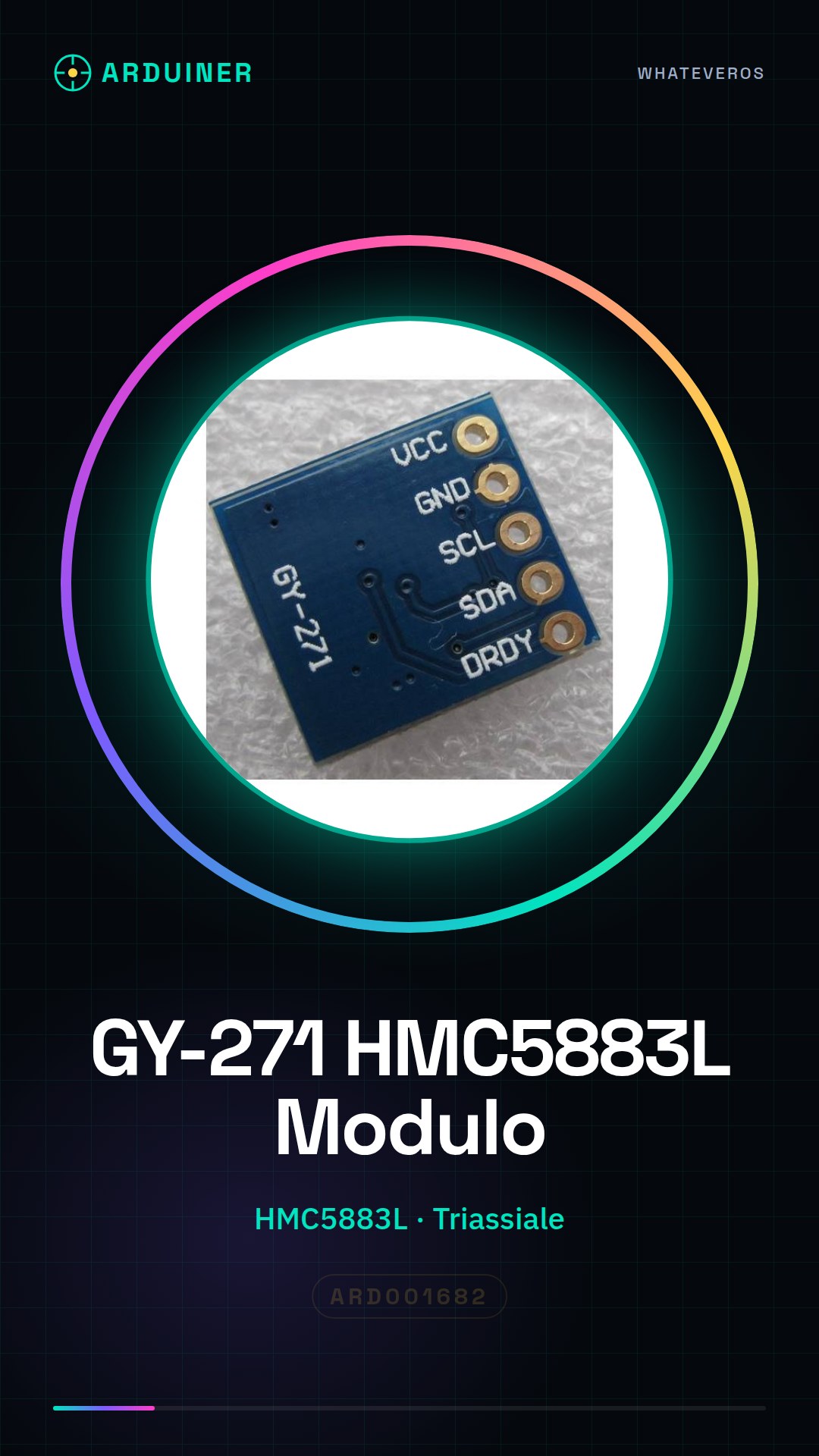
Description
What it is
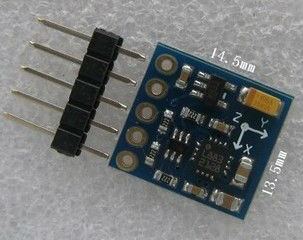
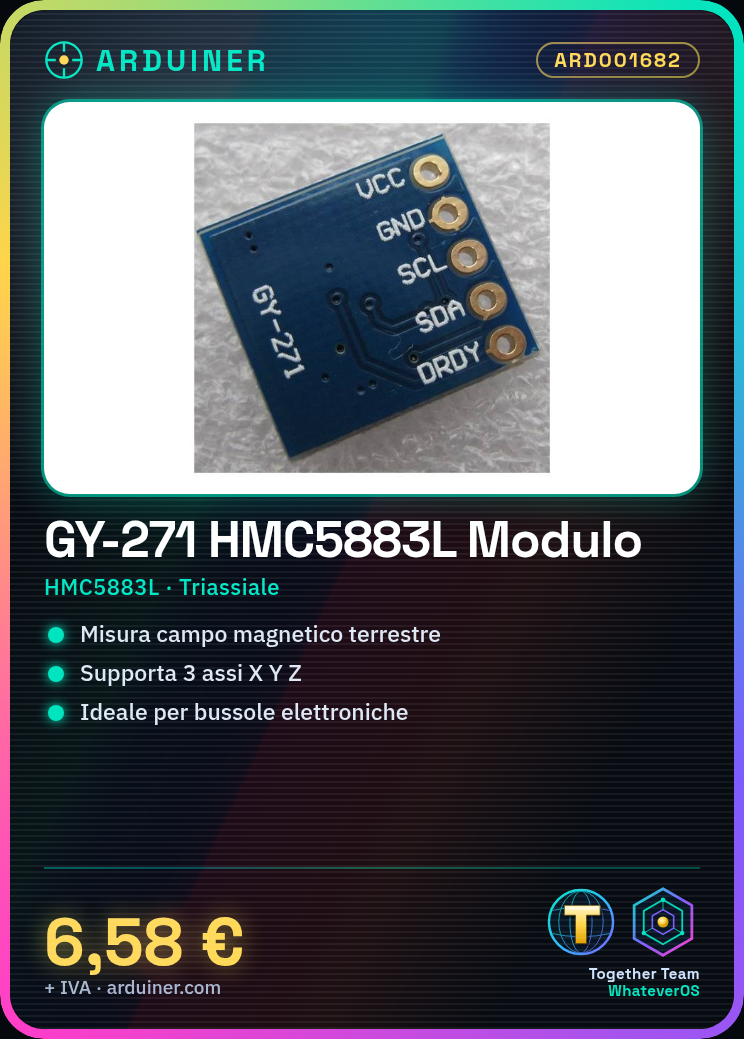
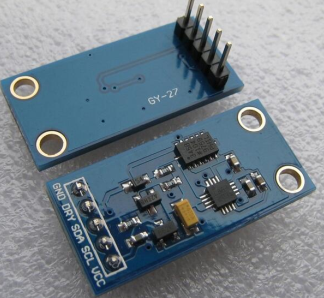
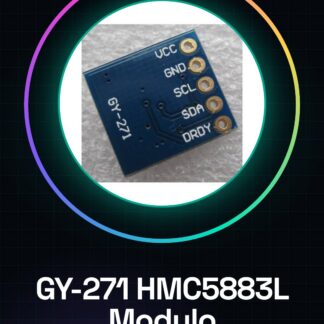
The GY-271 HMC5883L is a triaxial magnetic sensor module, used to measure the Earth’s magnetic field. This device is ideal for projects that require direction and orientation determination.
Features
- Triaxial Magnetic Sensor HMC5883L
- Measures the Earth’s magnetic field in 3 axes (X, Y, Z)
- Perfect for Arduino and robotics projects
What it is for
This module is used to create electronic compasses, navigation devices, or orientation sensors. It is compatible with Arduino and can be integrated into various types of projects that require direction determination.
Tutorial: How to Use the HMC5883L Triaxial Magnetic Sensor Module
The HMC5883L module is a triaxial magnetometric sensor that allows measuring the direction of the Earth’s magnetic field. It is ideal for makers and students who want to create projects such as electronic compasses, navigation devices, or orientation sensors.
What you need
- Arduino Uno
- Computer with Arduino IDE installed
- USB Type B cable
Steps
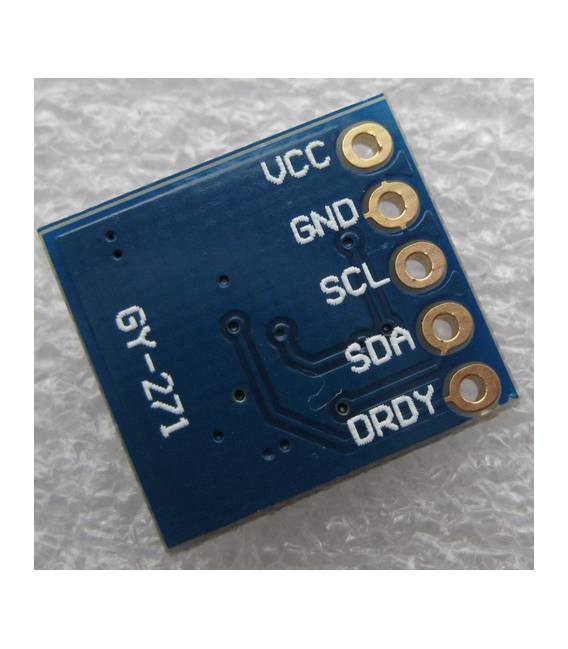
- Connect the following pins of the HMC5883L module to the Arduino: VCC to 5V, GND to GND, SDA to A4 (SDA), SCL to A5 (SCL).
- Open the Arduino IDE software and load the Adafruit_HMC5883 library.
- Include the library in your code: #include
. - Instantiate the sensor object: Adafruit_HMC5883_Unified hmc = Adafruit_HMC5883_Unified(1);
- Initialize the sensor in the setup(): if (!hmc.begin(8)) Serial.println(F(“Initialization error HMC5883”));
- In the loop(), read the magnetic field data: float x, y, z; hmc.getMag(&x, &y, &z);
- Display measurements on the serial monitor: Serial.print(x); Serial.print(“, “); Serial.print(y); Serial.print(“, “); Serial.println(z);
- Save and upload the code to the Arduino.
Example code
// Includi la libreria
#include <Adafruit_HMC5883.h>
// Instanzia l'oggetto del sensore
Adafruit_HMC5883_Unified hmc = Adafruit_HMC5883_Unified(1);
void setup() {
  Serial.begin(9600);
  if (!hmc.begin(8)) Serial.println(F("Errore inizializzazione HMC5883"));
}
void loop() {
  float x, y, z;
  hmc.getMag(&x, &y, &z);
  Serial.print(x); Serial.print(", "); Serial.print(y); Serial.print(", "); Serial.println(z);
}
Mini project
Create an electronic compass that displays north, south, east, or west on the LCD display connected to the Arduino.
Common mistakes
- Pin connection error
- Library configuration issues
- Insufficient power supply
- Incorrect data from the sensor
Recommended accessories
- LCD 16×2 module
- Batteries for Arduino
- HC-05 Bluetooth Receiver
- Ambient light sensors
Frequently asked questions
How can I calibrate the HMC5883L module?
Check the sensor datasheet for specific calibration instructions.
What is the precision of the HMC5883L module?
Precision varies, check the datasheet for exact details.
Reviews
There are no reviews yet.