 EN
 IT Italiano
 ES Español
 FR Français
 DE Deutsch

Description
What it is
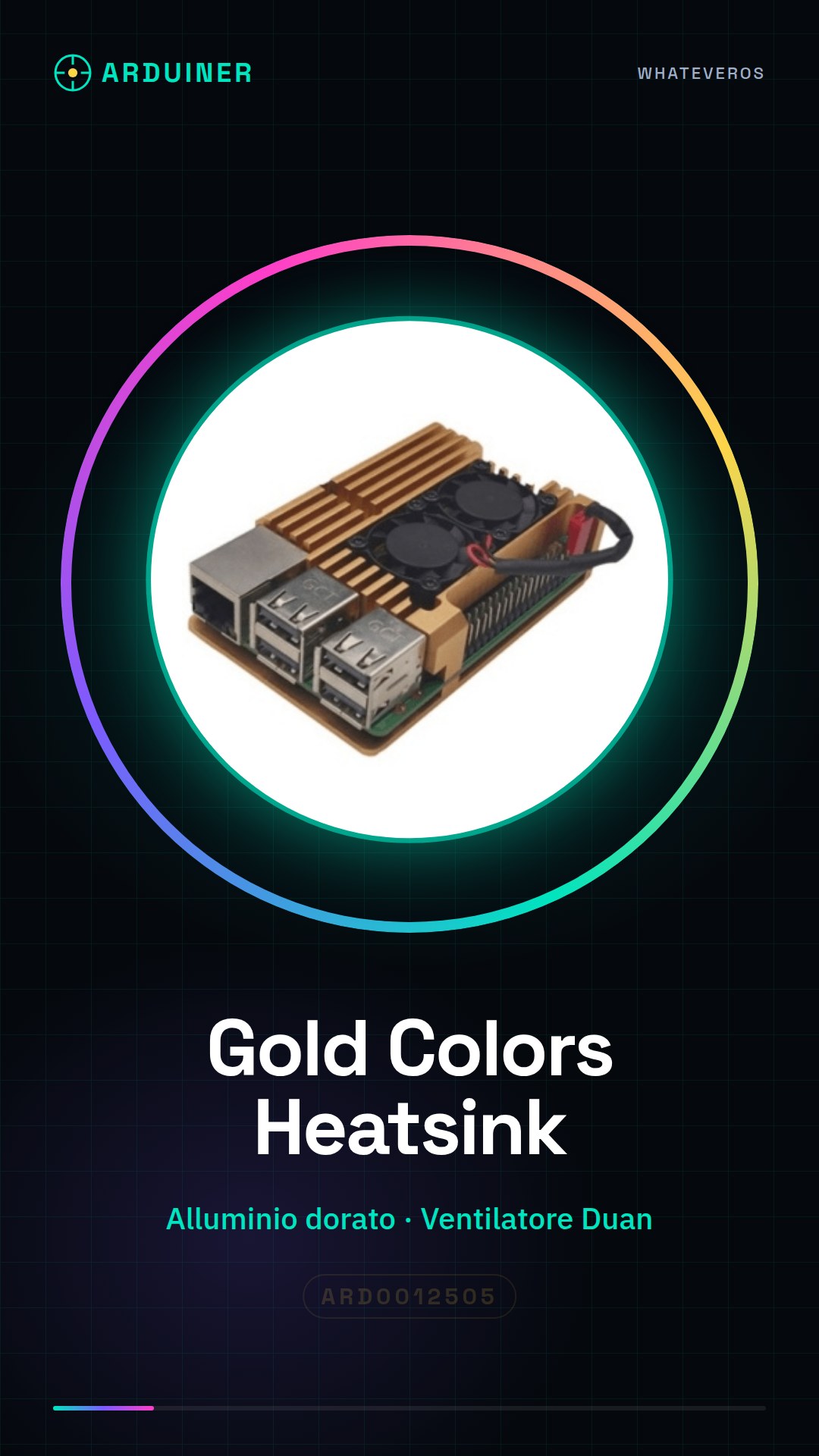
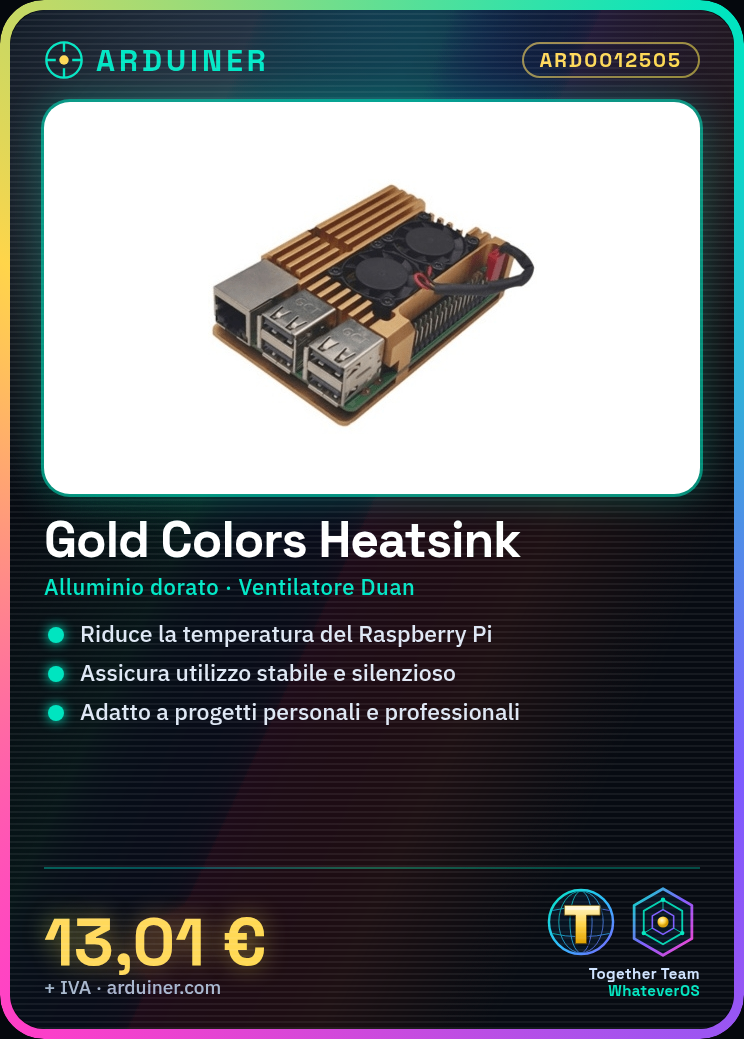
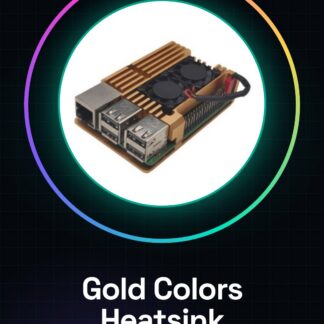
The Gold Colors Heatsink for Raspberry PI 3 B+ is a cooling device that uses a large golden aluminum heat sink and an integrated Duan fan to reduce the temperature of your Raspberry Pi during intensive use.
Features
- Golden aluminum heat sink
- Integrated Duan fan
- Compatible with Raspberry PI 3 B+
What it is for
Ideally, this heat sink is used to improve the cooling of the Raspberry Pi 3 B+, ensuring a more stable and quiet operation. It is suitable for both personal and professional projects, such as creating weather stations or any other device that requires long continuous operation sessions.
Tutorial: How to use Gold Colors Raspberry PI 3 B+ Big Aluminum Heatsink With Duan Fan
This heat sink with fan is ideal for improving the cooling of your Raspberry Pi 3 B+, ensuring a more stable and quiet operation. Perfect for beginners who want to protect their desktop computer.
What you need
- Raspberry PI 3 B+
- Phillips screwdriver
- thermal paste (optional)
- velvet brush
Steps
- Disconnect the power completely from the Raspberry Pi 3 B+ for safety.
- Use a Phillips screwdriver to remove any components that may obstruct the installation of the heat sink.
- Apply a thin layer of thermal paste on the CPU of the Raspberry Pi (check the datasheet for the correct amount).
- Position the heat sink over the CPU and make sure it is centered.
- Connect the fan power to the 5V/GND bus of the Raspberry Pi or to an external power source (check the datasheet for the correct pins).
- Ensure that the heat sink and fan are securely attached without any issues.
- Reconnect power to the Raspberry Pi and run an initial test.
- Monitor system efficiency with tools like ‘vcgencmd measure_temp’ in the terminal.
Mini project
Create a weather station with your Raspberry Pi 3 B+, using this heat sink to keep the device cool during long data collection sessions.
Common mistakes
- Applying too much thermal paste
- Not securing the fan correctly
- Connecting the fan to the wrong voltage
- Omitting the initial test
Recommended accessories
- Raspberry Pi 3 B+
- Thermal paste brush kit
- External power supply
- DHT22 temperature and humidity sensors
Frequently asked questions
Why is it important to use thermal paste?
Thermal paste reduces the thermal resistance between the chip and the heat sink, improving cooling efficiency.
The fan is too noisy. What can I do?
Check that it is properly mounted and connected to the correct voltage. You could also reduce the rotation speed if possible.

Reviews
There are no reviews yet.