 EN
 IT Italiano
 ES Español
 FR Français
 DE Deutsch
Description
What it is
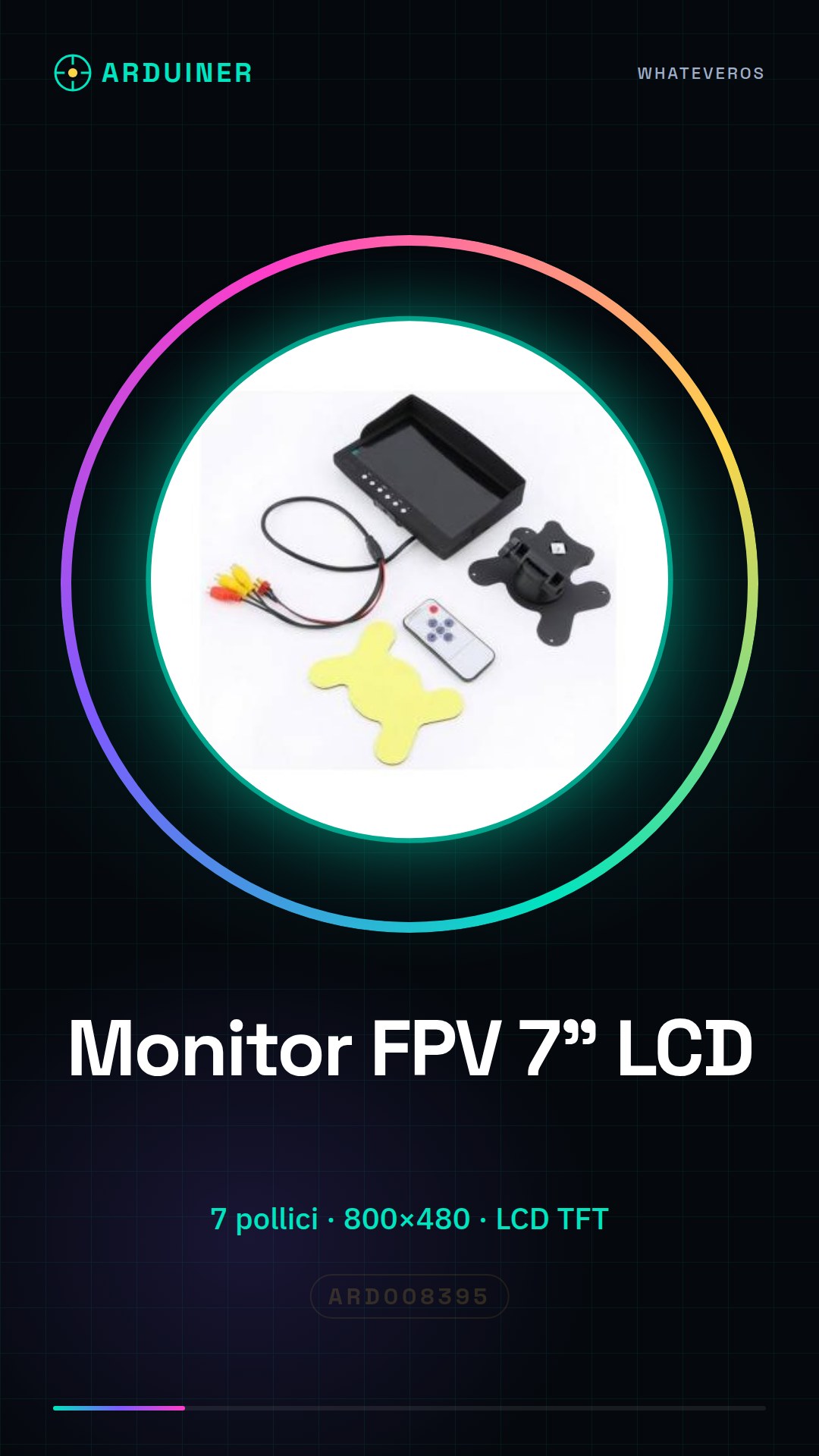
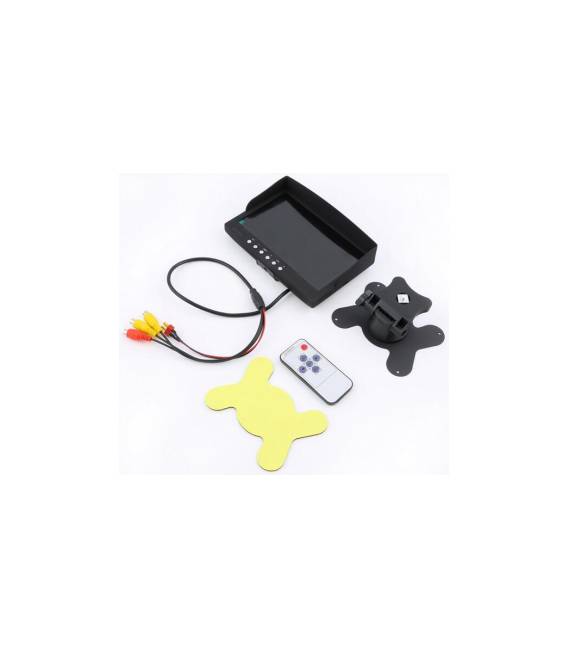
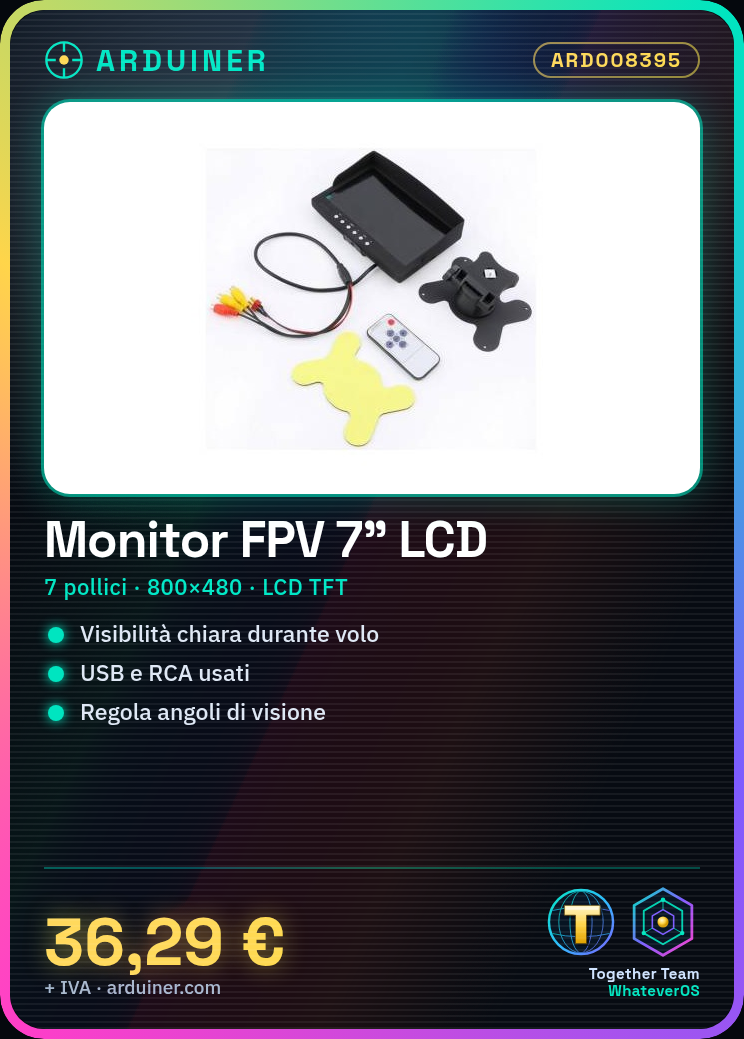
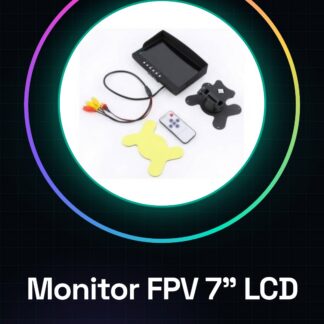
7 inch FPV Drone Monitor with 800×480 LCD TFT screen resolution.
Features
- Screen size: 7 inches
- Screen technology: LCD TFT
- Resolution: 800×480
What it is for
This monitor is ideal for drone pilots and aeromodellers who want clear visualization during flight missions. It can be used to set up a complete FPV system.
Tutorial: How to use 7 inch HD LCD TFT FPV Monitor
The high-definition liquid crystal display FPV drone monitor is ideal for both novice and experienced pilots who want clear visualization during flight missions. This tutorial guides you through the necessary steps to correctly connect it to your FPV system.
What you need
- Drone with FPV system
- TX/RX Antenna
- USB Power Supply
- RCA Video Cable
Steps
- Connect the USB power supply to the monitor
- Connect the RCA video cable to the video output of your FPV system and to the monitor
- Check the TX/RX channel configuration and monitor to ensure a stable connection
- Adjust the viewing angles of the monitor for a clear image
Mini project
Configure your FPV system with this 7-inch HD monitor to create a complete setup for use during flight sessions.
Common mistakes
- Do not check the TX/RX channel configuration and monitor
- Connect the RX antenna to the monitor instead of the FPV receiver
- Use a video resolution not supported by the monitor
Recommended accessories
- RX Antenna for FPV drones
- Portable USB power supply
- High-quality RCA video cable
- Drone with integrated FPV system
Frequently asked questions
My monitor won’t turn on.
Check that the power supply is correct and the video cable is properly connected.
How can I adjust the monitor’s brightness?
Use the control buttons on the back of the monitor to adjust the brightness.
Reviews
There are no reviews yet.