 EN
EN IT Italiano
 ES Español
 FR Français
 DE Deutsch
Description
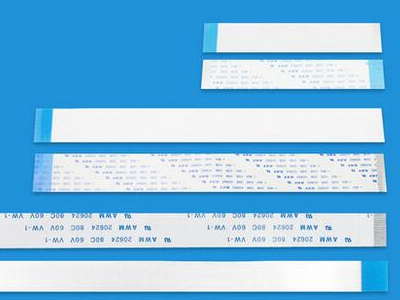
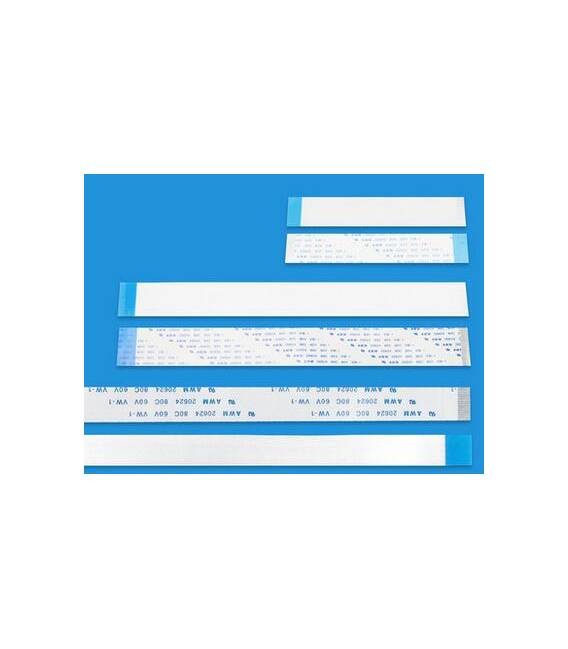
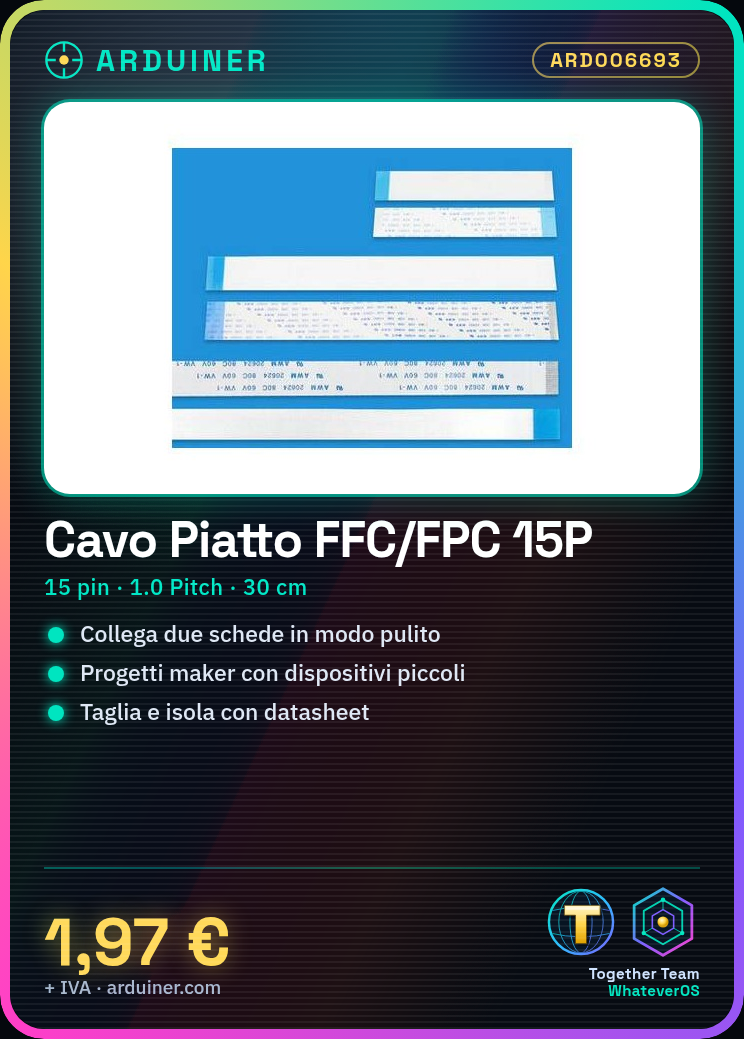
Flexible Flat Cable FFC/FPC 15P 1.0 Pitch 30CM A-B Tutorial: How to Use Flexible Flat Cable FFC/FPC
This flat flexible cable FFC/FPC is ideal for safely and cleanly connecting two boards or devices. It is particularly useful for makers working with small electronic devices. What you need Arduino Motherboard Device-to-device connections Steps: Verify the cable specifications (number of pins, length) to ensure compatibility with your devices. Prepare the cable ends if necessary. Check the datasheet for instructions on cutting and isolating the cable. Connect one end of the cable to device A, ensuring each pin is correctly positioned. Repeat the same process to connect the other end of the cable to device B. Check the electrical connection with a multimeter or oscilloscope if available, verifying that the pins are correctly connected without shorts. If necessary, apply plastic or another protective material to ensure the cable’s longevity. Test the entire system to ensure everything works as expected. If issues arise, check each connection and verify the pins on the datasheet. Mini-project: Create a communication system between two Arduinos using the FFC/FPC cable. Connect Arduino A to a sensor and Arduino B to a display, transmitting data from the sensor to the display. Common errors: Incorrect pin connections Short circuits between pins Insufficient physical connection Incompatible cable with devices Recommended accessories: Multimeter Digital oscilloscope Cable cutting and isolation tool FFC/FPC protective cover


Reviews
There are no reviews yet.