 EN
 IT Italiano
 ES Español
 FR Français
 DE Deutsch
Description
What it is
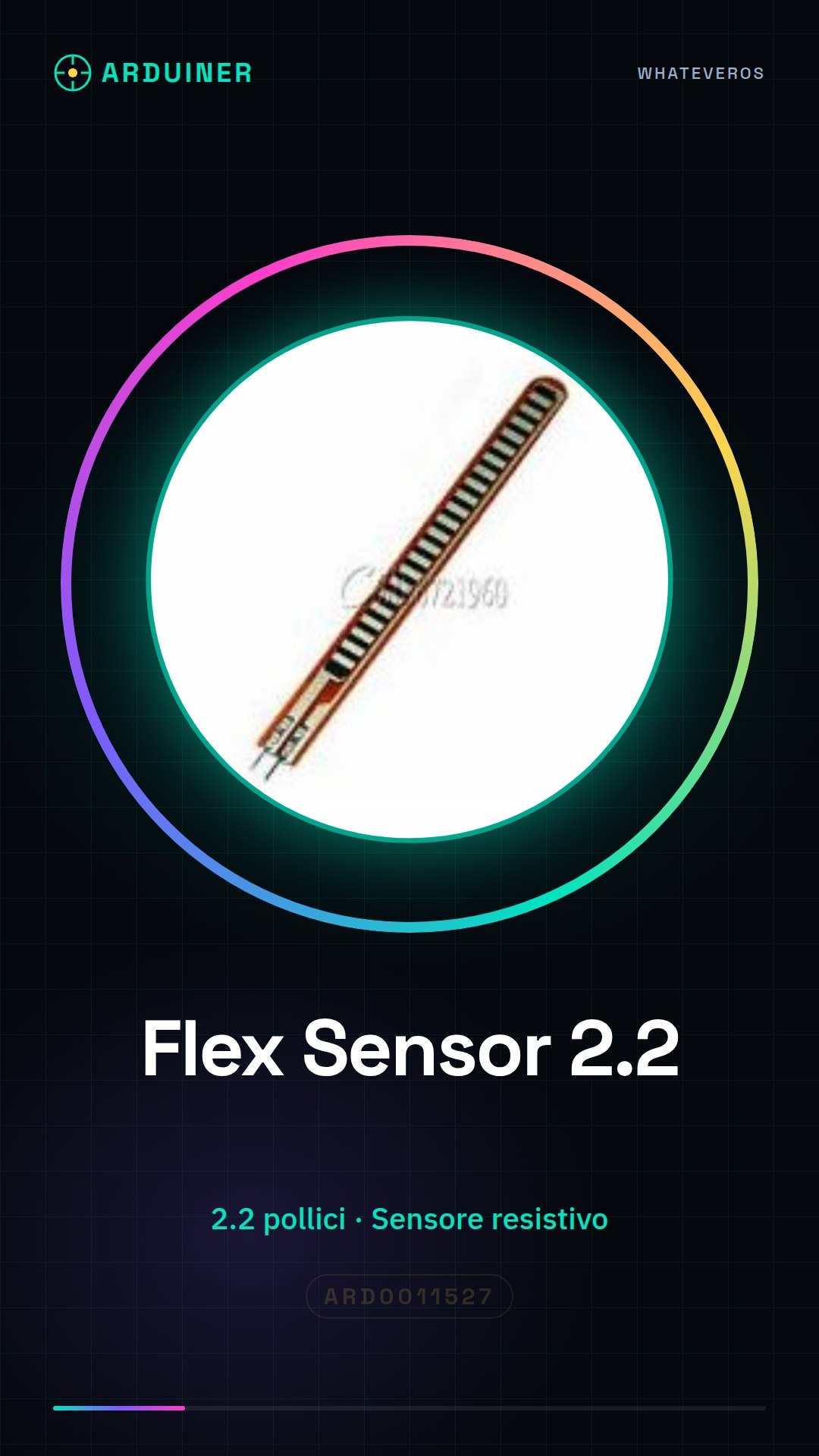
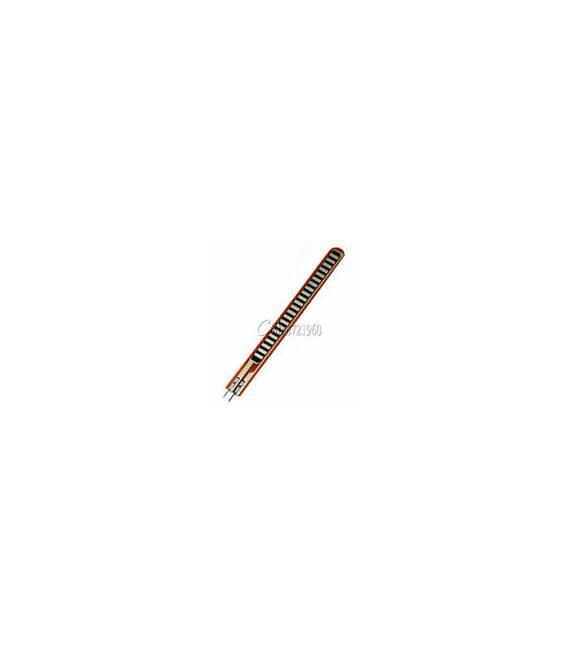
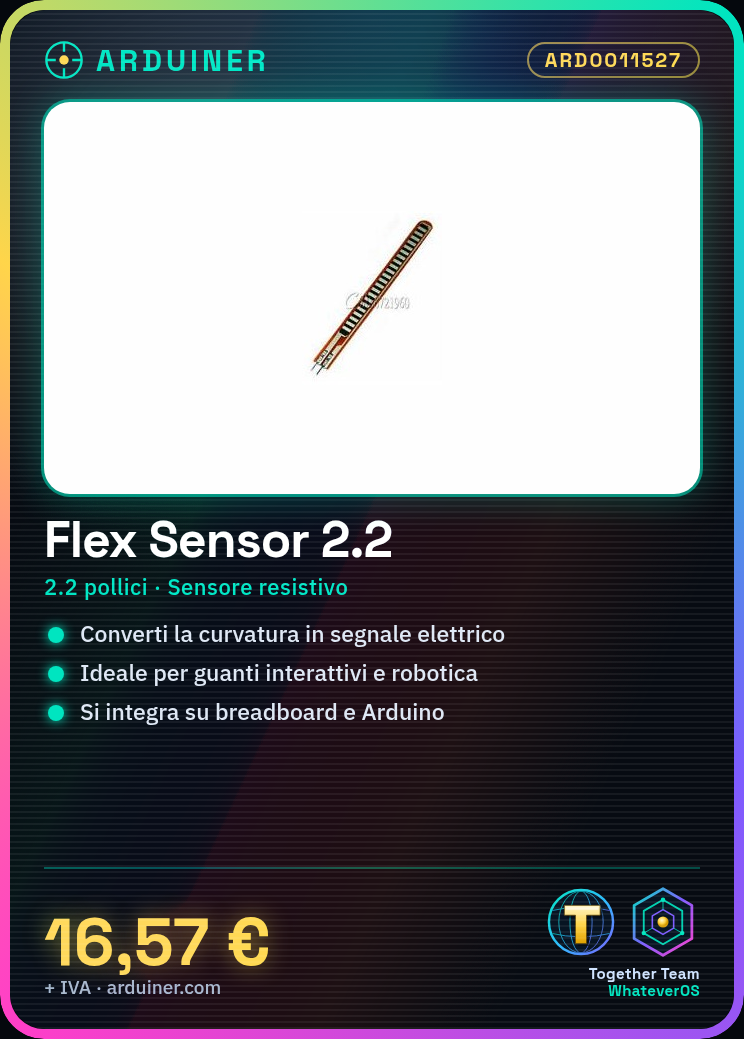
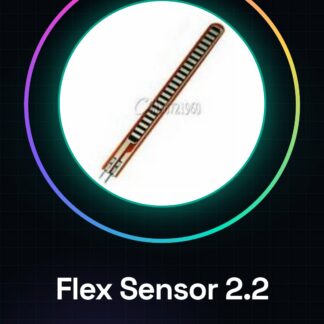
The Flex Sensor 2.2″ is a resistive sensor that measures curvature. It allows for detecting the bending of a material and converting this variation into an electrical signal.
Features
- Dimensions: 2.2 inches
- Type: Resistive sensor
- SKU: ARD0011527
- Price: 16.57 €
What it is for
The Flex Sensor 2.2″ is ideal for interactive projects, robotics, and applications requiring bending measurement. It can be used, for example, to create an interactive glove that detects finger bending or a control system for a robot. Compatibility with Arduino and ESP should be verified in the datasheet.
Tutorial: How to use Flex Sensor 2.2
The Flex Sensor 2.2 is a resistive sensor that measures the curvature of bending, ideal for interactive projects and robotics. This component is perfect for both beginners and more experienced makers.
What you need
- Arduino Uno
- Flex Sensor 2.2
- Jumper wire
- Breadboard
Steps
- Connect the Flex Sensor to the breadboard using jumper wires.
- Connect a pull-up resistor (check the datasheet) between the sensor output and the VCC voltage.
- Connect the anode end of the sensor to a digital pin on the Arduino.
- Upload the Arduino sketch to the Arduino Uno to read the sensor values.
- Display the data on the Arduino serial monitor.
- Record the changes in resistance during the bending of the sensor.
Example code
const int flexPin = A0;

void setup() {
  Serial.begin(9600);
}

void loop() {
  int sensorValue = analogRead(flexPin);
  Serial.println(sensorValue);
}
Mini project
Create a prototype of an interactive glove that detects finger bending and sends data to the computer.
Common mistakes
- Do not connect a pull-up resistor, the sensor may not work correctly.
- Ignore the power supply voltage required by the sensor.
- Use a digital pin instead of an analog one to read the sensor values.
Recommended accessories
- Arduino Uno
- Breadboard
- Jumper wires
- Pull-up resistor
Frequently asked questions
What is the power supply voltage for the Flex Sensor?
Check the datasheet.
How can I improve the sensitivity of the sensor?
Add an RC filter or use a more suitable pull-up resistor.



Reviews
There are no reviews yet.