 EN
 IT Italiano
 ES Español
 FR Français
 DE Deutsch
Description
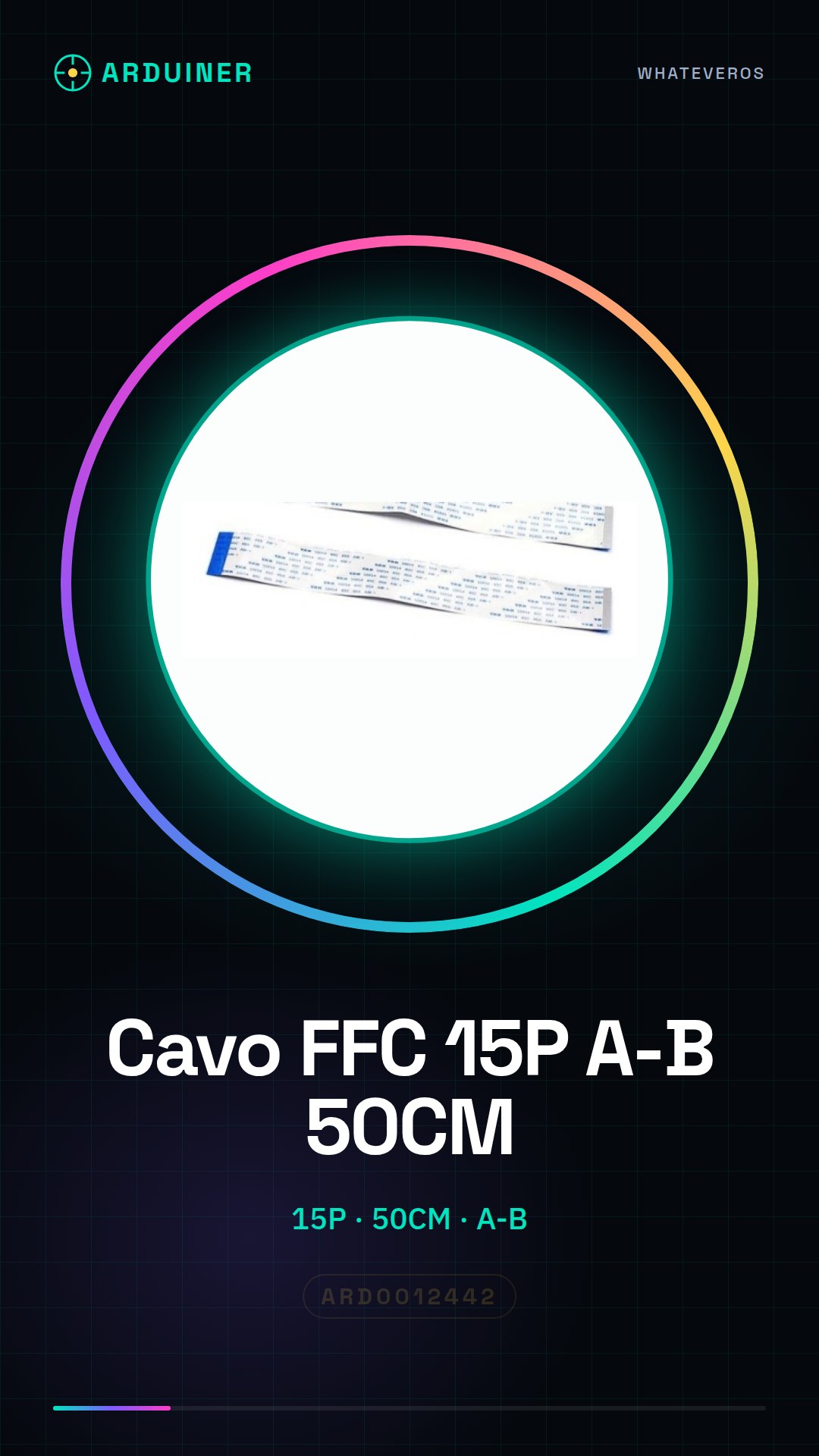
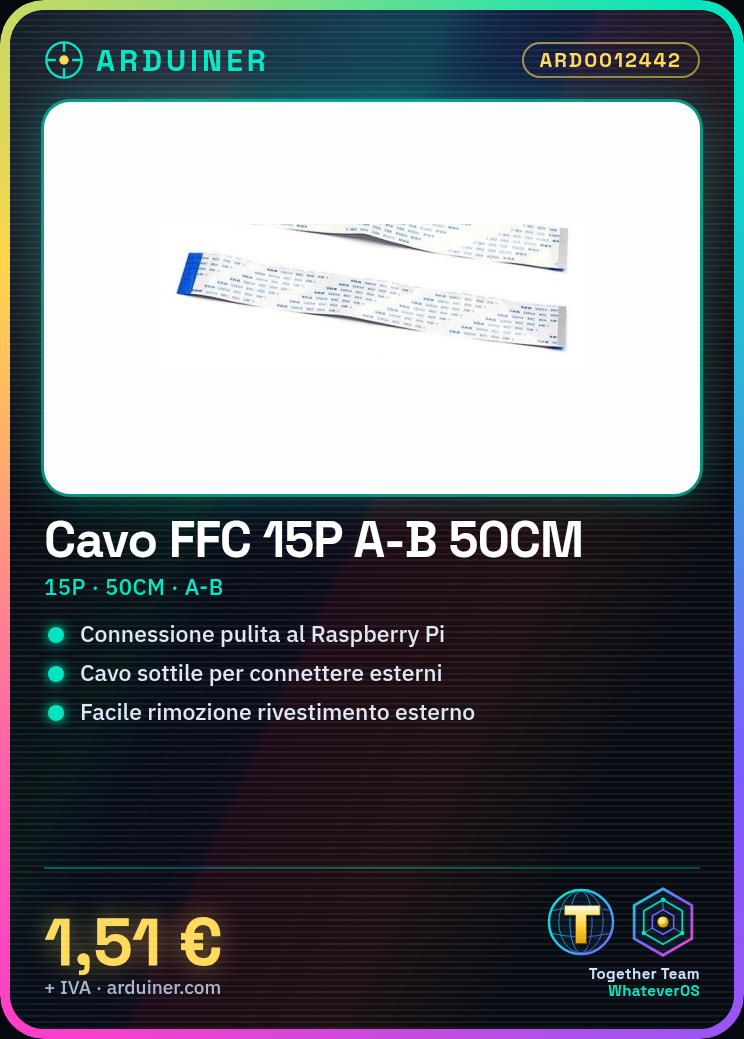
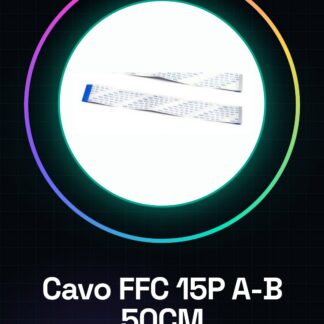
FFC cable 15P A-B 50CM for raspberry pi
Tutorial: How to use FFC cable 15P A-B 50CM for Raspberry Pi
This FFC (Flexible Flat Cable) is ideal for connecting external devices to your Raspberry Pi in a clean and professional manner. It is particularly useful if you are working on projects that require a thin connection between two points.
What you need
- Raspberry Pi
- Device to connect (e.g., a display or a sensor)
- Tool to remove cable insulation
Steps
- Check that connectors A and B match your devices.
- Gently remove the outer insulation from the FFC cable side that connects to the Raspberry Pi (check the datasheet for the exact length).
- Gently insert the cable into connector A of the Raspberry Pi, ensuring it is fully inserted.
- Repeat the same process with the other end of the cable and the device to connect.
- Check the connection to ensure there are no exposed or damaged parts.
Mini project
Create a flat LCD display for your Raspberry Pi, showing real-time information such as temperature and humidity.
Common mistakes
- Do not completely remove the cable protection.
- Insert the cable into the wrong connector or insert it upside down.
- Force the cable insertion, damaging the contacts in the process.
- Ignore the datasheet instructions for stripping lengths.
Recommended accessories
- FFC cable 15P A-A 50CM
- FFC connector breakout board
- LCD display with FFC connector
- Electronic tool kit
Frequently asked questions
The cable disconnects easily.
Ensure the contacts are clean and undamaged. If necessary, use another connection.
I can’t connect the cable to the Raspberry Pi.
Check the cable direction and ensure the external protection has been removed correctly.
Reviews
There are no reviews yet.