 EN
 IT Italiano
 ES Español
 FR Français
 DE Deutsch
Description
What it is
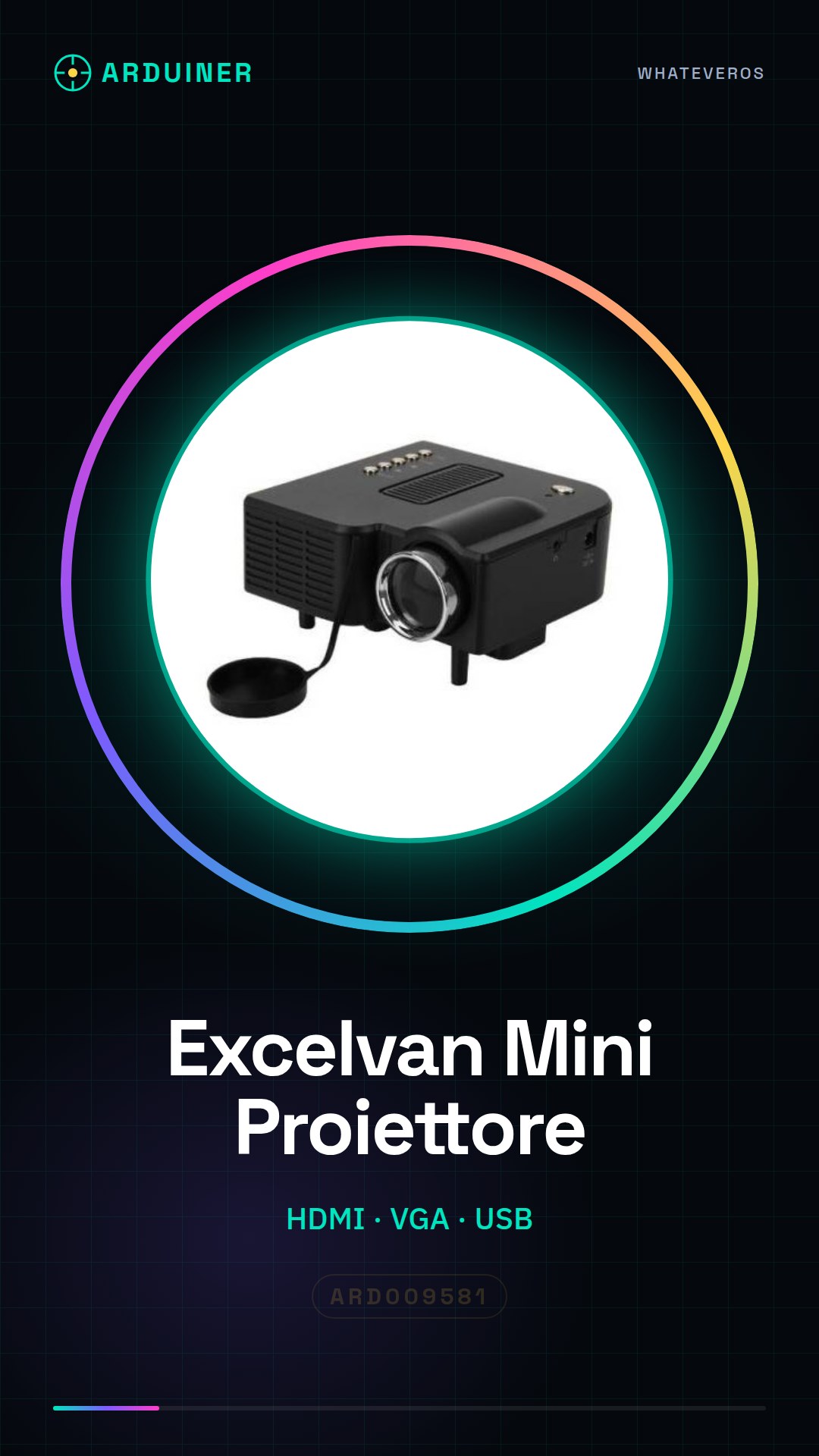
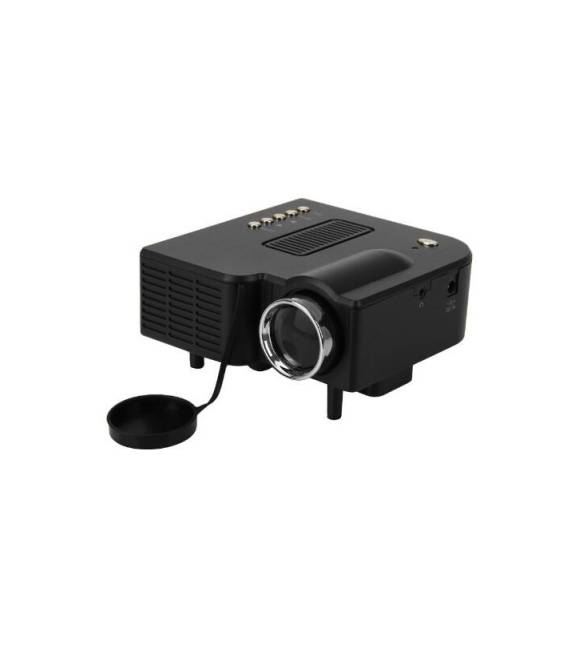
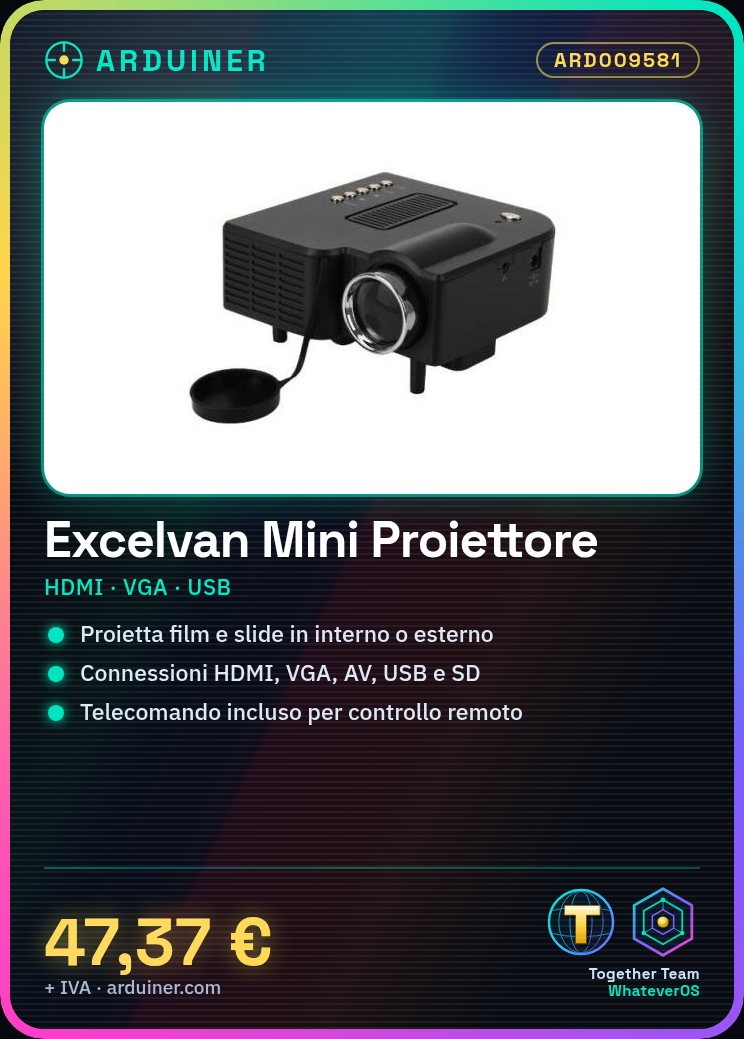
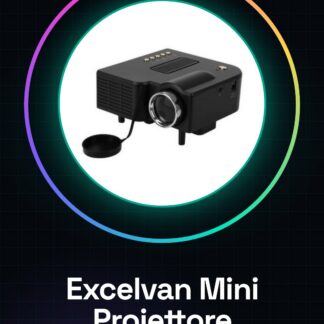
Excelvan Mini Projector Portable Cinema LED HDMI PC VGA AV USB SD Black with Remote Control (Black) is a portable projector with various connection options.
Features
- HDMI Connection
- PC Connection (VGA)
- AV Connection
- USB Connection
- SD Card Reader
- Color black
- Includes remote control
What it is for
This LED projector is ideal for projecting films, slides, or presentations in open or indoor locations. Useful for makers, students, and those who love cinema on the go. It can be used to create film projections, presentations, or slide shows in domestic or outdoor environments.
Tutorial: How to use Excelvan Mini Projector Portable Cinema
This LED projector is ideal for projecting films, slides, or presentations in open or indoor locations. Useful for makers, students, and those who love cinema on the go.
What you need
- Excelvan Mini Projector Cinema
- HDMI or USB device with content to project
- Remote Control
- Support or tripod (not included)
Steps
- 1. Connect the HDMI or USB device to the projector.
- 2. Insert the SD card if necessary.
- 3. Turn on the projector by pressing the ‘Power’ button on the remote control.
- 4. Select the content to project through the menu on the remote control.
- 5. Adjust the position of the projector to get the desired image.
- 6. Adjust the brightness and contrast if necessary.
- 7. Start the projection by pressing ‘Play’ on the remote control.
- 8. To turn off, press ‘Power’ again on the remote control.
Mini project
Project a 10-minute film in a small domestic space or outdoors. Use the projector to show a presentation or a series of photos.
Common mistakes
- Do not connect the projector directly to a power source, use the USB or HDMI power adapter.
- Do not place the projector too close to heat sources or direct light.
- Do not use the remote control to adjust the brightness or contrast during projection.
- Check the datasheet for compatibility with the HDMI or USB format used.
Recommended accessories
- Tripod to stabilize the projector
- Cable protection cords for the HDMI or USB cable
- Alternative projection lenses
- USB power supply or adapter
Frequently asked questions
Does the projector work only with HDMI devices?
No, it also works with USB and SD devices.
Can I use the projector during the day?
Yes, but the image brightness will be reduced due to direct sunlight.
How long does the battery last?
Check the datasheet for precise specifications.
Can I use the projector with a computer?
Yes, connect the computer to the projector via HDMI.
Reviews
There are no reviews yet.