 EN
EN IT Italiano
 ES Español
 FR Français
 DE Deutsch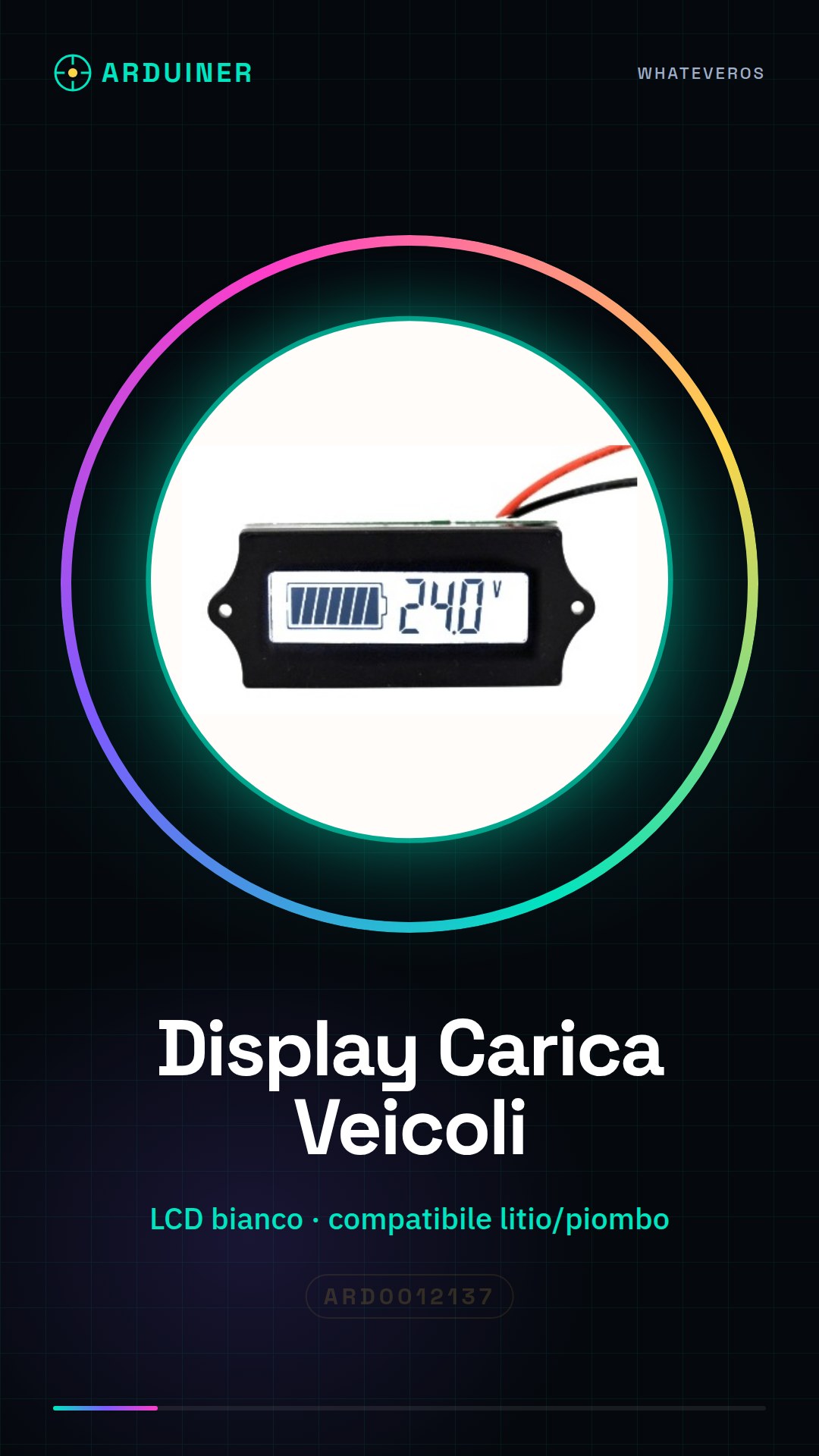
Description
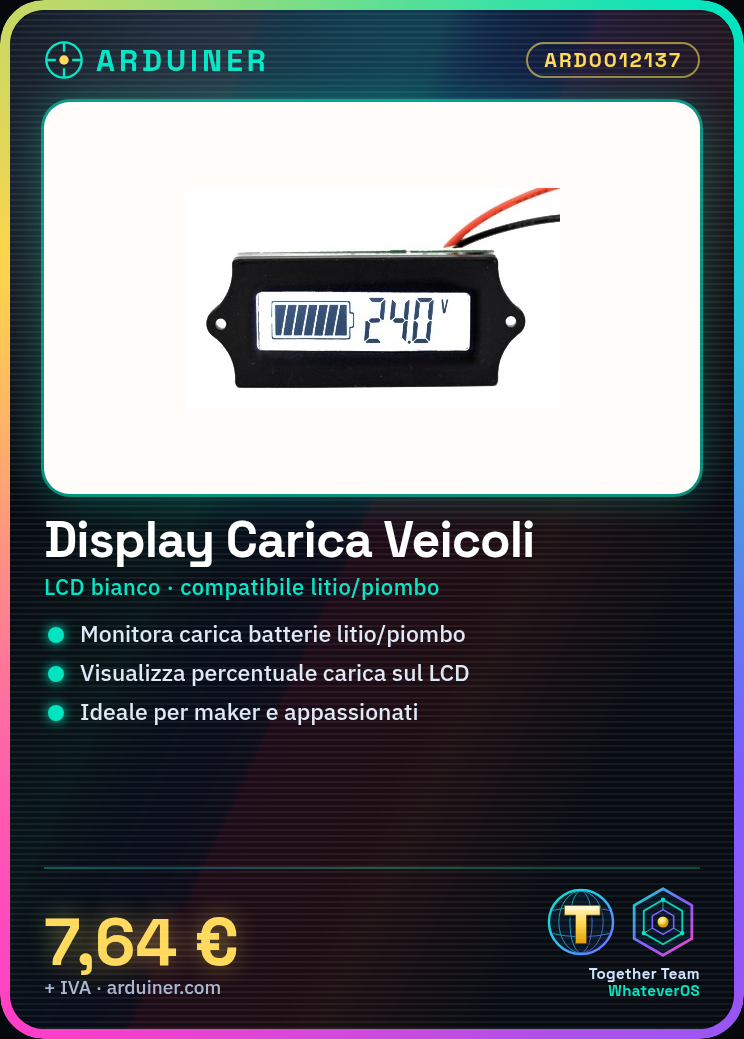
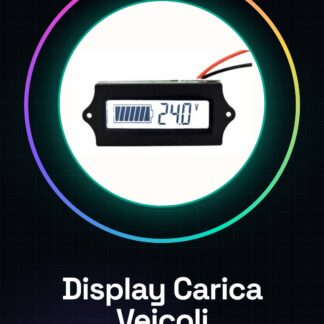
What is the Electric Vehicle Battery Charge Display – White LCD – Compatible Lithium/Iron (Chaowei)? This is a white LCD display designed to monitor the charge of batteries in electric vehicles. Features: White LCD display Compatible with lithium and lead-acid batteries SKU: ARD0012137 Price: £7.64 What does it do? This LCD display is ideal for monitoring the charge of lithium or lead-acid batteries in electric vehicles. It’s perfect for makers and enthusiasts who want to add visual monitoring to their projects. How to use Electric Vehicle Battery Charge Display – White LCD This LCD display is ideal for monitoring the charge of lithium or lead-acid batteries in electric vehicles. It’s perfect for makers and enthusiasts who want to add visual monitoring to their projects. What you need: Arduino Uno Lithium or lead-acid battery Connection cables Jumpers Power adapter Software Arduino IDE Steps Connect the display to the Arduino microcontroller following the pinout table. Check the power supply voltage of the display in the datasheet. Download and install the Arduino IDE software. Write and upload a simple sketch to test the display. Configure the display using LCD libraries. Verify the operation of the display with text messages. Add voltage sensors to monitor the battery. Customize the display with custom information such as charge percentage. Example code /* Sample Sketch for Charge Display */ #include LiquidCrystal lcd(12, 11, 5, 4, 3, 2); void setup() { lcd.begin(16, 2); lcd.print(“Welcome”); } void loop() { lcd.setCursor(0, 1); lcd.print(“Charge: 100%”); } Mini-project Charge monitoring project: Create a system that monitors the battery charge of an electric vehicle and displays the percentage on the LCD display. Common errors Incorrect pin connections for the display. Display power supply not meeting requirements. Missing configuration of LCD libraries. Text messages too long for display visualization. Recommended accessories Voltage sensors Jumpers Lithium 18650 Battery Arduino Uno Frequently Asked Questions How can I customize the message on the display? Use the lcd.print() function to write personal messages
Reviews
There are no reviews yet.