 EN
 IT Italiano
 ES Español
 FR Français
 DE Deutsch
Description
What it is
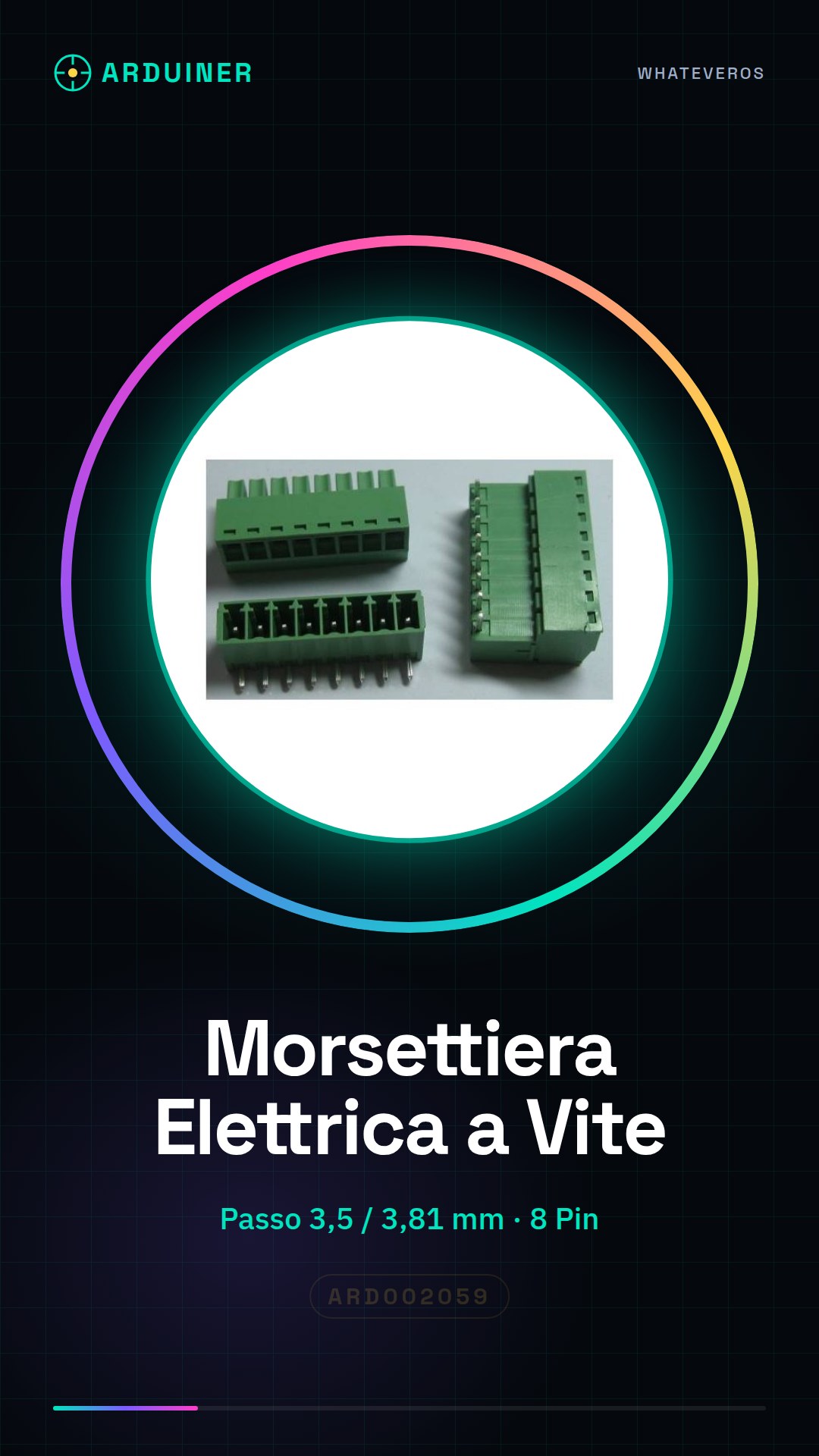
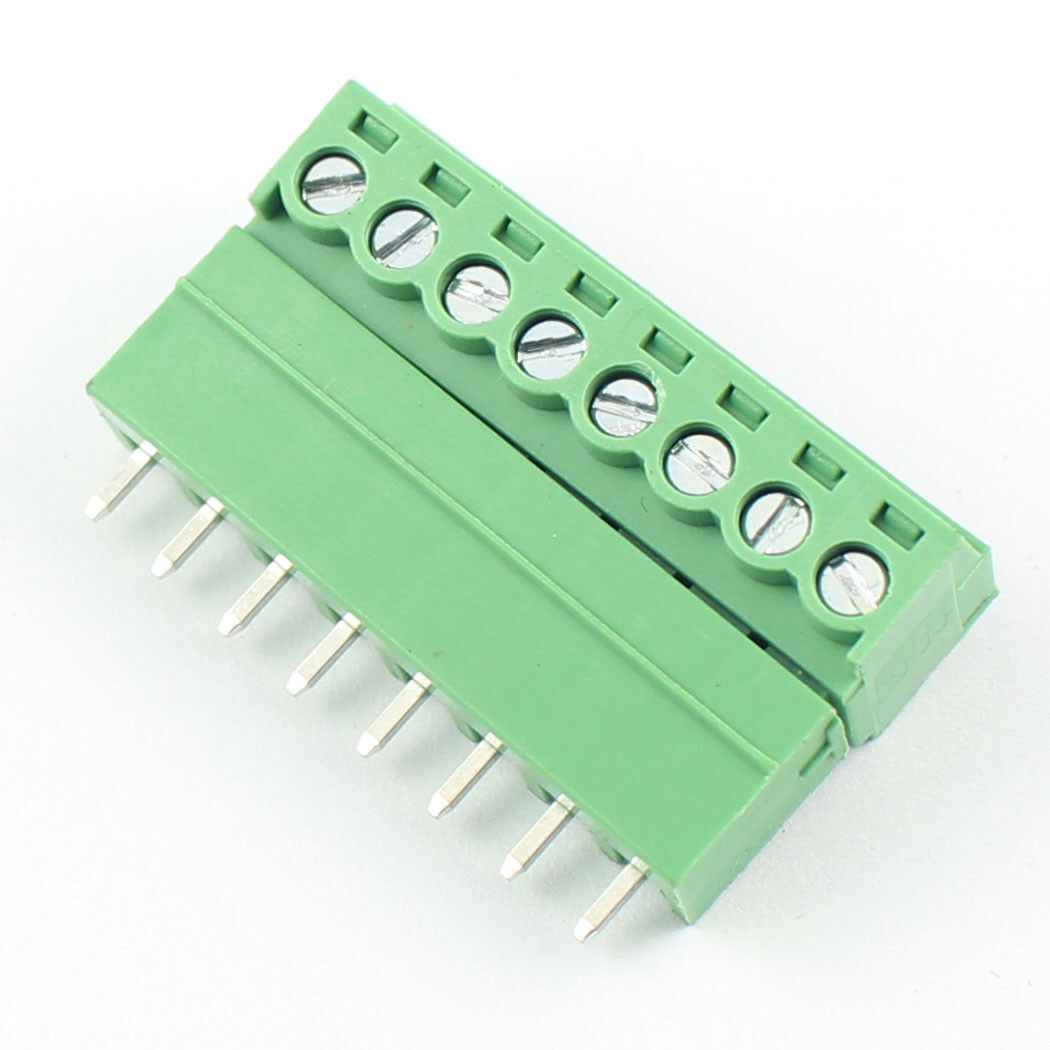
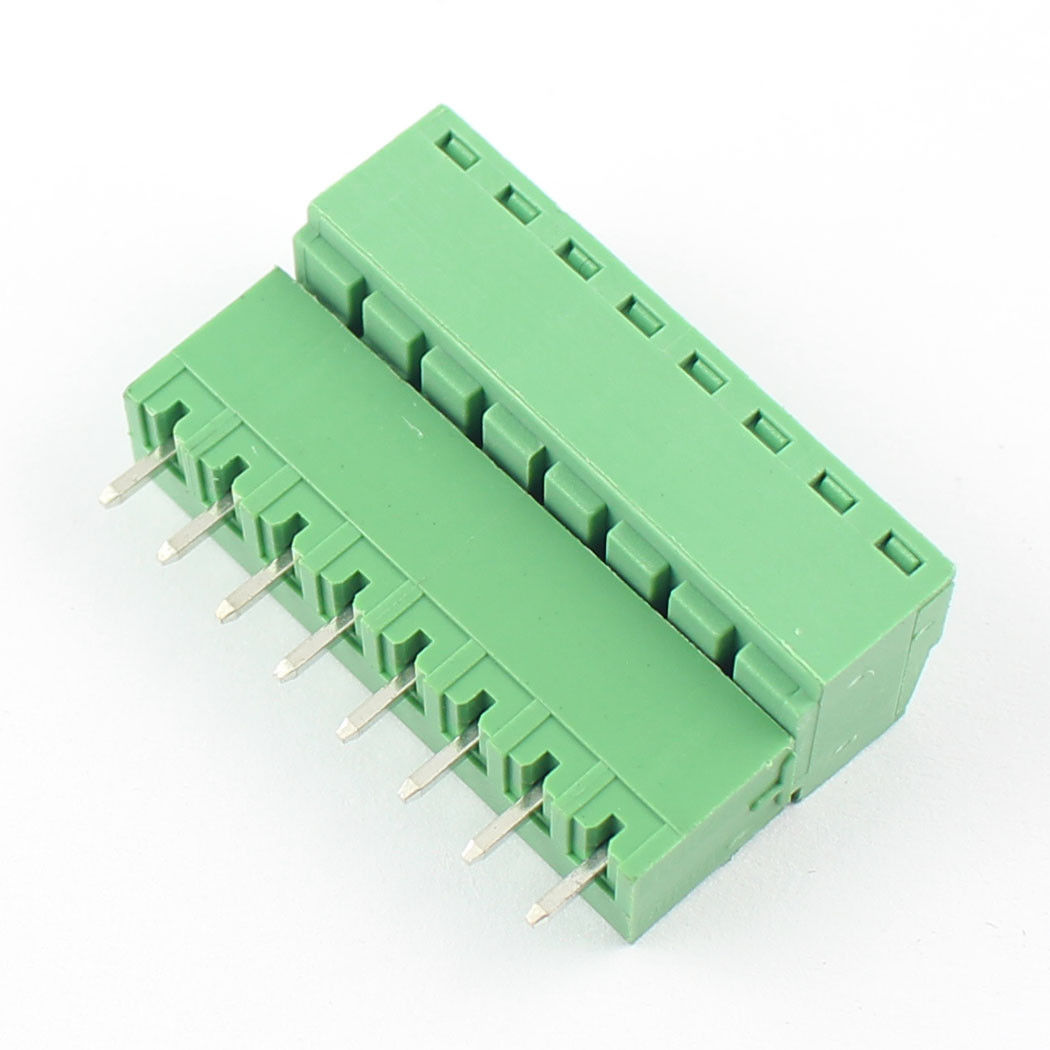
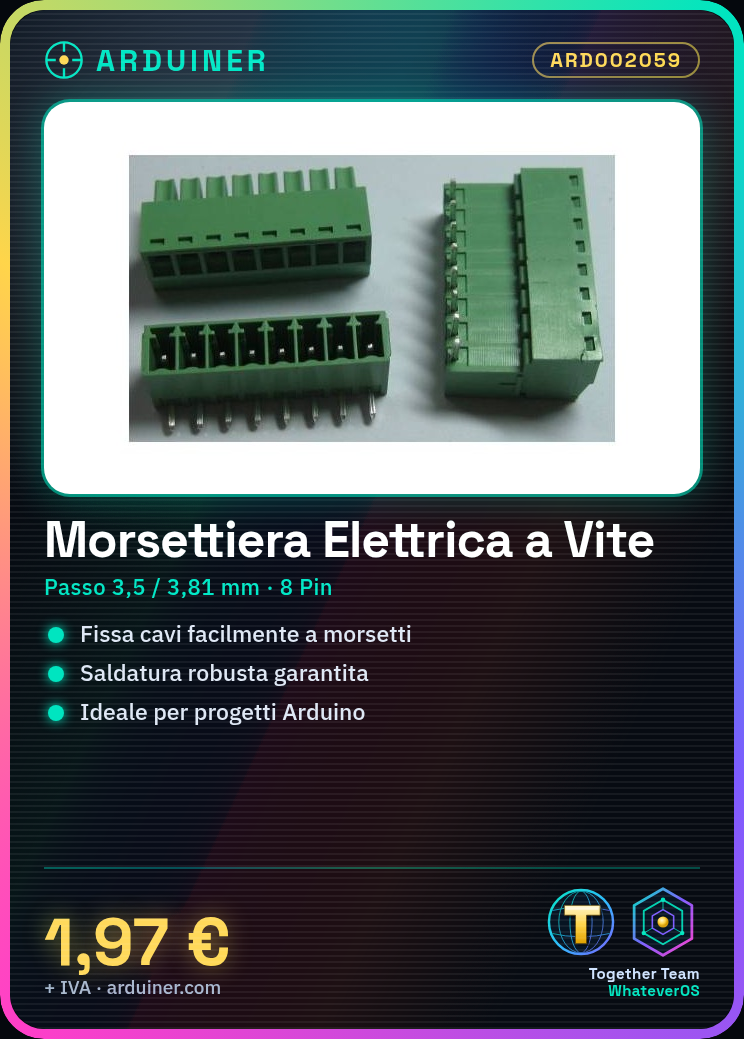
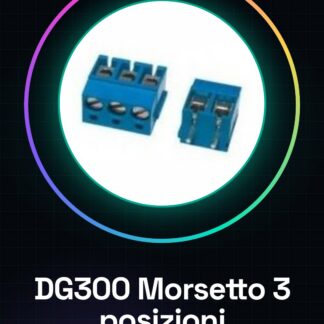
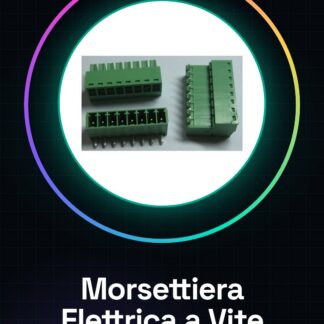
The Screw Terminal Block Plug Connector with Angle is a component used for the creation of secure and stable connections in electronic projects. This tool allows for easy fixing of wires to the terminal blocks, ensuring a robust solderless connection.
Features
- Pitch: 3,5 / 3,81 mm
- Angle: 8 Pin
What it is for
Ideally suited for Arduino projects and other electronic circuits, this terminal block allows for easy connection of wires to each other or to components. It is particularly useful when working with plug connectors that require a specific angle.
Tutorial: How to use Screw Terminal Block Plug Connector with Angle Pitch 3,5 / 3,81 mm
The electrical crimping tool with plug connector is a crucial component for electronics projects requiring easy cable connections. Ideal for beginner and intermediate makers, this crimping tool ensures a secure and efficient solder-free connection.
What you need
- Electrical Crimping Tool
- Plug Connector with Angle
- Test Lead
Steps
- Check the type of cable you are using and ensure it is compatible with the crimping tool.
- Insert one end of the cable into the plug connector, ensuring proper alignment.
- Secure the crimping tool to the connector using a wrench or appropriate tool for the specific step (check the datasheet).
- Verify that the cable is securely fastened and there are no exposed parts.
- Repeat the previous steps for each required connection.
Mini project
Connect two wire clamps with angle through a simple test circuit. Verify the continuity of the connection using a multimeter.
Common mistakes
- Insert the wire into the connector incorrectly, causing an insecure solder joint.
- Use an adjustable wrench or wrong tool to tighten the wire clamp.
- Do not properly verify that the contacts are well connected before using the circuit.
Recommended accessories
- Adjustable Wrench
- Multimeter
- Test Lead
Frequently asked questions
Is this wire clamp compatible with all types of cables?
No, check the compatibility of the cable diameter and structure on the datasheet.
How can I verify if the connection between the connectors is correct?
Use a multimeter to test the continuity of the circuit.
Reviews
There are no reviews yet.