 EN
EN IT Italiano
 ES Español
 FR Français
 DE Deutsch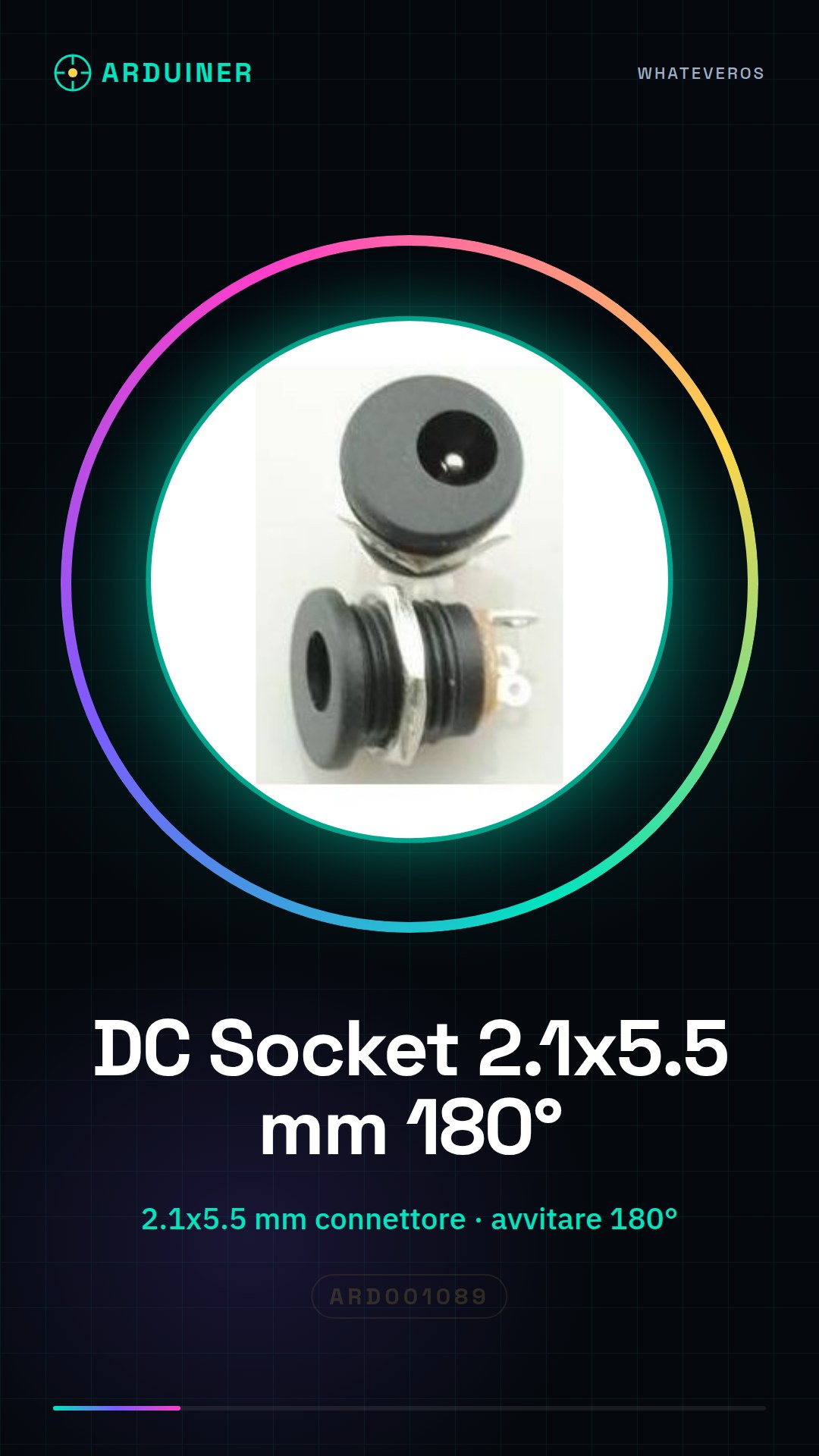
Description
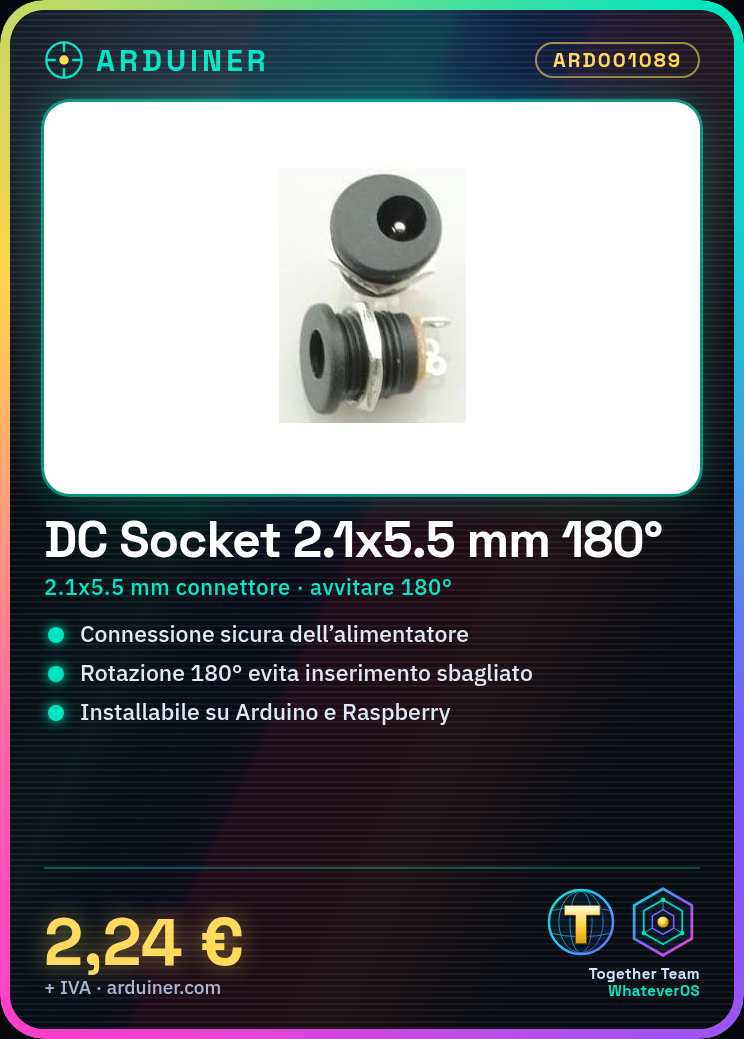
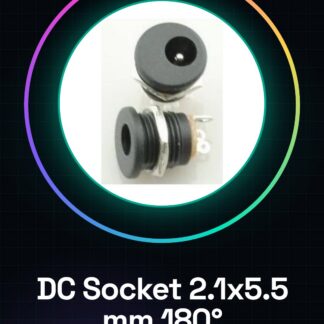
2 Pieces DC Socket for DC Jack Power Connector DC-022 2.1 x 5.5 mm Screw Terminal 180 Degree Tutorial: How to Use DC Socket for Power Connector This power connector is ideal for Arduino and Raspberry Pi projects requiring stable power supply. It is suitable for both beginners and experts looking for a simple installation solution. What is needed secure power supply connection protection against wrong connector insertion Steps Check the compatibility of your power supply with the DC Socket (internal diameter: 2.1 mm, external diameter: 5.5 mm). Position the DC Socket on the support or base of the project. Screw the connector to the support following the indicated direction to ensure a 180-degree rotation. Safely connect the positive and negative wires to the circuit, ensuring there are no open circuits or short circuits. Check the connection with a multimeter to ensure circuit continuity. Test the power supply of the connected project. Mini-project Create a portable base for Arduino that can be easily powered and unplugged without opening the device. You can add a safety switch to protect the components. Common mistakes Inserting the connector in the wrong direction. Using wires that are too thin or too thick. Not screwing the connector correctly, risking accidental dislodging. Ignoring continuity check before use. Recommended accessories Safety switches Arduino support Compatible power cables Multimeter Frequently asked questions What is the maximum supported voltage? Check the product datasheet. How can I protect the connector from external damage? Consider using a small protective housing or a solid base for installation.
Reviews
There are no reviews yet.