 EN
 IT Italiano
 ES Español
 FR Français
 DE Deutsch
Description
We have datasheets available for all components. If the datasheet is not present in the product download sheet, please send us a message through the contact us form and we will publish it as soon as possible on the website.
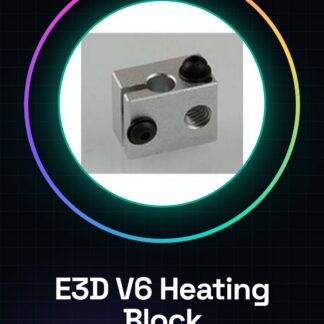
Tutorial: How to Use E3D V6 Heating Aluminum Block
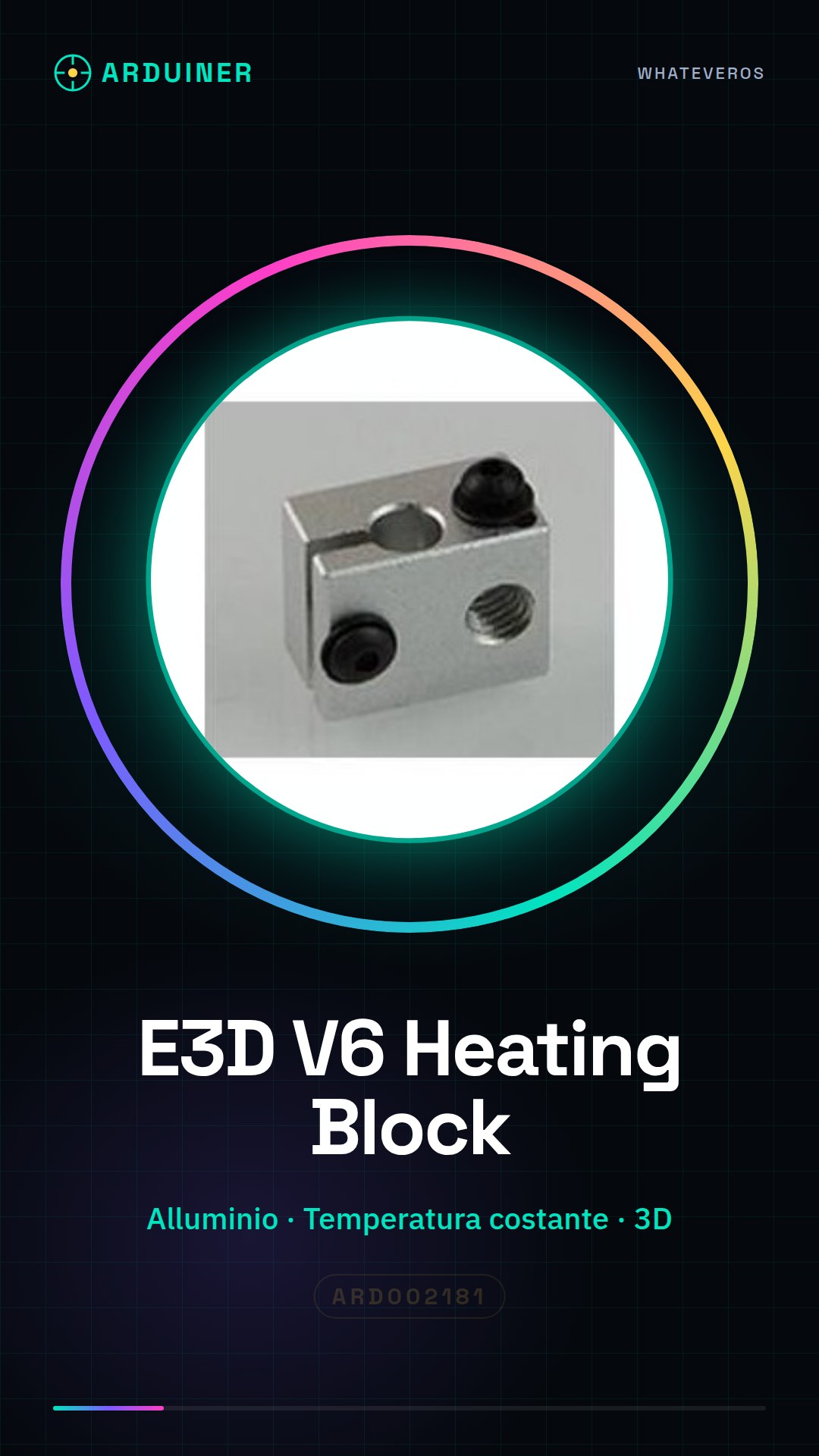
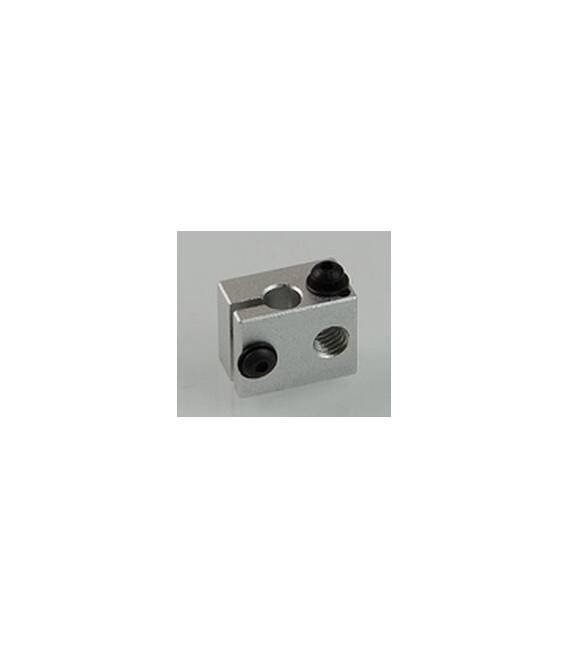
The E3D V6 Heating Aluminum Block is an essential component for 3D printers, designed to improve filament fusion quality. This aluminum block maintains a constant temperature during the printing process, ensuring more precise and professional results.
What you need
- 3D Printer Compatible with E3D V6
- Connection to the printer controller
- Filament to print
Steps
- Install the aluminum block in the printer’s fixed support, verifying the correct position.
- Connect the block’s electrical power to the motherboard or printer controller following the instructions in the datasheet.
- Configure the slicing software to use the specific parameters for the E3D V6, checking the appropriate melting temperature in the datasheet.
- Insert the filament into the feeding system and guide it through the aluminum block entry to the nozzle.
- Start a test print to ensure the filament is well-fed and the temperature is stable throughout the process.
- Adjust any parameters such as movement speed or fill density as needed, based on the specific project requirements.
Mini project
Create a simple 3D sculpture with complex details to test the printer’s ability to maintain high precision and quality.
Common mistakes
- Incorrect power supply connection
- Non-optimized slicing parameters
- Filament jammed or stuck in the feeding system
Recommended accessories
- E3D V6 Hotend
- Power supply connection cable
- 3D Printer Maintenance Kit
- Slicing software compatible with E3D V6
Frequently asked questions
How can I check if the aluminum block is properly installed?
Check that there are no gaps or wobbles when the printer moves during a print.
Which filaments are compatible with the E3D V6 Heating Aluminum Block?
Most common filaments like PLA and ABS should be compatible, but always check the datasheet for model specifications.
Reviews
There are no reviews yet.