 EN
 IT Italiano
 ES Español
 FR Français
 DE Deutsch
Description
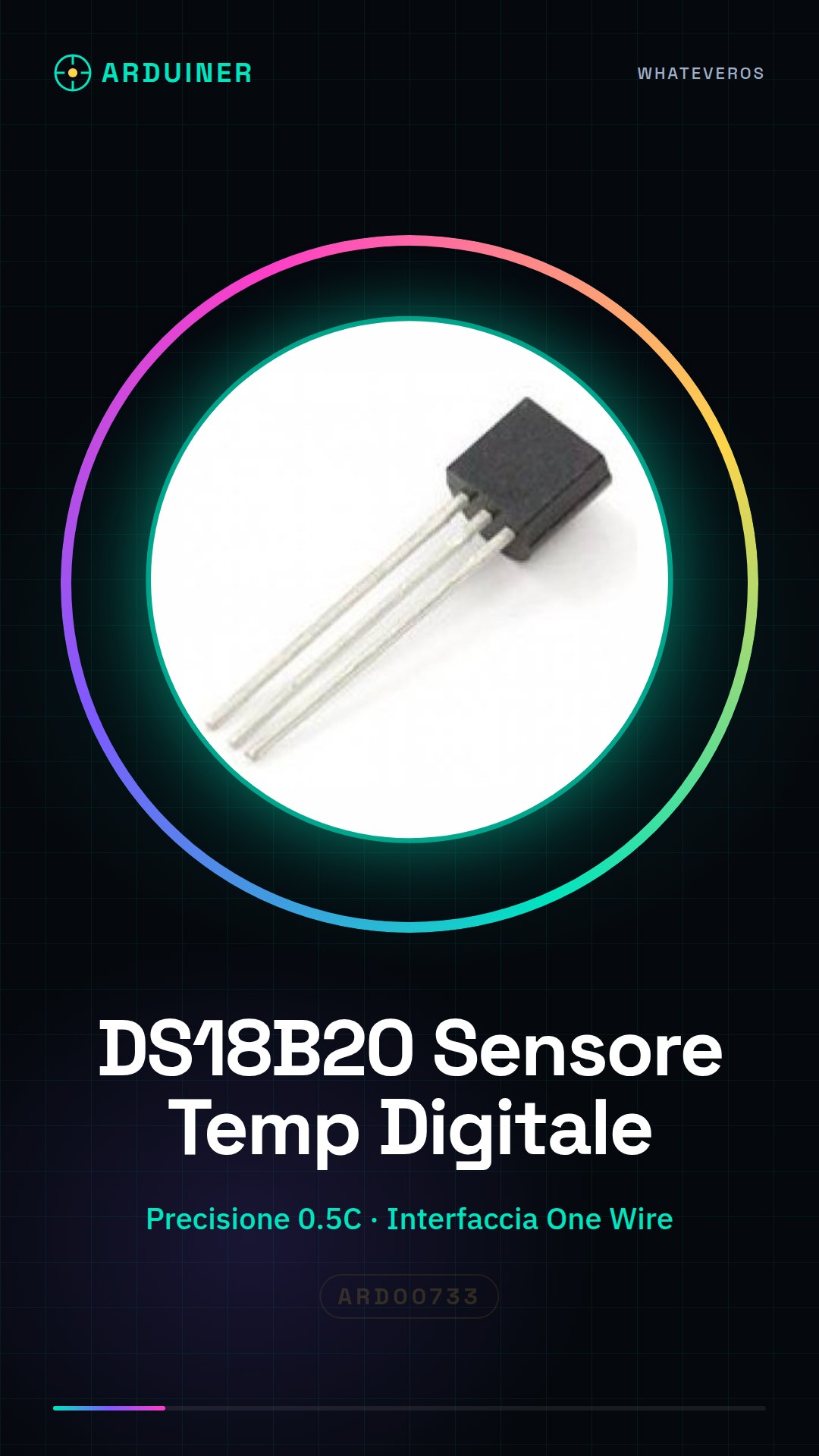
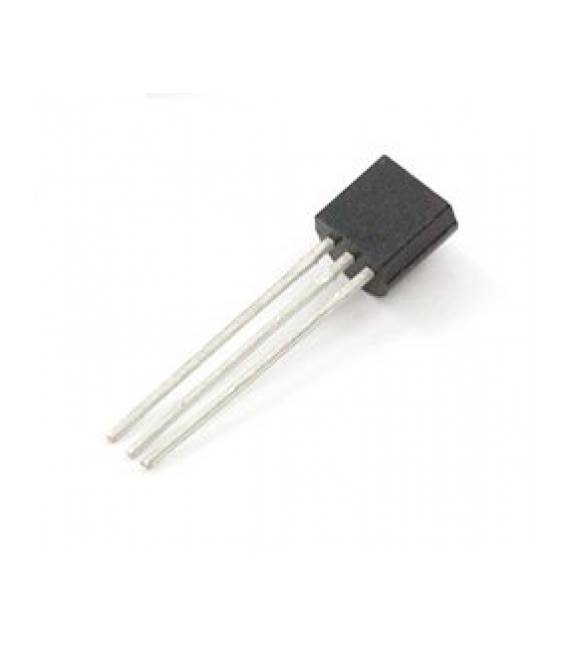
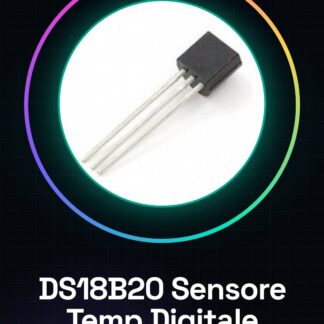
DS18B20 Digital Temperature Sensor IC Integrated Circuits
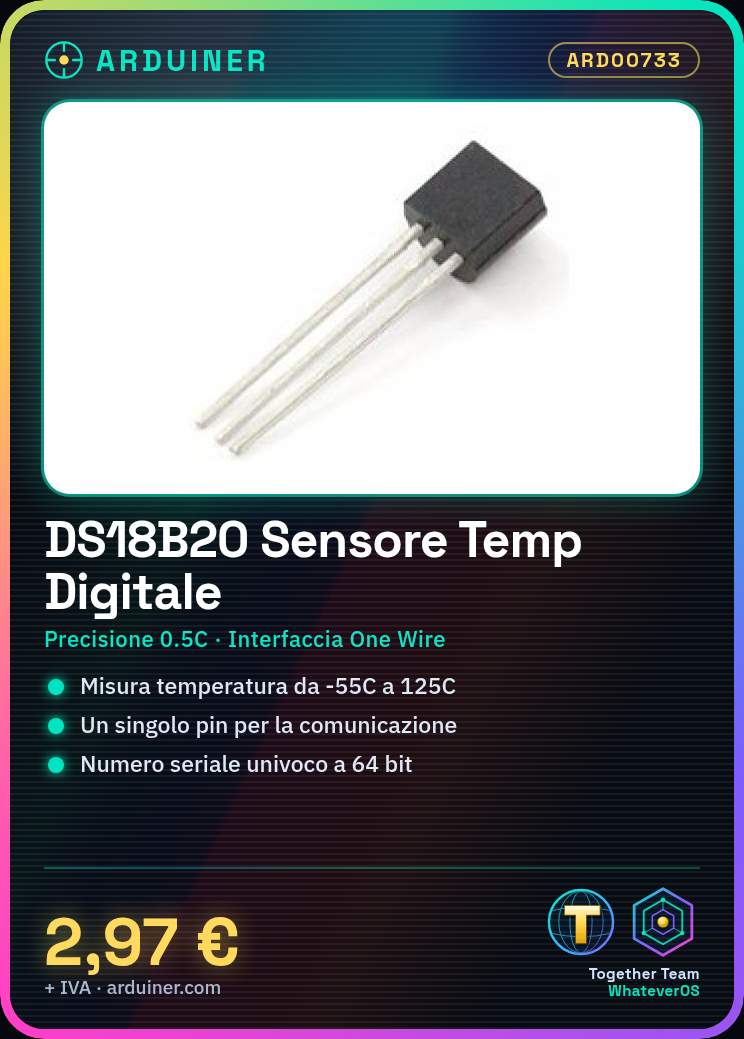
This is the latest digital temperature sensor One Wire DS18B20 from Maxim IC (but sourced from Sparkfun). The DS18B20 measures temperature in degrees Celsius with 9 to 12-bit precision, from -55C to 125C (+/- 0.5C). Each sensor has a unique 64-bit serial number programmed into it, allowing an enormous number of sensors to be used on a data bus. The One Wire DS18B20 digital temperature sensor is a wonderful component that forms the cornerstone of many data logging and temperature control projects.
Features of the One Wire DS18B20 Digital Temperature Sensor:
The exclusive interface requires only one connection pin for communication
Each device has a unique 64-bit serial code stored in an integrated ROM
The multidrop simplifies distributed temperature sensing applications
No external components requiredPowered by the data line. Operating voltage range from 3,0 V to 5,5 V
Measures temperatures from -55 C to + 125 C (from -67 F to + 257 F)
Accuracy of 0,5 C from -10 C to + 85 C
User-selectable thermometer resolution from 9 to 12 bits
Converts temperature to a 12-bit digital word in 750 ms (max.)
User-definable non-volatile (NV) alarm settings
The alarm search command identifies and addresses devices whose temperature is outside the programmed limits (temperature alarm condition)
Applications include thermostat controls, industrial systems, consumer products, thermometers or any temperature-sensitive system
We have datasheets available for all components, if not present in the product download sheet, send us a message through the contact us form and we will publish it as soon as possible on our website.
Tutorial: How to Use DS18B20 Digital Temperature Sensor
The DS18B20 sensor is a fundamental component for monitoring temperature in electronic projects. It is ideal for beginner and intermediate makers who want to integrate temperature detection into their creations.
What you need
- Arduino or compatible microcontroller
- Connection cable
- Pull-up resistor
Steps
- Connect the GND pin of the DS18B20 to the GND of the Arduino.
- Connect the VCC pin of the DS18B20 to a power supply between 3.5V and 5.5V.
- Connect the DATA pin of the DS18B20 to a digital pin of an Arduino, for example pin 2.
- Add a pull-up resistor between VCC and DATA to ensure proper communication (check the datasheet).
- Install the OneWire and DallasTemperature library through the Arduino IDE.
- Load the example sketch provided by the DallasTemperature library onto Arduino.
- Open the Serial Monitor to view the temperature values received from the DS18B20.
- Check that the temperature is correct and regular.
Example code
// Includi le librerie necessarie
#include <OneWire.h>
#include <DallasTemperature.h>
// Definisci il pin di collegamento del sensore
#define ONE_WIRE_BUS 2
// Crea un'istanza della libreria OneWire
OneWire oneWire(ONE_WIRE_BUS);
// Crea un'istanza della libreria DallasTemperature
DallasTemperature sensors(&oneWire);
void setup(void) {
 // Inizializza la comunicazione seriale
 Serial.begin(9600);
}
void loop(void) {
 // Aggiorna i valori dei sensori
 sensors.requestTemperatures();
 float tempC = sensors.getTempCByIndex(0);
 // Stampa la temperatura in gradi Celsius
 Serial.println(tempC);
}
Mini project
Build a digital thermometer with an LCD display that continuously shows the ambient temperature.
Common mistakes
- The sensor does not respond: check the connection and the pull-up resistor.
- The temperature is incorrect: check the sensor power supply.
- Communication error: ensure that the library is correctly installed.
- Issues with the datasheet: always consult the official specifications for additional details.
Recommended accessories
- Pull-up resistor
- LCD display
- Connection cable
- Arduino Uno
Frequently asked questions
How do you install the DallasTemperature library?
From the ‘Instructions’ menu of the Arduino IDE, search and install the OneWire and DallasTemperature libraries.
What are the advantages of using the DS18B20 compared to other temperature sensors?
The DS18B20 offers high precision and low power consumption, making it ideal for long-term applications.
Can it be used in outdoor environments?
Yes, but make sure to protect it from humidity and extreme weather conditions.
Reviews
There are no reviews yet.