 EN
 IT Italiano
 ES Español
 FR Français
 DE Deutsch
Description
What it is
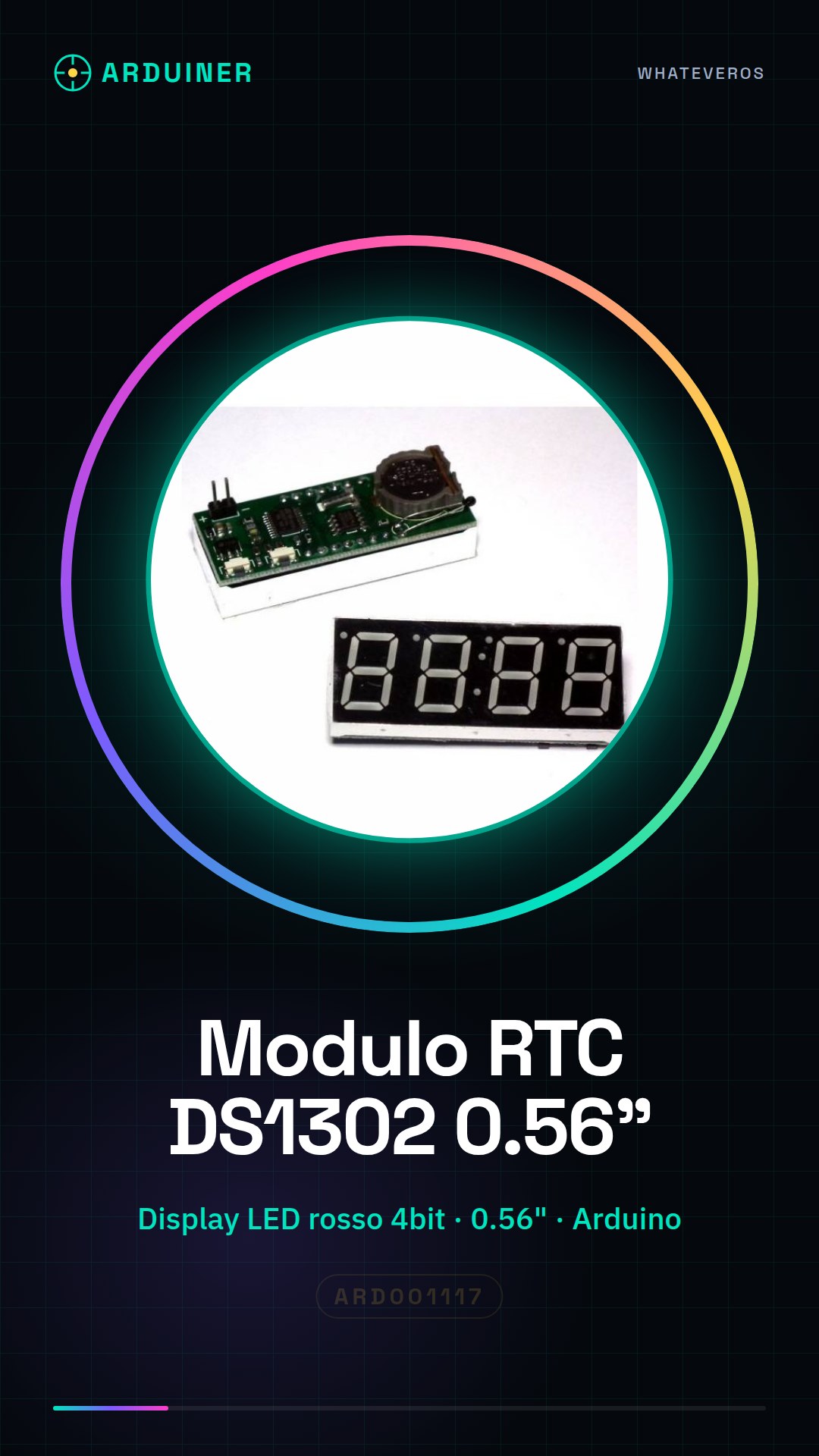
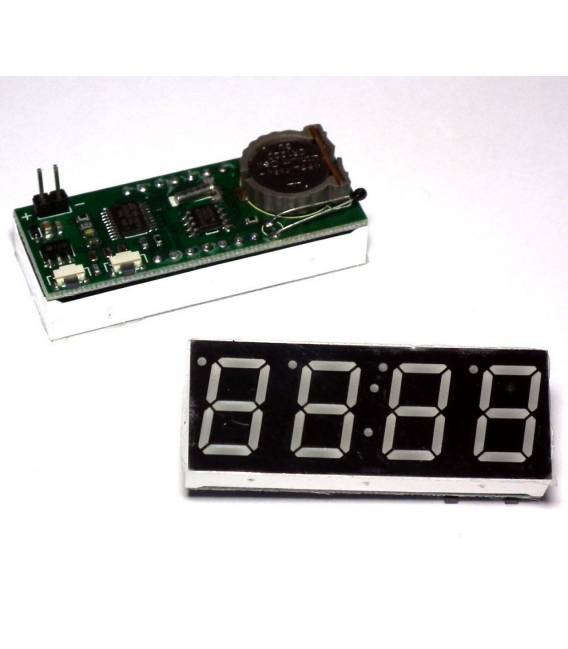
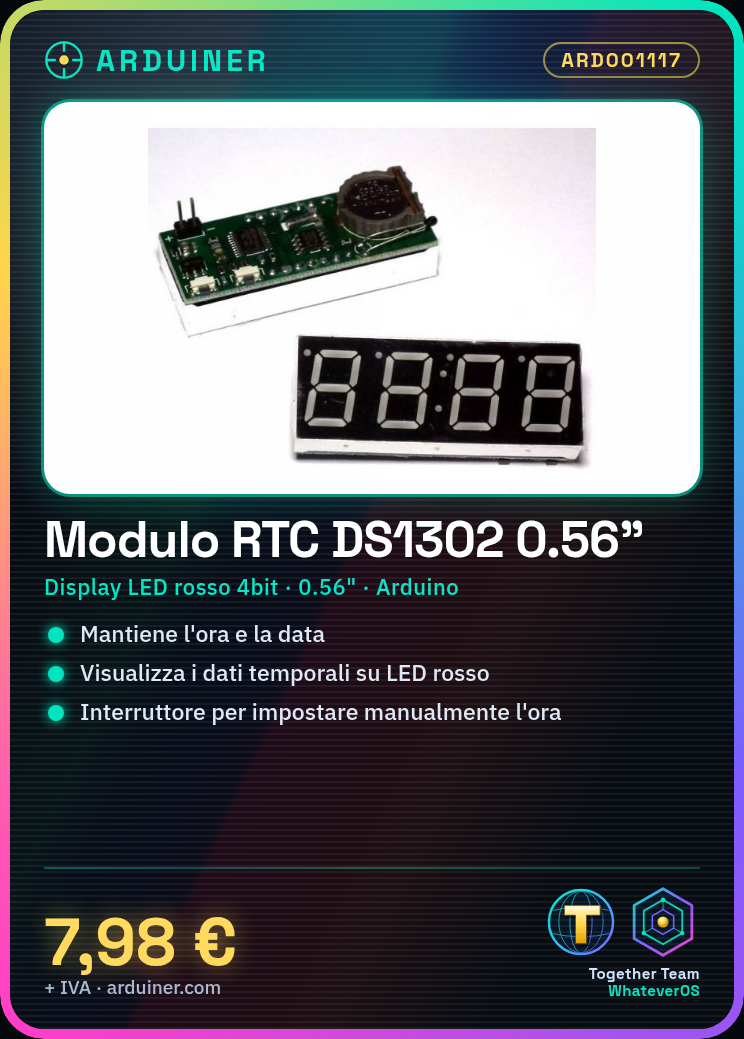
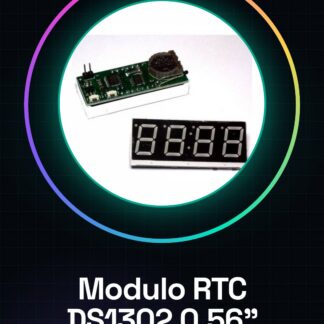
The DS1302 RTC module is an electronic component that allows maintaining the time and date with precision in Arduino projects. Equipped with a 4-bit red LED display, it provides a clear visualization of temporal data.
Features
- RTC DS1302 Component
- 4-bit red LED display
- Display type: 0.56 inches
What it is for
Ideally used for projects requiring temporal accuracy, such as digital clocks, stopwatches, or timers. It allows adding a switch to manually set the time and date.
Tutorial: How to Use DS1302 RTC Module
The DS1302 module is an essential component for Arduino that allows maintaining the time and date with precision. Ideal for projects requiring temporal accuracy, such as stopwatches or timers.
What you need
- Arduino Uno
- USB A-Micro B cable
- CR1220 battery
Steps
- Connect the DS1302 module to the Arduino following the pinout table: VCC to 5V, GND to GND, CE to 7, IO to 6, RST to 8.
- Install the RTClib library from the Arduino library manager.
- Include the RTClib library in the code with ‘include <RTClib.h>’.
- Create an RTC object and initialize it: ‘RTC_DS1302 rtc;’ .
- Set the time and date using setDS1302Time() or setDate() methods. Check the datasheet for specifics.
- Read the time and date from the module with getDS1302Time() or getDate().
- Print the time and date to the serial console.
- Verify that the module’s LED display correctly shows the time.
Example code
RTC_DS1302 rtc; void setup(){Serial.begin(9600); while (!Serial); if (rtc.begin()) { Serial.println("Inizializzazione RTC riuscita"); } else { Serial.println("Errore durante la lettura del modulo RTC"); }}void loop(){}Mini project
Create a digital clock that displays the time and date on the LED display. Add a switch to manually set the time.
Common mistakes
- Pin connection error
- Missing RTClib library
- CR1220 battery not installed or depleted
Recommended accessories
- LCD 16×2 Interface for Arduino
- Digital LED Matrix RGB Clock
- USB-A to Micro-USB Power Module
Frequently asked questions
How do I set the time?
Use setDS1302Time() or setDate() methods. Check the datasheet for specifics.
What is the required batter?
A small CR1220 battery is located behind the module and keeps the time when Arduino is not powered.
Reviews
There are no reviews yet.