 EN
 IT Italiano
 ES Español
 FR Français
 DE Deutsch
Description
What it is
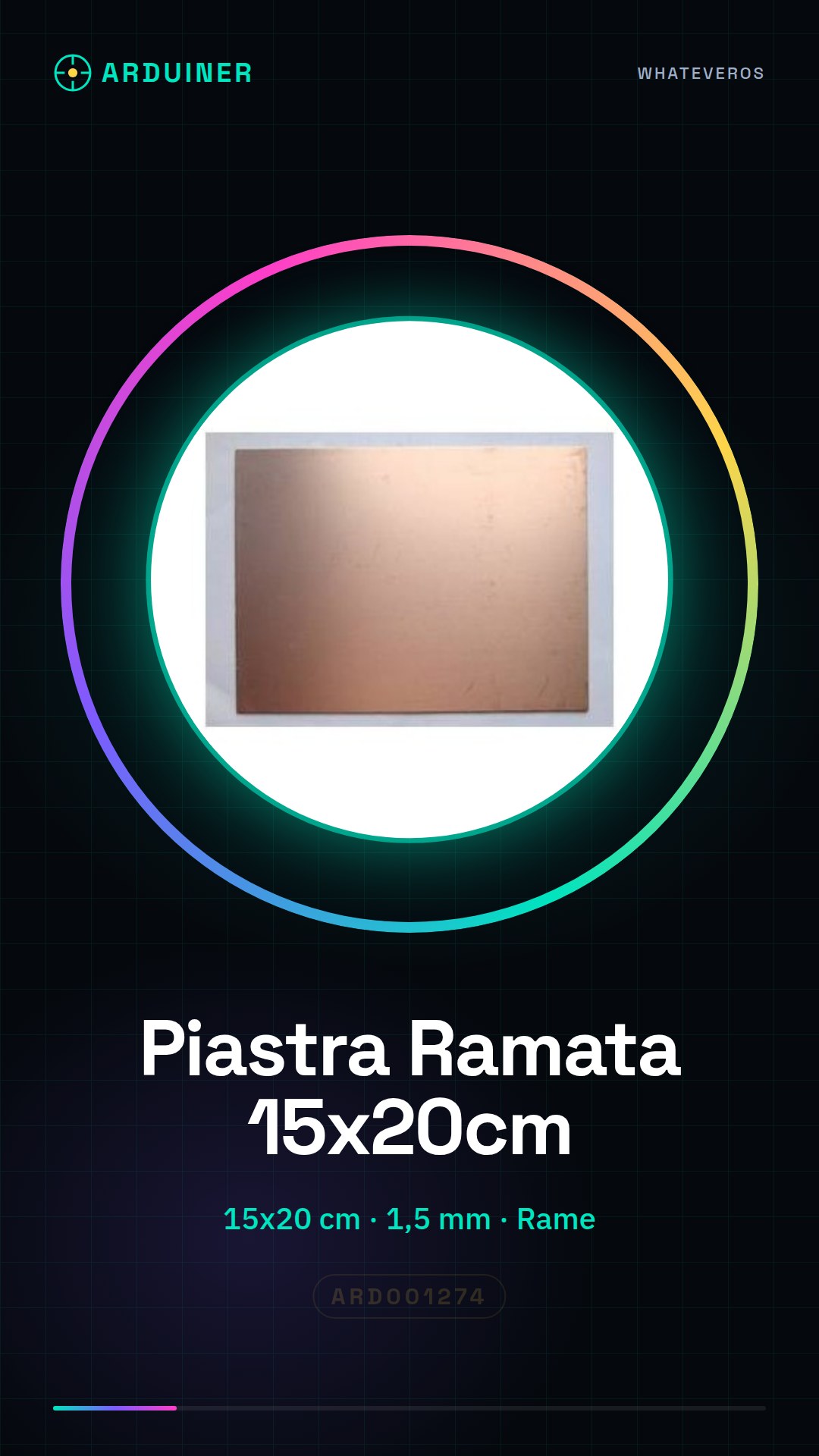
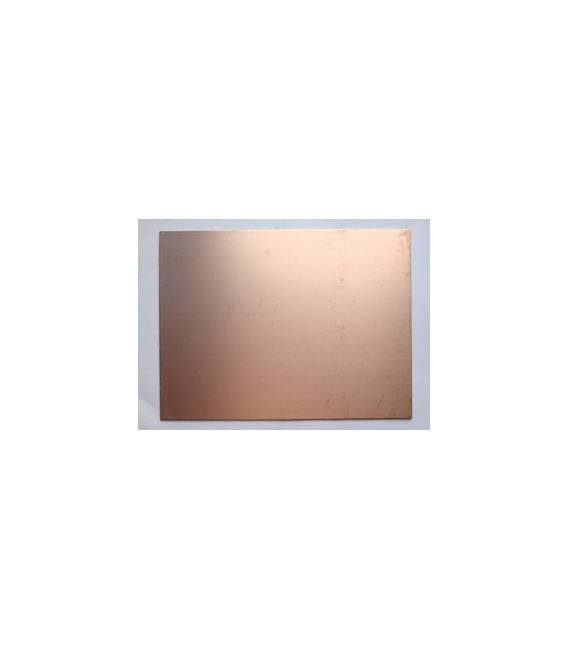
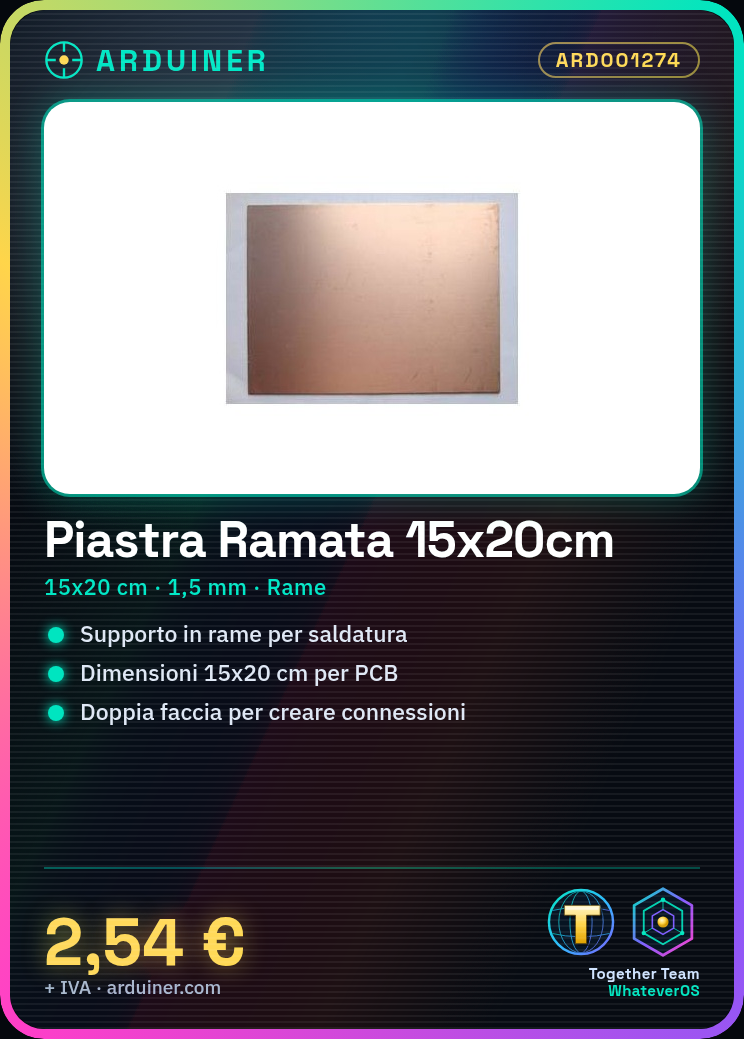
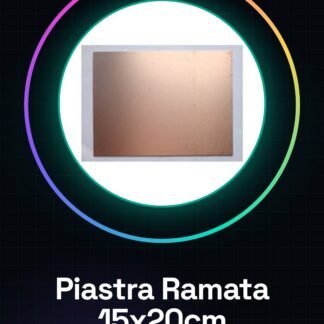
The double-sided copper clad board is a copper support of dimensions 15x20cm and thickness 1.5mm, ideal for the creation of printed circuits. It allows positioning and soldering of electronic components, creating connections between them.
Features
- Dimensions: 15 x 20 cm
- Thickness: 1.5 mm
- Material: Copper
- Sides: Double
What it is for
The double-sided copper clad board is essential for creating custom printed circuits. It can be used for prototyping electronic projects, creating customized devices, or producing PCBs for various applications. Example of use: it can be used to create a simple DC-DC converter by mounting an LM7805 voltage regulator.
Tutorial: How to Use the Double-Sided Copper Clad Board
The double-sided copper clad board is essential for creating custom printed circuits. Ideal for both beginners and experts, it allows for the creation of unique electronic projects.
What you need
- Drill kit
- Laser printer or laser cutter
- Solder and soldering tweezers
Steps
- 1. Draw the printed circuit board layout using software such as Eagle or KiCad.
- 2. Download the design file from the software and send it to the laser printer to etch the copper clad board.
- 3. Use the drill kit to create holes at the points where the electronic components will be inserted.
- 4. Prepare the components to be mounted on the board, checking the specifications on the datasheet.
- 5. Start soldering the components following the layout drawn previously.
- 6. Check the entire circuit to ensure there are no short circuits or interruptions.
- 7. Test the functionality of the printed circuit board with an electronic power supply.
- 8. If necessary, repeat the soldering and testing steps until the circuit works correctly.
Mini project
Create a simple DC-DC converter using the copper board to mount a LM7805 voltage regulator.
Common mistakes
- Do not check the specifications of the components before soldering.
- Omit the circuit check after each soldering step.
- Use excessive heat during soldering, damaging the components.
- Do not adequately test the circuit before closing it.
Recommended accessories
- PCB drilling kit
- Laser printer or laser cutter
- LM7805 voltage regulator
- Electronic power supply
Frequently asked questions
How can I draw the circuit layout?
You can use software like Eagle or KiCad to create a professional layout.
What tools are needed to etch the copper board?
A laser printer or a laser cutter are the most common tools for this task.
Reviews
There are no reviews yet.