 EN
 IT Italiano
 ES Español
 FR Français
 DE Deutsch
Description
What it is
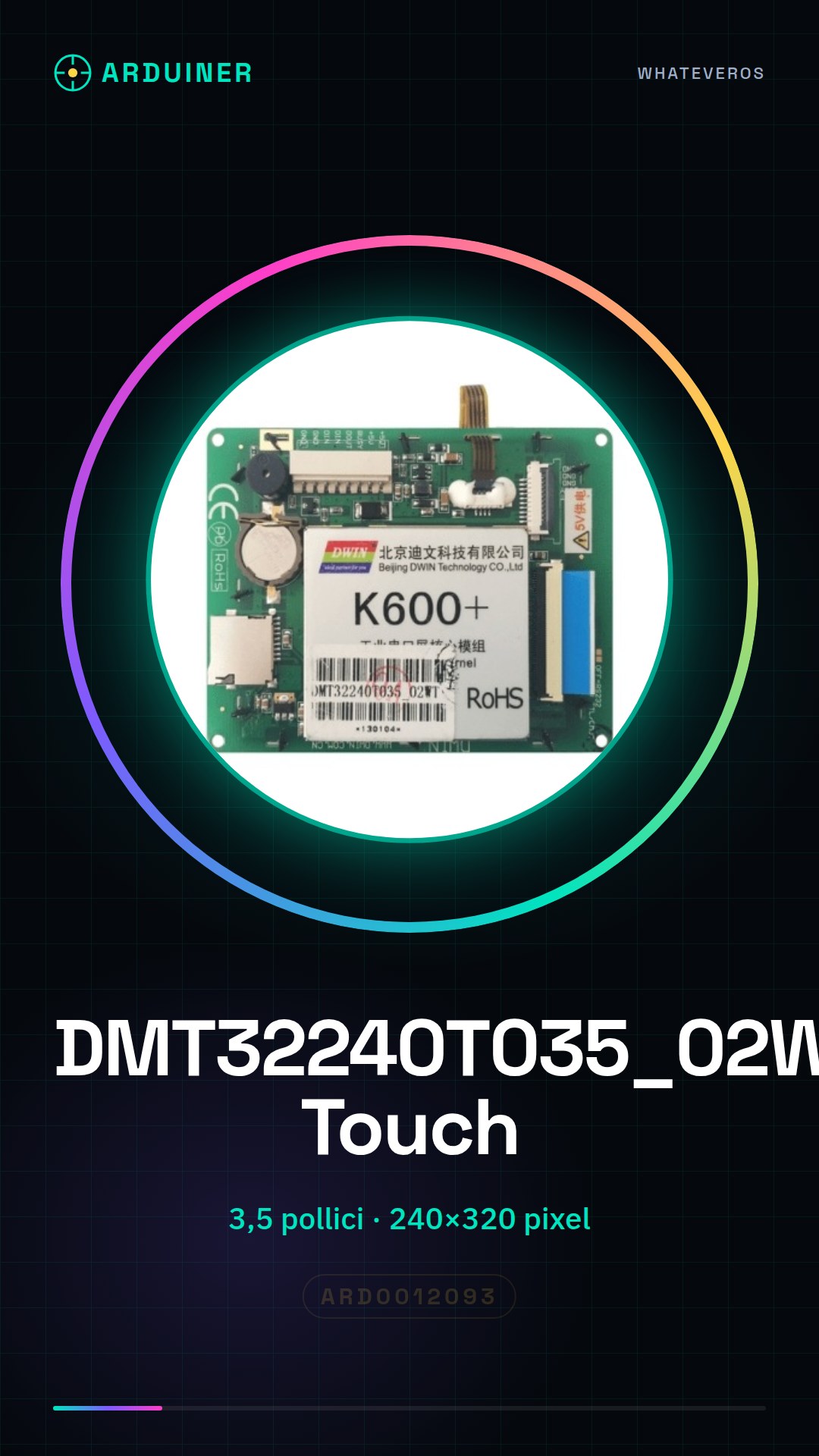
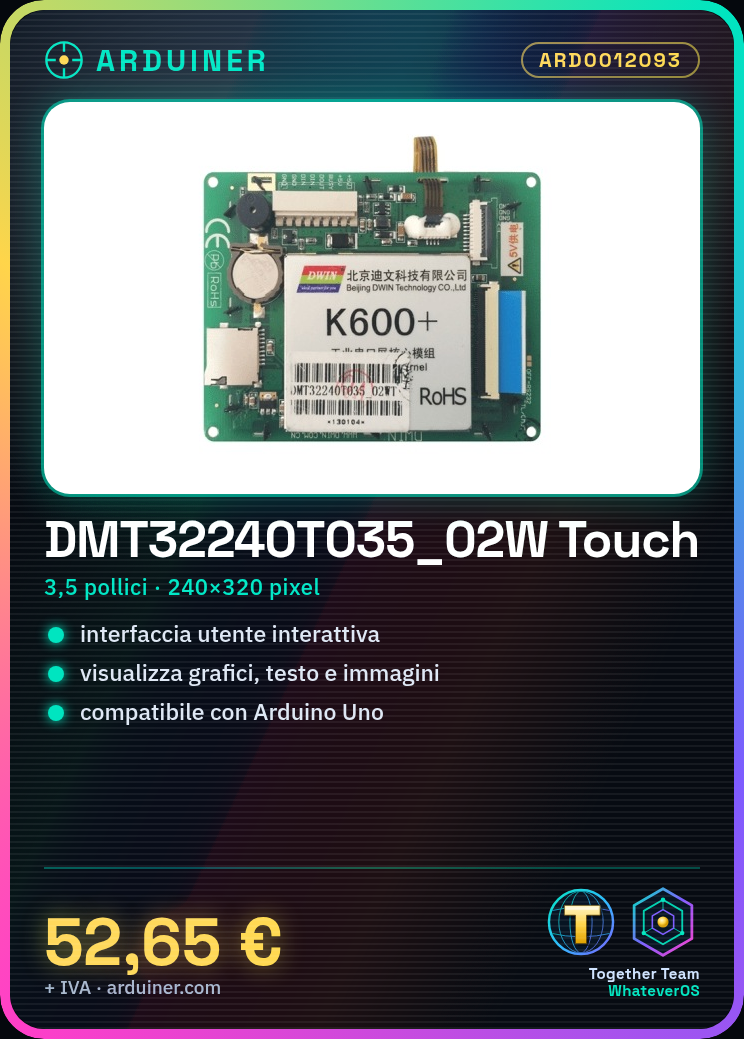
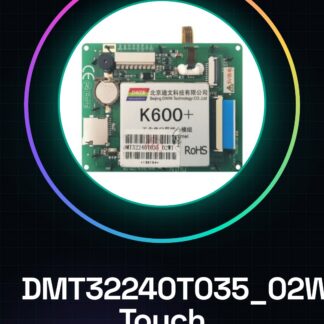
DMT32240T035_02W Touch 3.5 inch is a touch screen for electronic use.
Features
- Dimensions: 3.5 inches
- Resolution: 240×320 pixels
- Type: Touchscreen
What it is for
This display is ideal for Arduino projects that require an interactive user interface. You can use it to create menus, display graphs, text, and images, allowing the user to interact with your project.
Tutorial: How to use DMT32240T035_02W Touch 3.5 inch Display
The DMT32240T035_02W Touch 3.5 inch display is perfect for Arduino projects that require an interactive screen. With a resolution of 240×320 pixels, it is ideal for displaying graphs, text, and user interactions.
What you need
- Arduino Uno or compatible
- USB cable to connect the Arduino
- Adafruit GFX library to support the display
- Adafruit ST7789 library for the special display
- Connectors to connect the display to the Arduino
- Stable power supply for the Arduino (5V or 3.3V)
Steps
- Connect the display to the Arduino microcontroller following the datasheet specifications.
- Install the necessary libraries through the Arduino IDE.
- Configure the display and test its functionality with example code.
- Verify the touch screen functionality following the datasheet.
- Implement a simple project such as a menu interface.
- Verify the correct interaction between the touch screen and the display.
- Add additional features such as animations or multiple screens.
- Test the complete project and resolve any issues.
Example code
include <Adafruit_GFX.h>
include <Adafruit_ST7789.h>

#define TFT_CS 10
#define TFT_DC 9
#define TFT_RST 8

Adafruit_ST7789 tft = Adafruit_ST7789(TFT_CS, TFT_DC, TFT_RST);

void setup() {
  tft.begin();
  tft.fillScreen(ST77XX_BLACK);
  tft.setTextColor(ST77XX_WHITE);
  tft.setTextSize(2);
  tft.setCursor(5,5);
  tft.print("Benvenuto!");
}

void loop() {
}
Mini project
Create an interactive menu interface that allows navigating through various options displaying text and images.
Common mistakes
- Connect the display pins incorrectly.
- Do not install the necessary libraries.
- Do not configure the display correctly.
- Do not verify the touch screen functionality.
Recommended accessories
- Connections suitable for Arduino
- Adafruit GFX Library
- Adafruit ST7789 Library
- Projector to display the screen.
Frequently asked questions
Which libraries are necessary?
For example Adafruit GFX and Adafruit ST7789.
How do I verify the touch screen functionality?
Check the datasheet.
What projects can I do with this display?
Menu interface, real-time data visualization, game.
Reviews
There are no reviews yet.