 EN
 IT Italiano
 ES Español
 FR Français
 DE Deutsch
Description
What it is
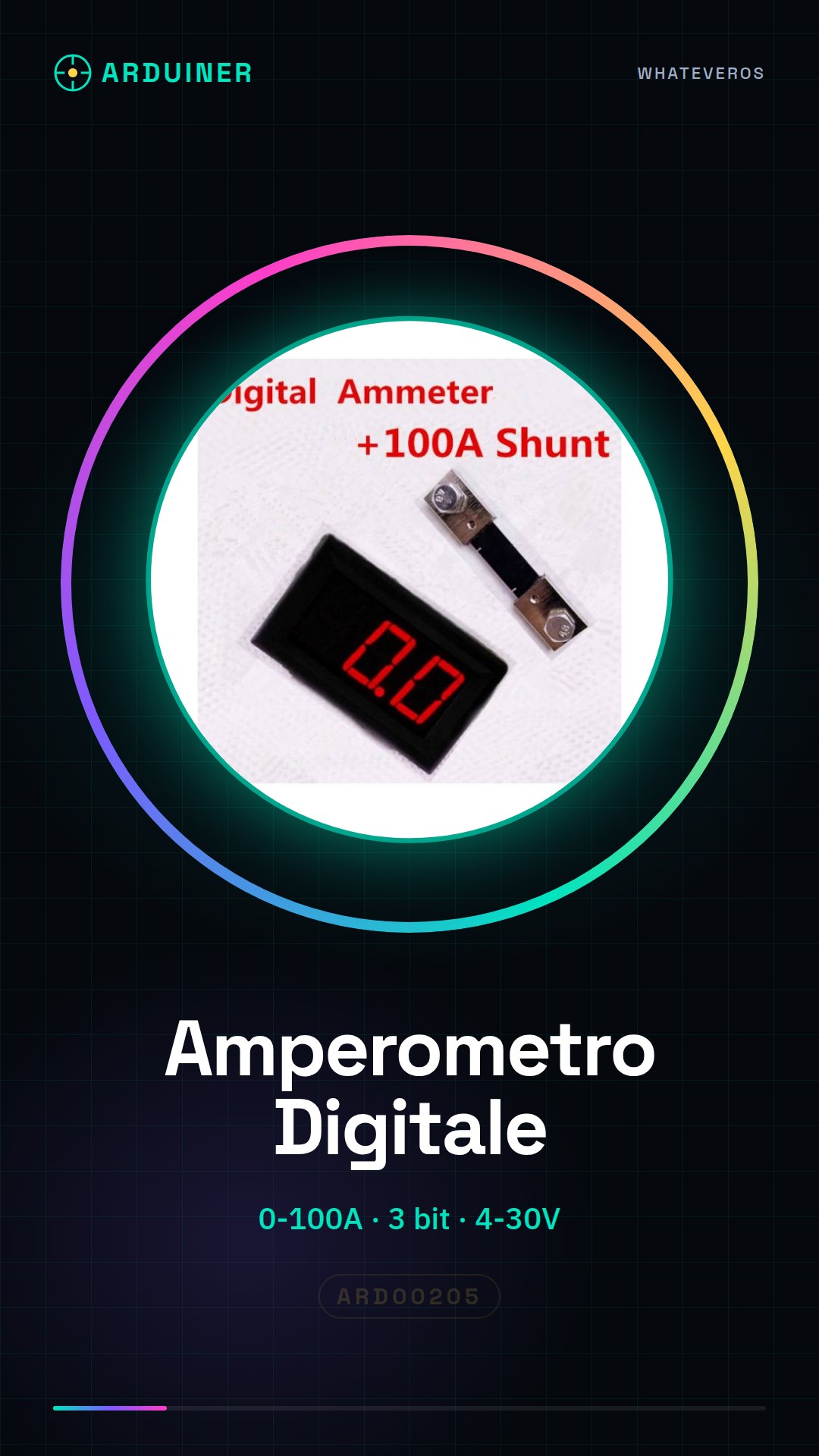
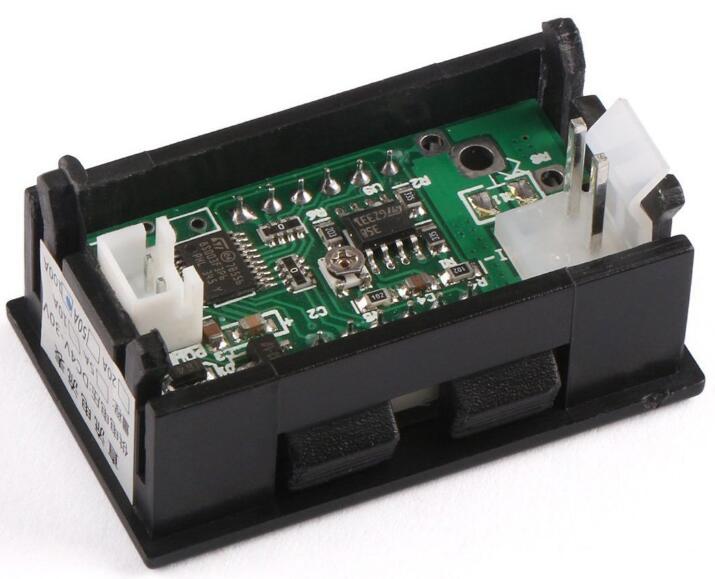
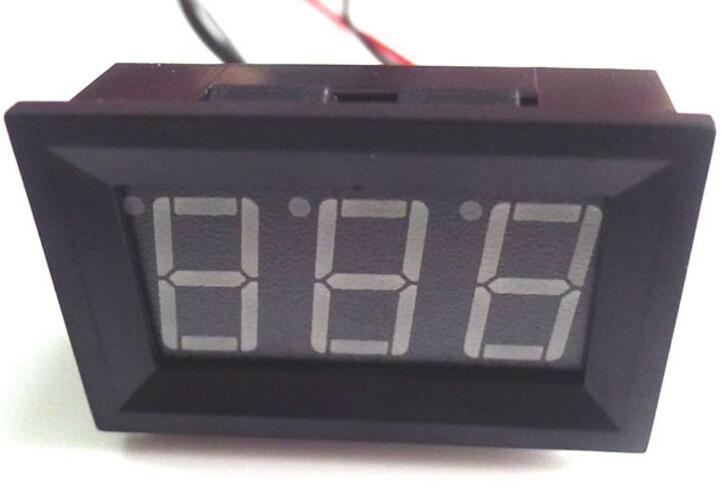
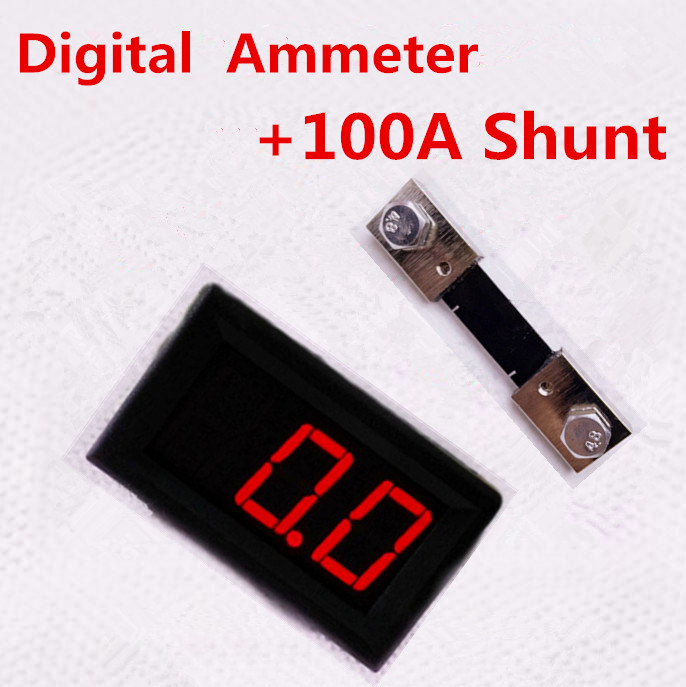
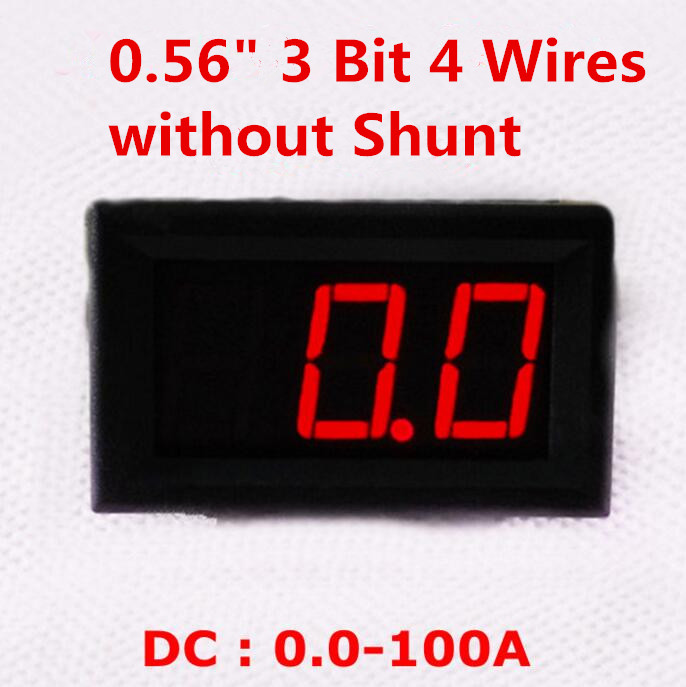
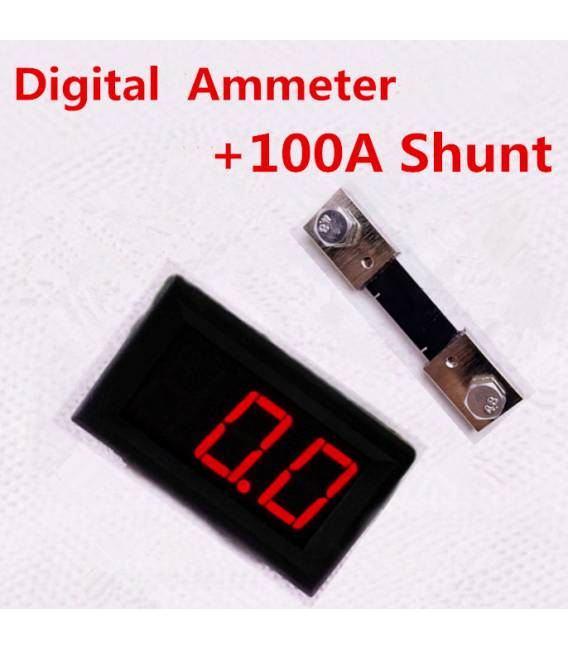
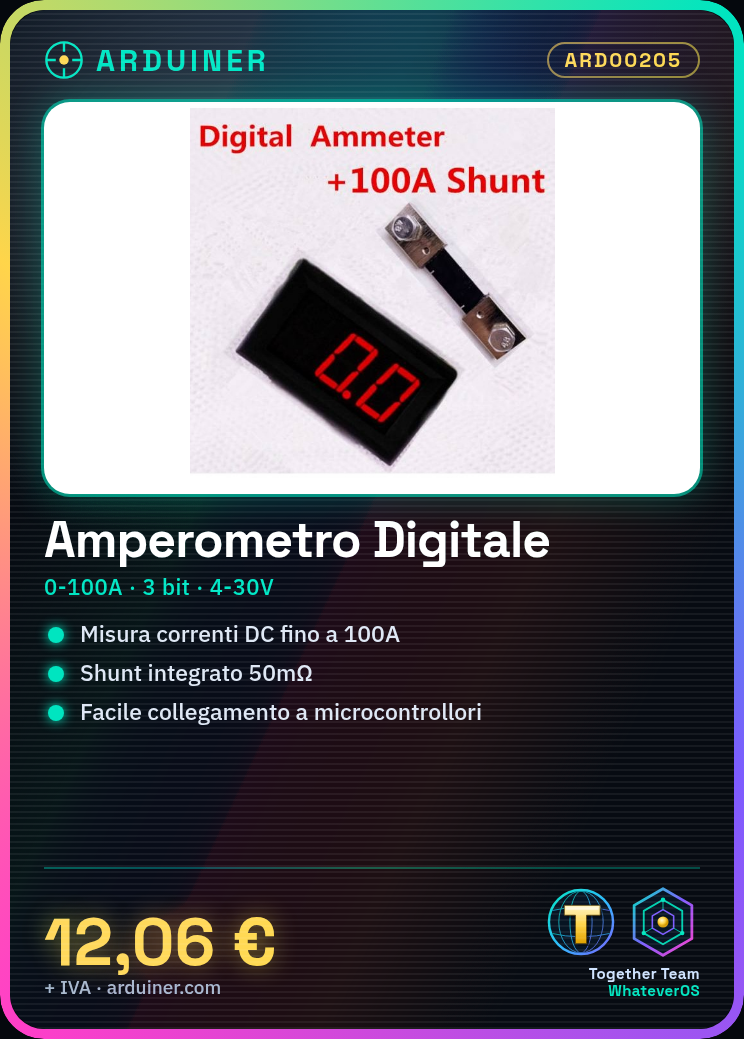
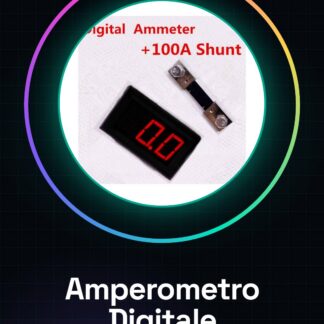
The digital ammeter ARD00205 is a device for measuring DC currents in electronic circuits. With a measurement range of 0 to 100A, this tool is ideal for projects requiring accurate current measurements.
Features
- Type: Digital Ammeter
- Measurement Range: 0-100A
- Measurement Variable: DC Current (I)
- Bit Count: 3
- Power Supply: 4-30V
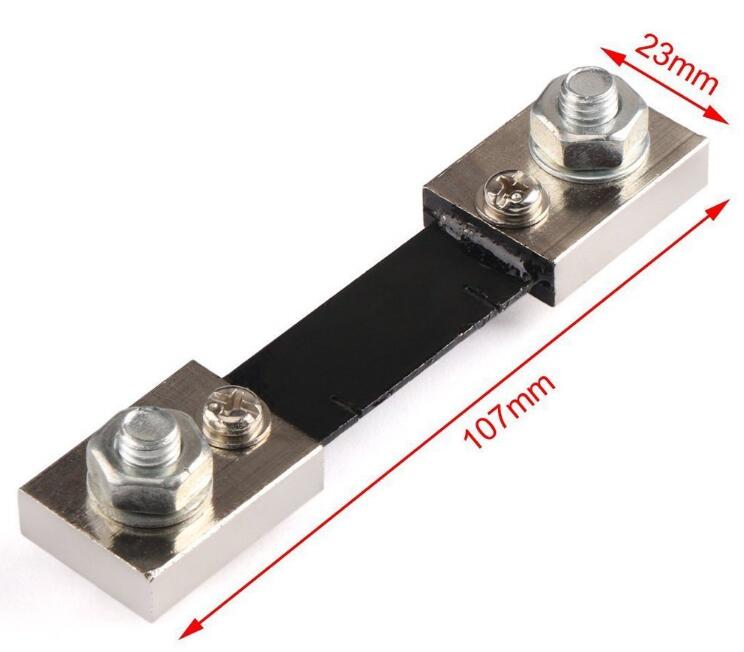
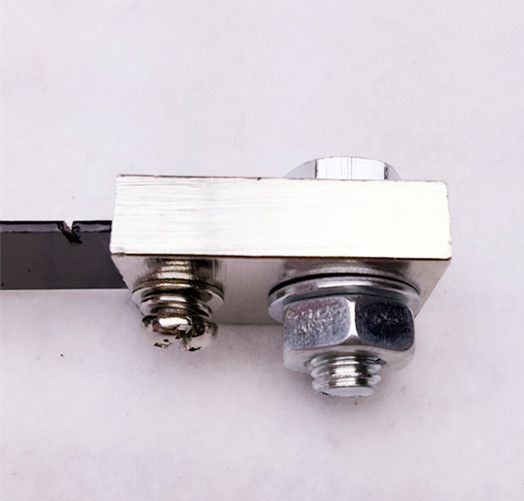
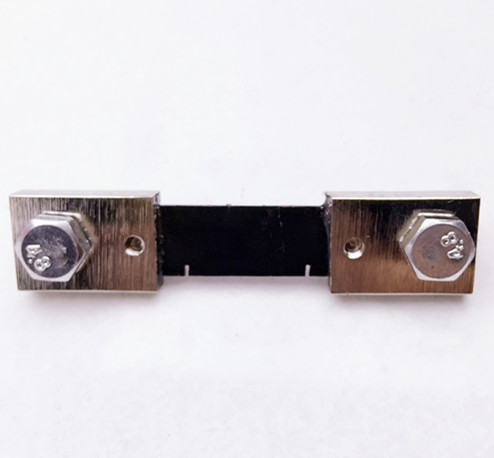
- Integrated Shunt
What it is for
The digital ammeter ARD00205 is usable in electronic, automation, and circuit protection projects. It can be easily integrated with Arduino or ESP for current monitoring.
Tutorial: How to Use Digital Ammeter 0.56 DC 0-100A
The digital ammeter is a fundamental tool for measuring currents up to 100A on DC circuits. Useful for electronic and automation projects.
What you need
- Digital Ammeter 0.56 DC 0-100A
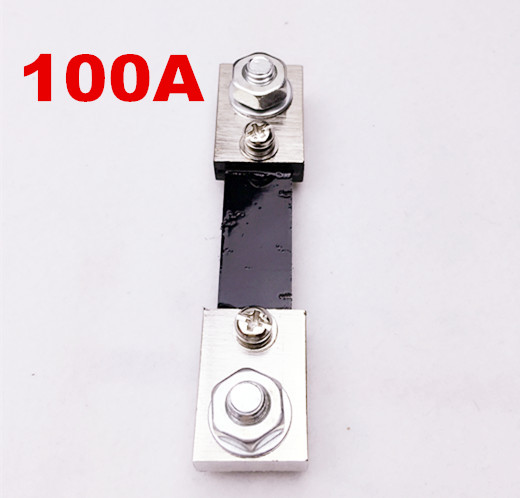
- Shunt 50mOhm
- Arduino or microcontroller
- Connectors and wires for connection
Steps
- 1. Check the datasheet for the shunt (50mOhm) specifications.
- 2. Connect the shunt in series between the circuit and ground.
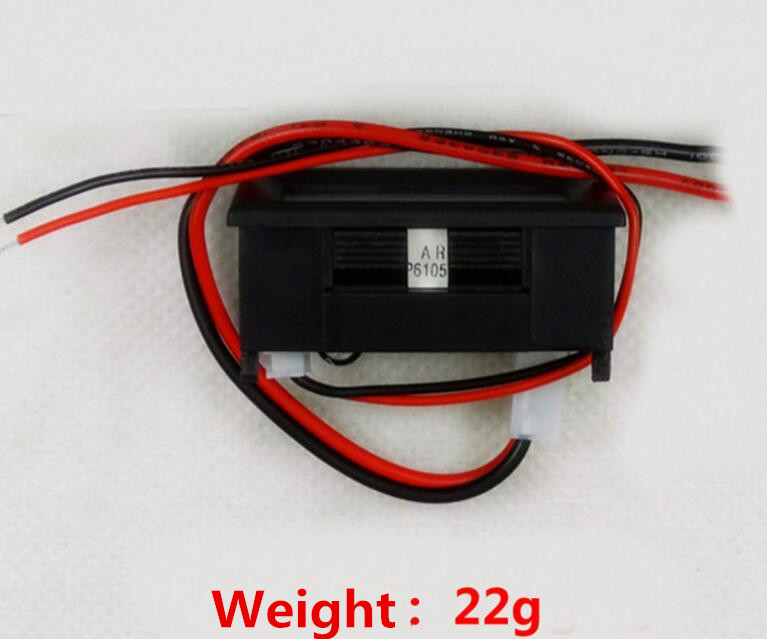
- 3. Connect the VCC and GND pins of the ammeter to the microcontroller.
- 4. Connect the OUT+ and OUT- pins to the ADC of the microcontroller.
- 5. Load the provided Arduino code.
- 6. Verify the correct reading of the ammeter.
- 7. Test the ammeter with different loads.
- 8. Adjust the calibration if necessary.
Example code
```void loop() { int value = analogRead(A0); float current = value * 0.02; Serial.println(current); delay(1000);}Mini project
Build an overcurrent protection system for a DC motor using the digital ammeter to monitor the current.
Common mistakes
- Connect the shunt in parallel instead of in series.
- Forget to calibrate the ammeter.
- Use a shunt of a different value.
- Connect the VCC and GND pins incorrectly.
Recommended accessories
- 50mOhm shunt
- Arduino Uno
- DC motor
- Test lead
Frequently asked questions
How can I calibrate the ammeter?
Measure the current with a multimeter and adjust the calibration in the Arduino code.
Can I use this ammeter with an Arduino Mega?
Yes, but check the compatibility of the ADC.
Is the shunt included with the ammeter?
No, purchase it separately.
What should I do if the ammeter does not read correctly?
Check the correct connection and calibration. Check the shunt and ADC.
Reviews
There are no reviews yet.