 EN
 IT Italiano
 ES Español
 FR Français
 DE Deutsch
Description
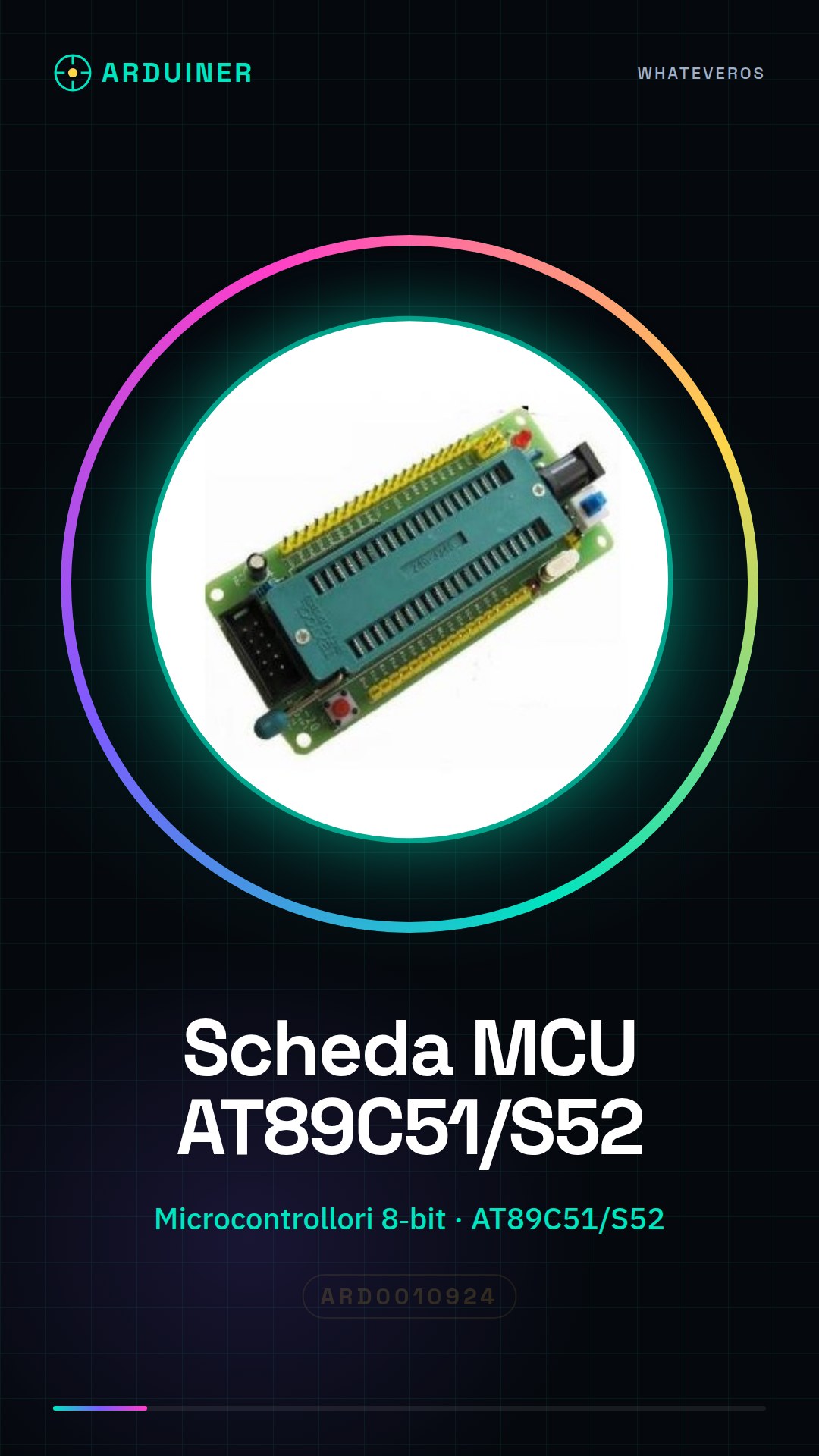
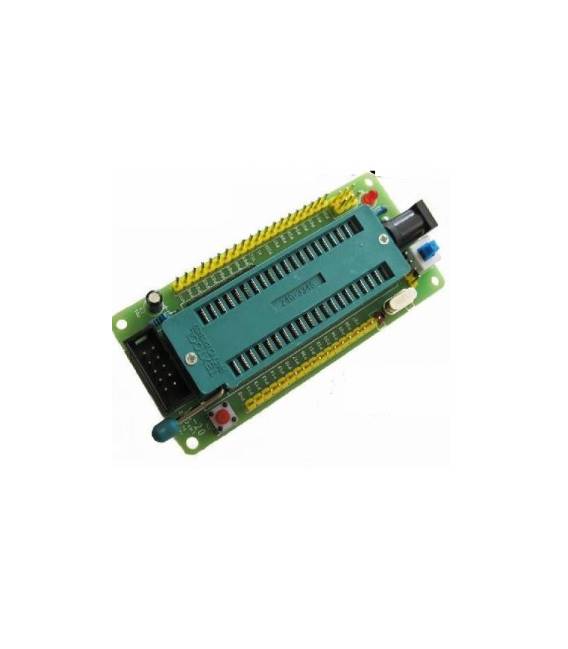
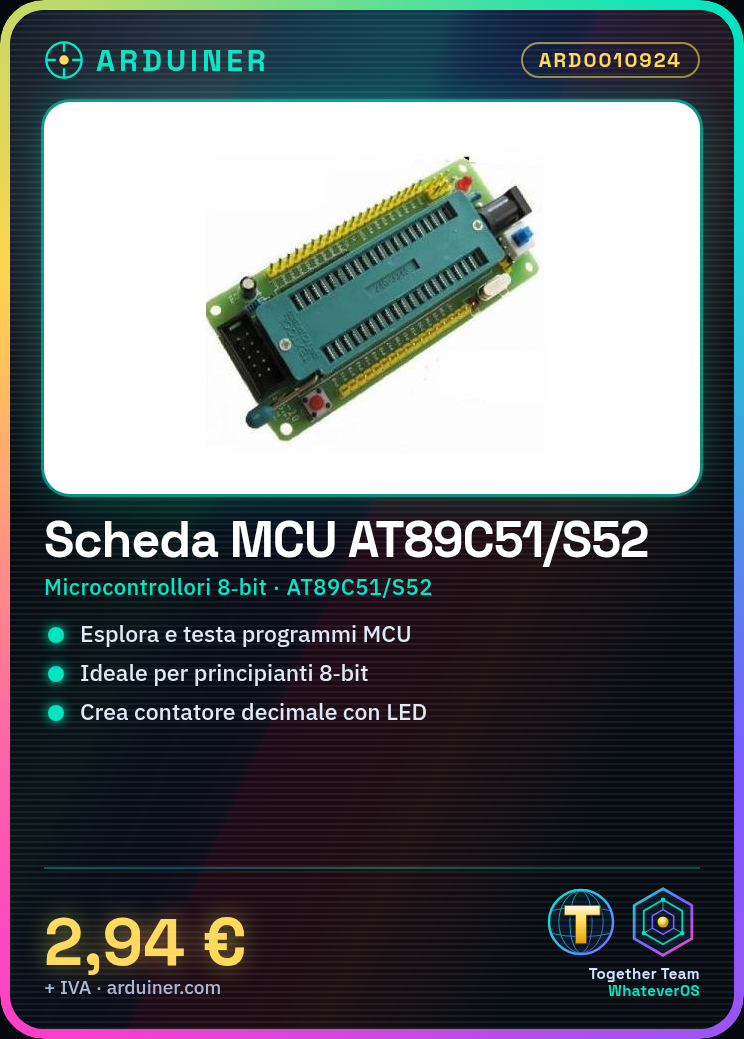
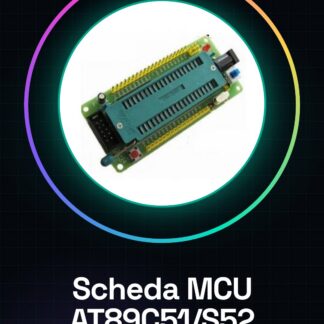
The AT89C51/S52/STC89C52 development board is a support platform for microcontrollers that allows electronic designers, developers, and makers to explore and test programs based on MCU. This board includes the microcontrollers AT89C51/S52/STC89C52. Features: Development board for microcontrollers AT89C51, S52, and STC89C52. Ideal for electronic projects based on MCU. What it is used for: This board is ideal for beginners who want to start working with 8-bit microcontrollers. You can use it to develop and test programs, such as creating a simple decimal counter with the onboard LEDs. Tutorial: How to Use 51 MCU Development Board. Useful for beginners and those who want to explore 8-bit microcontrollers. What it is used for: AT89C51 MCU Development Board, PC with Arduino IDE, USB cable, 10kΩ resistor (optional pull-up). Steps: 1. Download and install Arduino IDE. 2. Connect the board to the PC with the USB cable. 3. In the IDE, select ‘Arduino AVR Boards’ as the board. 4. Choose ‘AT89C51’ as the microcontroller. 5. Upload the ‘Blink’ example code. 6. Check the oscillator frequency in the datasheet. 7. Connect a 10kΩ resistor between VCC and RST if necessary. 8. Test the onboard LED. Example code: “` void setup() { pinMode(LED_BUILTIN, OUTPUT); } void loop() { digitalWrite(LED_BUILTIN, HIGH); delay(1000); digitalWrite(LED_BUILTIN, LOW); delay(1000); } “` Mini-project: Create a simple decimal counter with the onboard LEDs. Common errors: Incorrectly selecting the microcontroller in Arduino IDE. Not verifying power configuration. Ignoring the pull-up resistor. Incorrectly connecting the board. Recommended accessories: Onboard LEDs, 1kΩ resistor (for pull-down), different USB cable, AT89C51/S52/STC89C52 microcontrollers. Frequently asked questions: How can I verify the oscillator frequency? Check the datasheet or measure with an oscilloscope. Can I use this board with other microcontrollers? Yes, but ensure the microcontroller is compatible. What are the minimum PC requirements? A PC with Windows, macOS, or Linux, and at least 2GB of RAM.
Reviews
There are no reviews yet.