 EN
 IT Italiano
 ES Español
 FR Français
 DE Deutsch
Description
What it is
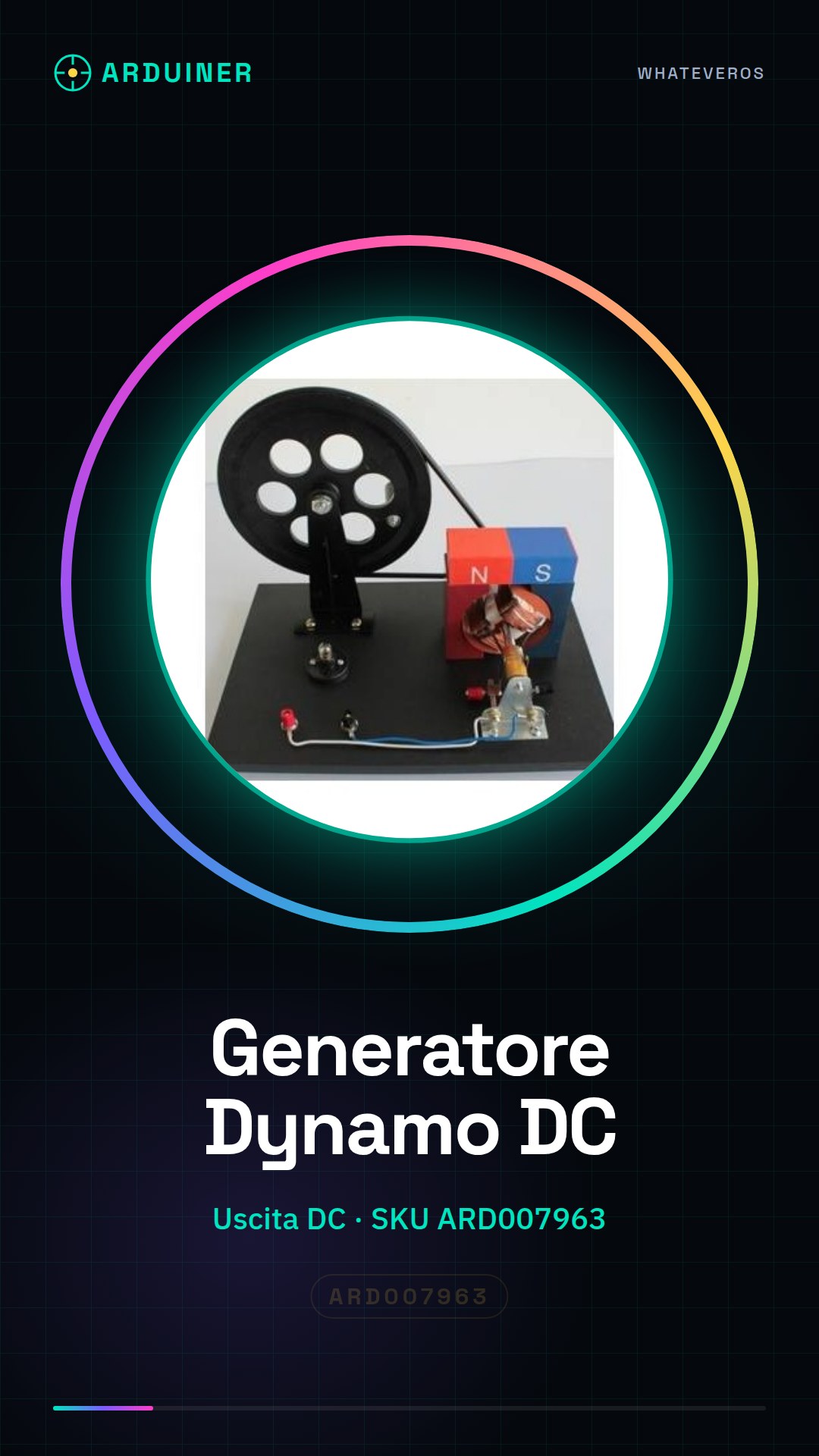
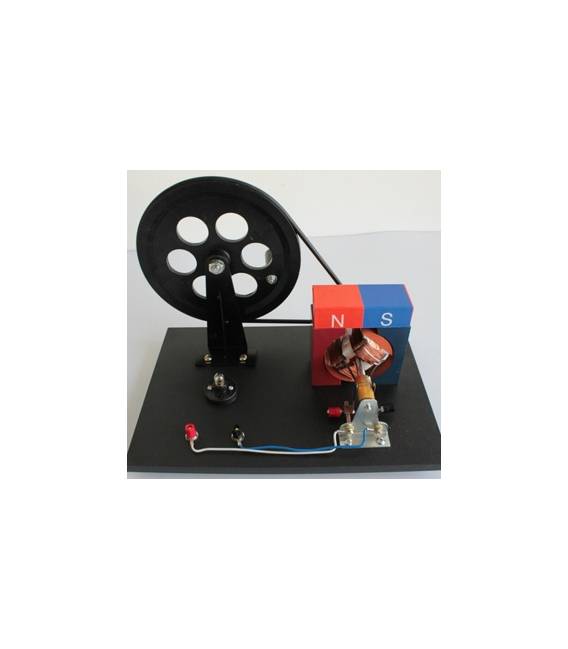
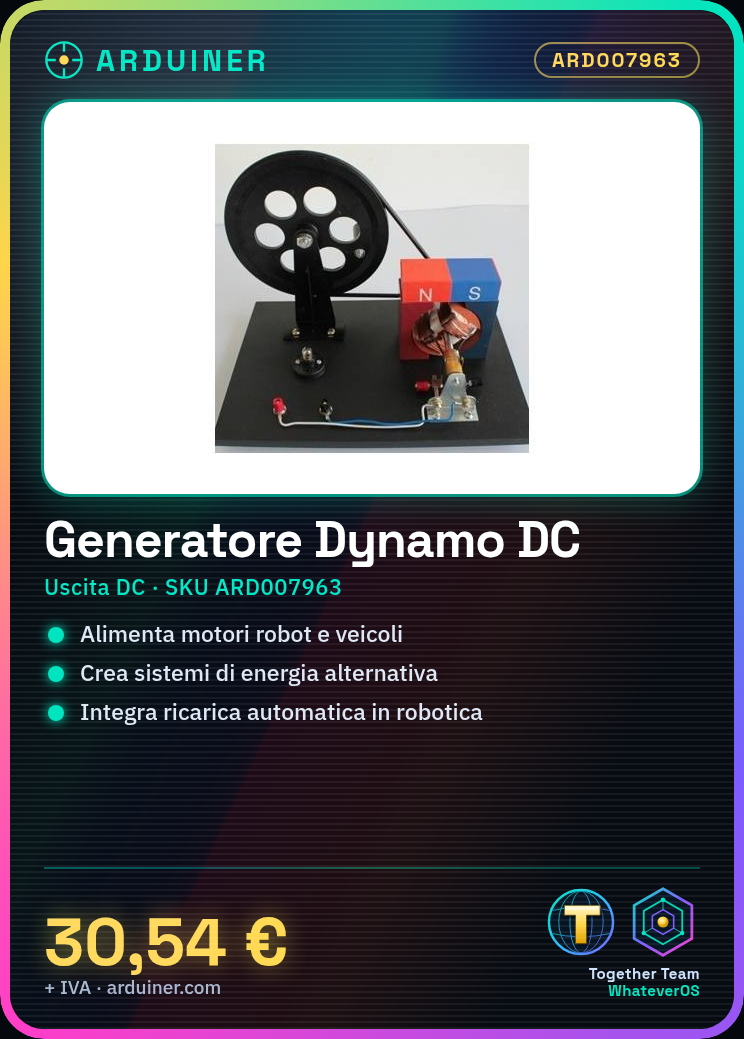
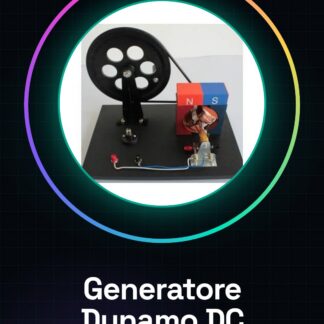
The ARD007963 DC Dynamo Generator is an electronic component that converts the kinetic energy of rotational motion into continuous electrical energy (DC).
Features
- Product Name: DC Dynamo Generator
- SKU: ARD007963
- Price: 30.54 €
- Output Voltage: check datasheet
- Output Current: check datasheet
- Output Type: DC
What it is for
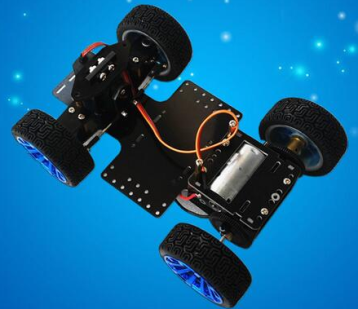
The DC Dynamo Generator is ideal for powering motors and devices in robotic vehicles. It can be used to create alternative energy systems or integrate automatic recharge mechanisms in robotics projects. A common example is its use in rovers that recharge their battery while moving on an inclined surface.
Tutorial: How to Use DC Dynamo Generator
The DC Dynamo Generator is an essential component for anyone looking to create alternative energy systems or integrate automatic charging mechanisms into their creations. Ideal for projects requiring power from rotary motion.
What you need
- DC Dynamo Generator
- Arduino Uno R3
- JST-J to JST-XH cable
- 1S 200mAh LiPo battery
- JST-XH connectors
- Digital multimeter
Steps
- Check the compatibility of the DC Dynamo Generator connector with your Arduino. If necessary, use a JST-J to JST-XH connecting cable.
- Connect the DC Dynamo Generator to the Arduino Vin connector using JST-XH cables.
- Connect the 1S 200mAh LiPo battery to the DC Dynamo Generator to ensure power can flow.
- Verify with a digital multimeter if the generator is producing current when rotated. The voltage should increase proportionally to the rotation speed.
- Write an Arduino sketch to read the voltage produced by the generator and display it on the serial monitor.
- Test the sketch by uploading the code to your Arduino connected to your computer.
- Manually or mechanically rotate the Dynamo DC generator and observe the voltage values obtained on the Arduino serial monitor.
- Optimize your creation by integrating the power generation system into a larger project, such as a rover or a drone.
Example code
void setup() {
  Serial.begin(9600);
}

void loop() {
  int val = analogRead(A0);
  float voltage = (val / 1024.0) * 5;
  Serial.println(voltage);
}
Mini project
Create a simple rover that charges its battery while moving on an inclined surface.
Common mistakes
- Do not check the compatibility of the connectors before connecting the Dynamo DC generator.
- Omit the verification of the voltage produced by the generator with a digital multimeter.
- Ignore the importance of proper initial power supply for the system.
- Do not integrate the Dynamo DC generator into a larger project that could benefit from its functionality.
Recommended accessories
- Arduino Uno R3
- LiPo 1S 200mAh Battery
- JST-J to JST-XH Cable
- JST-XH Connections
Frequently asked questions
Can the Dynamo DC generator charge a battery directly?
Yes, but make sure that the voltage produced by the generator is appropriate for the type of battery you are trying to recharge. Check the datasheet.
How much power can the Dynamo DC generator provide?
The generated power depends on the speed of rotation of the generator and the applied load. Check the datasheet for precise details.
Reviews
There are no reviews yet.