 EN
EN IT Italiano
 ES Español
 FR Français
 DE Deutsch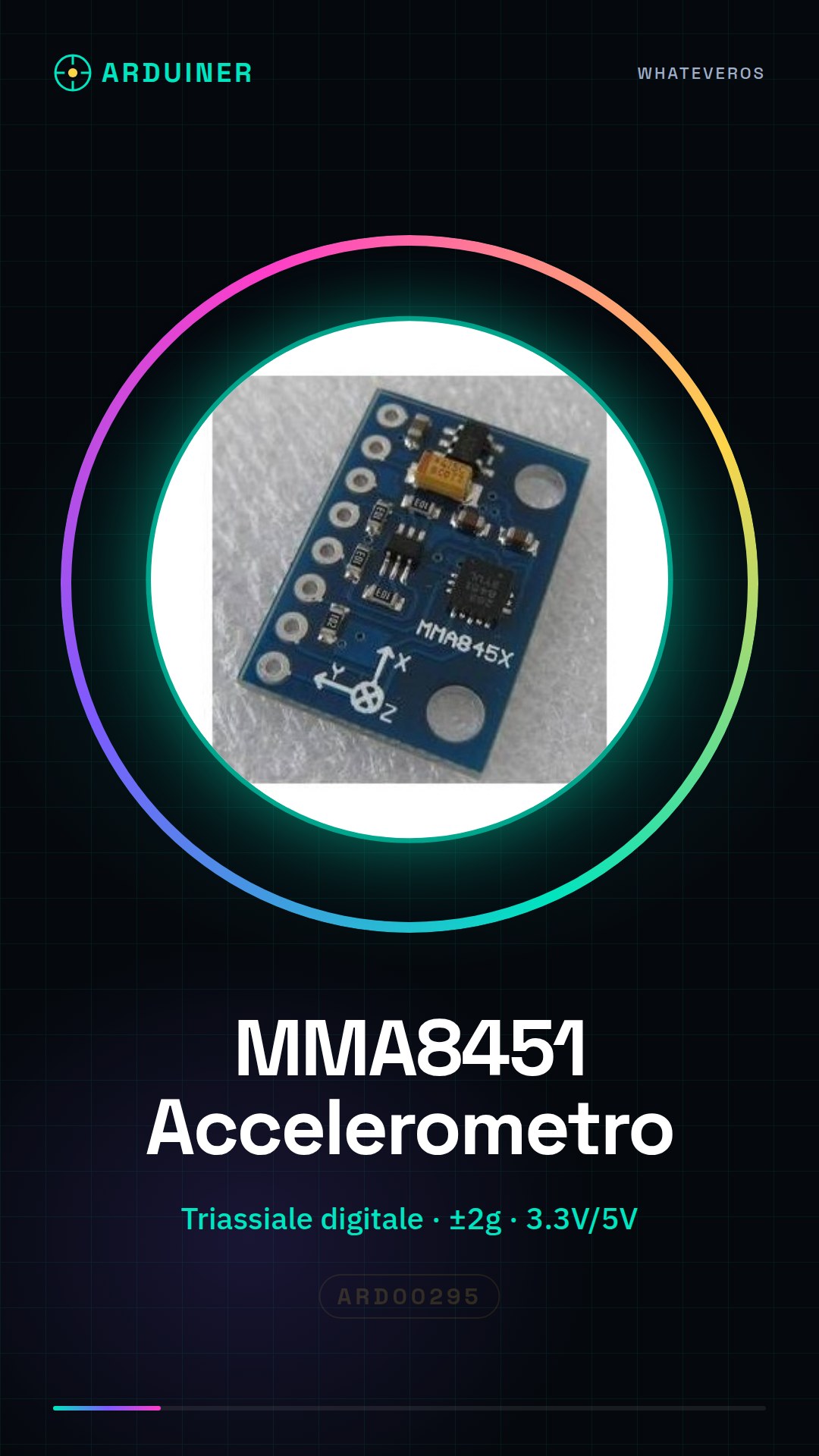
Description
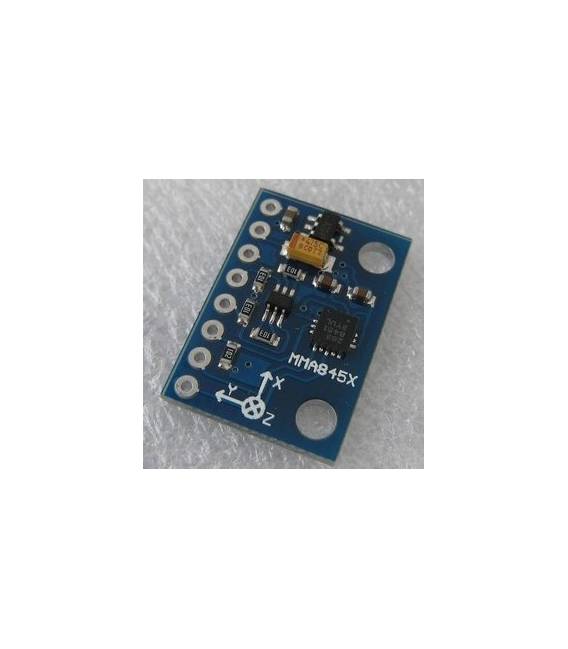
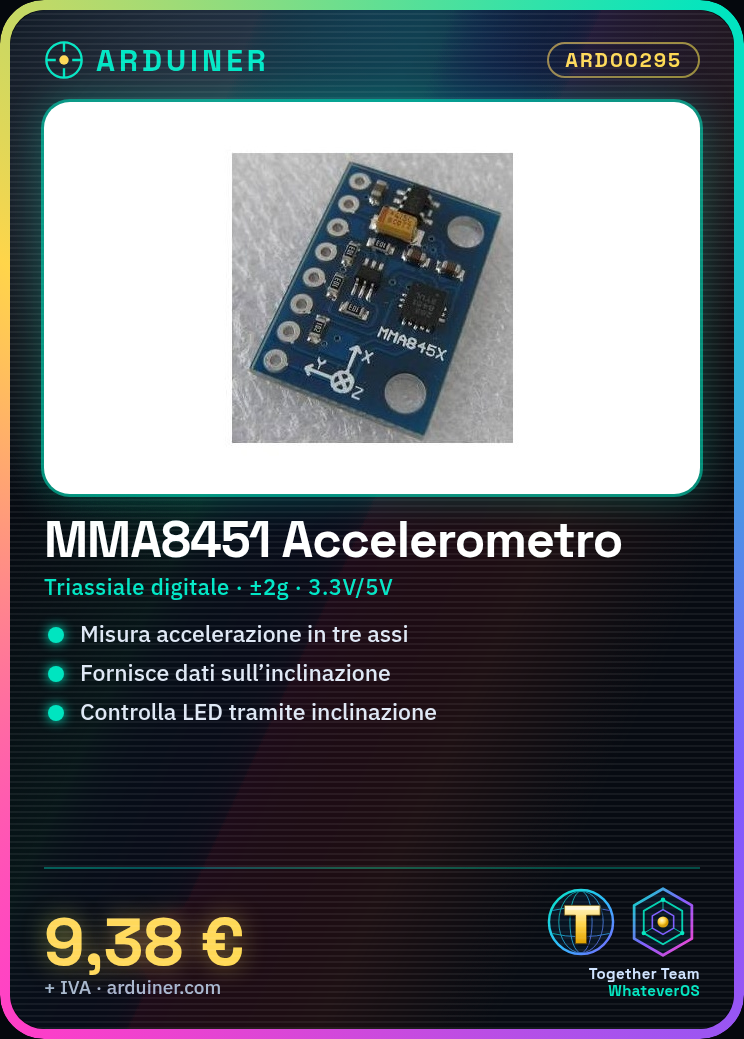
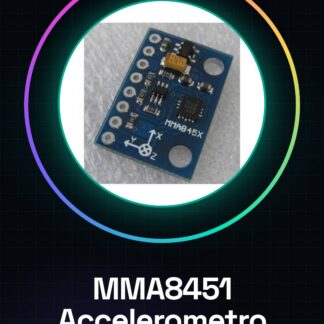
What is it The MMA8451 module is a digital triaxial accelerometer for Arduino. It allows measuring acceleration in three different directions, providing information on the inclination and movement of an object. Features Digital triaxial accelerometer Measurement precision for inclination Compatible with Arduino What is it used for The MMA8451 module is ideal for projects requiring the measurement of inclination or movement. Example of use: create a virtual horizon that controls an LED based on the inclination of a device. Tutorial: How to use MMA8451 The MMA8451 is a triaxial sensor that measures acceleration in three axes. Useful for movement and inclination projects. What is needed Arduino Power cable Pull-up resistor (optional) Multimeter (optional) Steps 1. Mount the MMA8451 on a protoboard. 2. Connect VCC to 3.3V or 5V Arduino. 3. Connect GND to Arduino GND. 4. Connect SDO to one of the Arduino digital pins (e.g., D2). 5. Connect SCL to Arduino SCL. 6. Connect SDA to Arduino SDA. 7. Connect VDD to 3.3V or 5V Arduino. 8. Connect VDDA to VCC (3.3V or 5V) Arduino. 9. Connect VREF to VCC (3.3V or 5V) Arduino. 10. Connect RST to an Arduino digital pin or leave it free. 11. Connect a 10kΩ pull-up resistor between SDO and VDD. 12. Download the example Sketch code. 13. Upload the Sketch to Arduino. 14. Check the acceleration data through the debug console. Example code “`cpp #include #include MMA8451 mma; void setup() { Wire.begin(); mma.begin(); } void loop() { int16_t x, y, z; mma.getAcceleration(&x, &y, &z); Serial.print(
Reviews
There are no reviews yet.