 EN
 IT Italiano
 ES Español
 FR Français
 DE Deutsch
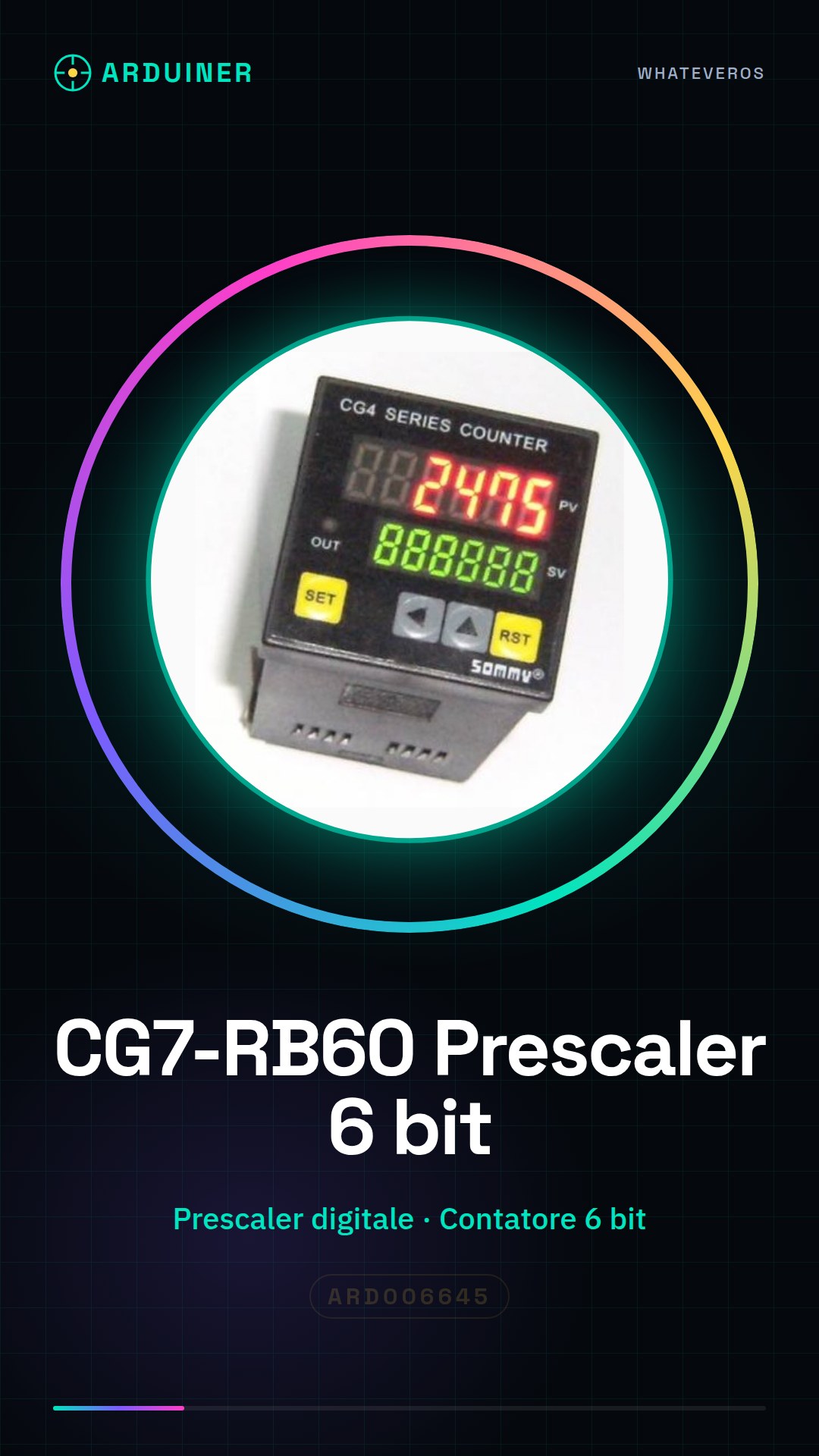
Description
What it is
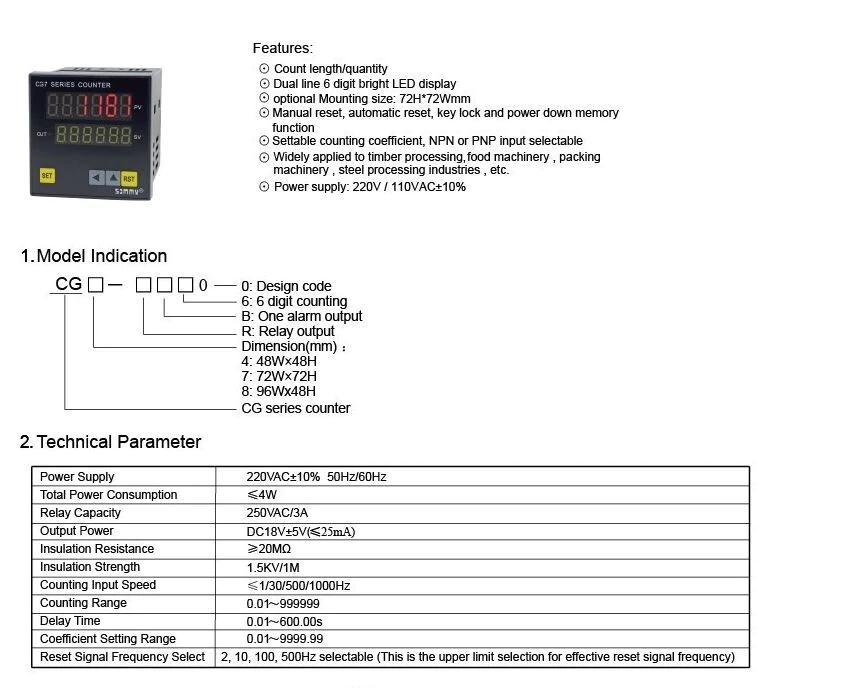
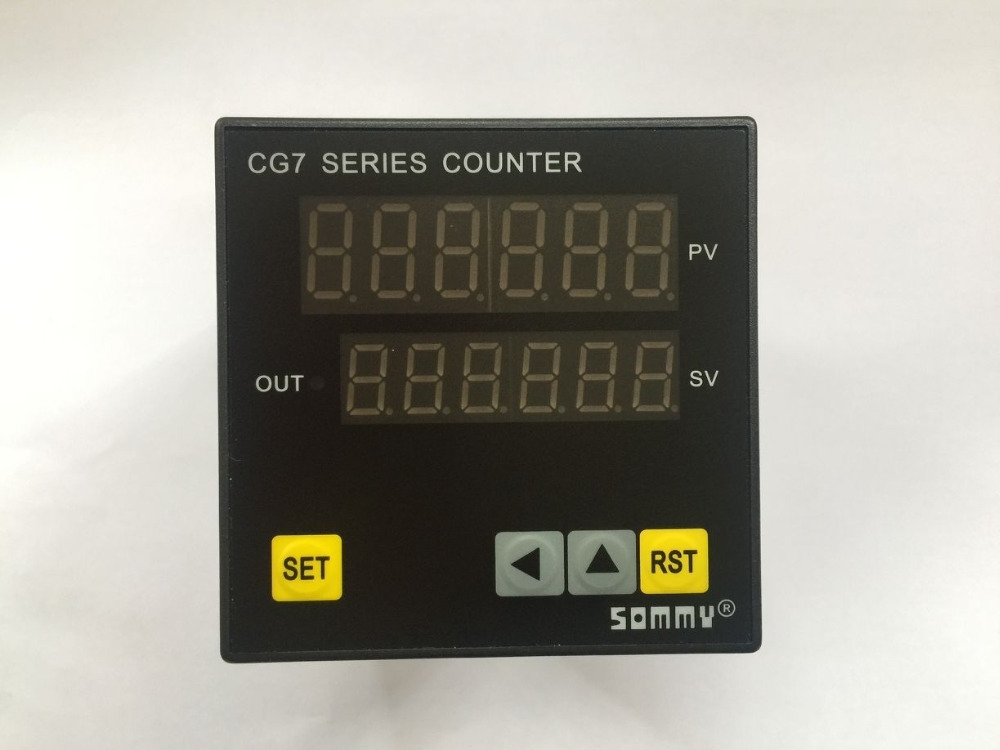
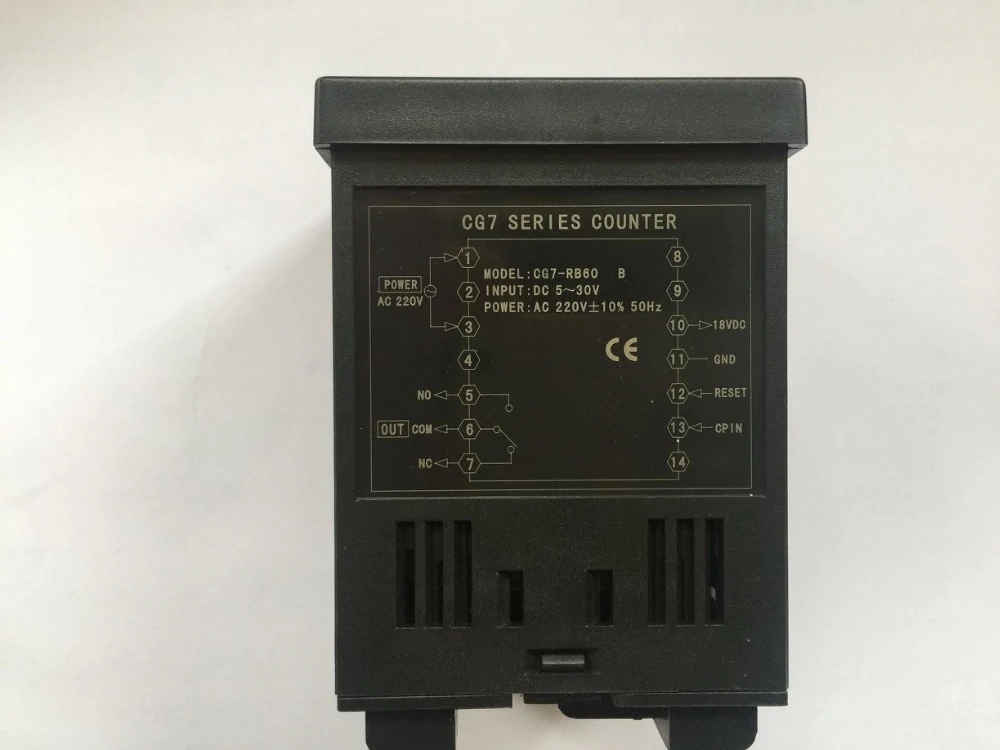
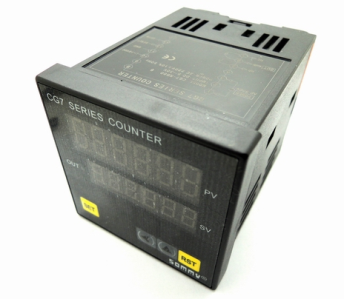
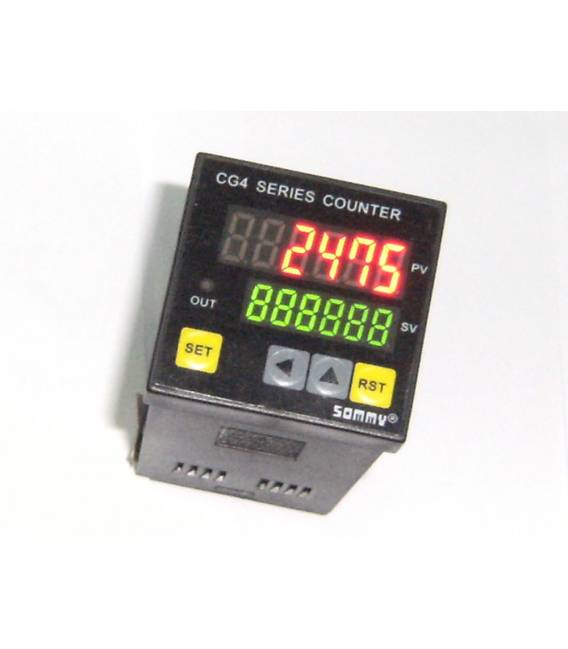
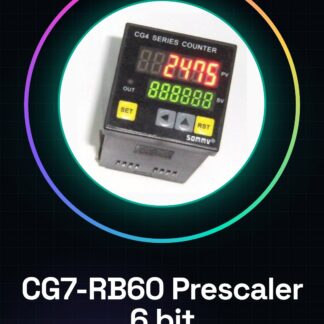
The CG7-RB60 is a digital prescaler with a 6-bit preselection counter, designed for multifunction encoders. This component offers precision and versatility in applications requiring precise mechanical position control.
Features
- Digital prescaler with a 6-bit preselection counter
- For multifunction encoders
What it is for
Illuminates applications such as mechanical or optical feedback systems, where it is necessary to monitor the position of a rotating disk or a lever. It is useful for projects that require precision and reliability in mechanical position control.
Tutorial: How to use CG7-RB60 Digital Prescaler
The CG7-RB60 is a digital prescaler with a 6-bit preselection counter designed for multifunction encoders. It is ideal for makers and engineers working on mechanical or optical feedback systems.
What you need
- Arduino Uno
- USB connection from computer to Arduino
- Multifunction Encoder 72WX72HX100L
- JST cable to connect the encoder to the prescaler
- Arduino IDE development software
Steps
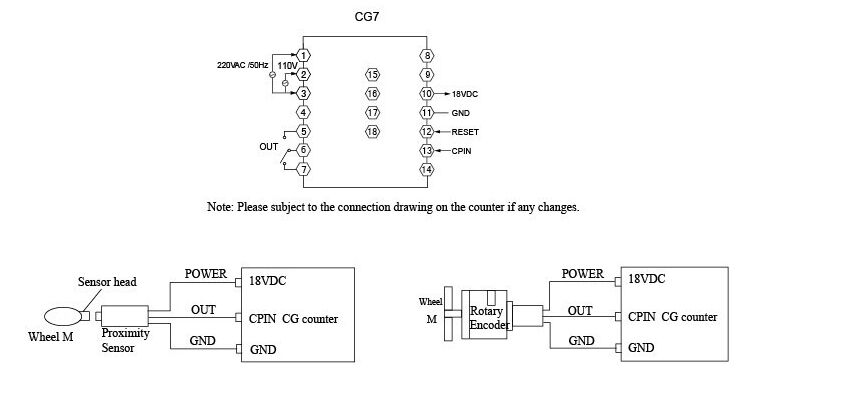
- Connect the multifunction encoder 72WX72HX100L to the CG7-RB60 using the JST cable.
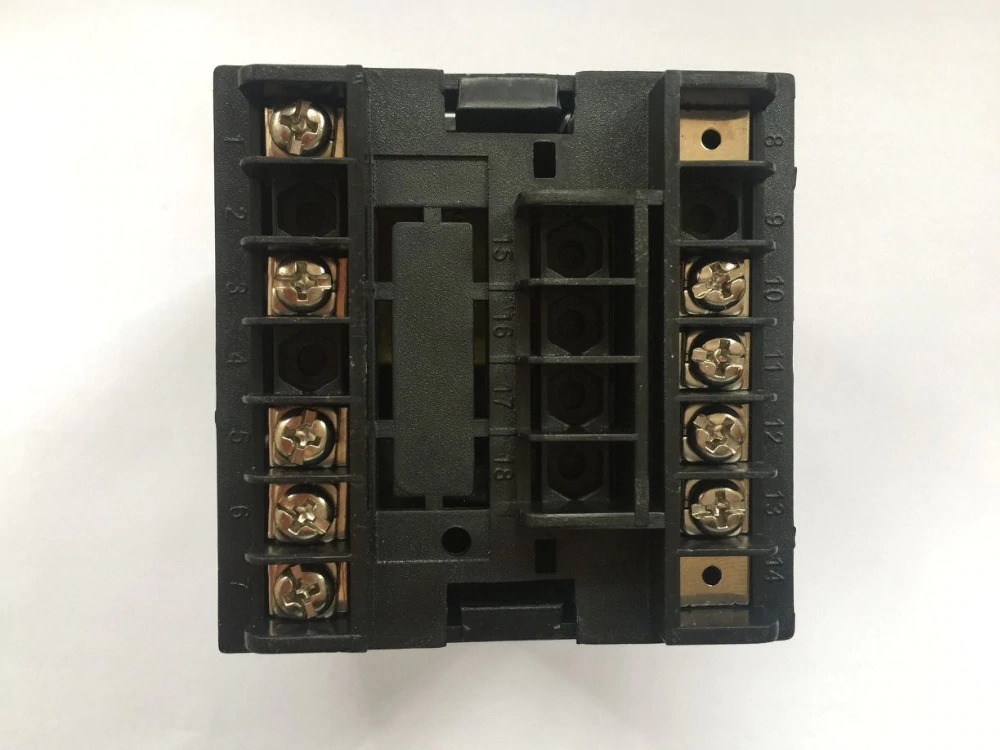
- Configure the input and output pins of the prescaler according to the specifications in the encoder’s datasheet.
- Open Arduino IDE, create a new sketch and include the necessary libraries to manage the encoder.
- Write the sketch that reads data from the CG7-RB60 and sends it to the Arduino.
- Verify the connection between the prescaler and the Arduino using the serial monitor in Arduino IDE.
- Program the 6-bit preselection counter to select the desired signal division of the encoder.
- Test the prescaler’s functionality with different input values and observe the output on the serial monitor.
- Optimize the code to improve the precision and resolution of the data received from the encoder.
Example code
void setup() {
  Serial.begin(9600);
}

void loop() {
  int value = readEncoder();
  Serial.println(value);
}
Mini project
Create a simple mechanical feedback system that uses the CG7-RB60 to control the position of a lever or a rotating disk.
Common mistakes
- Fail to properly verify the connection pins between the encoder and the prescaler.
- Omit to configure the 6-bit preselection counter correctly.
- Use an inappropriate signal division for the specific project requirements.
- Fail to adequately test the system before final implementation.
Recommended accessories
- JST Connections
- Multi-function encoder compatible
- Breadboard
- Position sensors
Frequently asked questions
What is the minimum division that can be selected with the 6-bit counter?
Check the product datasheet.
How do you correctly configure the multi-function encoder to the CG7-RB60?
Follow the connection and configuration specifications indicated in the encoder product datasheet.

Reviews
There are no reviews yet.