 EN
 IT Italiano
 ES Español
 FR Français
 DE Deutsch
Description
What it is
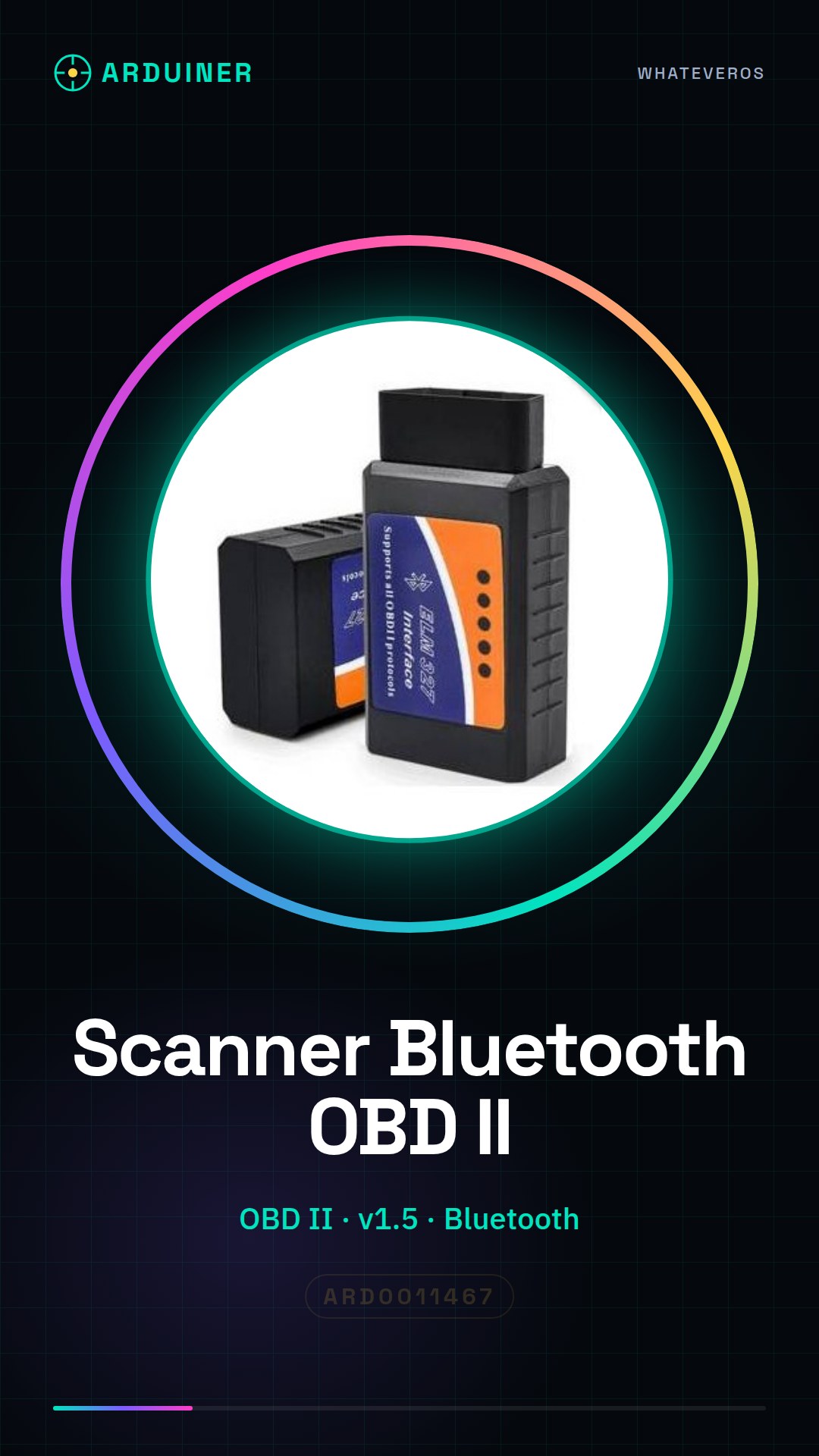
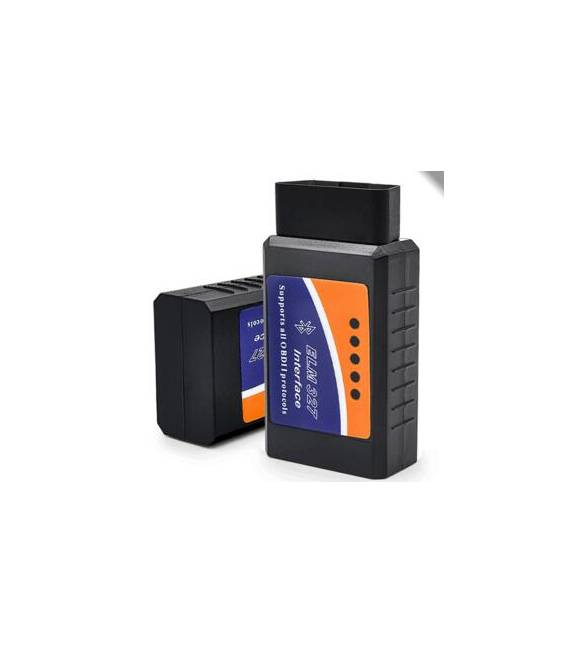
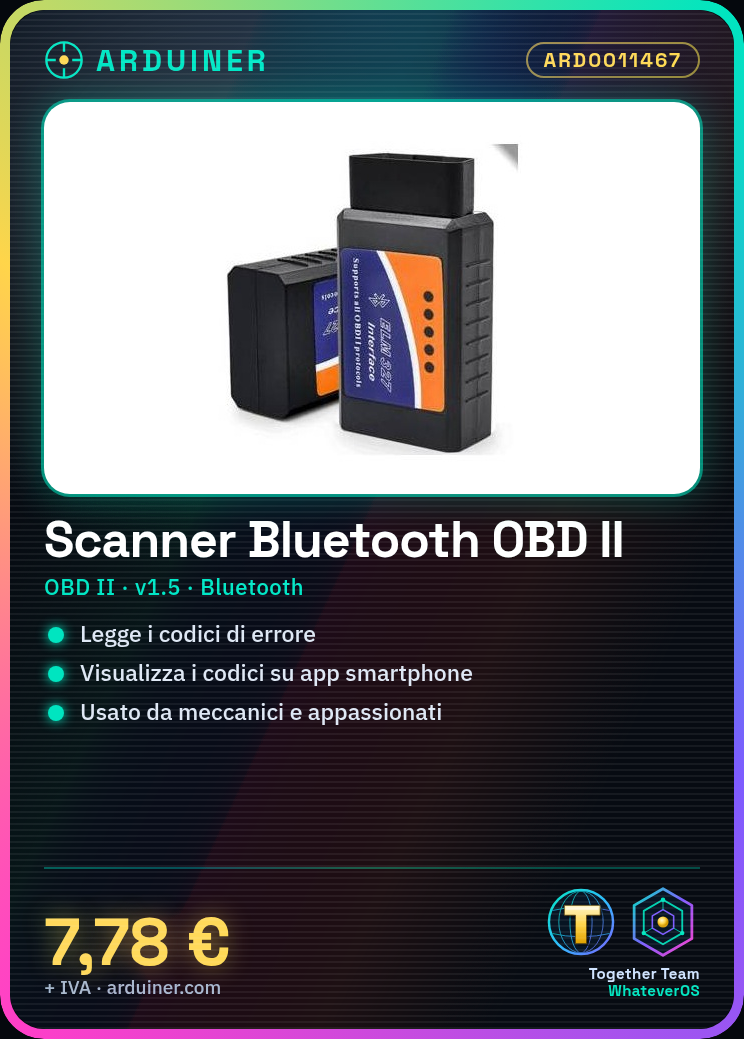
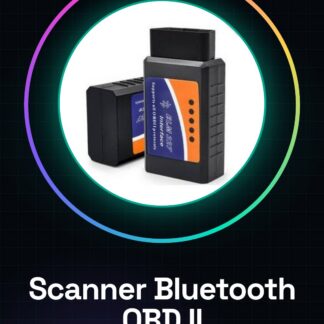
The Bluetooth ELM327 v1.5 diagnostic scanner is a tool for OBD II scanning. It allows you to read the error codes of a vehicle and display them via a smartphone app.
Features
- Protocol: OBD II
- Version: v1.5
- Connection: Bluetooth
- SKU: ARD0011467
- Price: 7.78 €
What it is for
This scanner is useful for mechanics and car enthusiasts to diagnose and repair issues. It allows you to read the vehicle’s error codes and display them via a smartphone app. Compatibility with Arduino or ESP is not specified, check the datasheet.
Tutorial: How to use Bluetooth ELM327 v1.5 OBD II Diagnostic Scanner
This Bluetooth OBD II scanner helps you diagnose and repair issues with your vehicle without physically connecting to the onboard computer. Useful for mechanics and enthusiasts.
What you need
- Bluetooth ELM327 v1.5 OBD II Diagnostic Scanner
- Bluetooth Device
- Vehicle
- PC or smartphone with compatible application
Steps
- 1. Check the datasheet to see if your vehicle supports OBD II.
- 2. Download and install a compatible app on a smartphone or PC.
- 3. Turn on the scanner and wait for it to connect to your vehicle.
- 4. Connect the USB cable of the scanner to your vehicle.
- 5. Connect the USB cable to your smartphone or PC.
- 6. Follow the app instructions to identify your vehicle.
- 7. Run a general diagnosis to check the system status.
- 8. Select specific areas of diagnosis such as engine or security system.
Mini project
Connect the scanner to your vehicle and use the app to check error codes. Verify if it works with a sample vehicle.
Common mistakes
- Connect the USB cable to the vehicle before starting the engine.
- No compatible application.
- Do not follow the app instructions for vehicle identification.
- Do not verify if the vehicle supports OBD II.
Recommended accessories
- USB cable
- Diagnostic app compatible
- Vehicle with OBD II system
- Vehicle manual
Frequently asked questions
How can I check if my vehicle supports OBD II?
Check the vehicle manual or visit the manufacturer’s website.
Which vehicles support OBD II?
Most vehicles produced after 1996 support OBD II.
Can I use this scanner on all vehicles?
Check if your vehicle supports OBD II before using the scanner.
What should I do if I can’t connect?
Make sure the vehicle is on, the USB cable is properly connected, and the app is up to date.



Reviews
There are no reviews yet.