 EN
EN IT Italiano
 ES Español
 FR Français
 DE Deutsch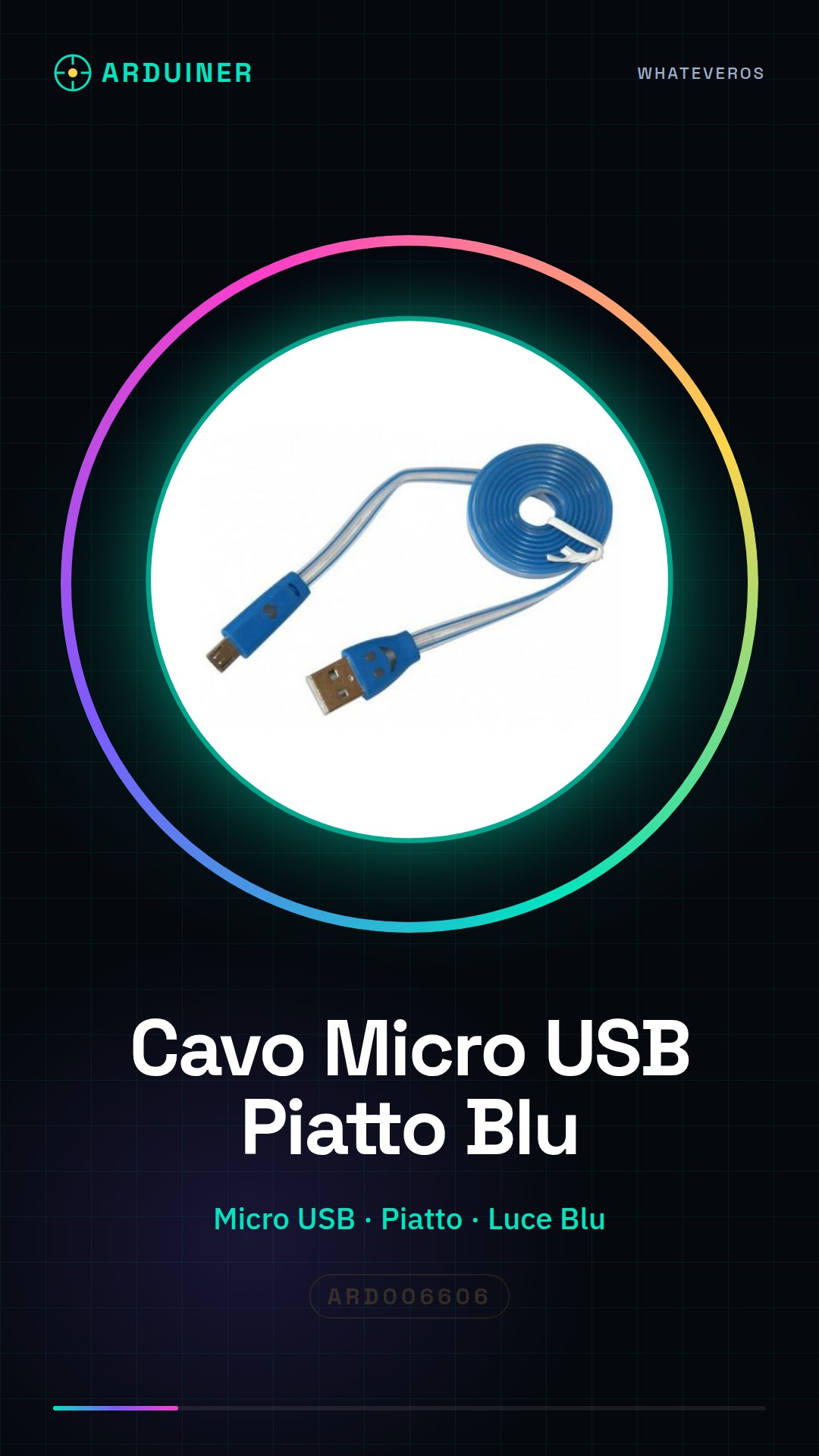
Description
Tutorial: How to Use Blue-Lighted Flat Micro USB Cable
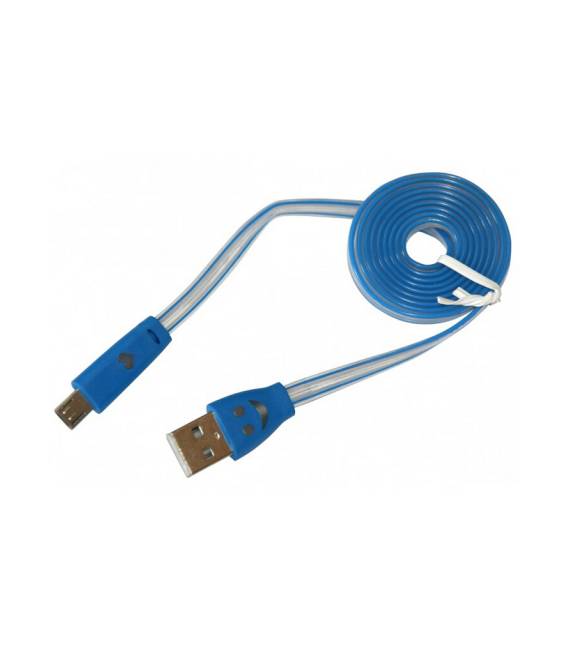
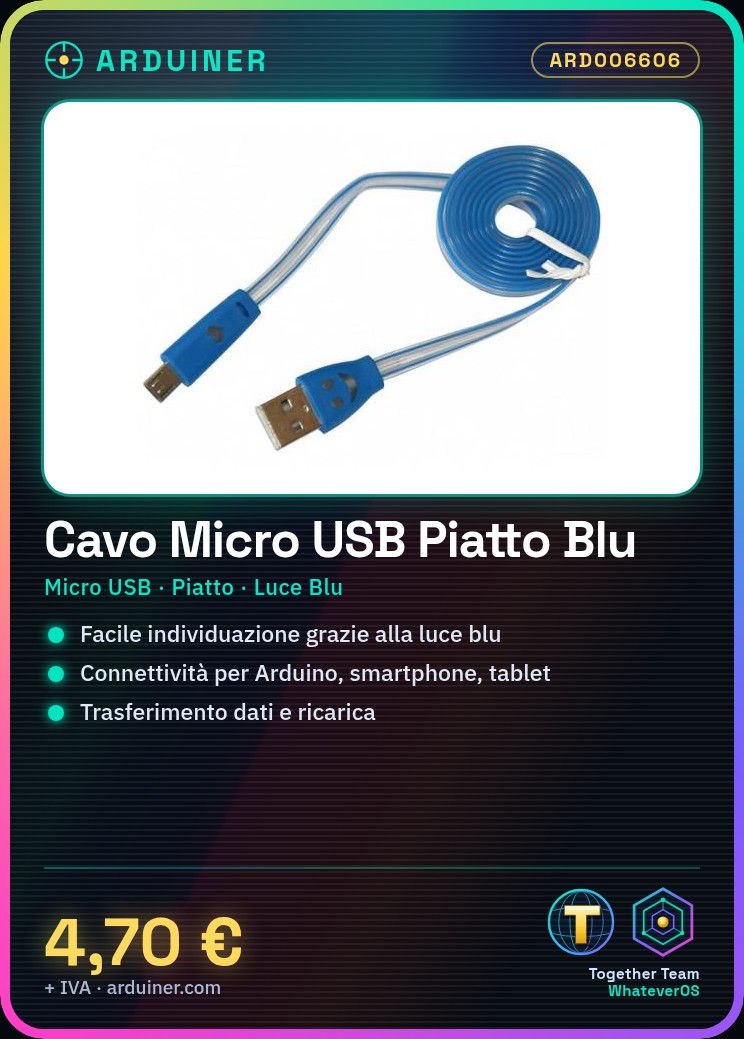
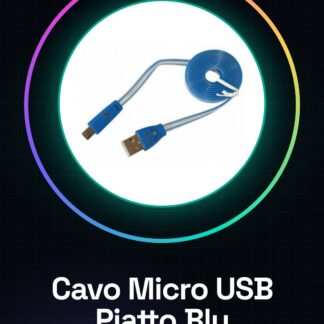
The blue-lighted flat micro USB cable is ideal for connecting devices such as Arduino, smartphones, and tablets to a computer or other charging devices. The blue light helps to easily identify it in any situation.
What You Need
Arduino
Smartphone
Tablet
Computer
Steps
Verify that the flat micro USB cable is compatible with the connectors of both devices to be connected.
Connect one end of the cable to the source device (e.g., a computer).
Connect the other end of the cable to the destination device (e.g., Arduino or smartphone).
Verify that the blue light turns on to confirm the correct connection.
If necessary, check the datasheet for power and communication specifications.
Use the cable to charge or transfer data between devices.
After finishing the connection, disconnect the cable gently from both devices.
Mini-Project
Connect an Arduino to a computer using the blue-lighted flat micro USB cable to load a test sketch and monitor communication through the serial port.
Common Errors
Using a damaged or incompatible cable that can cause connection issues.
Forgetting to verify if the device is recognized by the computer after installing the cable.
Not following the correct disconnection procedure, potentially damaging the connected devices.
Recommended Accessories
USB A-micro B Cable
Micro USB to Lightning Adapter (for iPhone/iPad)
Portable Power Bank with Micro USB Port
Extendable USB Hub
Frequently Asked Questions
Can the cable be used to charge devices? Yes, the flat micro USB cable can be used for both data transfer and charging devices. Does the blue light turn on even when there is no data in transmission? The blue light is a connection indicator, so it will always turn on as long as the cable is correctly connected.
Reviews
There are no reviews yet.