 EN
 IT Italiano
 ES Español
 FR Français
 DE Deutsch
Description
What it is
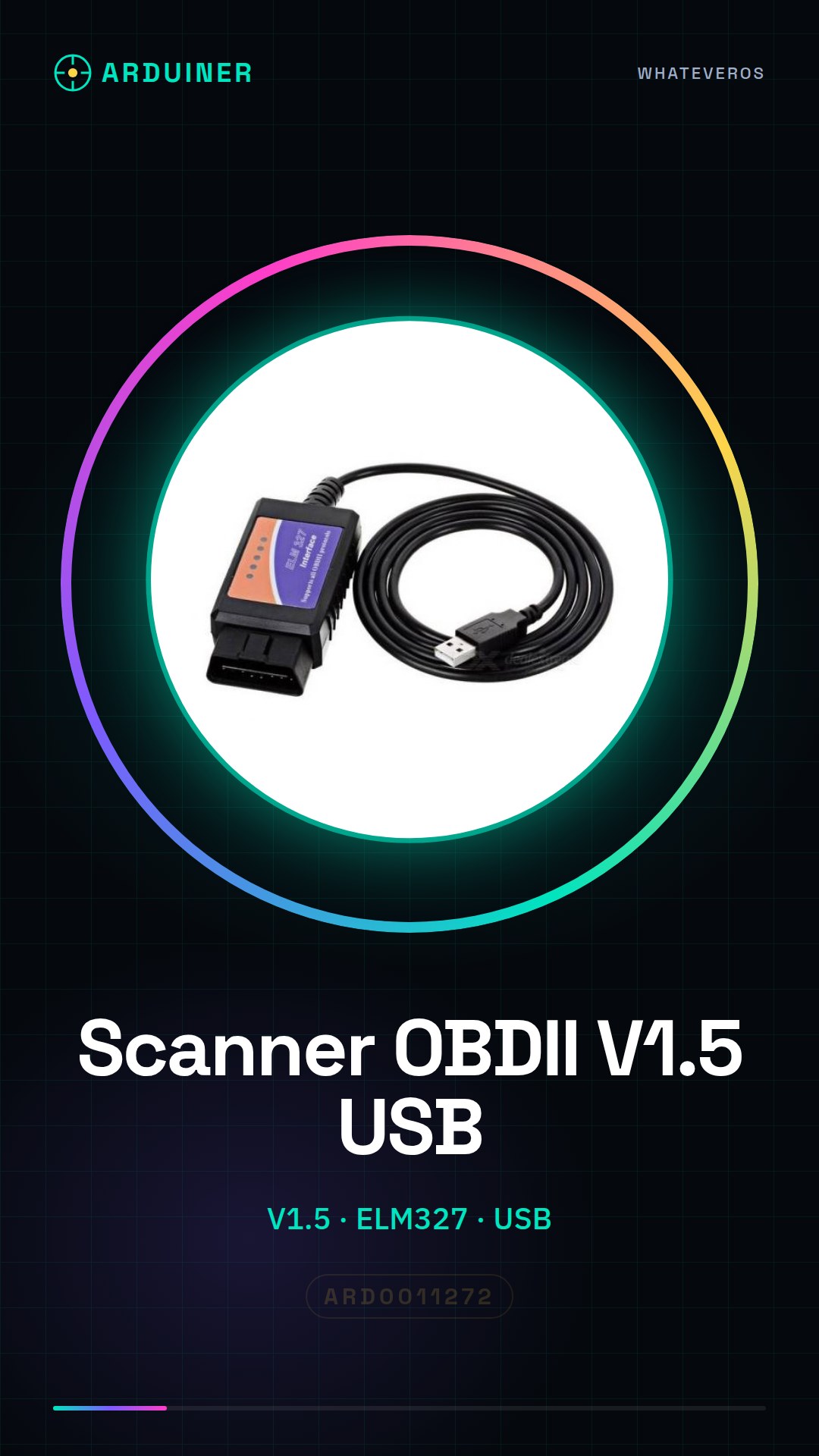
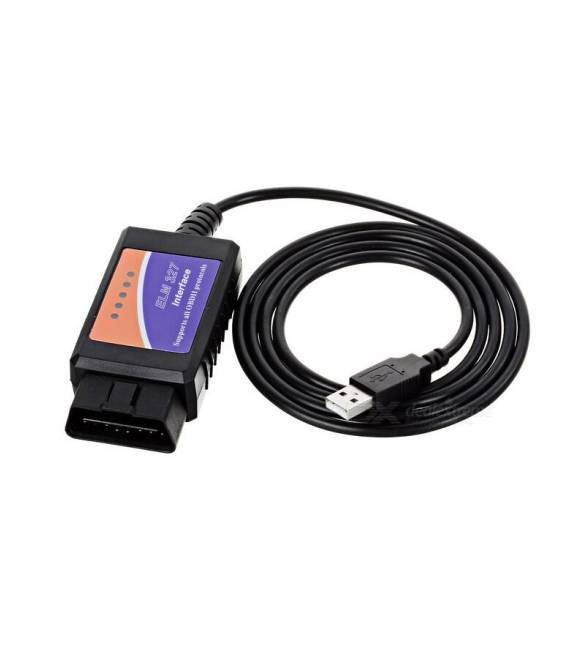
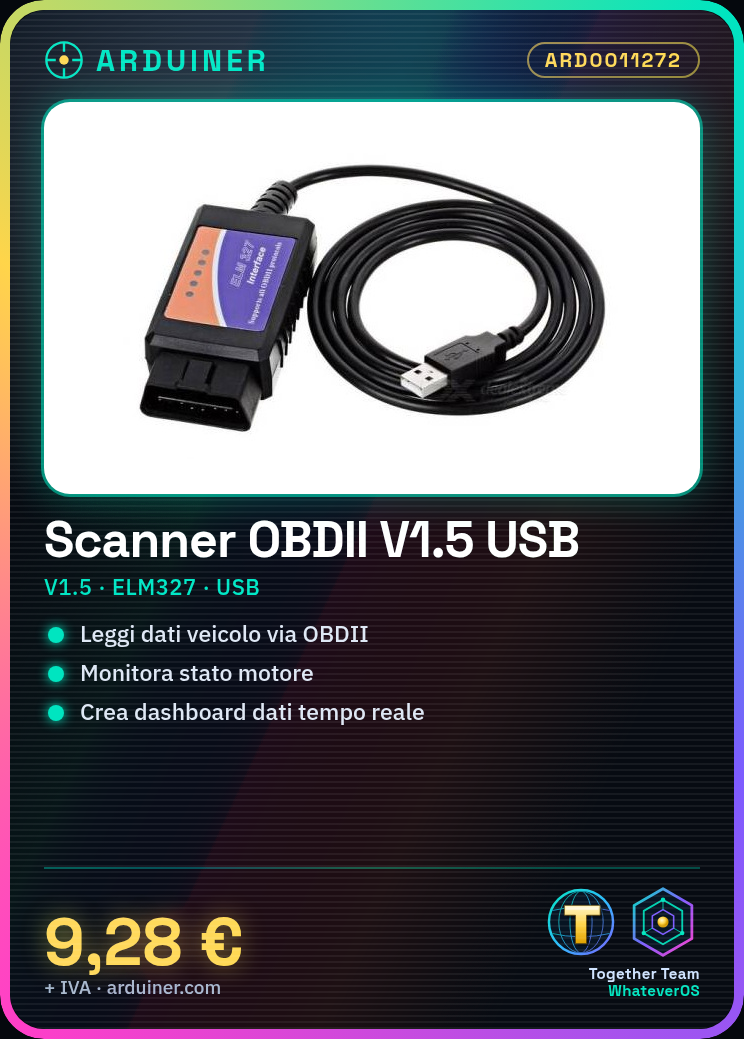
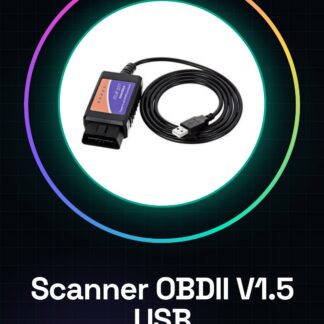
The V1.5 ELM327 OBDII OBD2 USB diagnostic interface car scanner is a device that allows the reading of vehicle data through the OBDII interface, enabling car owners to monitor engine conditions and resolve technical issues.
Features
- V1.5 ELM327
- Compatible with OBDII and OBD2
- USB connection
What it is for
The device is usable both for diagnostic purposes and for custom projects, such as creating a real-time engine data monitoring dashboard. Additionally, it can be integrated with Arduino or ESP to develop custom electronic solutions.
Tutorial: How to use ELM327 OBDII diagnostic interface car scanner
The ELM327 OBDII diagnostic interface scanner is an essential device for car owners who want to monitor vehicle conditions and resolve technical issues without having to visit a service center. This tool is ideal for both beginners and experts in the field of automotive electronics.
What you need
- Computer or smartphone
- USB cable
- Vehicle with OBDII system
Steps
- Check your vehicle’s compatibility with the OBDII system.
- Connect the diagnostic interface scanner to the laptop via USB. Refer to the datasheet for additional technical specifications.
- Install the data reading software (e.g., Torque) on the computer or smartphone.
- Start the software and select the option to connect to the ELM327 device.
- Follow the software instructions to begin scanning the vehicle.
- Monitor diagnostic data such as error codes, fuel consumption, and other useful information.
- If necessary, perform corrective actions based on the information collected by the scanner.
- Regularly check the vehicle’s condition using the device.
Mini project
Create a monitoring dashboard to follow in real-time the engine data, such as temperature and oil pressure. It takes about 30 minutes.
Common mistakes
- USB connection error: check that the device is properly connected to the computer or smartphone.
- Outdated software: ensure that the software used is compatible with your ELM327 scanner version.
- Data reading issues: check the vehicle specifications to ensure it supports the OBDII interface.
Recommended accessories
- USB cable
- Data reading software (Torque, DashCommand)
- Guides and manuals on OBDII
Frequently asked questions
What is the difference between OBDII and OBD2?
There is no significant difference. Both refer to the vehicle’s motor control system.
Can I use this scanner on any vehicle?
Yes, but make sure your vehicle supports OBDII.



Reviews
There are no reviews yet.