 EN
 IT Italiano
 ES Español
 FR Français
 DE Deutsch
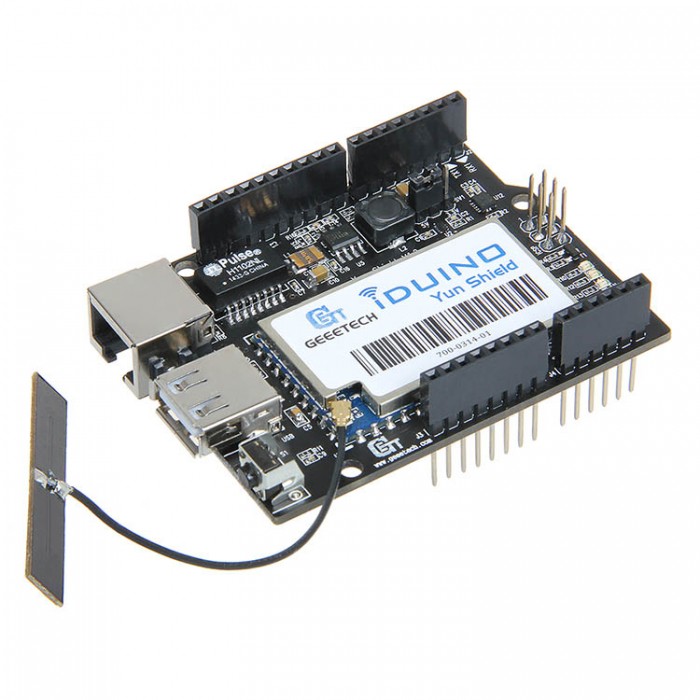
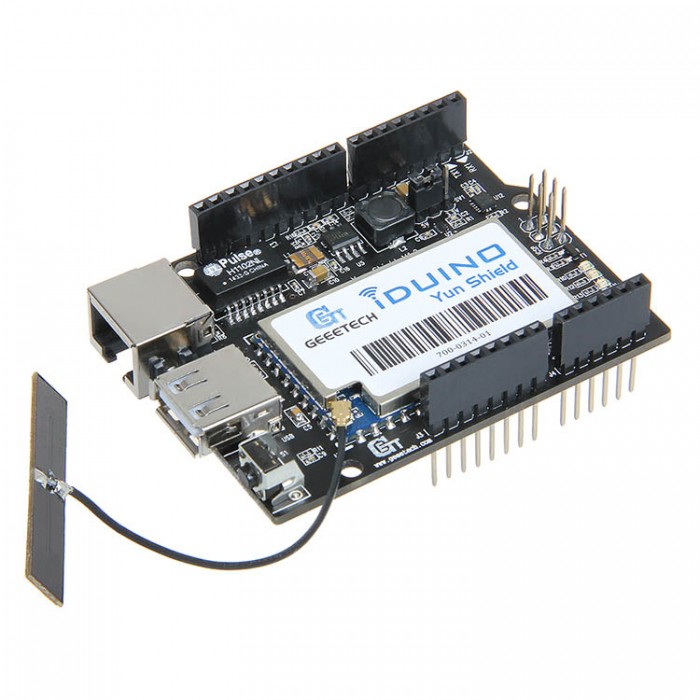
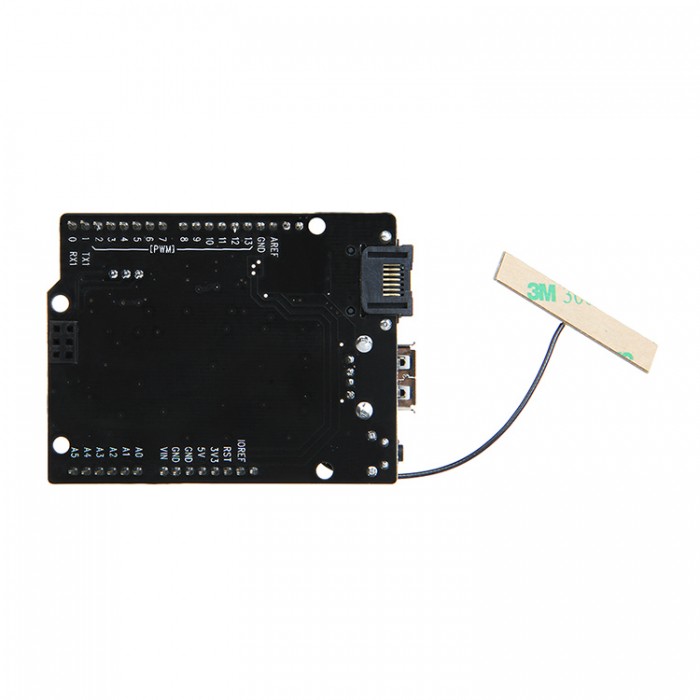
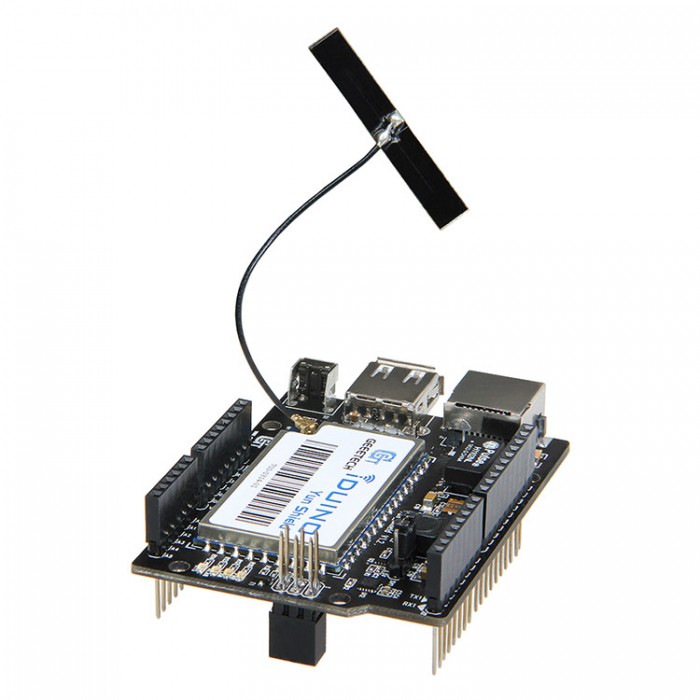
Description
What it is
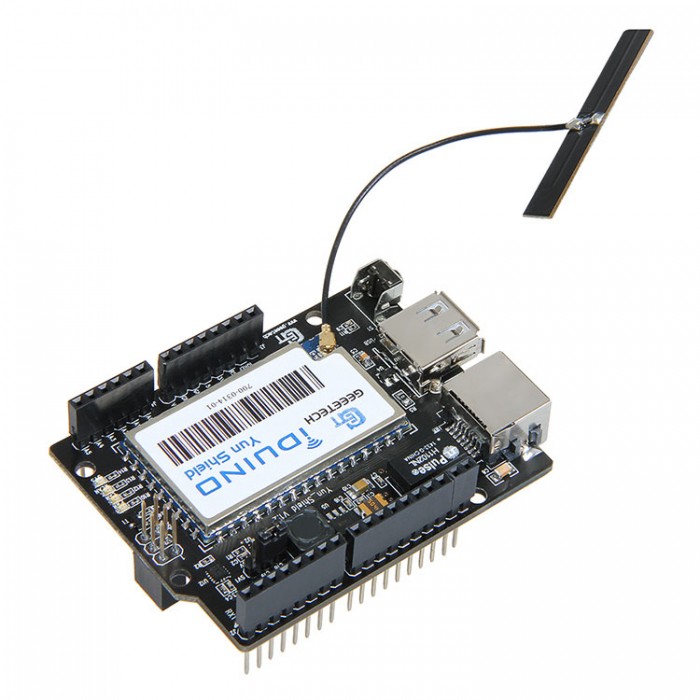
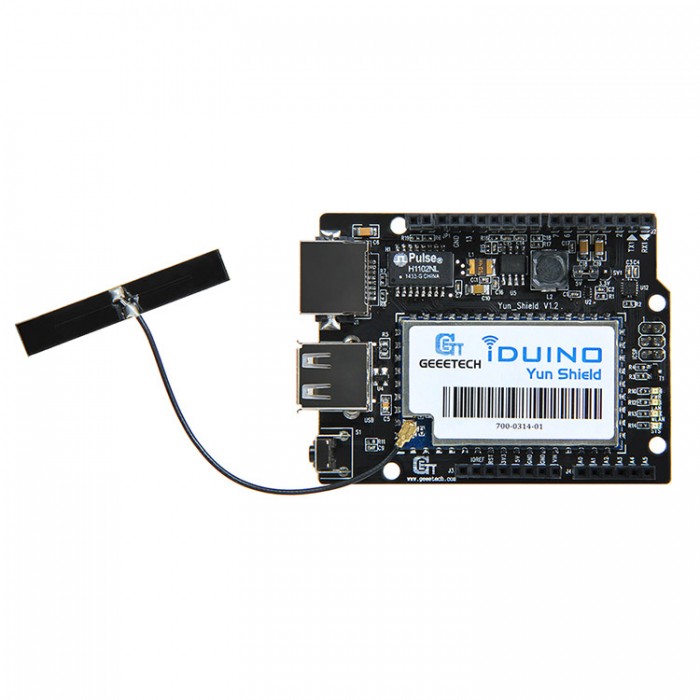
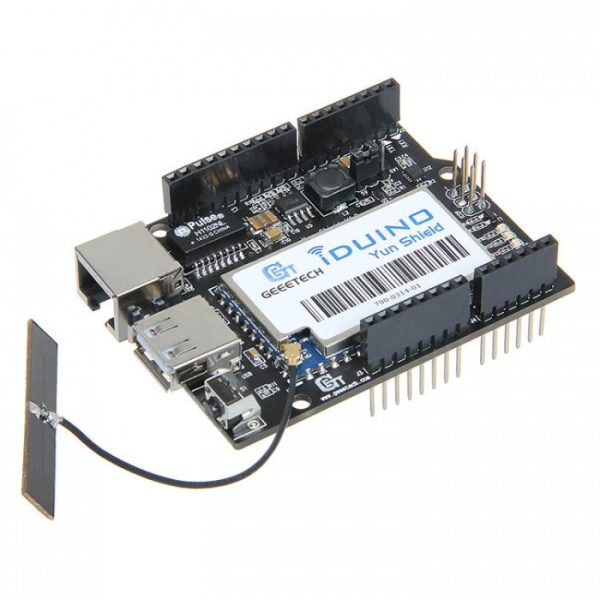
The Iduino Yun Shield is a WiFi Ethernet USB compatible module for various Arduino boards. It allows connection to both WiFi networks and Internet via Ethernet, making it ideal for IoT projects and remote connectivity.
Features
- Compatible with Arduino boards such as Leonardo, Uno, Duemilanove, Diecimila, and Mega
- WiFi Connection
- Ethernet Connection
- USB Interface
What it is for
The Iduino Yun Shield is perfect for projects requiring stable and flexible connectivity, such as remote monitoring systems, remote device control, and real-time data exchange.
Tutorial: How to use Iduino Yun Shield WiFi Ethernet
The Iduino Yun Shield WiFi Ethernet is a module that allows Arduino boards to connect to both WiFi networks and Internet via Ethernet. It is ideal for projects requiring stable and flexible connectivity.
What you need
- Arduino Leonardo
- Arduino Uno
- Arduino Duemilanove
- Arduino Diecimila
- Arduino Mega
- USB Cable
- Arduino IDE Software
Steps
- Connect the Iduino Yun Shield WiFi Ethernet module to the Arduino Leonardo using the specific connectors.
- Download and install the Arduino IDE if it is not already installed.
- Open the Arduino IDE and select the correct board (e.g., Arduino Leonardo) and communication port (e.g., COM3) in the ‘Tools’ menu.
- Load the ‘Bridge’ example sketch from the menu ‘File’ -> ‘Examples’ -> ‘Bridge’.
- Check that the Iduino Yun Shield WiFi Ethernet module is correctly connected to the Arduino.
- Open a terminal window or web browser and connect to the IP address of the Iduino Yun Shield WiFi Ethernet module.
- Configure WiFi or Ethernet connectivity in the terminal or through the web browser.
- Test connectivity by creating a simple project that sends data to and from the module.
Example code
void setup() {
  Bridge.begin();
}

void loop() {
  Bridge.send("Hello World!");
  delay(1000);
}
Mini project
Create a remote monitoring system that sends temperature and humidity data via WiFi using a DHT11 sensor and the Iduino Yun Shield WiFi Ethernet module.
Common mistakes
- Do not configure WiFi or Ethernet connectivity without first uploading the ‘Bridge’ sketch.
- Do not properly verify the USB connection between the module and the Arduino board.
- Do not correctly configure the IP address of the module.
- Use an outdated Arduino IDE.
Recommended accessories
- Temperature and humidity sensor DHT11
- USB power supply
- WiFi antenna
- 16×2 LCD display
Frequently asked questions
Which Arduino boards are compatible with the Iduino Yun Shield WiFi Ethernet module?
The module is compatible with Arduino Leonardo, Uno, Duemilanove, Diecimila, and Mega.
How can I configure WiFi connectivity?
Use the terminal or web browser to configure the WiFi network in the module.
What projects can I create with this module?
You can create remote monitoring projects, home automation controls, and any other project that requires WiFi or Ethernet connectivity.
Reviews
There are no reviews yet.