 EN
 IT Italiano
 ES Español
 FR Français
 DE Deutsch
Description
We have the technical specifications of all components available, if not present in the product download card, send a message through the contact us form and we will publish it as soon as possible on the website.
Tutorial: How to use DRF1278F SX1276/SX1278 Module
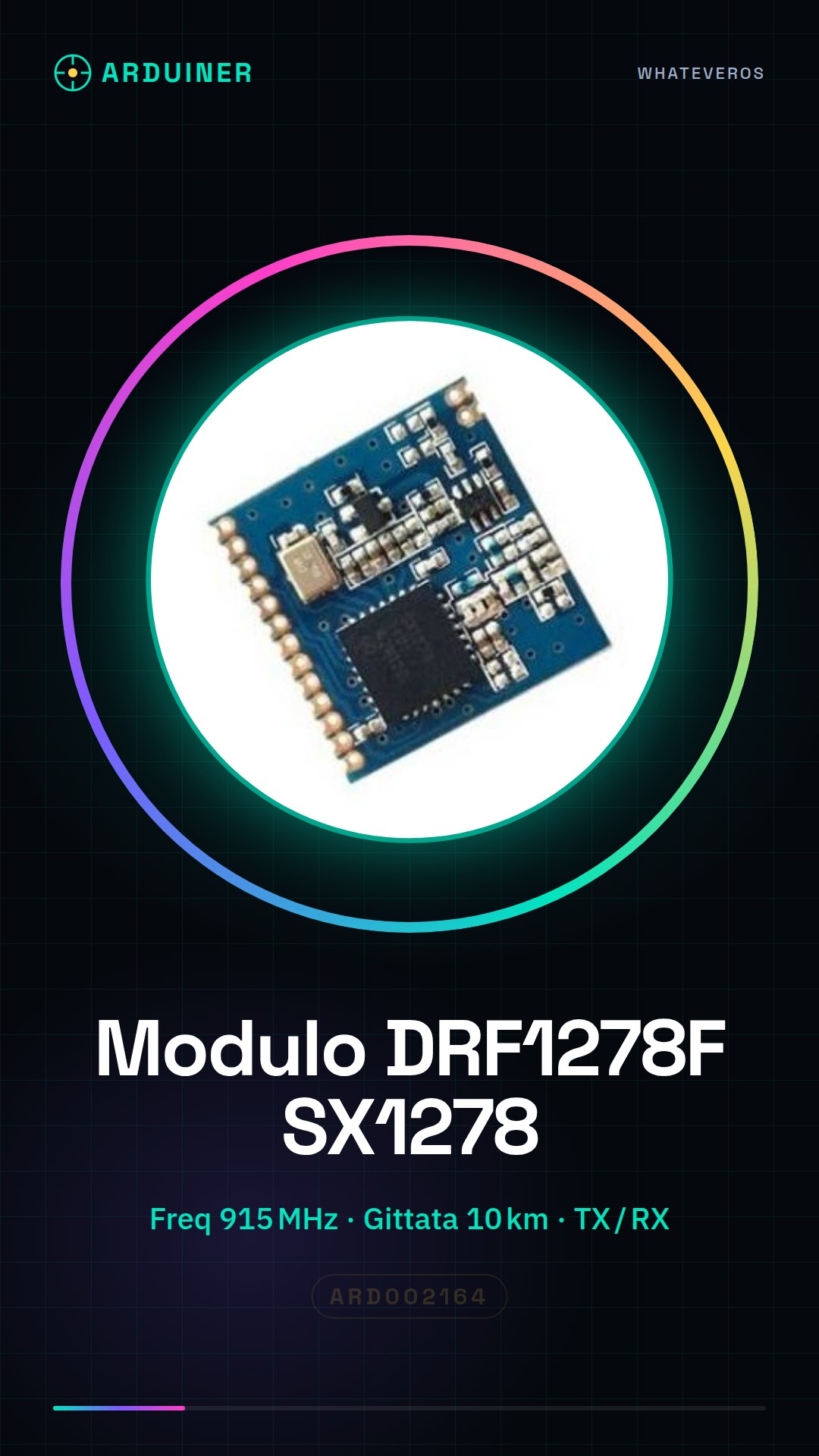
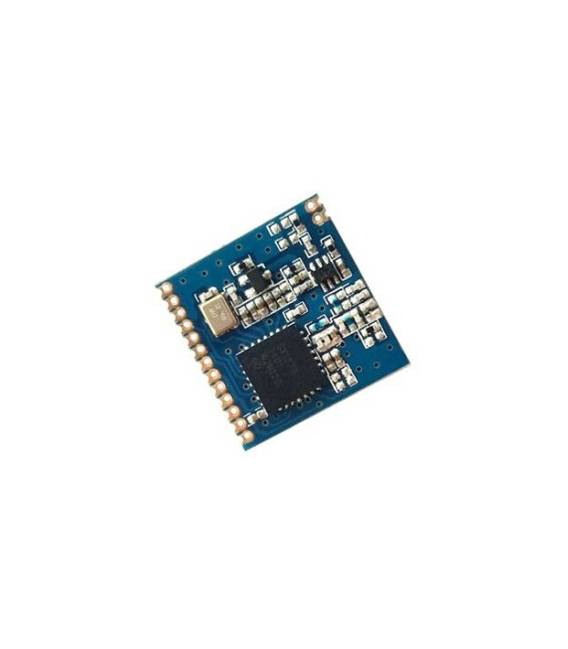
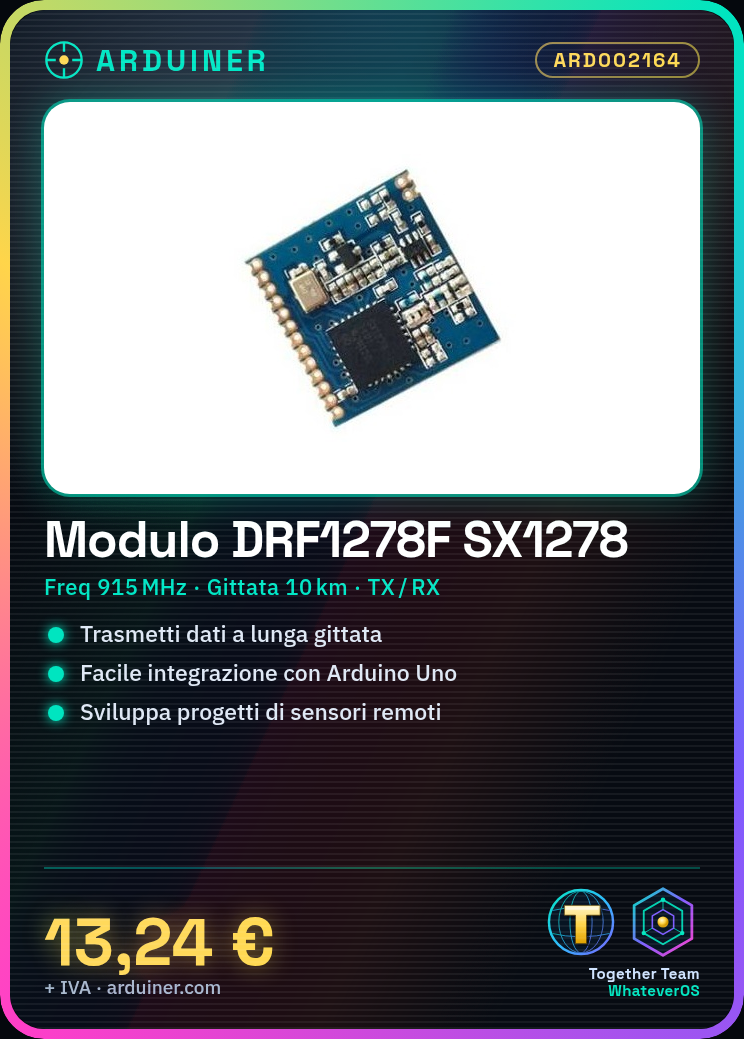
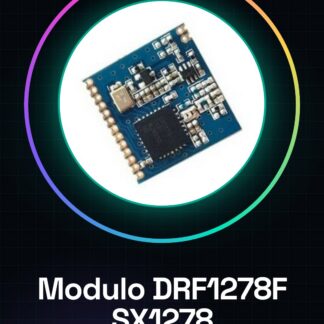
The DRF1278F module based on SX1276/SX1278 is ideal for long-range wireless communication projects such as drones and remote sensors. It is easy to integrate with Arduino to transmit data between distant devices.
What you need
- Arduino Uno or compatible
- USB A-MicroB cable
- Connect to PC
Steps
- Connect the TX pin of the module to RX0 of the Arduino and vice versa.
- Install the LoRa library for Arduino via the package manager.
- Configure the module with the desired frequency settings (check the datasheet).
- Initialize the module in an Arduino sketch using the installed library.
- Test data transmission and reception between two DRF1278F modules connected to different Arduinos.
Example code
LoRa.begin(915E6); // Configura la frequenza
Serial.println("Hello, world!");
LoRa.beginPacket();
LoRa.write("Test message");
LoRa.endPacket();
Mini project
Create a remote monitoring system with two DRF1278F modules connected to Arduino. One module sends sensor data, the other receives and logs it on SD.
Common mistakes
- Incorrect frequency settings.
- TX/RX pins not correctly inverted.
- LoRa library not installed or incorrectly configured.
Recommended accessories
- Arduino Uno R3
- SD Card Module
- Various sensors (humidity, temperature)
Frequently asked questions
What is the maximum range of the DRF1278F?
It can reach up to 10 km in optimal conditions. Check the datasheet for detailed specifications.
Can I use this module with ESP32?
Yes, but it will need to be configured differently compared to Arduino.
Reviews
There are no reviews yet.