 EN
 IT Italiano
 ES Español
 FR Français
 DE Deutsch
Description
What it is
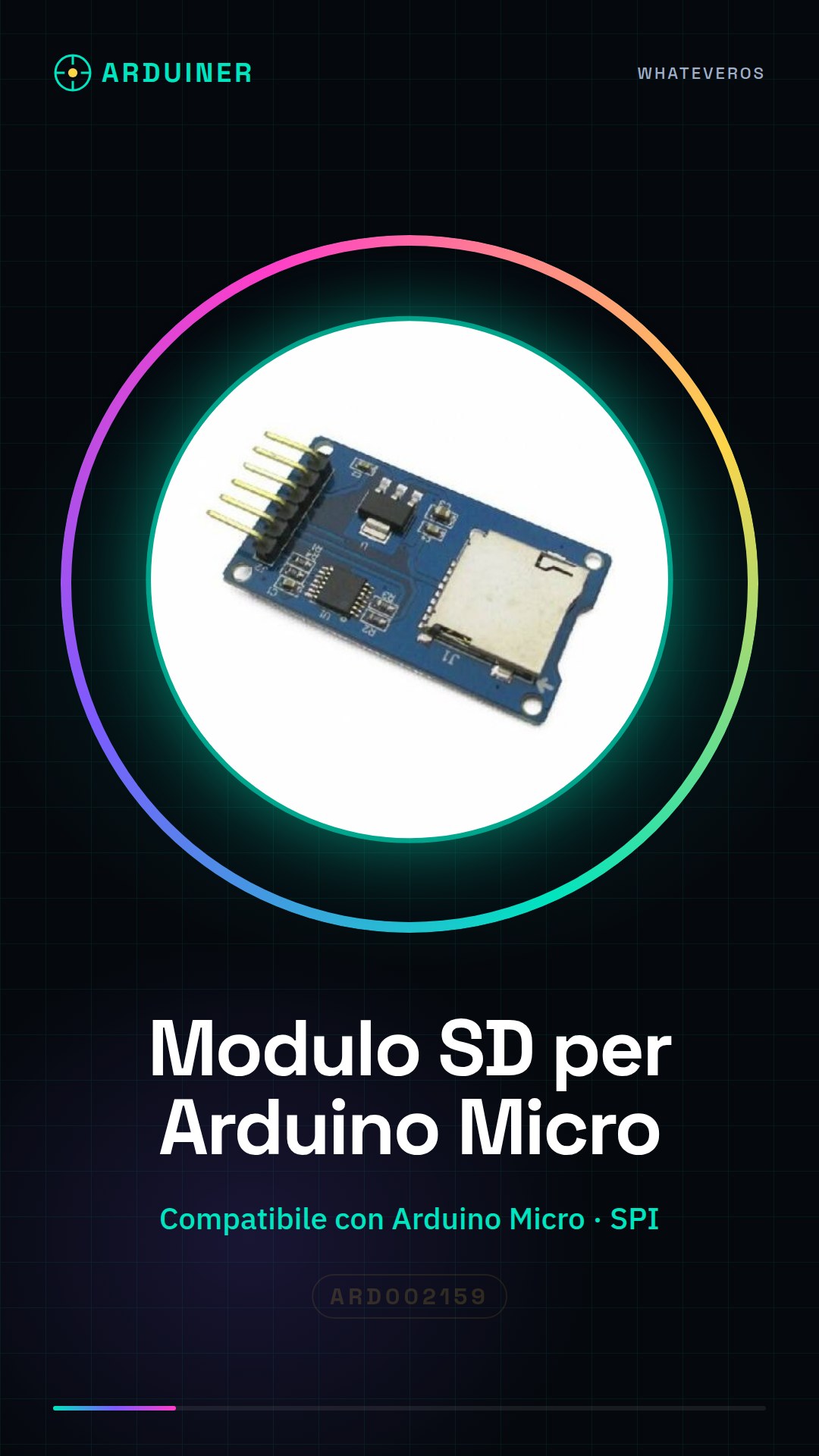
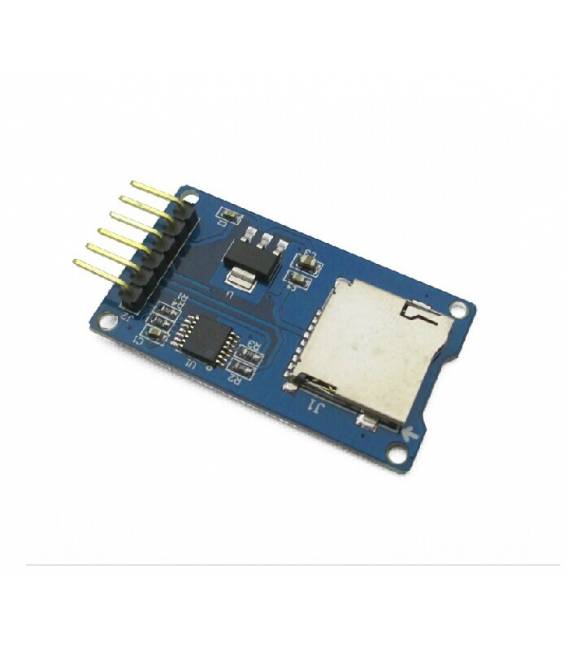
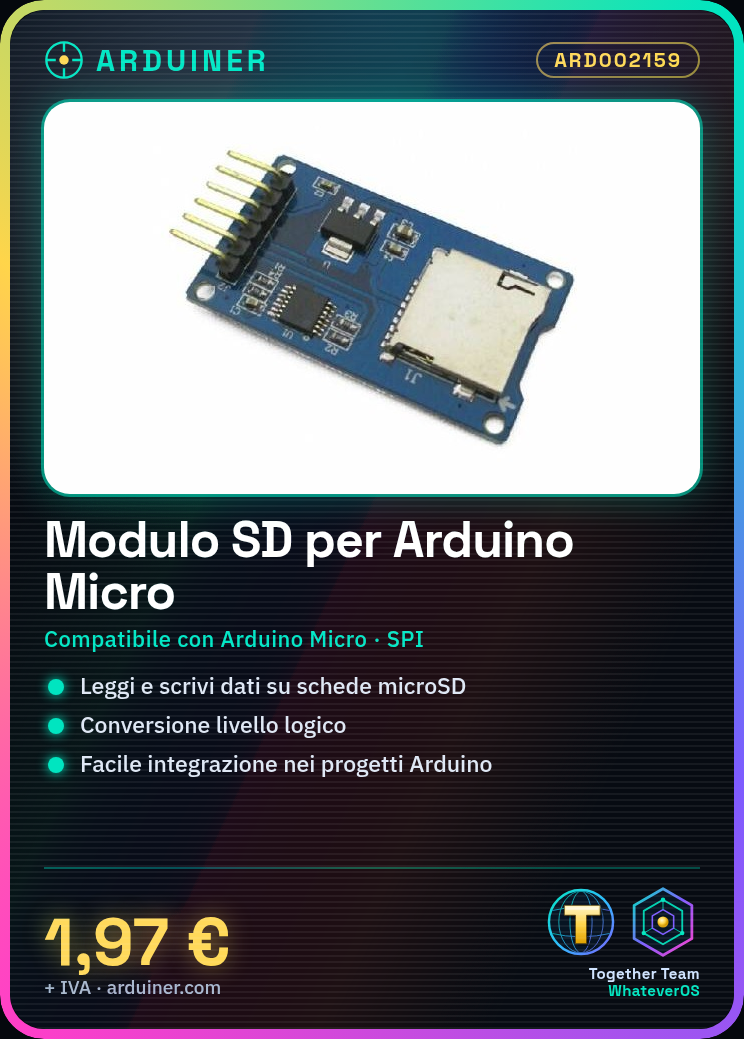
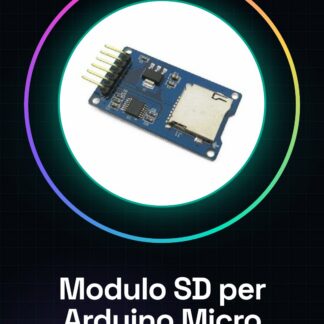
The SD module for Arduino Micro is a device that allows reading and writing to microSD cards, easily integrating data storage into your projects. The module uses the SPI interface to communicate with the microcontroller.
Features
- SD card compatible with Arduino Micro
- Reading and writing to microSD cards
- SPI interface
- Logic level conversion for compatibility
What it is for
SD modules are useful for storing data in small sizes. Ideal for beginners who want to add storage capabilities to their devices, for example by creating a simple data logger that records sensor readings every minute on an SD card.
Tutorial: How to use SD MicroSD Module for Arduino
The SD MicroSD module for Arduino allows you to read and write to SD or microSD cards, easily integrating data storage into your projects. Ideal for beginners who want to add storage capabilities to their devices.
What you need
- Arduino Micro
- SD card or microSD card
- USB connection
Steps
- Connect the VCC and GND pins of the module to corresponding pins on the Arduino
- Connect the CS (chip select) pin to pin 10 on the Arduino
- Connect MOSI, MISO, SCK to the respective SPI pins on the Arduino
- Install the SD library via the Arduino IDE Library Manager
- Include the SD library in your sketch
- Create a File object for file operations management
- Open the file in read or write mode using fopen()
- Close the file properly with fclose()
Example code
File dataFile = SD.open("testo.txt", FILE_WRITE); // Apertura file per scrittura
if (dataFile) {
  dataFile.println("Ciao, mondo!");
  dataFile.close();
}
else { Serial.println("Errore apertura file"); }
Mini project
Create a simple data logger that records values read from a sensor every minute on an SD card.
Common mistakes
- Unable to read or write to the file
- SPI pin connection error
- Insufficient power supply to the module
Recommended accessories
- Temperature and Humidity Sensor DHT11
- LCD Display for Arduino
- 3.7V LiPo Battery with prototype charging circuit
Frequently asked questions
How can I verify if the module is correctly connected?
Check the module’s status LEDs and verify the SPI communication between Arduino and SD.
What are the maximum dimensions of a file that can be written to an SD card?
Check the library’s datasheet for specific details.
Reviews
There are no reviews yet.