 EN
 IT Italiano
 ES Español
 FR Français
 DE Deutsch
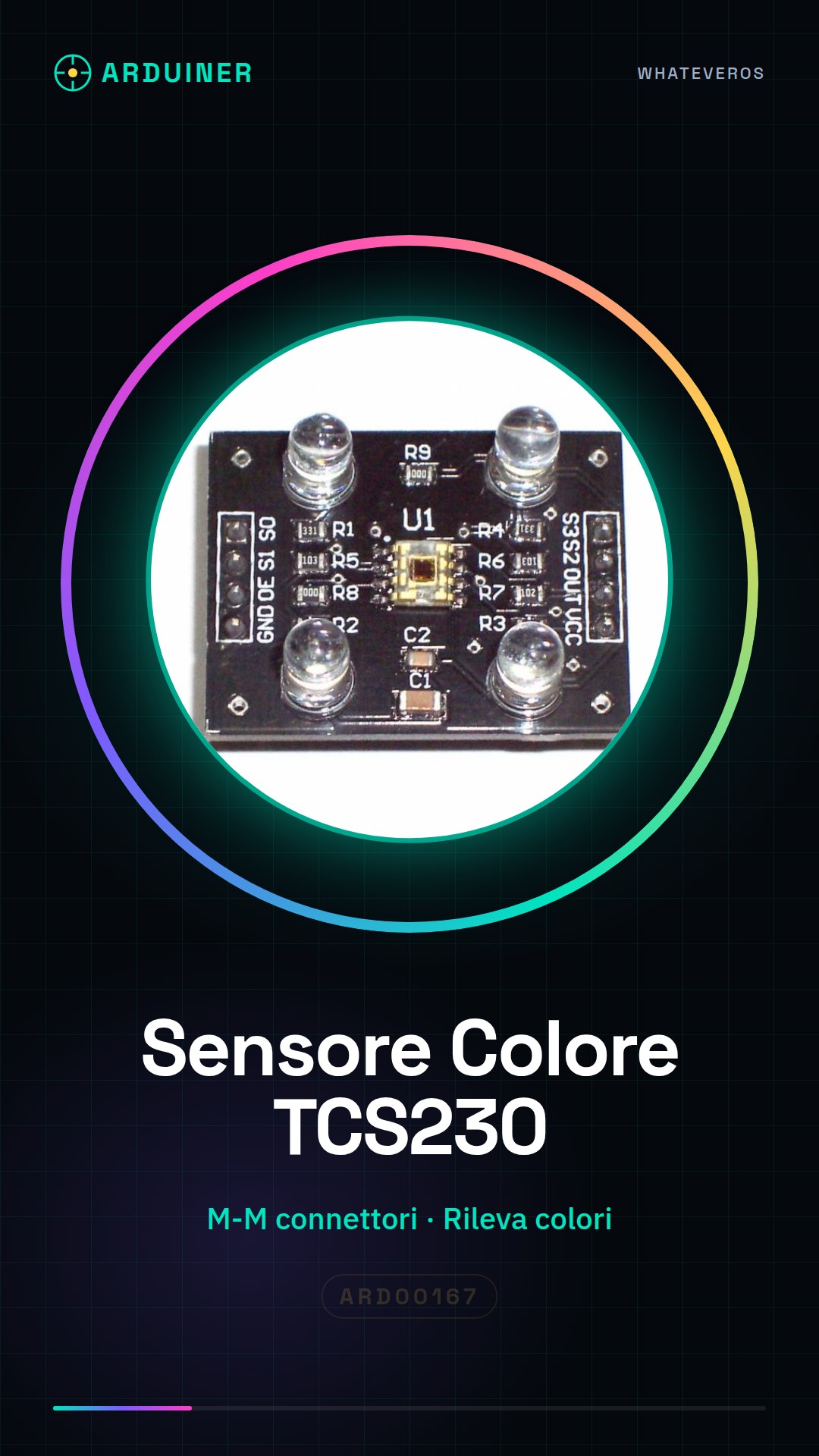
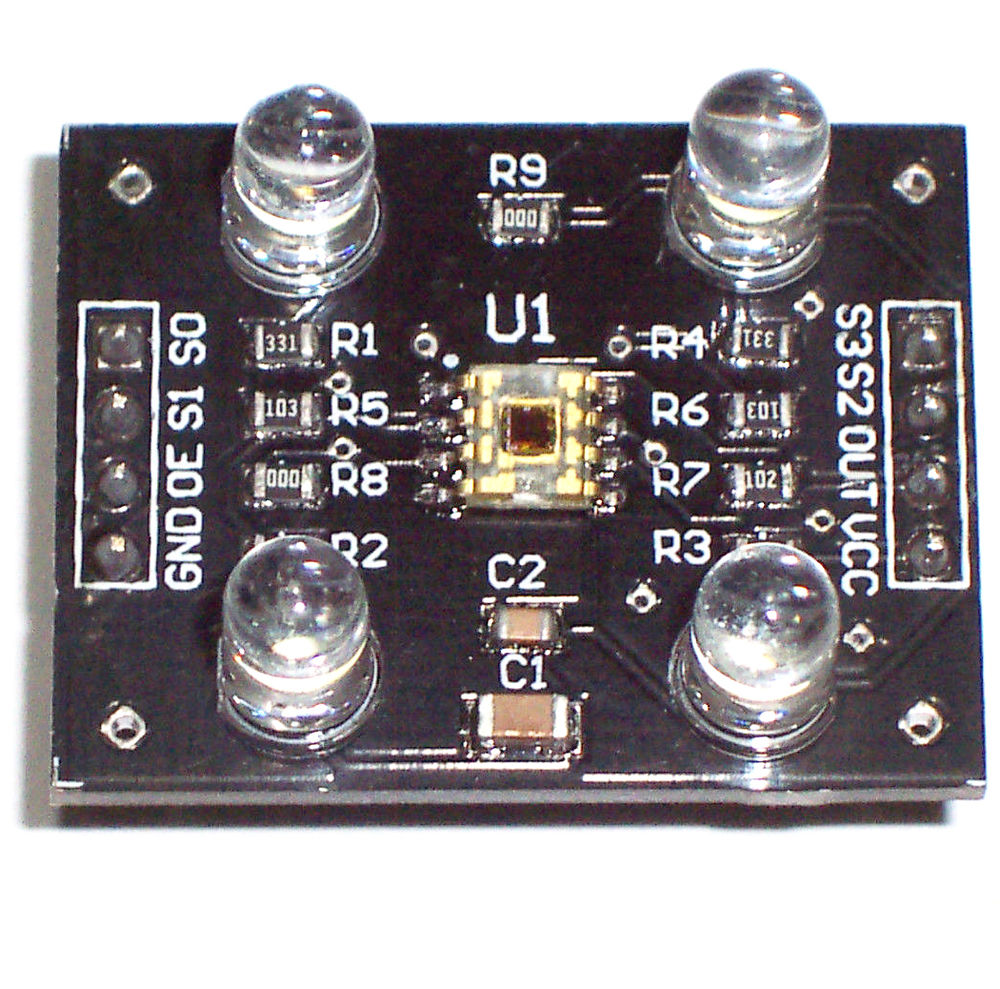
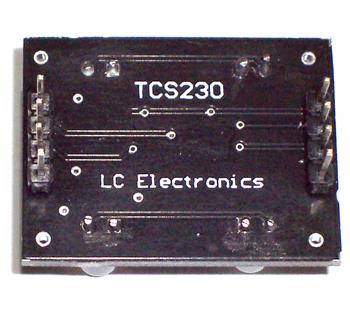
Description
What it is
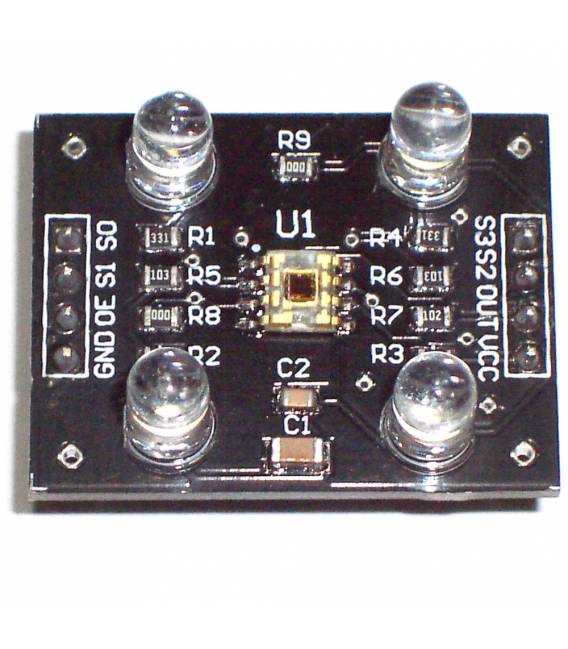
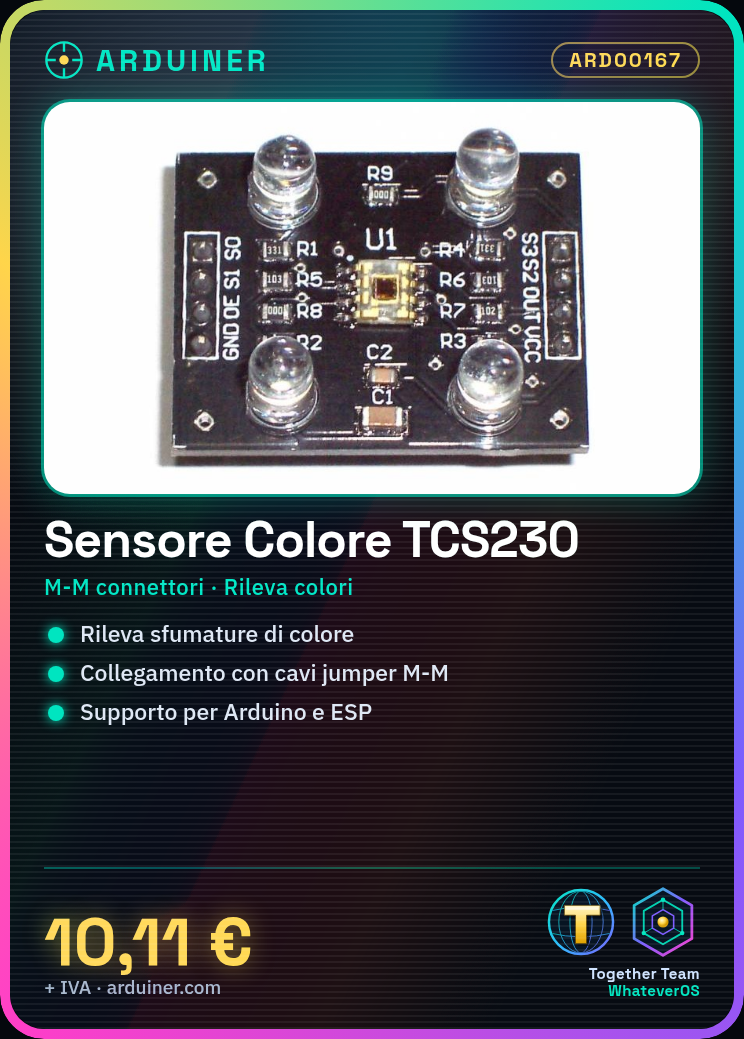
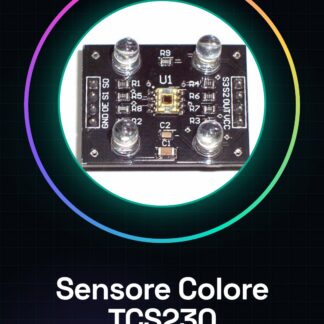
The TCS230 color sensor module is an Arduino device that allows detecting and analyzing color shades in various environments. This component is useful for interactive projects, games, and educational applications.
Features
- Ideally suited for measuring color shades;
- Precise;
What it is for
The TCS230 color sensor module is ideal for interactive projects that require color detection, such as interactive installations or games. It can be used with Arduino and ESP.
Tutorial: How to Use TCS230 Color Sensor Module
The TCS230 color sensor module is a component that allows detecting color shades in an environment. Ideal for interactive projects, games, and educational applications.
What you need
- Arduino
- USB/DC Connections
- Jumper Wire M-M
Steps
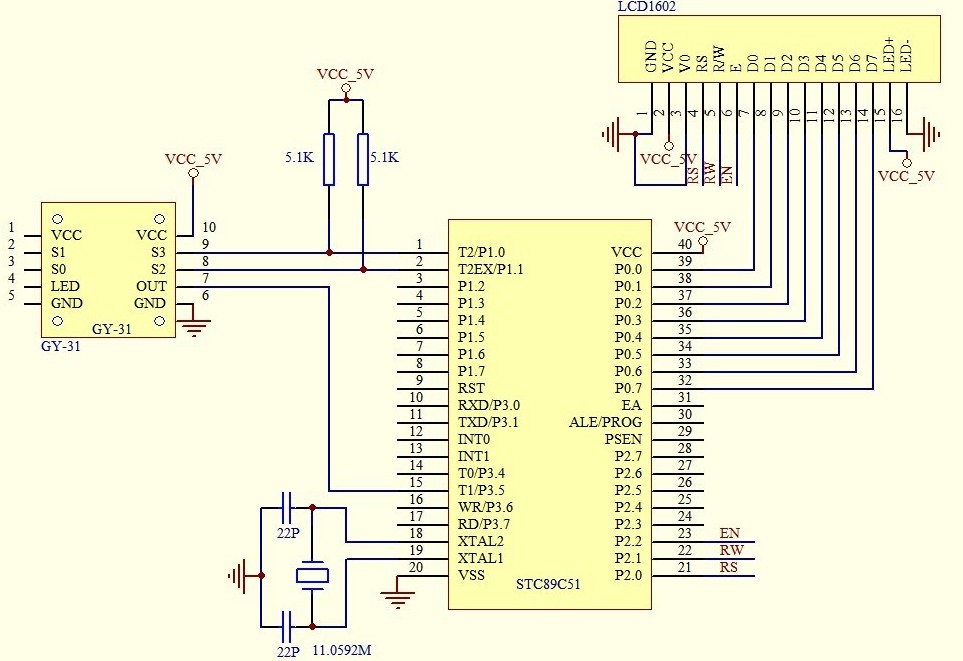
- Connect the TCS230 module to the Arduino using jumper wires.
- Check the correct connection of the pins: SDA, SCL, and GND.
- Install the Adafruit_TCS34725 library if it is not already present in your Arduino IDE.
- Load the example sketch provided in the library or create a new one following the instructions in the datasheet.
- Monitor the serial monitor to view the RGB and color values detected.
- Adjust the sensitivity and light intensity according to your needs, consulting the datasheet.
- Test the module with different light sources to optimize its performance.
- Implement your interactive project using the sensor data.
Example code
// Includi la libreria Adafruit_TCS34725
#include <Adafruit_TCS34725.h>

// Crea un'istanza della libreria
Adafruit_TCS34725 tcs = Adafruit_TCS34725(TCS34725_ADDRESS);

tcs.begin();
Serial.println(tcs.getRawData(&red, &green, &blue, &clear));
Mini project
Create an interactive installation that changes color based on ambient light. Use the TCS230 module to detect colors and control RGB LEDs.
Common mistakes
- Do not verify the correct connection of the pins.
- Use too strong or too weak lighting.
- Omit installing the necessary libraries.
- Ignore the datasheet for custom adjustments.
Recommended accessories
- RGB LED
- Arduino Uno R3
- 3D Printer Case Arduino
- BH1750 Light Sensor
Frequently asked questions
What is the detection range of the sensor?
Check the datasheet to obtain the precise specifications.
How can I increase the sensitivity of the sensor?
Adjust the pin gain and light intensity according to the datasheet.
The module does not correctly detect colors.
Check the lighting settings and pin connections.
Reviews
There are no reviews yet.